




StreamController is an elegant Linux application designed for the Elgato Stream Deck, offering advanced features like plug-ins and automatic page switching to enhance your streaming and productivity setup.
Background image by kvacm
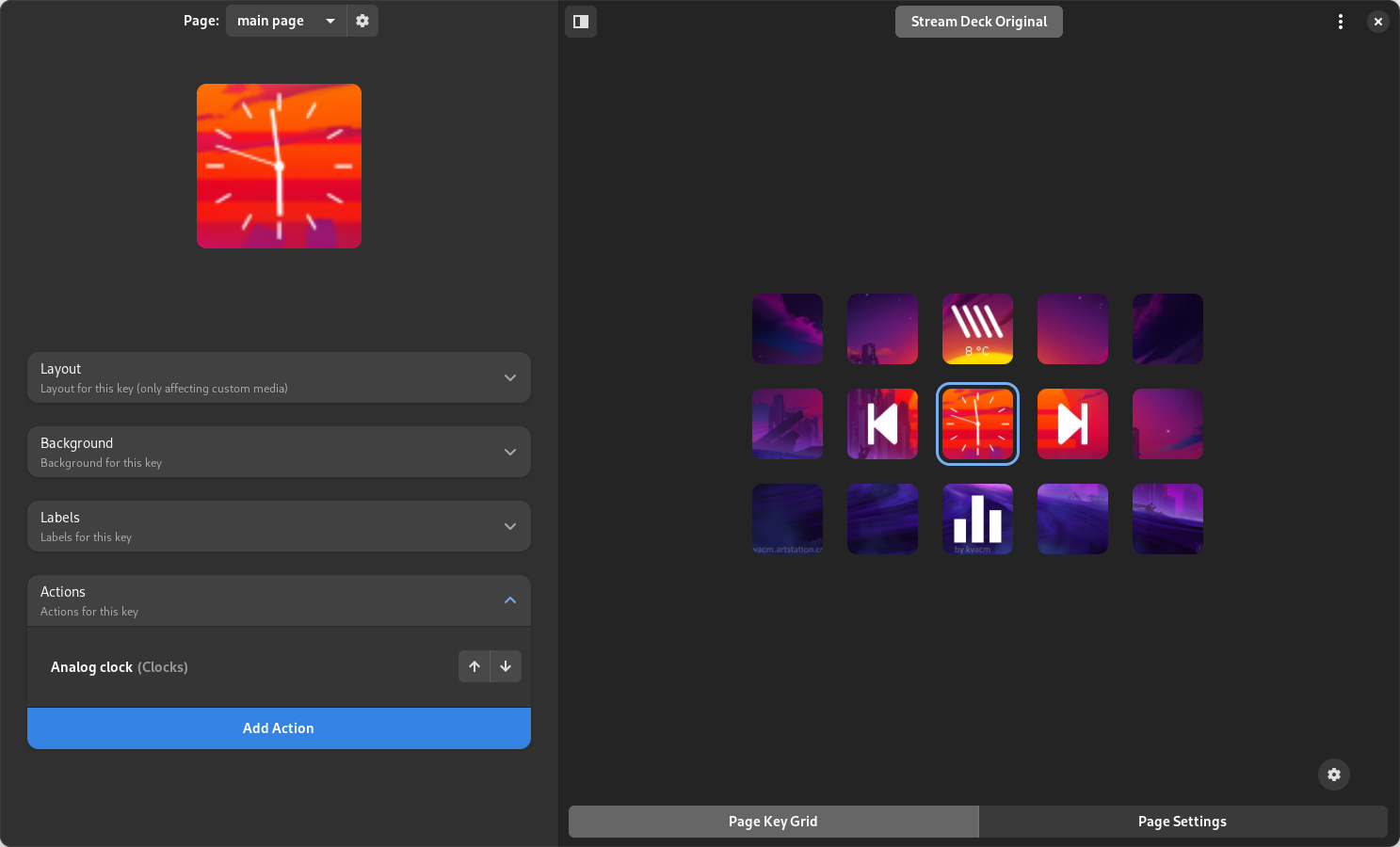
(click on the image to play)

@danie10 created this amazing video going over all the details and features of StreamController. You can use the available timestamps to jump to specific parts of the video.
StreamController supports the following Elgato Stream Deck models:
- Stream Deck Original
- Stream Deck Mini
- Stream Deck XL
- Stream Deck Pedal
- Stream Deck Plus
- Stream Deck Plus XL
- Stream Deck Neo
- Stream Deck Studio
- Stream Deck Modules
Support for devices from other manufacturers is experimental:
- Mirabox Stream Dock 293S (no hotplug support yet - connect it before starting the app)
StreamController features plugin support with a built-in store to download your favorite actions. You can also publish your own plugins. For more details, visit the Wiki.
Customize your Stream Deck pages with cool wallpapers and videos to make them more engaging.
Set up a custom screen saver to display a picture or video when your Stream Deck is in idle.
Available for GNOME (using our GNOME Shell extension), Hyprland, Sway, KDE (when kdotool is installed) and all X11 desktops, this feature allows you to automatically change your active page based on the active window. For example, you can switch to your favorite music albums when you open Spotify, your projects when you open VSCode, or your favorite websites in Firefox.
Lock your Stream deck when your system is locked, preventing unwanted use from third parties. This works on every session where systemd-logind reports the lock, with dedicated support for Hyprland, GNOME, KDE and Cinnamon.
Maybe you want to have your specialy party mode button on all your pages. With sticky actions you can do this, without needing to copy it to all pages manually.
StreamController can be scripted. While the app is running you can switch pages, change states, emulate button presses, set the brightness or put a deck to sleep - and you can read back the current devices, pages and actions, with --json for machine-readable output. Pages can also be created, renamed, duplicated, exported and edited (labels, icons, background colors, states) without the app running at all.
flatpak run com.core447.StreamController --list-devices --json
flatpak run com.core447.StreamController --change-page ABC12345678 "Gaming"
flatpak run com.core447.StreamController --set-label "Gaming" 0,0 0 center text "Play"
Run it with --help for the full list. Everything is also available over the D-Bus API at com.core447.StreamController, so external tools can integrate with StreamController directly.
And many more.
To install StreamController, click the button below or follow the installation instructions:

To install the head of main as a Flatpak just run the following command:
bash -c "$(wget -O - https://raw.githubusercontent.com/StreamController/StreamController/main/flatpak/install.sh)"The following packages are functional but unofficial and maintained by our community:

StreamController is currently in beta. Please report any issues you encounter.
- High memory can be a problem. We are actively working to resolve this.
We welcome contributions! Feel free to open pull requests to improve StreamController.
If you're interested in helping with the development of this app, you can contact me on our Discord server to request write access to our Dev planning board. For more information see Dev-Planning-Board.
Thank you to all our contributors for your hard work and support!
This application is unofficial and not affiliated with Elgato in any way.