This class provides a simple info box that will help you monitor your code performance.
- FPS Frames rendered in the last second. The higher the number the better.
- MS Milliseconds needed to render a frame. The lower the number the better.
- MB MBytes of allocated memory. (Run Chrome with
--enable-precise-memory-info) - CUSTOM User-defined panel support.
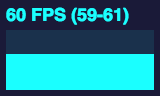
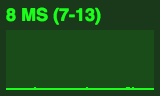
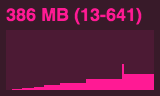
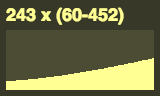
varstats=newStats();stats.showPanel(1);// 0: fps, 1: ms, 2: mb, 3+: customdocument.body.appendChild(stats.dom);functionanimate(){stats.begin();// monitored code goes herestats.end();requestAnimationFrame(animate);}requestAnimationFrame(animate);You can add this code to any page using the following bookmarklet:
javascript:(function(){varscript=document.createElement('script');script.onload=function(){varstats=newStats();document.body.appendChild(stats.dom);requestAnimationFrame(functionloop(){stats.update();requestAnimationFrame(loop)});};script.src='//rawgit.com/mrdoob/stats.js/master/build/stats.min.js';document.head.appendChild(script);})()