






Install it, open it, and describe a task. Pythinker then works on your project the way a colleague would: it reads the code, changes files, runs commands, checks what happened, and keeps going until the job is done.
The app runs the whole agent on your machine. It starts a local host bound to loopback, so nothing is exposed to your network. Closing the window hides the app to the tray instead of killing it, so a long session survives.
If you already use the CLI, the app picks up the same data directory (~/.pythinker-code/ by default). Your login, providers, MCP servers, and past sessions are already there. Updates install themselves, and Settings has a switch if you would rather they did not.
macOS gets a .dmg. Windows gets a per-user installer that does not ask for administrator rights. There is no Linux build yet, so on Linux use the terminal version or run pythinker web for the browser interface.
More detail is in the desktop guide.
Everything below behaves the same in the app, in the terminal, and in your editor.
Pythinker searches and reads your repository, edits files, runs shell commands, and reads the output before it decides what to do next. It runs your tests, reads the failures, and tries again. Ask it to refactor a module, trace a bug, or fill in missing tests, and give it as much rope as you are comfortable with.
Large tasks get delegated. A coder subagent makes scoped edits, explore maps unfamiliar parts of the repo, and plan designs the approach. They run in parallel with their own context, so the main conversation stays readable instead of filling with file dumps.
You see a tool call before it runs, and you approve it. The permission model lets you pre-approve the boring calls and hold the risky ones. Hooks fire on lifecycle events, so you can block a command, record a decision, or trigger something in your own systems.
/mcp-config adds and authenticates Model Context Protocol servers from inside a session, over stdio or HTTP, and remembers them for next time. Skills are repo-local instruction files that load on demand with /skill:<name>. Plugins bundle skills, servers, and data sources from the marketplace or straight from GitHub.
Pythinker models work out of the box. Other providers work by configuration, including any OpenAI-compatible endpoint and local ones.
Drop a screen recording into the conversation when the bug is easier to show than to write down.
The CLI ships as a native binary, so there is no Node.js prerequisite.
| Platform | Command |
|---|---|
| macOS / Linux | curl -fsSL https://code.pythinker.com/pythinker-code/install.sh | bash |
| Homebrew | brew install pymodel/tap/pythinker-code |
| Windows (PowerShell) | irm https://code.pythinker.com/pythinker-code/install.ps1 | iex |
| Nix | nix run github:PyModel/pythinker-code |
| npm | npm install -g @pymodel/pythinker-code (needs Node.js 24.15+) |
cd your-project
pythinker
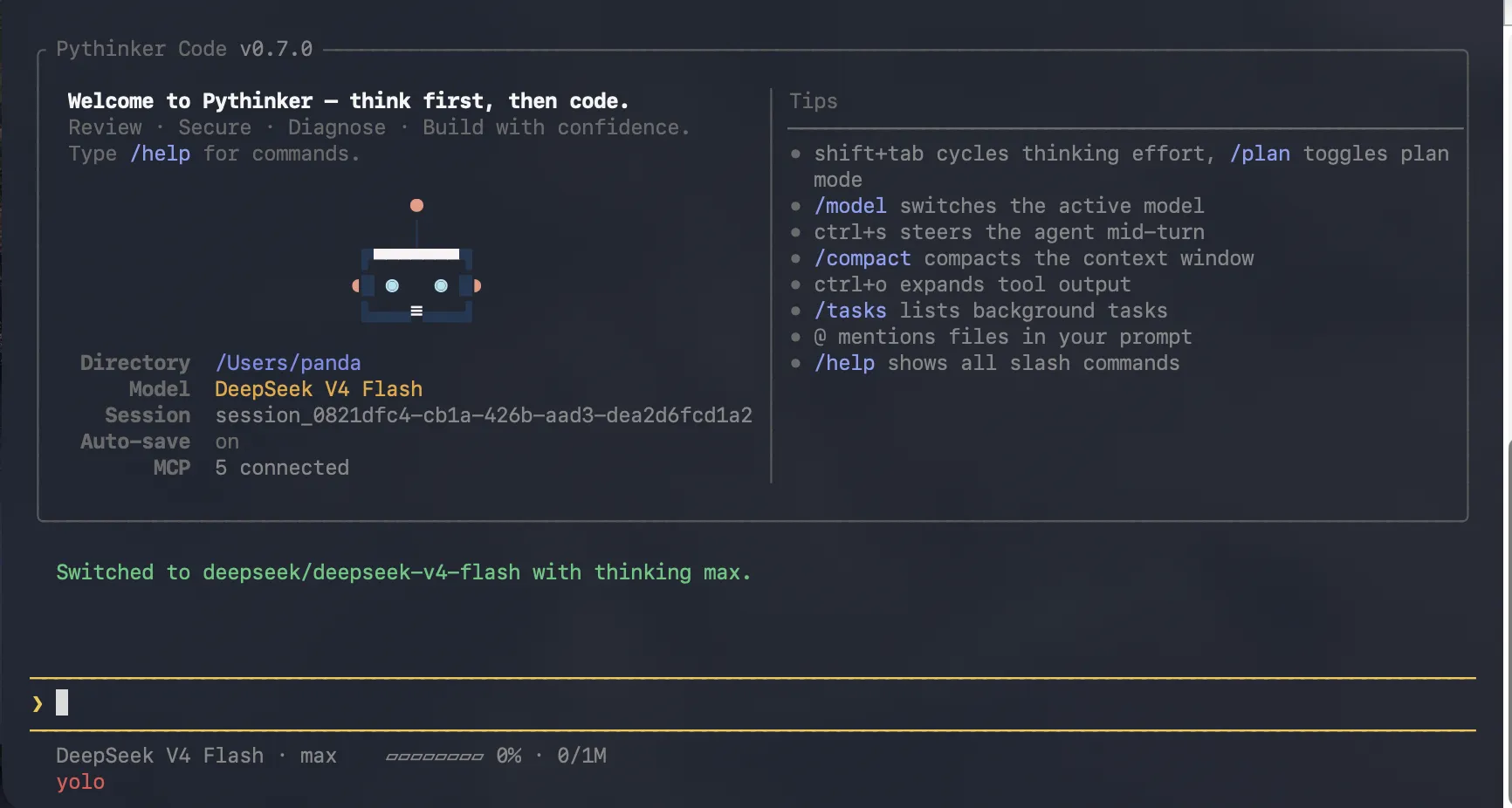
Run /login on first launch and pick OAuth or an API key. Then ask for something real:
Find where authentication is handled and add a unit test for the token refresh path.
Note
On Windows, install Git for Windows first. Pythinker uses the bundled Git Bash as its shell. To point at a different one, set PYTHINKER_SHELL_PATH to the full path of bash.exe.
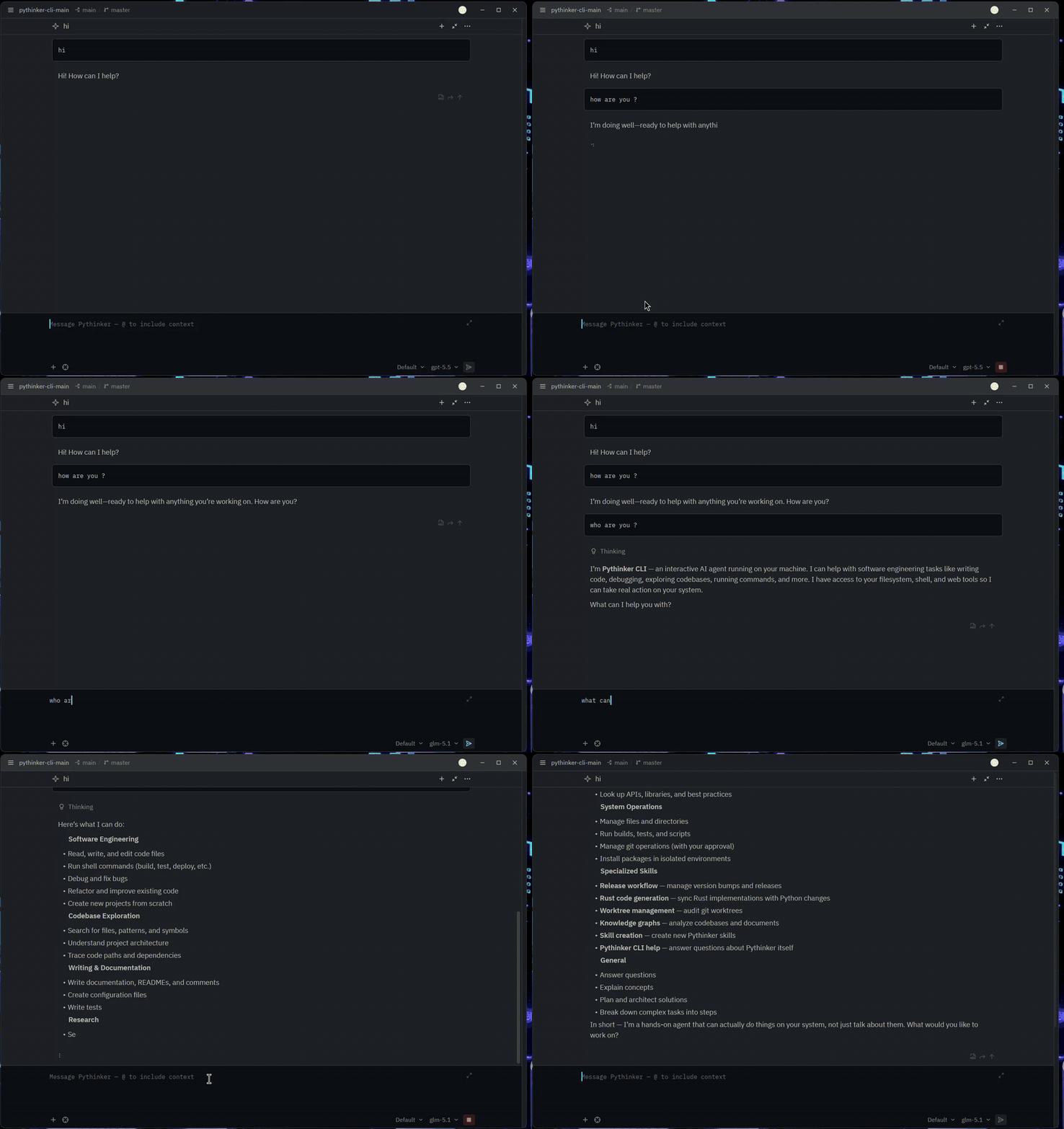
Pythinker speaks the Agent Client Protocol, so Zed, JetBrains, and other ACP editors can host a full session inline. Log in once from the CLI, then point the editor at pythinker acp.
Zed configuration
Add to ~/.config/zed/settings.json:
{
"agent_servers": {
"Pythinker Code": {
"type": "custom",
"command": "pythinker",
"args": ["acp"],
"env": {}
}
}
}
Using in IDEs covers JetBrains setup and the capability matrix.
| Topic | Link |
|---|---|
| Desktop app | guides/desktop |
| Getting started | guides/getting-started |
| Interaction and approvals | guides/interaction |
| Sessions | guides/sessions |
| Configuration | configuration/config-files |
| Command reference | reference/pythinker-command |
Pythinker Code is a pnpm monorepo. The desktop app and the CLI both talk to the SDK, never to the engine packages directly.

| Package | Role |
|---|---|
apps/desktop | macOS and Windows desktop application |
apps/pythinker-code | CLI and terminal UI |
apps/pythinker-web | Browser interface that the desktop app renders |
packages/agent-core | Agent engine: sessions, tools, skills, permissions, plans |
packages/kosong | LLM and provider abstraction |
packages/pyaos | Execution environment, file and process abstractions |
packages/server | REST and WebSocket session host (/api/v1) |
packages/node-sdk | Public TypeScript SDK |
Requirements: Node.js 24.15-24.x, pnpm 10.34.3, Git.
git clone https://github.com/PyModel/pythinker-code.git
cd pythinker-code
pnpm install
pnpm dev:desktop # desktop app in dev mode
pnpm dev:cli # CLI in dev mode
pnpm test# Vitest
pnpm typecheck # TypeScript
pnpm lint # oxlint
pnpm build # build everythingBug reports, PRs, plugins, skills, and docs are all welcome. Start with CONTRIBUTING.md, and read SECURITY.md before reporting a vulnerability.
Open an issue before large refactors or API changes. Use Conventional Commits, add a changeset (pnpm changeset) when your PR affects a release artifact, and be ready to explain your diff. AI-assisted PRs are held to the same standard as hand-written ones.
MIT. See LICENSE.
Our TUI is built on pi-tui. Thanks to its authors.
code.pythinker.com · Download · npm · Docs