

Web console used in Cloud Commander.
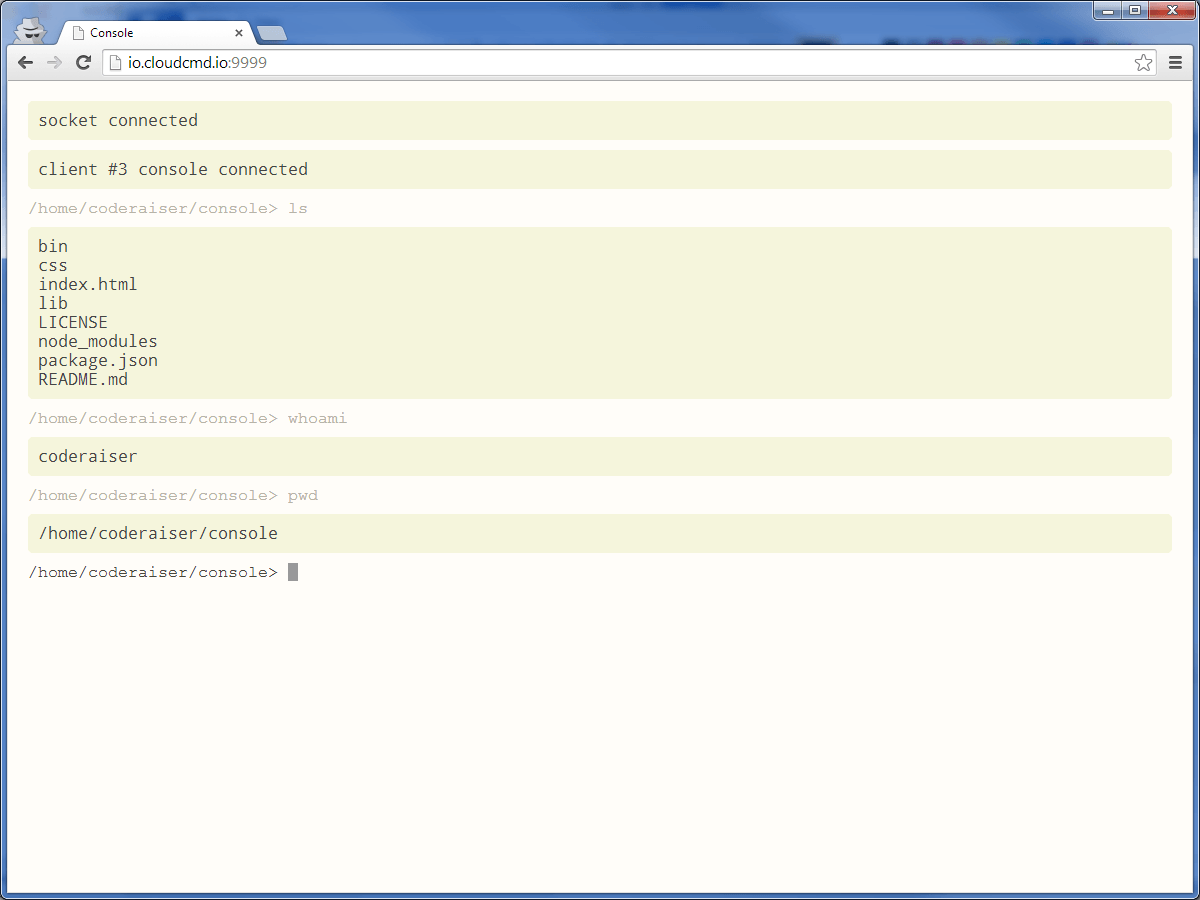
npm i console-io -g
Start console, go to url http://localhost:1337
| Key | Operation |
|---|---|
Ctrl + Z | cancel input |
Ctrl + L | clear screen |
Ctrl + C | kill running task |
For more details see Jq-console keyboard shortcuts.
- element - html element, or selector
- options - (optional) {cwd}
When prefix set in server and client, you should use same prefix in html. For example, if you use prefix "any_prefix" you should connect console script in this way:
<script src="/any_prefix/console.js"></script>
- shortCuts - object contain big letter and function.
Example: show alert on Ctrl + A:
async()=>{constkonsole=awaitConsole();konsole.addShortCuts({A(){alert('hello');},});};Get text of prompt.
- text - string of new text
Set new text of prompt.
Set focus on Console.
Could be used as middleware, or for init Console.
Console.listen(socket,{
server,// when no socketonline: true,// defaultprefix: '/console',// defaultprefixSocket: '/console',// defaultauth: (accept,reject)=>(username,password)=>{accept();},});Middleware function if there is a need of init socket in another place.
Console({prefix: '/console',// defaultonline: true,// default});To use Console in your programs you should make local install:
npm i console-io express
And use it in your program
// server.jsimporthttpfrom'node:http';import{konsole}from'console-io';importexpressfrom'express';constapp=express();constserver=http.createServer(app);constport=1337;constip='0.0.0.0';constonline=true;app.use(konsole({
server,
online,// load jquery and socket.io from cdn})).use(express.static(__dirname));konsole.listen({
server,});server.listen(port,ip);
<!-- index.html --><divclass="console"></div><scriptsrc="/console/console.js"></script><script>document.addEventListener('load',async()=>{constkonsole=awaitConsole('.console',{prefix: 'console',env: {CURRENT_FILE: getCurrentFile(),CURRENT_APP: 'console-io'}});console.log('console ready')konsole.focus();functiongetCurrentFile(){return'filename.txt';}});</script>MIT