



Web terminal emulator. Based on node-pty and xterm.js.
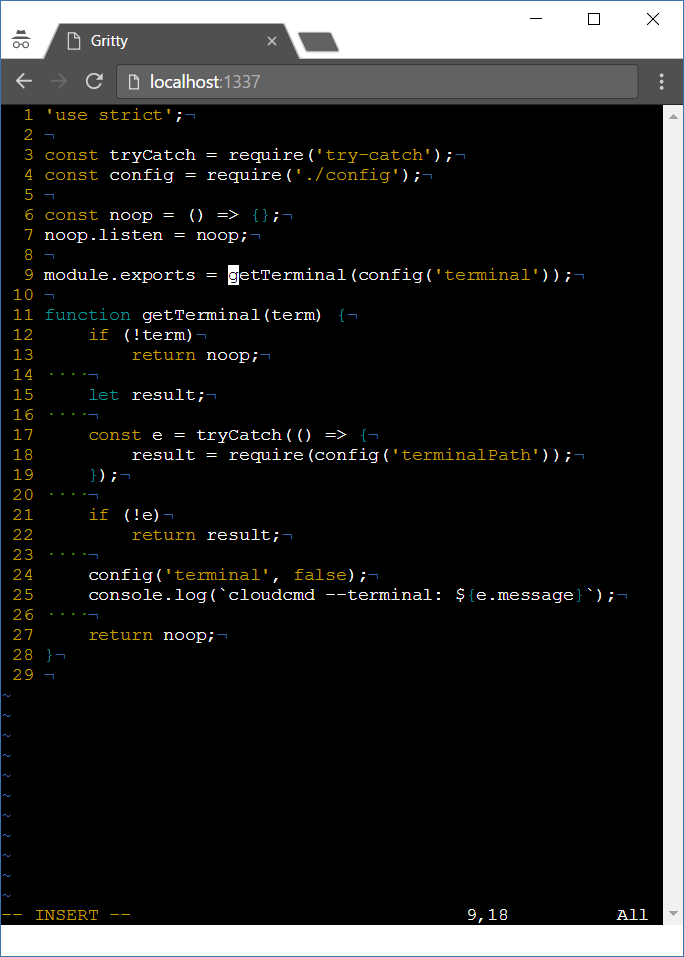
npm i gritty -g
Usage: gritty [options]
Options:
-h, --help display this help and exit
-v, --version output version information and exit
--path output path of a gritty and exit
--port set port number
--command command to run in terminal (shell by default)
--auto-restart restart command when on exit
--no-auto-restart do not restart command on exit
On Windows there is no build tools by default. When can't install gritty try to install windows-build-tools first.
npm i windows-build-tools -g
npm i gritty -g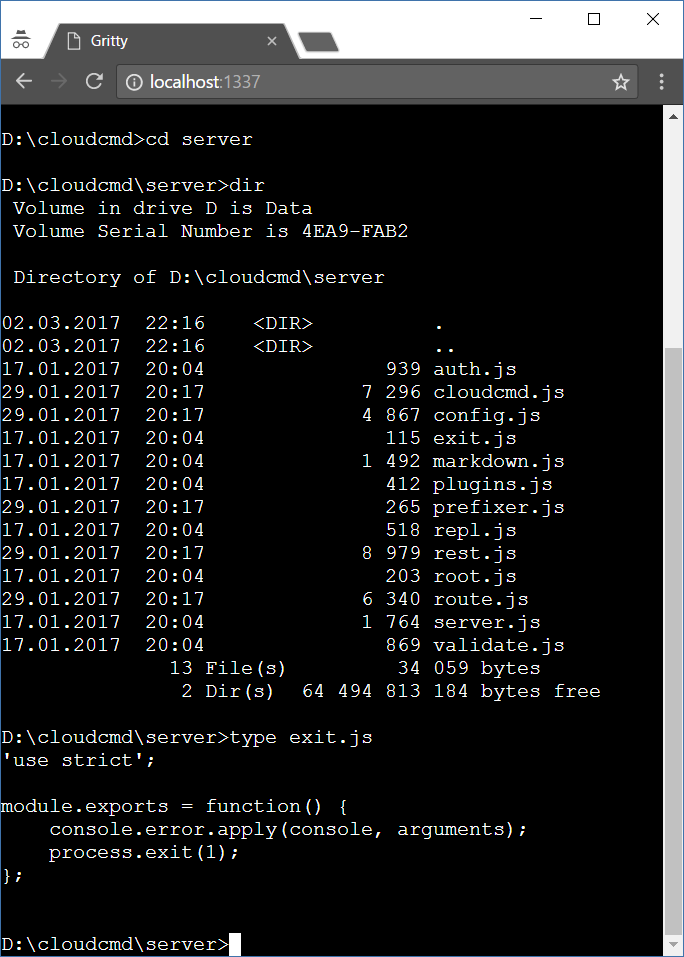
Start gritty, and go to url http://localhost:1337
constprefix='/gritty';constenv={};// defaultconstfontFamily='Courier';gritty('body',{
prefix,
env,
fontFamily,});Gritty could be used as middleware:
constprefix='/gritty';constauth=(accept,reject)=>(username,password)=>{accept();};gritty.listen(socket,{
prefix,
auth,// optional});Middleware function:
constprefix='/gritty';gritty({
prefix,});To use gritty in your programs you should make local install:
npm i gritty socket.io express --save
And use it this way:
// server.jsimporthttpfrom'node:http';import{gritty}from'gritty';importexpressfrom'express';import{Server}from'socket.io';constapp=express();constserver=http.createServer(app);constsocket=newServer(server);constport=1337;constip='0.0.0.0';app.use(gritty());app.use(express.static(__dirname));gritty.listen(socket,{command: 'mc',// optionalautoRestart: true,// default});server.listen(port,ip);<!-- index.html --><divclass="gritty"></div><scriptsrc="/gritty/gritty.js"></script><script>constoptions={prefix: 'console',command: 'bash',// optionalautoRestart: true,// optionalcwd: '/',// optionalenv: {TERMINAL: 'gritty',CURRENT: getCurrentFile,}};gritty('.terminal',options);functiongetCurrentFile(){return'filename.txt';}</script>MIT