



A cross-platform system information fetching tool written in Rust.


More previews
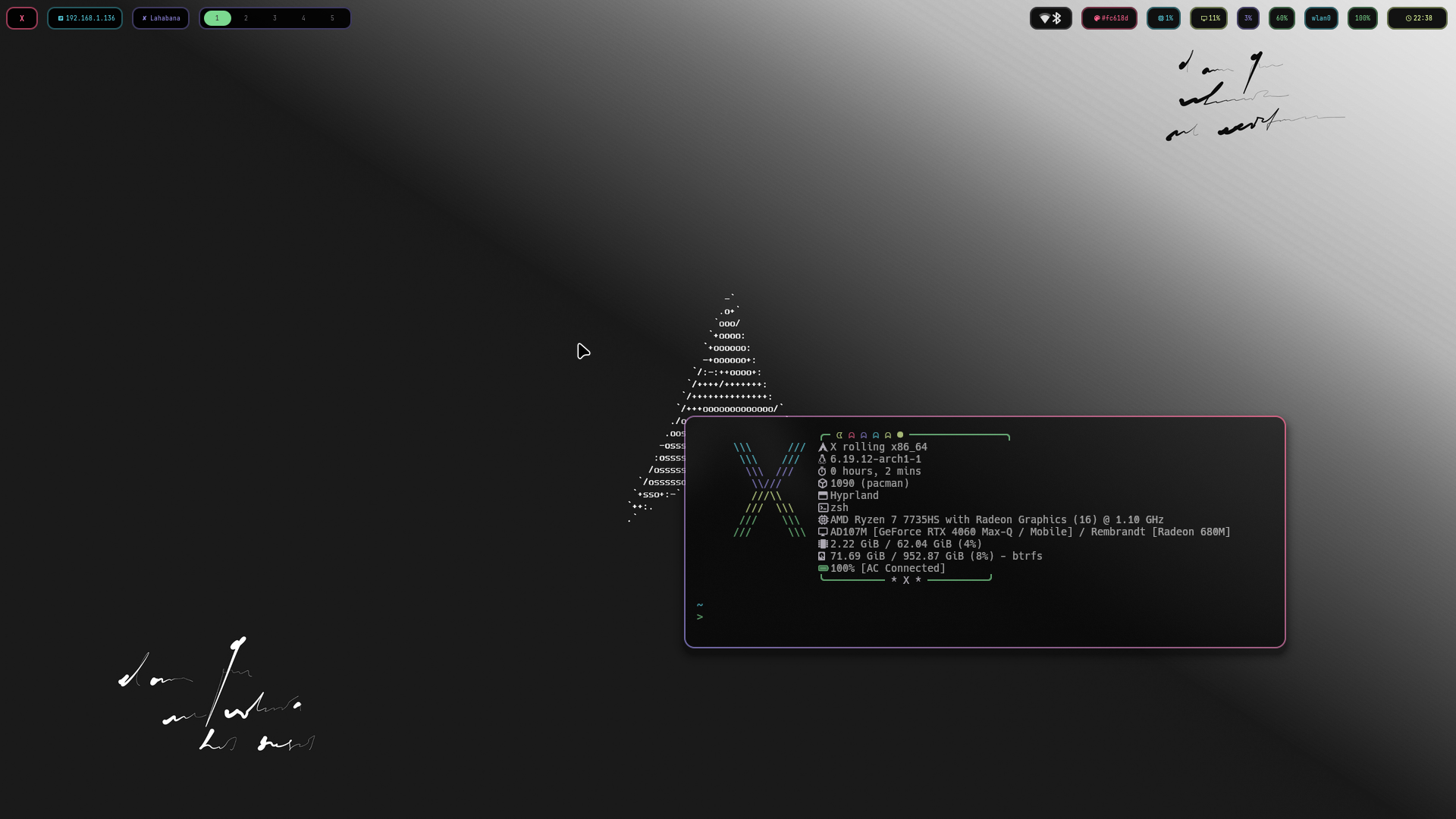 | 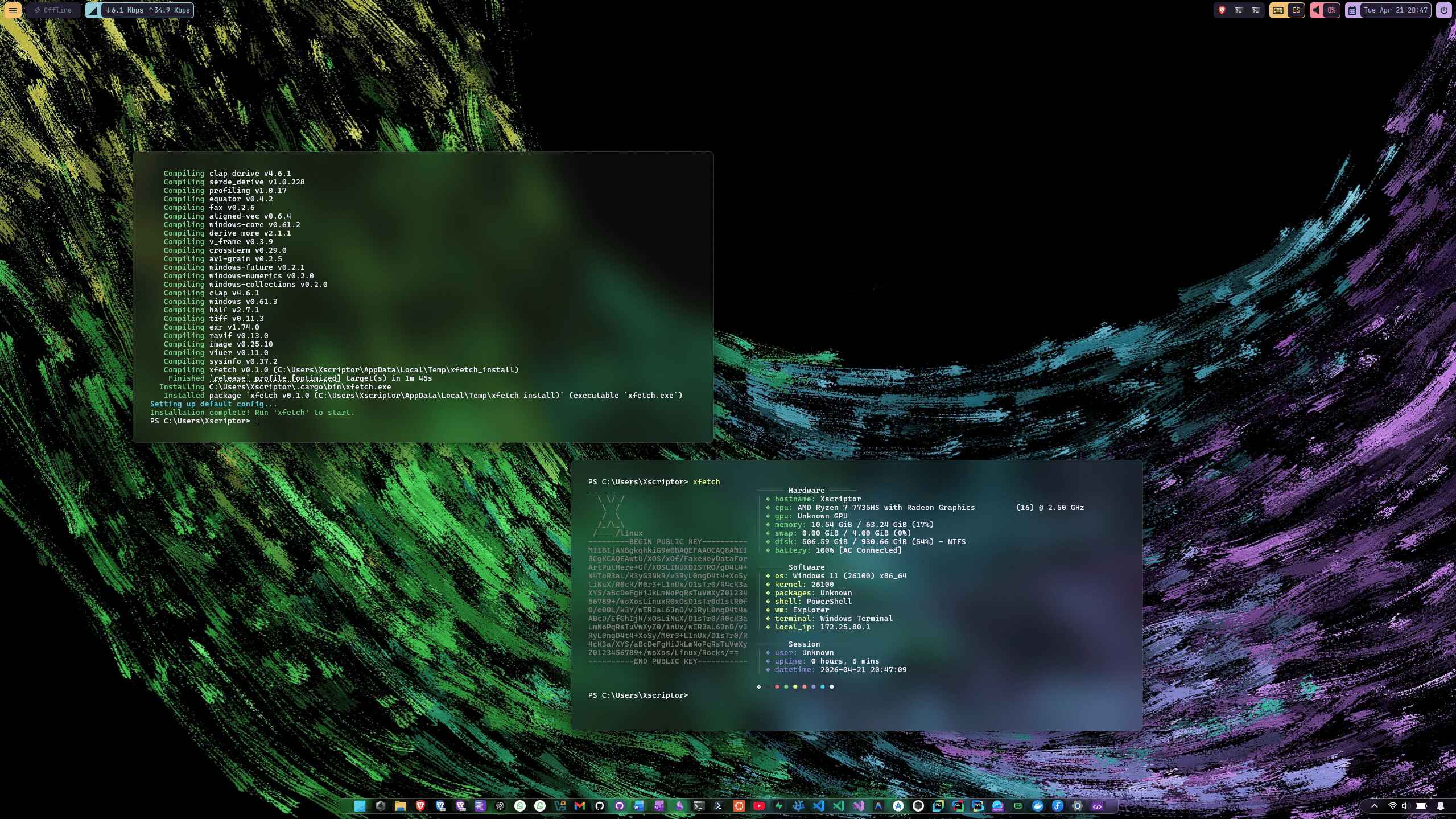 |
Linux / macOS:
curl -fsSL https://raw.githubusercontent.com/xfetch-cli/xfetch/main/install.sh | bashWindows (PowerShell):
irm https://raw.githubusercontent.com/xfetch-cli/xfetch/main/install.ps1 | iexFor detailed installation steps — prerequisites, manual builds, package managers, and uninstallation — see the Installation Guide.
- Cross-platform: Works on Linux, Windows, and macOS.
- Customizable: Configure modules via
config.jsonc. - Fast: Written in Rust for performance.
xfetch looks for a configuration file at:
- Linux:
~/.config/xfetch/config.jsonc - Windows:
%APPDATA%\xfetch\config.jsonc - macOS:
~/Library/Application Support/xfetch/config.jsonc
Additional curated presets and example configs are maintained in
xfetch-cli/configs.
Simply run xfetch in your terminal.
xfetchContribute to the project, report issues, or connect with the developer using the links around


