


Professional Git integration for Acode Editor
Features • Installation • Requirements • API • Contributing
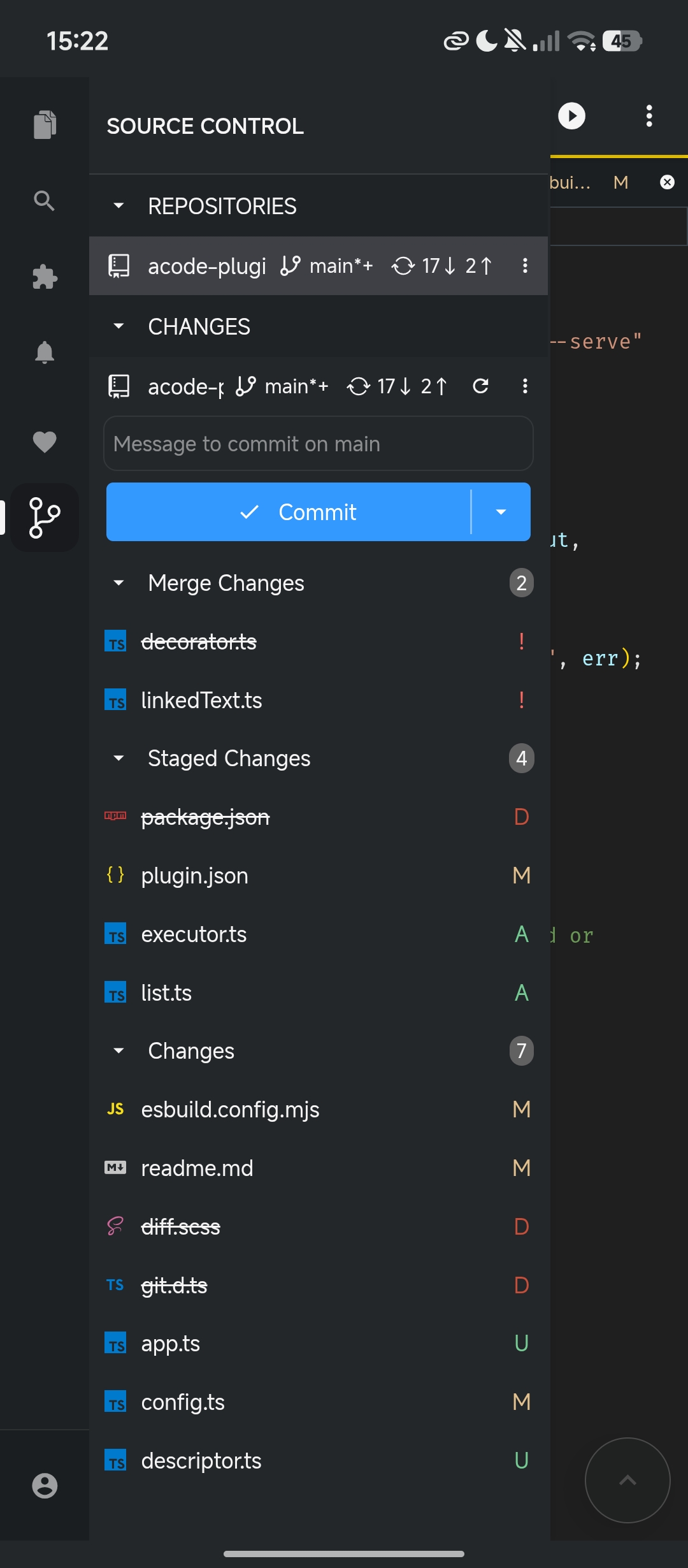
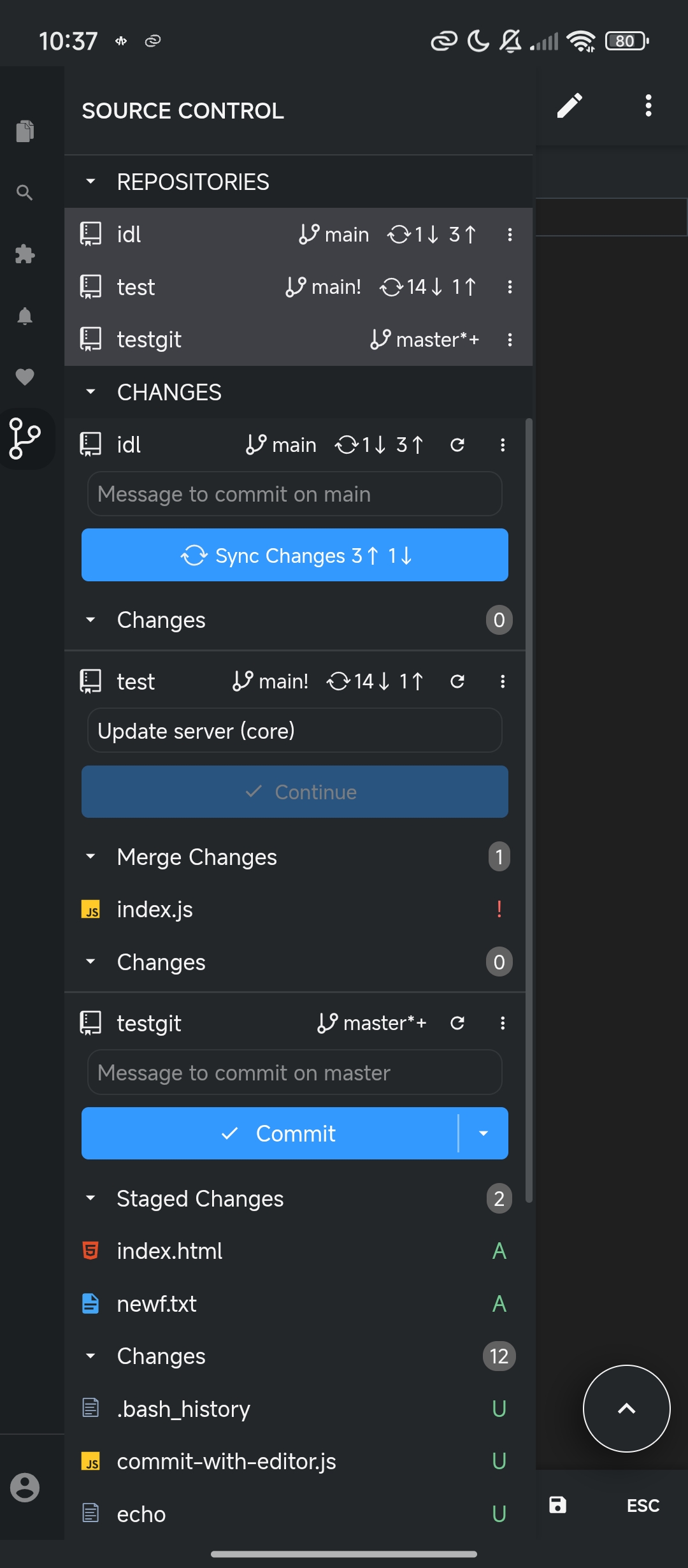
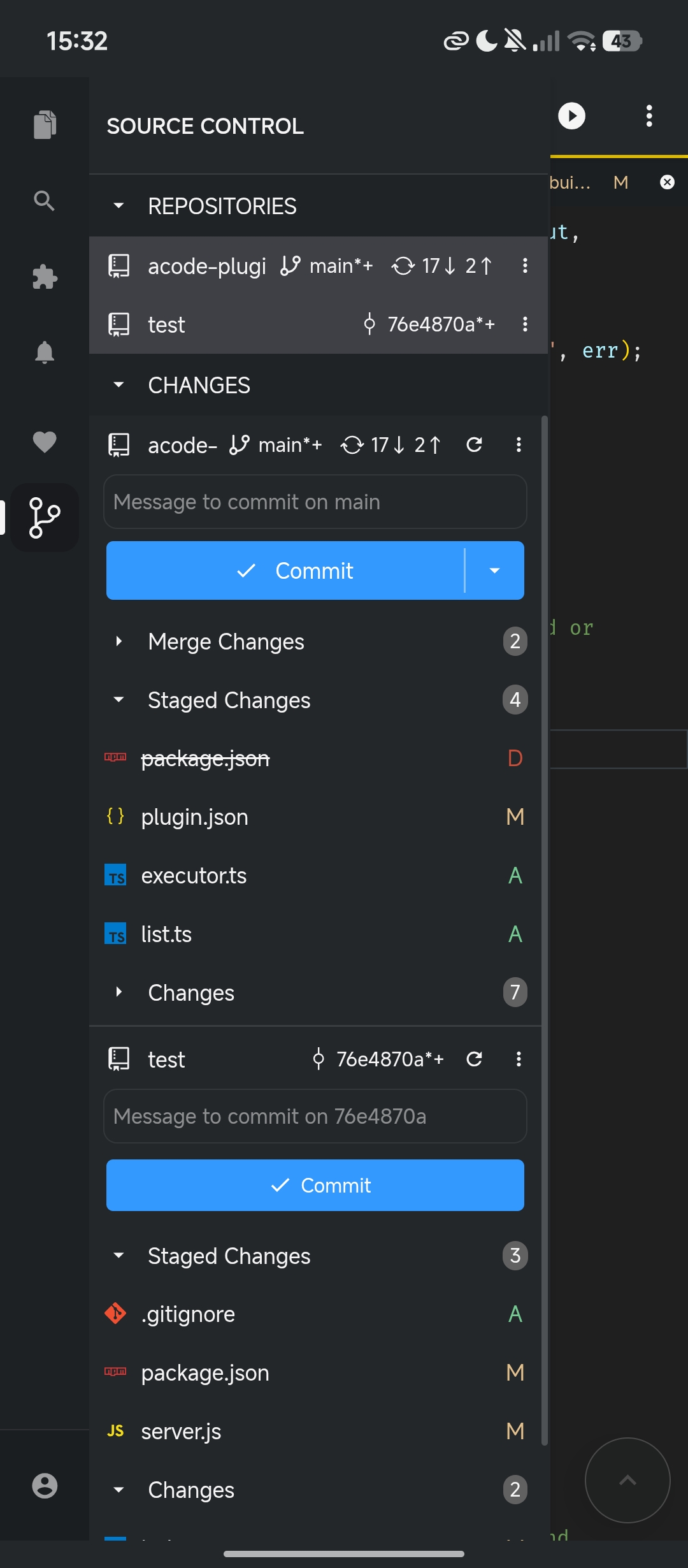
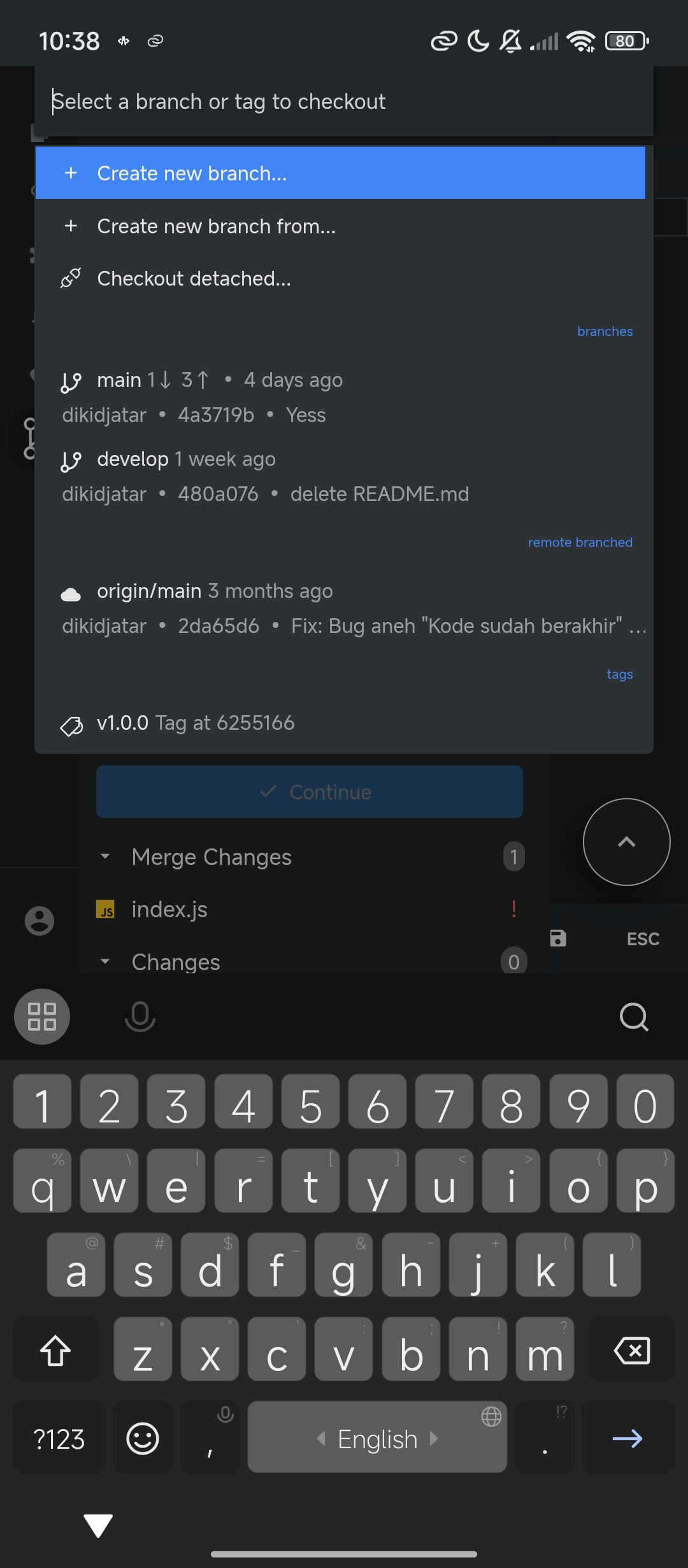
Git SCM v2 is a complete rewrite that communicates directly with the native Git binary installed on your system, providing full Git compatibility. This plugin executes real Git commands through Acode's Executor API, ensuring 100% Git compatibility. Unlike JavaScript-based solutions (isomorphic-git), this plugin communicates directly with your system Git installation for full compatibility and optimal performance.
Git must be installed on your system and Acode latest version with Terminal and Executor API support:
apk add gitAlpine Linux ships with Dropbear SSH by default, which conflicts with OpenSSH and causes Git authentication issues. This plugin requires OpenSSH for full compatibility.
After installation, generate and configure your SSH keys normally.
See Git support in Acode to learn about the features of this plugin.
- Open Settings
- Select Plugins
- Search for "Git SCM"
- Tap Install
- Restart
The plugin follows a Shell → Parse → Render workflow. The same architecture as the VS Code Git extension:
| Stage | Responsibility |
|---|---|
| Shell | Execute Git commands via Acode Executor API |
| Parse | Process stdout/stderr into internal models |
| Render | Display models in UI (resource state, decorations, views) |
The Git extension exposes an API, reachable by any other plugin.
Access the Git API in Acode:
- Copy
src/api/git.d.tsto your plugin's sources; - Include
git.d.tsin your plugin's compilation. - Get a hold of the API with the following snippet:
constgitPlugin=acode.require("git");constgitAPI=gitPlugin.getAPI(1);// Get repositoryconstrepo=gitAPI.getRepository("/path/to/repositoy");// repository statusawaitrepo.status();// Create a branchawaitrepo.createBranch("feature-branch",true);// Commitawaitrepo.commit("Your commit message",{all: true});// Push to remoteawaitrepo.push("origin","main");Access the SCM API:
constscm=acode.require("scm");// Create a source control providerconstsourceControl=scm.createSourceControl("my-scm","My SCM","/public");// Create resource groupsconstchanges=sourceControl.createResourceGroup("changes","Changes");// Add resourceschanges.resourceStates=[{resourceUri: "/path/to/file",decorations: {strikeThrough: false,},},];For a complete API reference see the API reference documentation.
See also type definition files:
git.d.ts- Git API typessourceControl.d.ts- SCM API types
Contributions are welcome! Please feel free to submit a Pull Request.
This project (the Acode Git SCM integration using Executor) is licensed under the MIT License. See the LICENSE file.
Parts of this project are derived from or heavily inspired by the Visual Studio Code project and its Git extension:
- Visual Studio Code — https://github.com/microsoft/vscode
Copyright (c) Microsoft Corporation
Licensed under the MIT License.
The execution
layer has been reworked to use Acode Executor API rather than VS Code's
internal APIs.
- Issues: GitHub Issues
- Email: dikidjatar@gmail.com
Happy coding ✨