A vim colourscheme with a configurable accent colour. It can help you quickly tell apart different vim sessions at a glance.
It supports the GUI and 256 colour terminals.
Using vim-plug:
Plug 'alligator/accent.vim'Other package managers may vary.
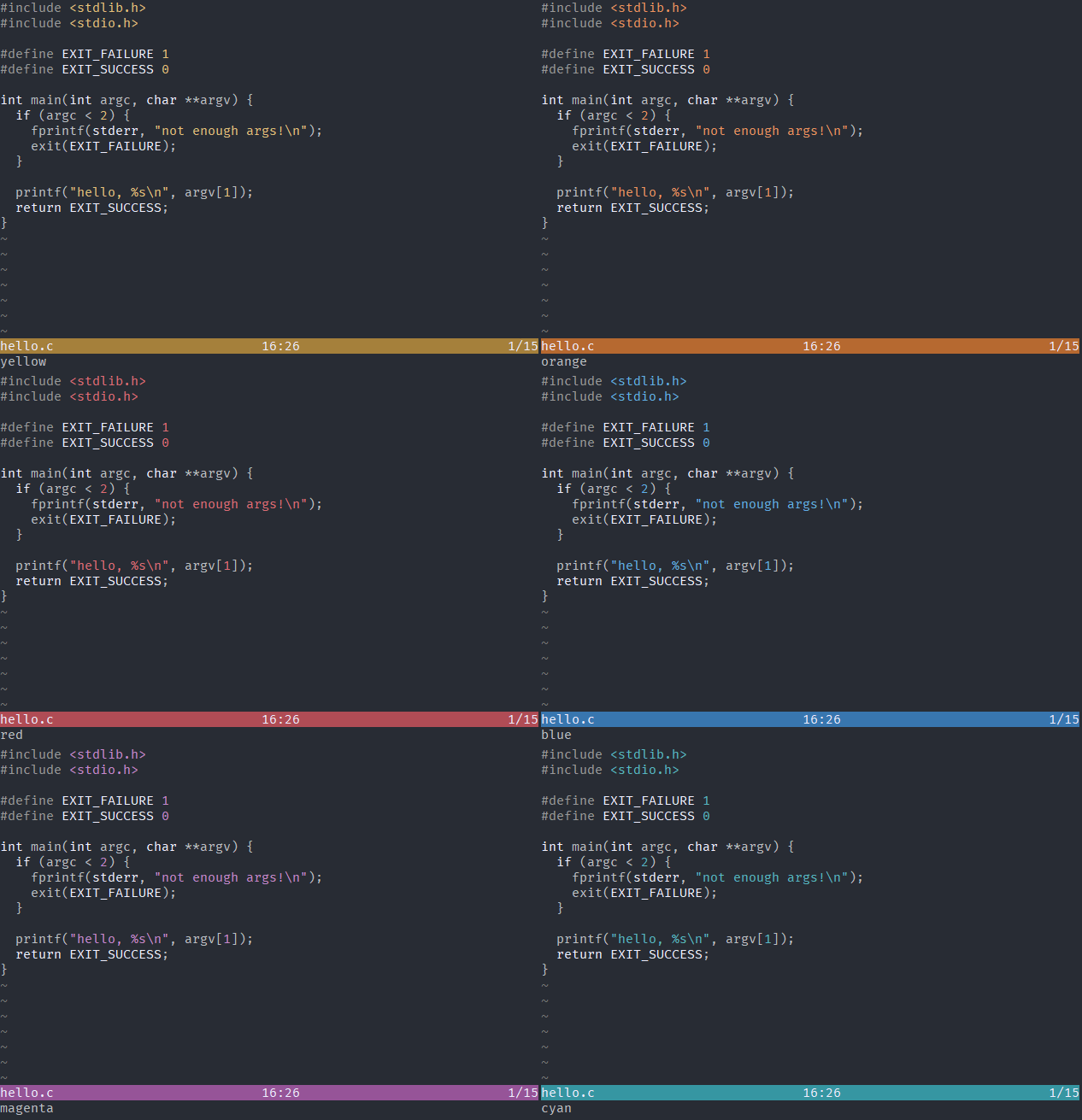
" g:accent_color or g:accent_colour changes the accent colour." one ofletg:accent_colour='yellow'" the defaultletg:accent_colour='orange'letg:accent_colour='red'letg:accent_colour='green'letg:accent_colour='blue'letg:accent_colour='magenta'letg:accent_colour='cyan'" g:accent_darken makes the background and some text colours darker.letg:accent_darken=0" the defaultletg:accent_darken=1" g:accent_invert_status inverts the colour of the status line text.letg:accent_invert_status=0" the defaultletg:accent_invert_status=1" g:accent_auto_cwd_colour sets the accent colour using a hash of the current directory.letg:accent_auto_cwd_colour=0" the defaultletg:accent_auto_cwd_colour=1" g:accent_no_bg stops the background colour being set, which will use the terminal defaultletg:accent_no_bg=0" the defaultletg:accent_no_bg=1" after changing settings, you'll need to re-apply the colorschemecolorscheme accenta neat thing to do is change the accent colour based on the working directory when vim starts:
ifgetcwd() =~ 'code/my-cool-project'letg:accent_colour='cyan'colo accent
endif