

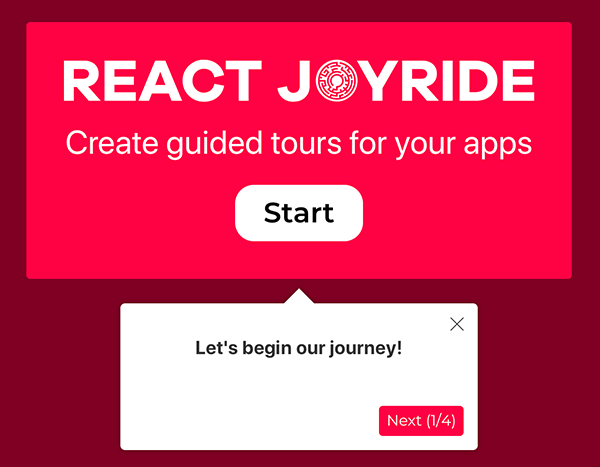
Showcase your app to new users or explain functionality of new features.
It uses react-floater for positioning and styling.
And you can use your own components too!
View the demo here
Read the docs
Chat about it in our Spectrum community
npm i react-joyrideimportJoyridefrom'react-joyride';exportclassAppextendsReact.Component{state={steps: [{target: '.my-first-step',content: 'This is my awesome feature!',},{target: '.my-other-step',content: 'This another awesome feature!',},
...
]};render(){const{ steps }=this.state;return(<divclassName="app"><Joyridesteps={steps}.../>
...
</div>
);
}}Setting up a local development environment is easy!
Clone (or fork) this repo on your machine, navigate to its location in the terminal and run:
npm install
npm link # link your local repo to your global packages
npm run watch # build the files and watch for changes
Now clone https://github.com/gilbarbara/react-joyride-demo and run:
npm install
npm link react-joyride # just link your local copy into this project's node_modules
npm start
Start coding! 🎉