Develop in android over MVVM, Kotlin, Android Clean Architecture, Coroutines, Retrofit, Gson, Hilt, Room Database, Testing, etc.
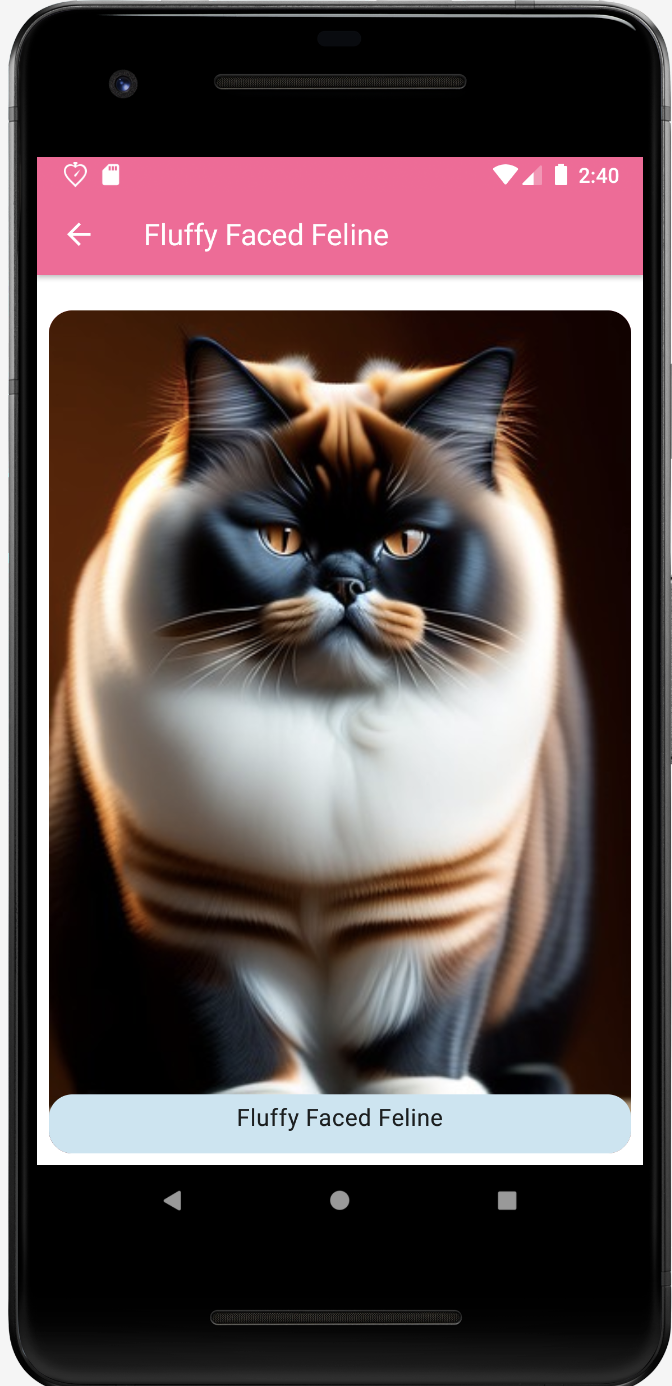
This is using this Flickr Api Libraries, I develop this application. Is a grid where you can select the imagen and see the detail.
- Planing the architecture Code here
- Thinking in the UI Code here
- Working on the real data Code here
- Use Navigation Code here
- Error Always happened Code here
- Testing Code here
- Room DataBase Code here
com.anelcc.FlickrApp # Root Package
.
├── core # Core and Data are part of the data layer contains application data and business logic. │ │── ApiService # For API Service,this handled the method or endpoints from network API.
│ └── Constants │ ├── database # This section contains the database instance and the repository
│ │── HistoryDao # We are Save data in a local database using Room.
│ │── His...Repository # I Defined data using Room entities
│ └── His...Database # This is implemented simple queries │ ├── data # For API Repositories, Model classes, and local data and to handle network responses.
│ │── Model # The data layer is made of repositories that each can contain zero to many data sources.
│ │── ManagerService # The data layer is for repository and data sources. │ └── Repository │
├── di # Dependencies injection will help to provide the information easy and faster
│ └── NetworkModule # The modules for the Api network and local data are declare here to ve provided. │
├── domain # The domain layer is responsible for encapsulating complex business logic, │ │── BuildPictureListUseCase # or simple business logic that is reused by multiple ViewModels. │ │── PicturesFlickrUseCase # Use Case is the package where the user’s work is defined, that is,
│ └── SearchPicturesUseCase # the whole business logic of the project.
│
├── presentation # The role of the UI layer (or presentation layer) is to display the application data on the screen. │ │── detail screen # UI elements that render the data on the screen. │ │── home screen # These elements using Views or Jetpack Compose functions.
│ │── utils screen # State holders (such as ViewModel classes) that hold data, expose it to the UI, and handle logic.
│ └── View Model # View model It exposes state to the UI and encapsulates related business logic. but it control all UI elements states.
│
├── ui.theme # This contain the style and colors setted in the app
├── utils # This contain view shared by app level lile Top Bar navigation that can be used for other screens
├── FlickrApp # This define the start point and all modules and entry points that should be installed in the component │ # need to be transitive compilation dependencies of the annotated application.
└── MainActivity # Main Activity define the first screen or the launcher view.
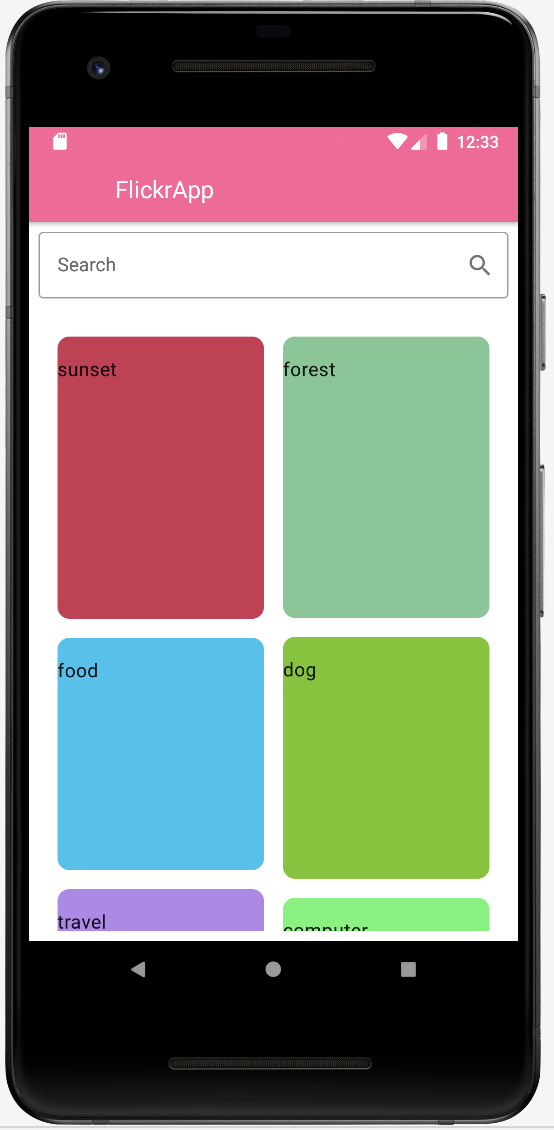
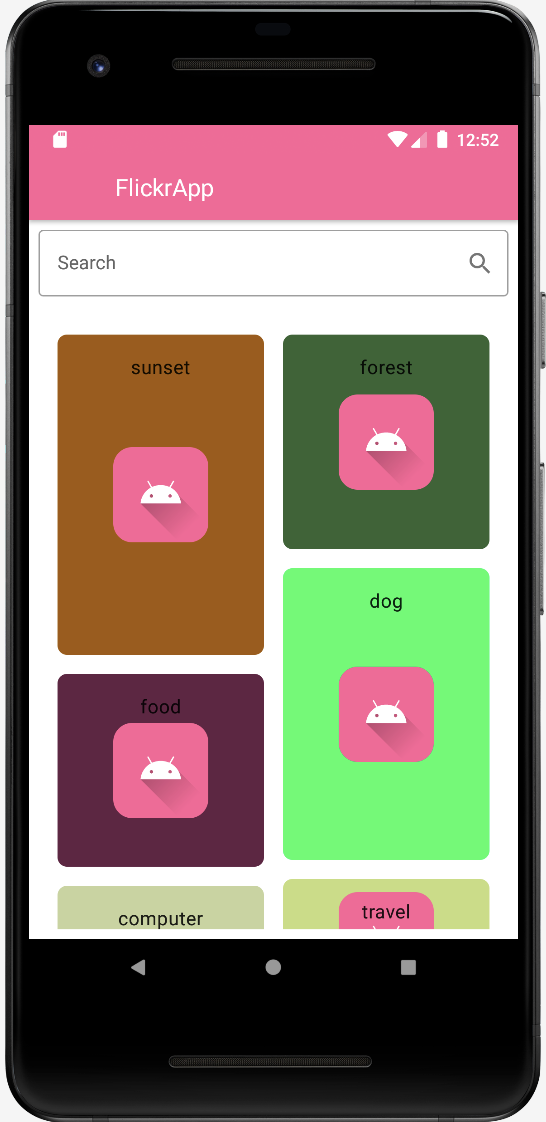
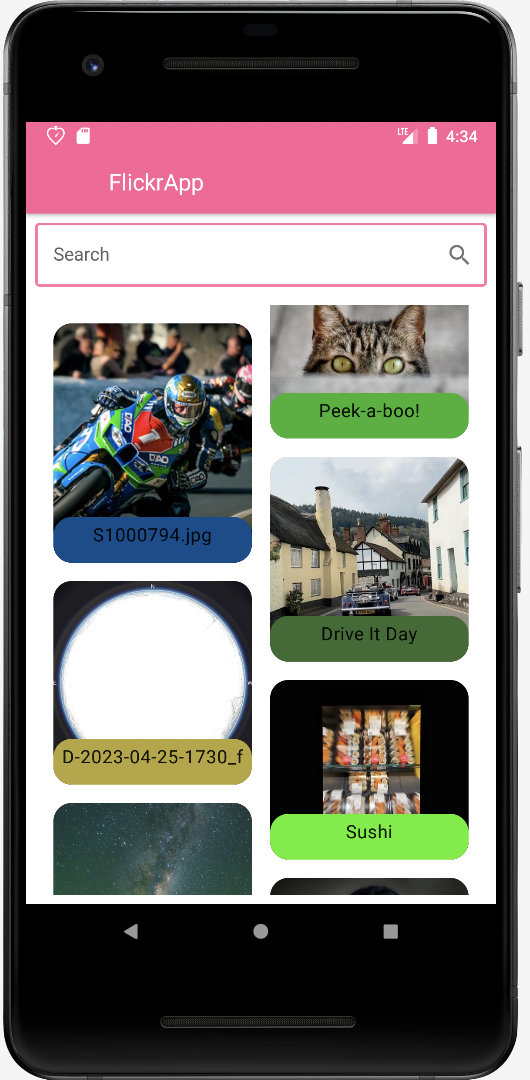
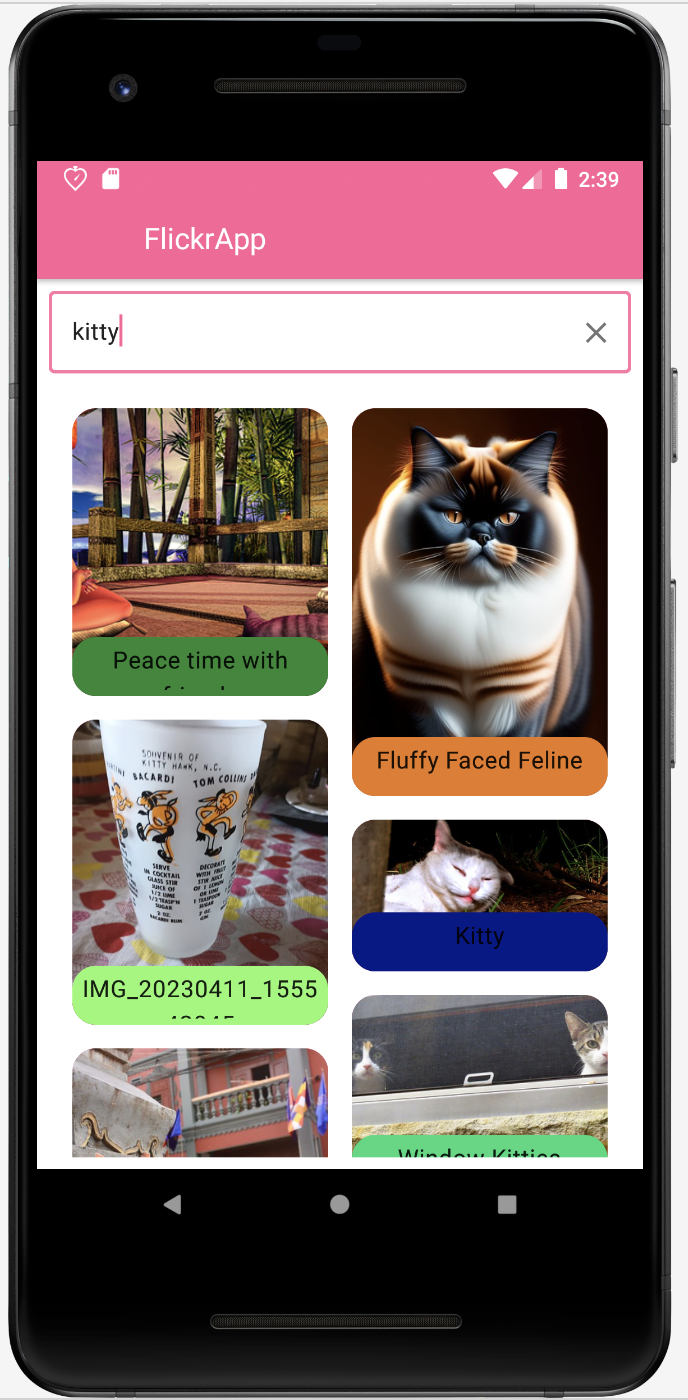


This project is using android studio Flamingo | 2022.2.1 to development. If you find incompatibility please check the official documentation: Read hereDownload Android Studio
Gradle version is 8.0.0 make sure you have set up in the gradle-wrapper.properties as: distributions/gradle-8.0-bin.zip
Latest Kotlin EAP release: 1.7.20 This project is running on the version 1.7.20 make sure you have your project correct setup. id 'org.jetbrains.kotlin.android' version '1.7.20' apply false
If you need more info please check this: Read hereRead hereRead here
Make sure you have the correct version of the JDK setup in your gradle project. if you did know how select or download go to: Android Studio > settings > Build, Execution, Deployment › Build Tools › Grade in Grade projects: Gradle select Use Gradle from: 'gradle-wrapper.properties' file Gradle JDK: JetBrains Runtime version 17.0.6/...JDK Version Doc
- Android Clean Architecture Read here
- Android Components Navigation Read here
- Kotlin Read here
- Android Coroutines Here.
- Android flow Here.
- Retrofit Read here
- okhttp3 Read here
- Gson Read here
- Room Database Read here
- Dependency Injections Read here
- Jetpack Read here
- Hilt & Jetpack Read here
- Compose Read here
- Compose State Read here
- MVVM Read here
- View Models Read here
- DataModel Read here
- Coil Compose Read here
- Testing Read here
- Coroutines testing Read here
- Mocking Android dependencies Read here