A customizable code text field supporting syntax highlighting



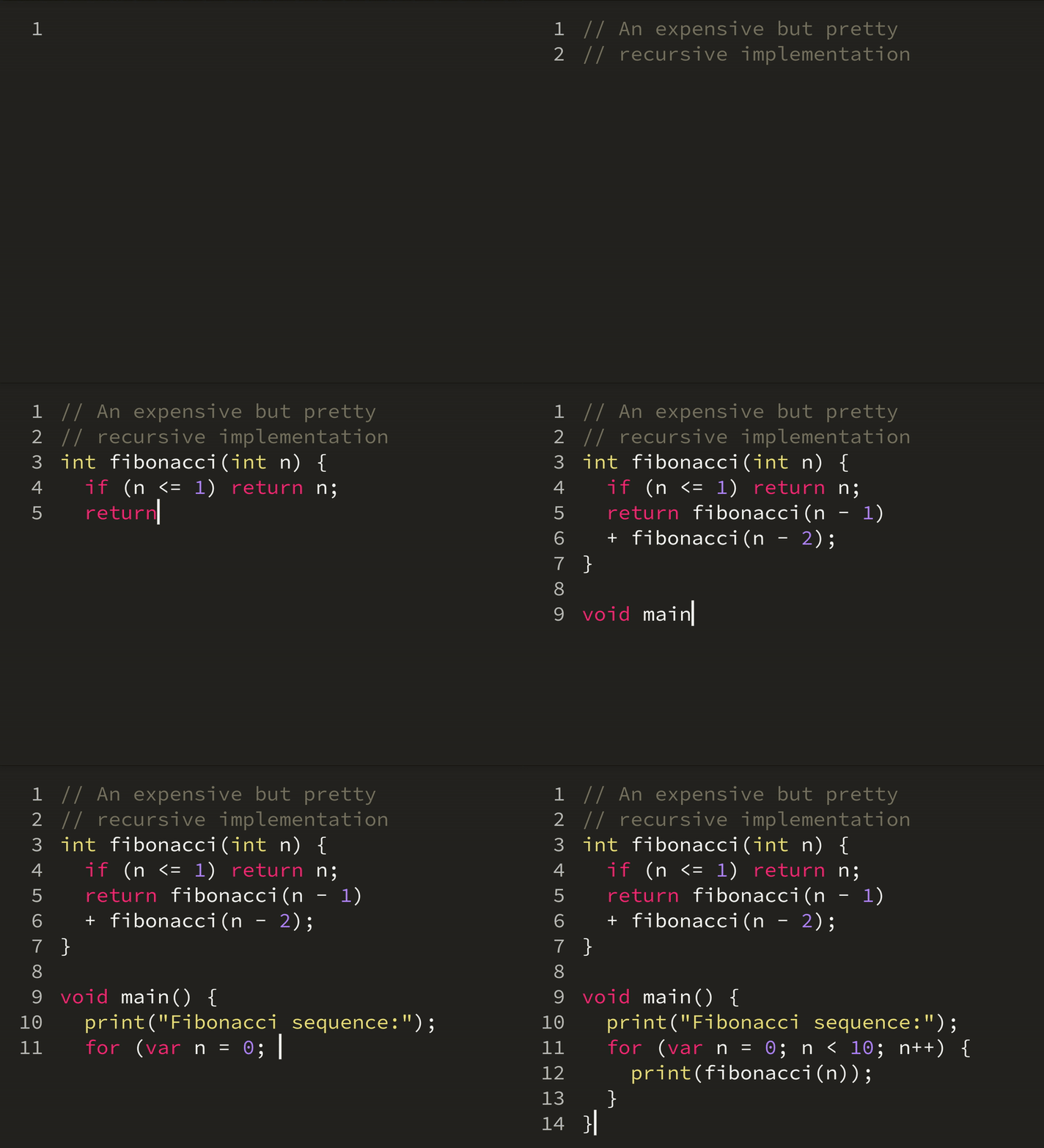
A live demo showcasing a few language / theme combinations
The experimental VM dlox uses CodeField in its online editor
- Code highlight for 189 built-in languages with 90 themes thanks to flutter_highlight
- Easy language highlight customization through the use of theme maps
- Fully customizable code field style through a TextField like API
- Handles horizontal/vertical scrolling and vertical expansion
- Supports code modifiers
- Works on Android, iOS, Web, MacOS, Windows, and Linux
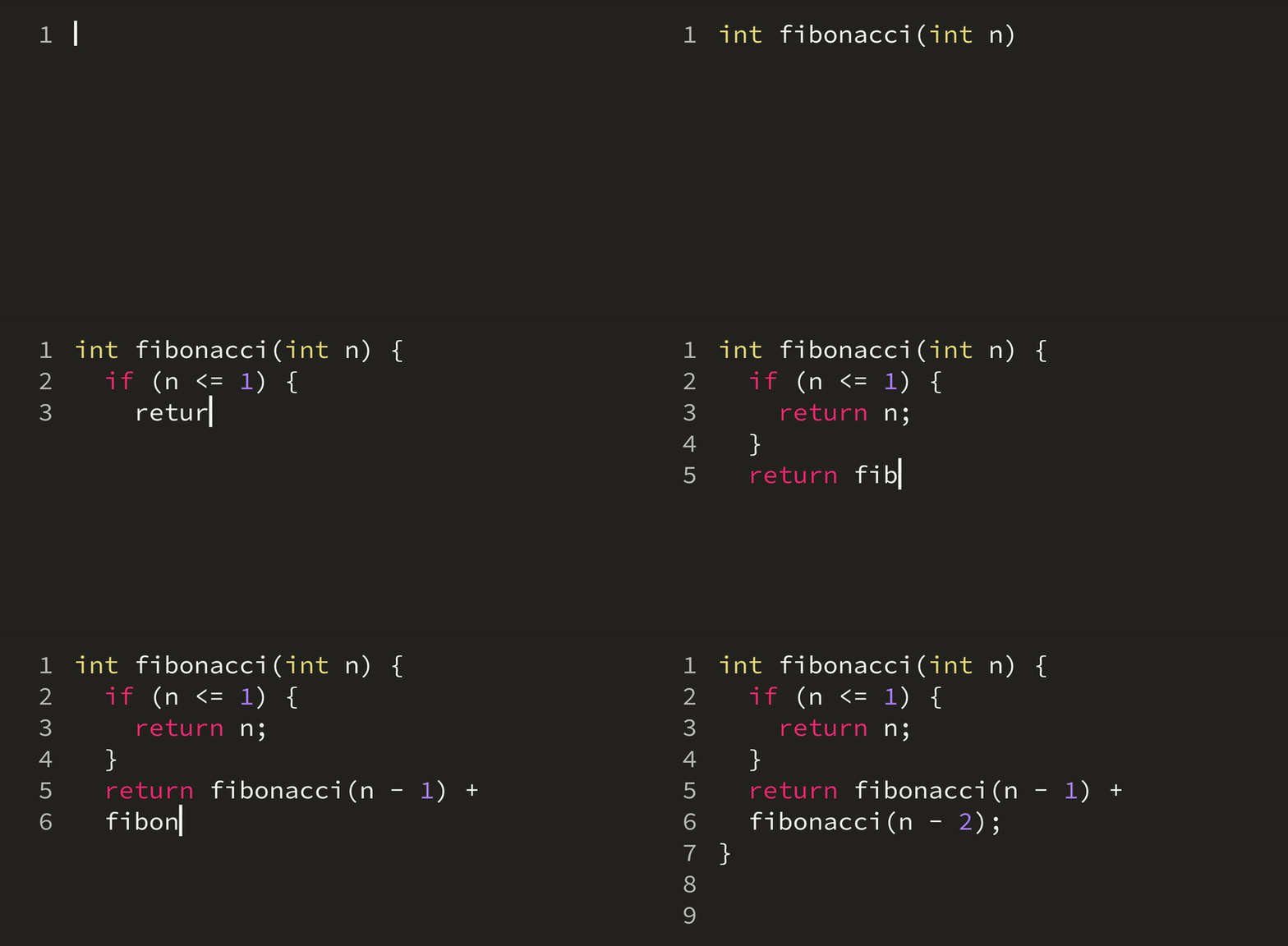
Code modifiers help manage indents automatically
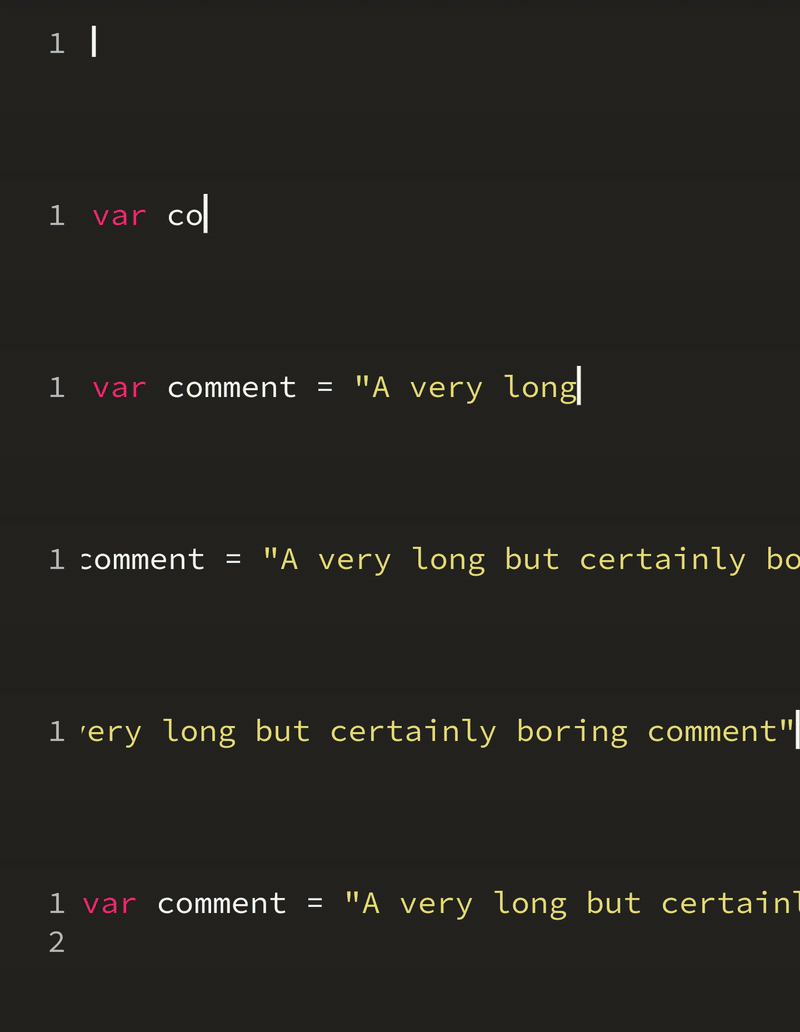
The editor is wrapped in a horizontal scrollable container to handle long lines
In the pubspec.yaml of your flutter project, add the following dependency:
dependencies:
...code_text_field: <latest_version>In your library add the following import:
import'package:code_text_field/code_text_field.dart';A CodeField widget works with a CodeController which dynamically parses the text input according to a language and renders it with a theme map
import'package:flutter/material.dart';
import'package:code_text_field/code_text_field.dart';
// Import the language & themeimport'package:highlight/languages/dart.dart';
import'package:flutter_highlight/themes/monokai-sublime.dart';
classCodeEditorextendsStatefulWidget {
@override_CodeEditorStatecreateState() =>_CodeEditorState();
}
class_CodeEditorStateextendsState<CodeEditor> {
CodeController? _codeController;
@overridevoidinitState() {
super.initState();
final source ="void main() {\n print(\"Hello, world!\");\n}";
// Instantiate the CodeController
_codeController =CodeController(
text: source,
language: dart,
);
}
@overridevoiddispose() {
_codeController?.dispose();
super.dispose();
}
@overrideWidgetbuild(BuildContext context) {
returnCodeTheme(
data:constCodeThemeData(styles: monokaiSublimeTheme),
child:CodeField(
controller: _codeController!,
textStyle:constTextStyle(fontFamily:'SourceCode'),
),
);
}
}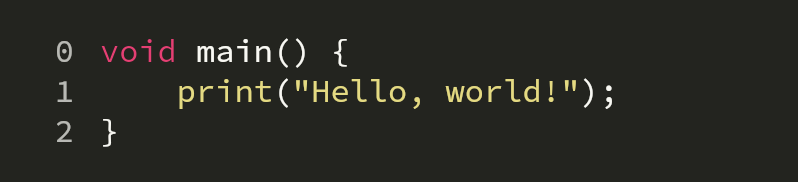
Here, the monospace font Source Code Pro has been added to the assets folder and to the pubspec.yaml file.
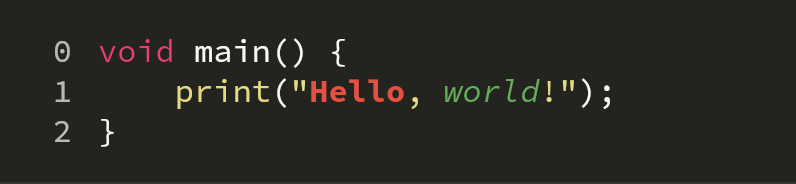
On top of a language definition, word-wise styling can be specified in the stringMap field
_codeController =CodeController(
//...
stringMap: {
"Hello":TextStyle(fontWeight:FontWeight.bold, color:Colors.red),
"world":TextStyle(fontStyle:FontStyle.italic, color:Colors.green),
},
);
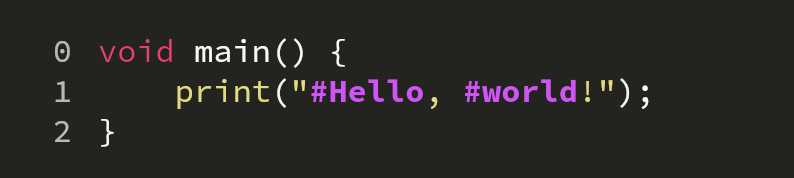
More complex regexes may also be used with the patternMap. When a language is used though, its regexes patterns take precedence over patternMap and stringMap.
_codeController =CodeController(
//...
patternMap: {
r"\B#[a-zA-Z0-9]+\b":TextStyle(fontWeight:FontWeight.bold, color:Colors.purpleAccent),
},
);
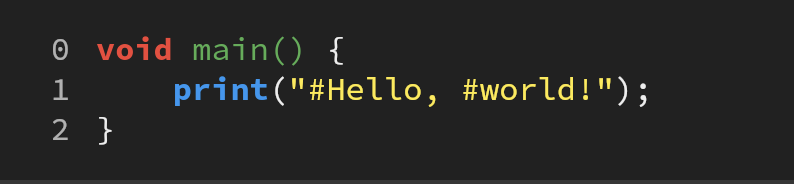
Both patternMap and stringMap can be used without specifying a language.
_codeController =CodeController(
text: source,
patternMap: {
r'".*"':TextStyle(color:Colors.yellow),
r'[a-zA-Z0-9]+\(.*\)':TextStyle(color:Colors.green),
},
stringMap: {
"void":TextStyle(fontWeight:FontWeight.bold, color:Colors.red),
"print":TextStyle(fontWeight:FontWeight.bold, color:Colors.blue),
},
);
Code modifiers can be created to react to special keystrokes. The default modifiers handle tab to space & automatic indentation. Here's the implementation of the default TabModifier
classTabModifierextendsCodeModifier {
constTabModifier() :super('\t');
@overrideTextEditingValue?updateString(
String text, TextSelection sel, EditorParams params) {
final tmp =replace(text, sel.start, sel.end, " "* params.tabSpaces);
return tmp;
}
}constCodeField({
Key? key,
requiredthis.controller,
this.minLines,
this.maxLines,
this.expands =false,
this.wrap =false,
this.background,
this.decoration,
this.textStyle,
this.padding =EdgeInsets.zero,
this.lineNumberStyle =constLineNumberStyle(),
this.enabled,
this.onTap,
this.readOnly =false,
this.cursorColor,
this.textSelectionTheme,
this.lineNumberBuilder,
this.focusNode,
this.onChanged,
this.isDense =false,
this.smartQuotesType,
this.keyboardType,
this.lineNumbers =true,
this.horizontalScroll =true,
this.selectionControls,
this.hintText,
this.hintStyle,
})constLineNumberStyle({
this.width =42.0,
this.textAlign =TextAlign.right,
this.margin =10.0,
this.textStyle,
this.background,
});CodeController({
String? text,
Mode? language,
this.patternMap,
this.stringMap,
this.params =constEditorParams(),
this.modifiers =const [
IndentModifier(),
CloseBlockModifier(),
TabModifier(),
],
}) - Autocomplete disabling on android doesn't work yet
A breaking change to the TextEditingController was introduced in flutter beta, dev & master channels. The branch beta should comply with those changes.