Skip to content

Folders and files

NameName
Last commit message
Last commit date

Latest commit

History

4 Commits

Repository files navigation

The most efficient way to search in the EOS world

How to Install

Step 1

Download and install PopClip

Step 2

Download extension

Step 3

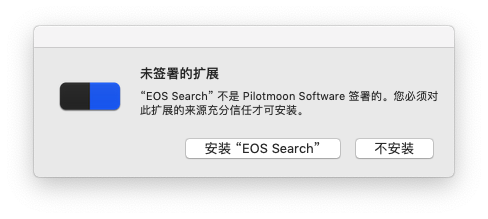
Decompression and double click the EOSSearch.popclipext , then click the "allow install EOS Search" button
How to Use

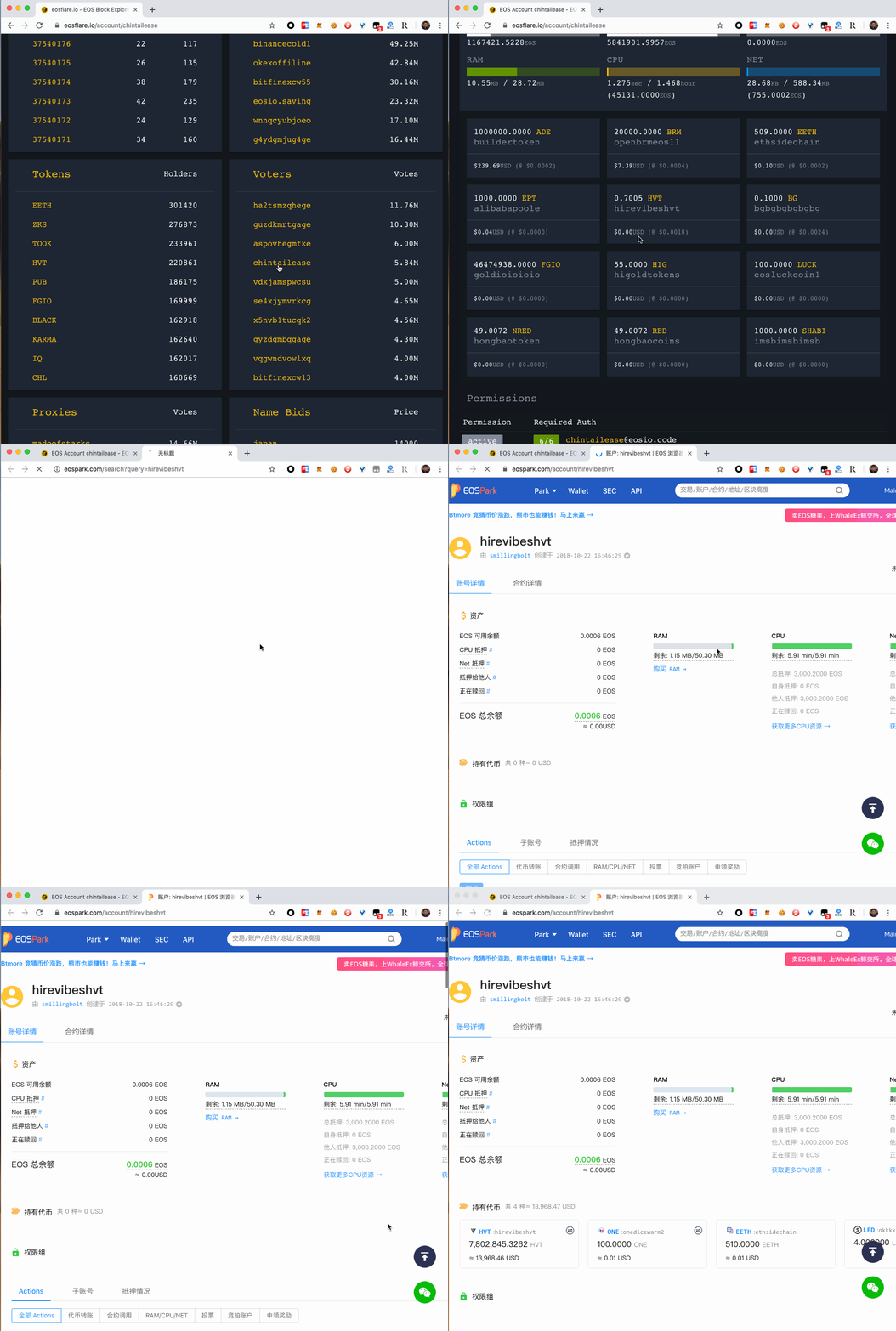
Double click the words you want to search, then select our extension in the pop-up options.

You can use it in other web site:
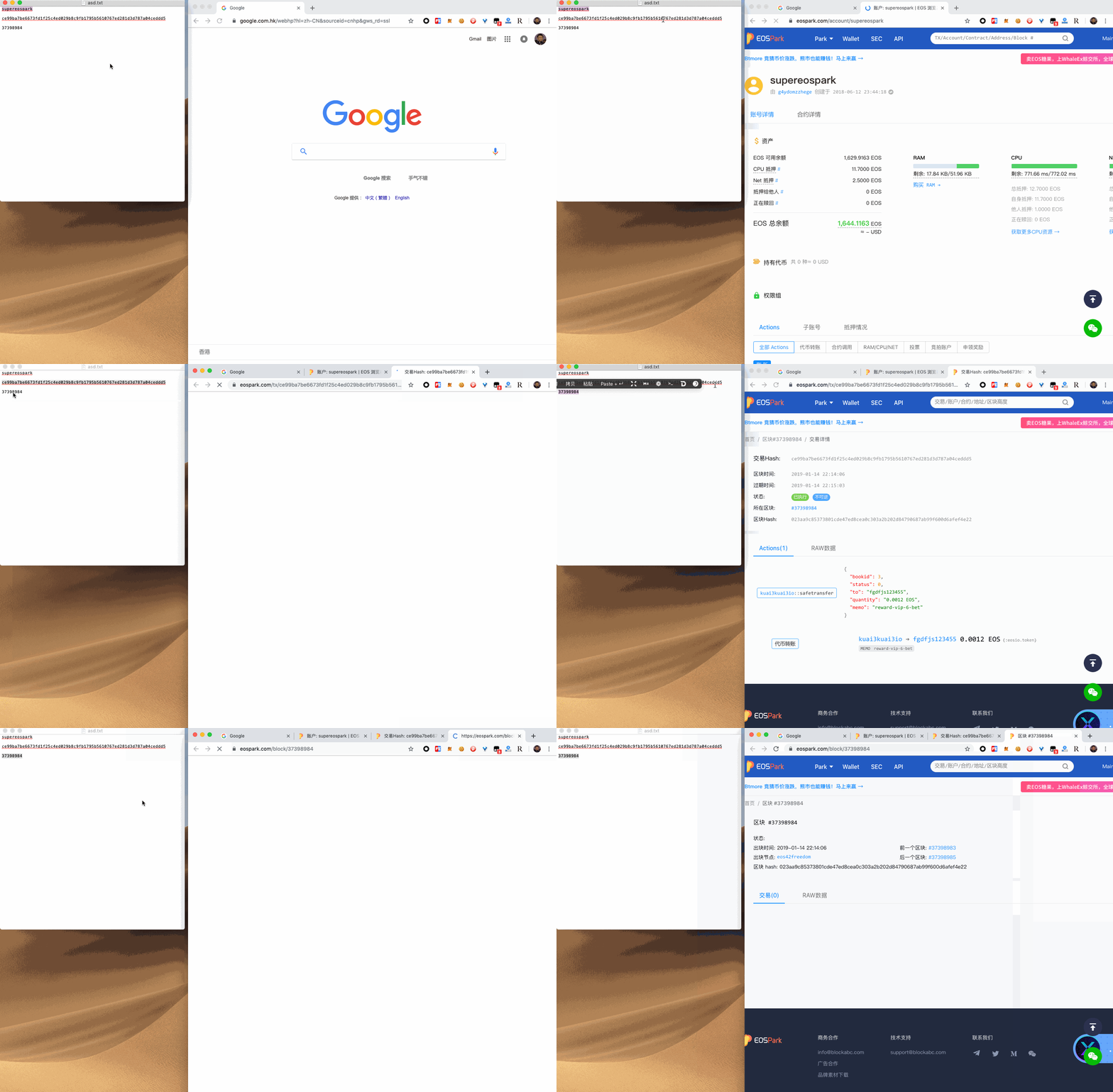
Or you can search something from other applications:
About

Search EOS things more easily

Topics

Resources

Stars

3 stars

Watchers

2 watching

Forks

Releases

Packages

Contributors

Languages