English | 中文
- Enterprise-class UI designed for web applications.
- A set of high-quality Blazor components out of the box.
- Supports WebAssembly-based client-side and SignalR-based server-side UI event interaction.
- Supports Progressive Web Applications (PWA).
- Build with C#, a multi-paradigm static language for an efficient development experience.
- .NET Standard 2.1 based, with direct reference to the rich .NET ecosystem.
- Supports NET5. (Server-Side, WASM)
- Seamless integration with existing ASP.NET Core MVC and Razor Pages projects.


- Install .net core sdk Offical website
- Install Visual Studio 2022 lastest Offical website
- Install the template
dotnet new install Bootstrap.Blazor.Templates::*
- Create the Boilerplate project with the template
dotnet new bbapp
- Download Project Template
Microsoft Market link
- Double Click BootstrapBlazor.UITemplate.vsix
- Go to the project folder of the application and install the Nuget package reference
dotnet add package BootstrapBlazor
- Add the
stylesheetjavascriptsfile to your main index file -Pages/_Host.cshtml (Server)orwwwroot/index.html (WebAssembly)
HTML
<!DOCTYPE html><htmllang="en"><head>
. . .
<linkrel="stylesheet" href="_content/BootstrapBlazor/css/bootstrap.blazor.bundle.min.css"></head><body>
. . .
<scriptsrc="_framework/blazor.server.js"></script><scriptsrc="_content/BootstrapBlazor/js/bootstrap.blazor.bundle.min.js"></script></body></html>- Open the
~/Startup.csfile in the and register theBootstrap Blazorservice:
C#
namespaceBootstrapBlazorAppName{publicclassStartup{publicvoidConfigureServices(IServiceCollectionservices){//more code may be present hereservices.AddBootstrapBlazor();}//more code may be present here}}To create a new Bootstrap Blazor UI for Blazor application, use the Create New Project Wizard. The wizard detects all installed versions of Bootstrap Blazor for Blazor and lists them in the Version combobox—this enables you to start your project with the desired version. You can also get the latest version to make sure you are up to date.
- Get the Wizard
To use the Create New Project Wizard, install the Bootstrap Blazor UI for Blazor Visual Studio Extensions. You can get it from the:
- Visual Studio Marketplace (for Windows)
- Start the Wizard
To start the wizard, use either of the following approaches
- Click File > New > Project.
- Find and click the C# Blazor Application option (you can use the search, or filter by Blazor templates).
- Follow the wizard.









| Chrome | Firefox | Safari | Android Browser & WebView | Microsoft Edge | |
|---|---|---|---|---|---|
| iOS | Supported | Supported | Supported | N/A | Supported |
| Android | Supported | Supported | N/A | Android v5.0+ supported | Supported |
| Windows 10 Mobile | N/A | N/A | N/A | N/A | Supported |



| Chrome | Firefox | Internet Explorer | Microsoft Edge | Opera | Safari | |
|---|---|---|---|---|---|---|
| Mac | Supported | Supported | N/A | N/A | Supported | Supported |
| Linux | Supported | Supported | N/A | N/A | N/A | N/A |
| Windows | Supported | Supported | Supported, IE11+ | Supported | Supported | Not supported |
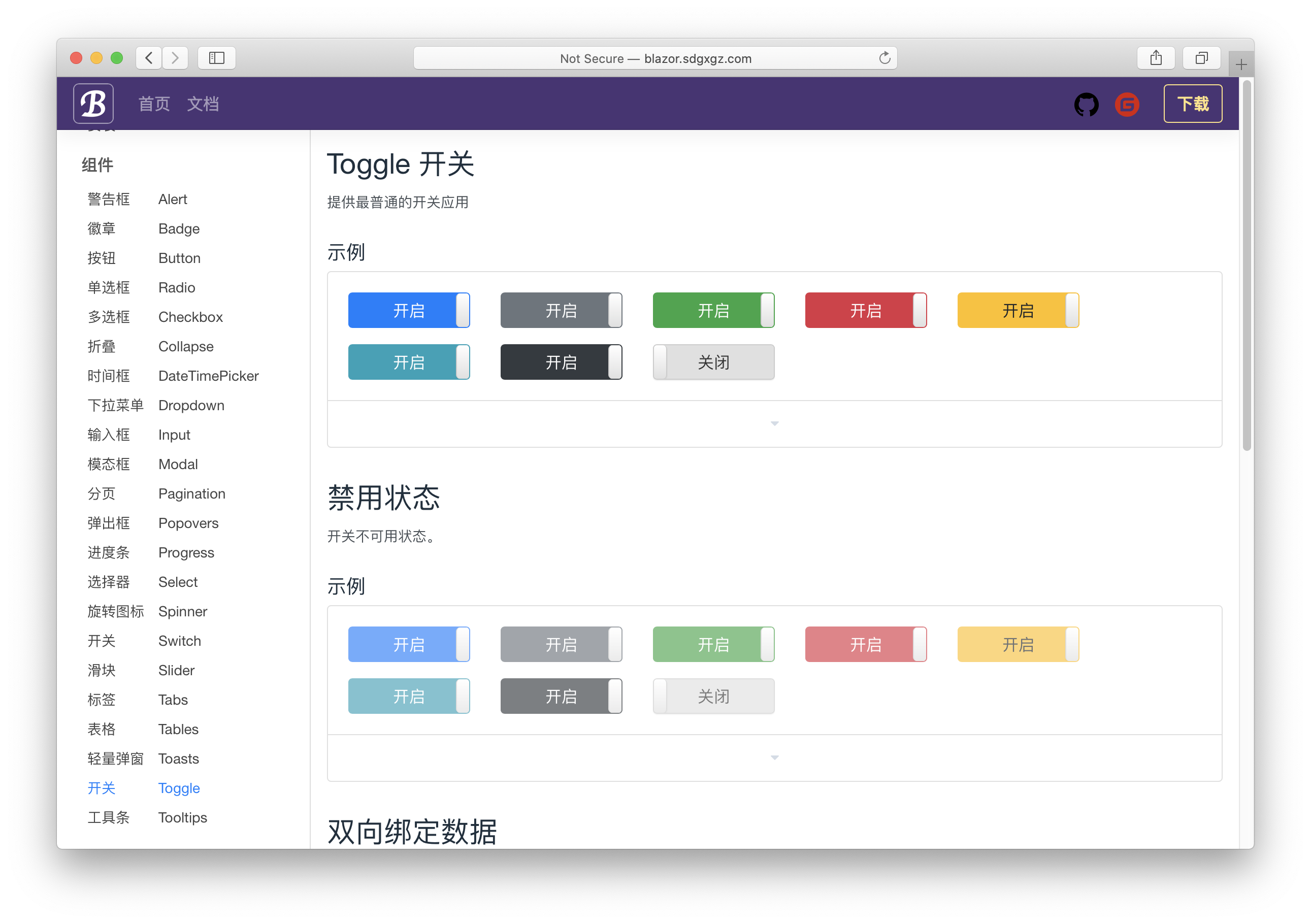

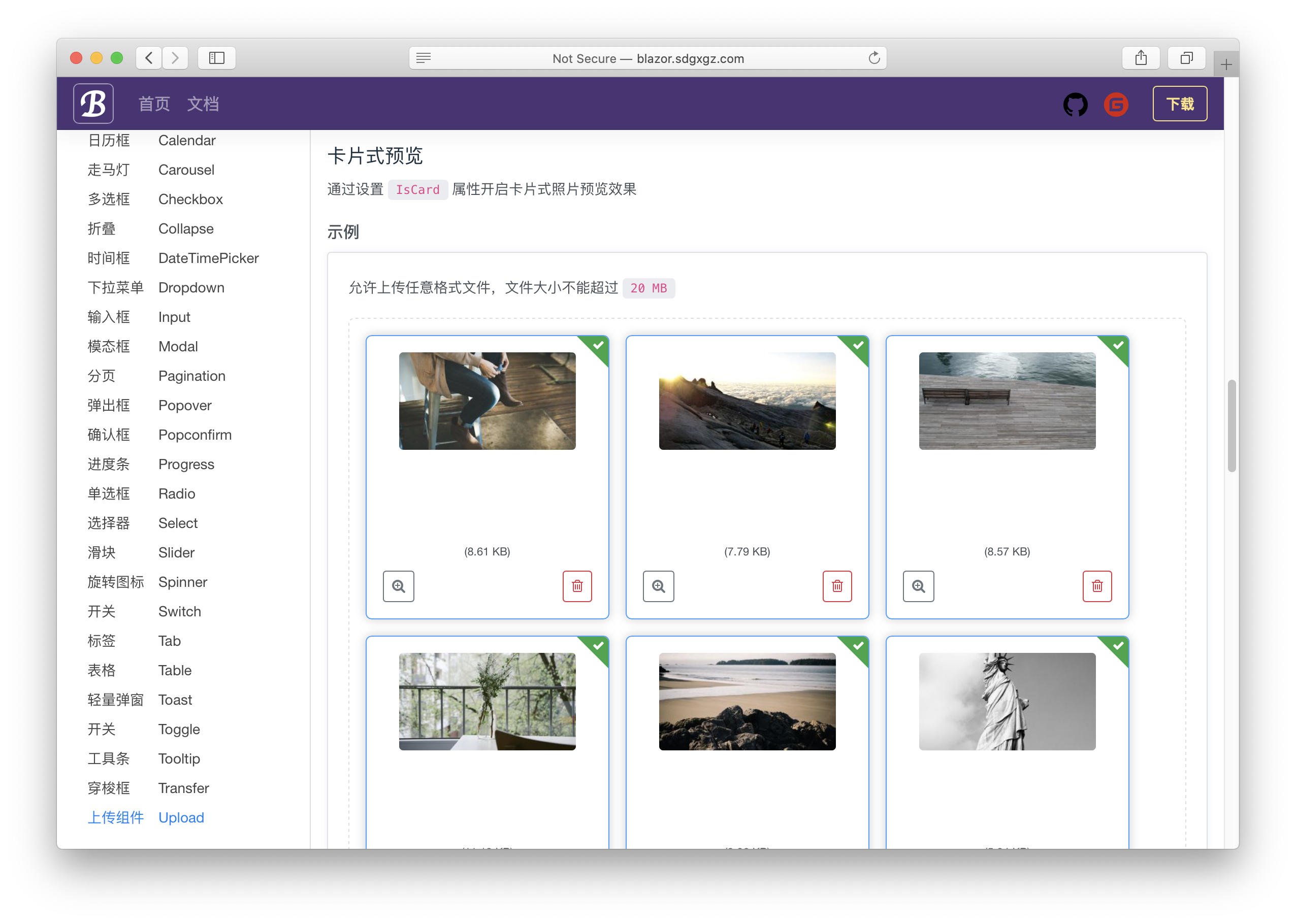

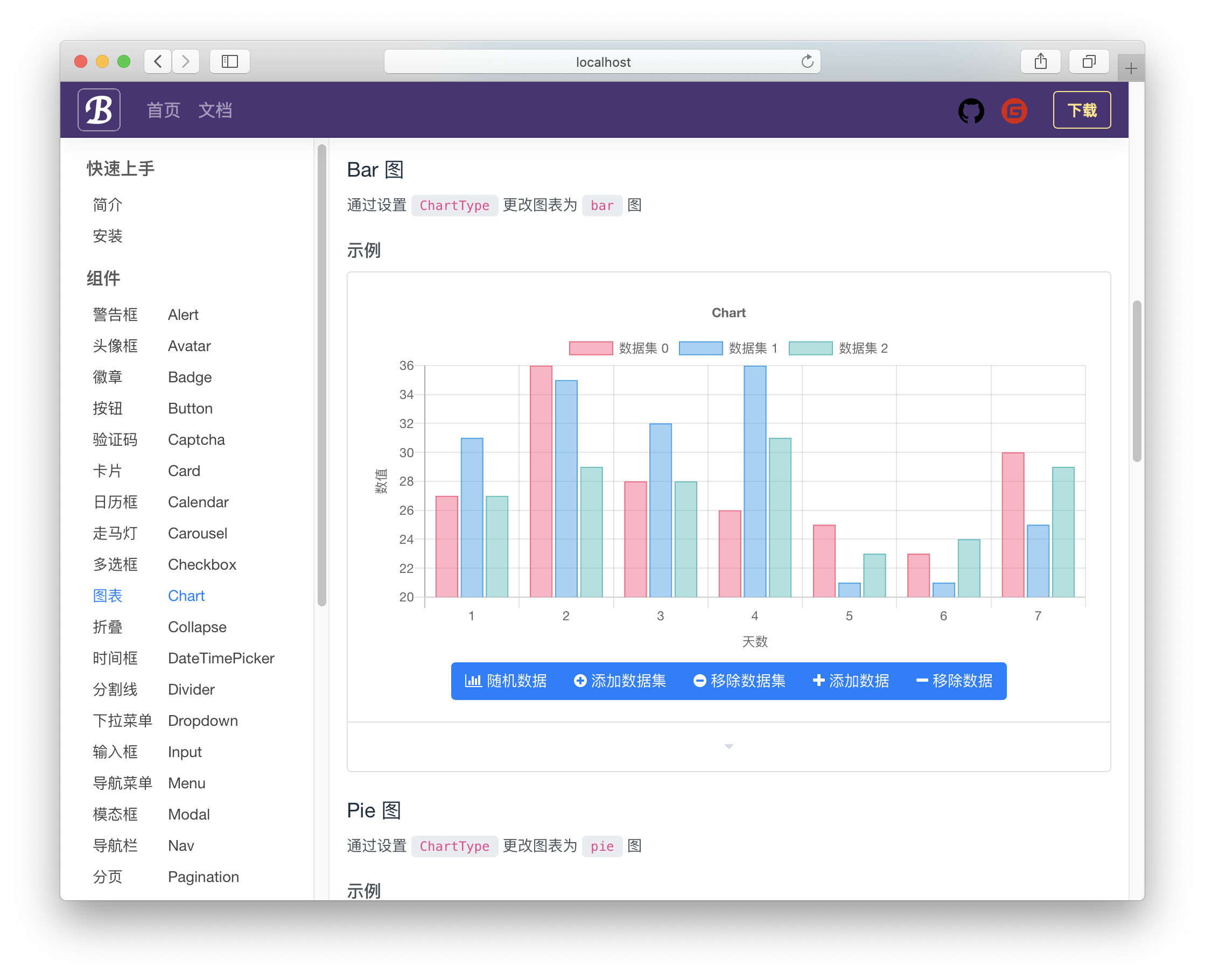
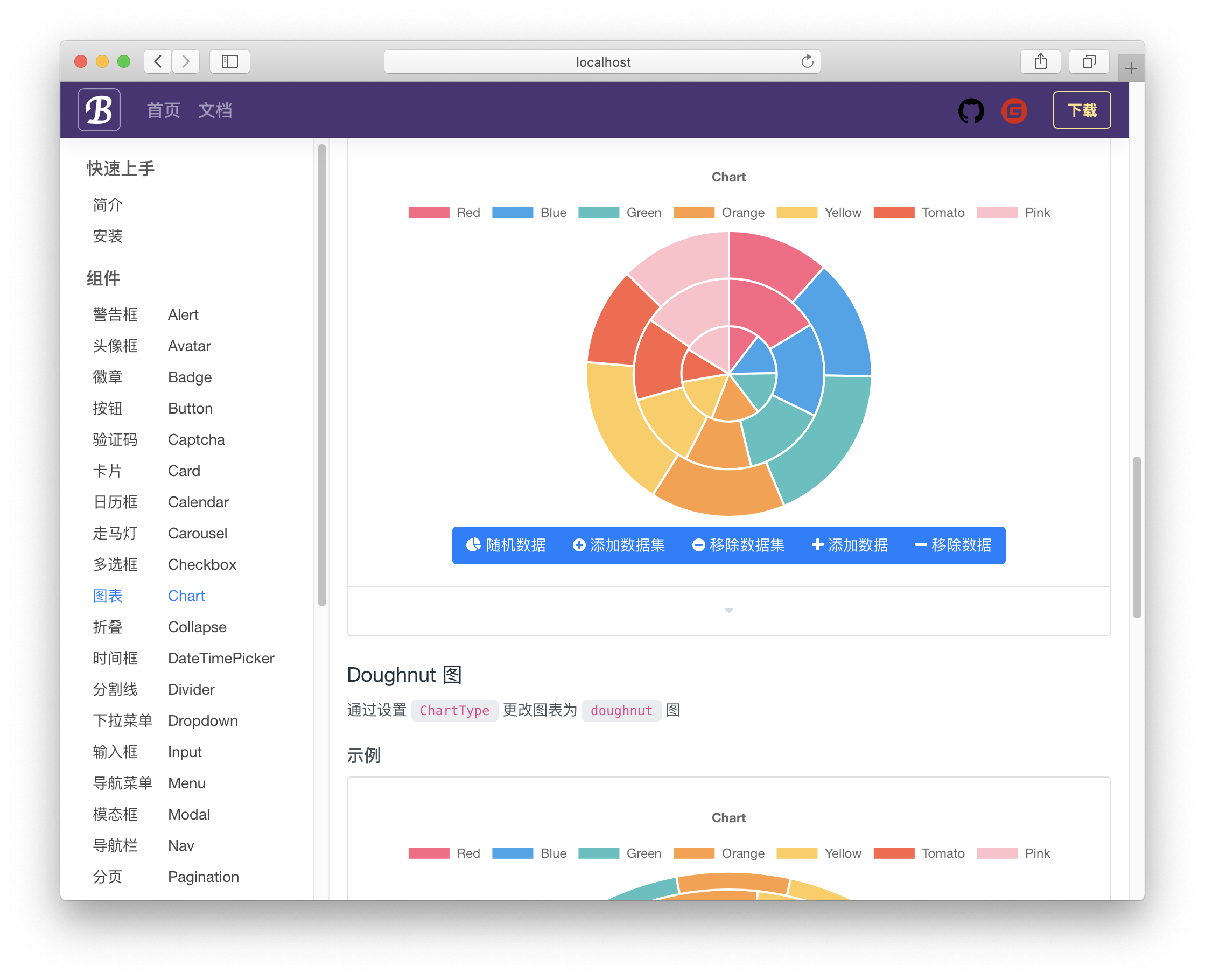
- Fork
- Create Feat_xxx branch
- Commit
- Create Pull Request
If this project is helpful to you, please scan the QR code below for a cup of coffee.