


Download media from the URL that contains multiple images/videos on Instagram!
$ npm install --global migger
OR
$ sudo npm install --global migger
 Usage: mig <command> [url] <option>
Command:
-d, --download Download all the media
-e, --export Export links in as JSON
Option:
-p, --path Specify path of the folder for files
Help:
-h, --help Show help
-v, --version Show current version
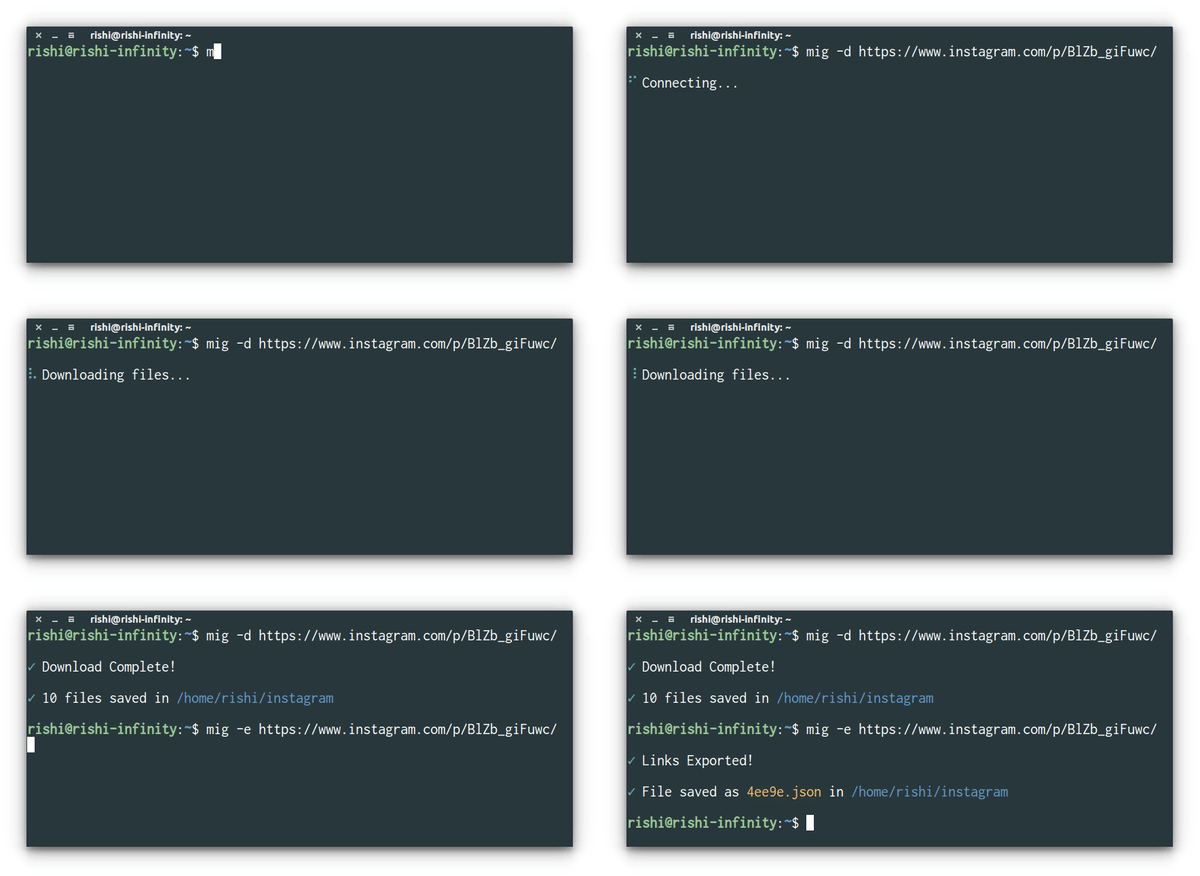

NOTE
By default, the saved media can be found in
/user/home/instagram/. There is no way to change the destination permanently.You can use
$ mig -d <url> --path /path/to/downloadto specify the destination of the folder. The default directory will always be/path/to/download/Instagram.Exported JSON files will be automatically saved in
/user/home/instagramwith a random name!
WHY?
- I don't know. I was stressed, so made it for fun. That's it.
instavim:Complete media downloader for Instagrammista:Scrape all downloadable urls of the Instagram posts that has multiple images or videos!instagram-profile-picture:Get url to the profile picture of any instagram user in different resolutions and more!instagram-links:Get links of the publicaly shared medias and profile picture available on Instagram!instafy:A command line Instagram media notifier!istalk:Don't pollute your browser history. Stalk Instagram users from the command line!image-of:Download profile picture of any facebook user!gravatar-of:Download avatar of gravatar users through their email id!twiger:A complete media downloader for twitter!
MIT - Copyright © Rishi Giri