


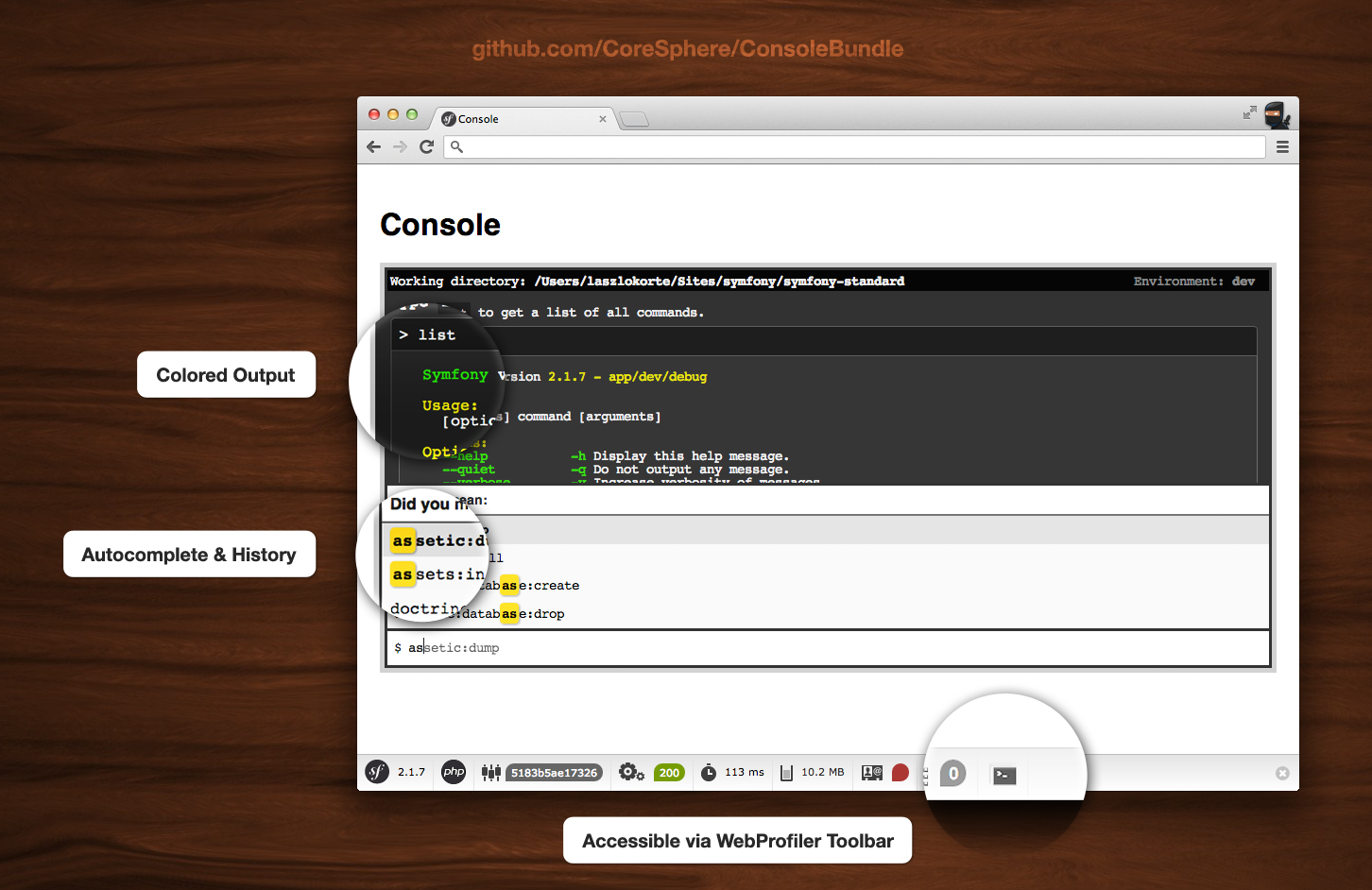
This bundle allows you accessing the Symfony2 console via your browser.
- Colored output
- Autocompletion for command names
- Local command history (localStorage)
cache:clearworks
Make sure you have php 5.5 or newer installed. Make sure your composer file does not override the required php version of your project with in older one via the
config.plattform.phpsetting.Install the latest version via composer:
composer require coresphere/console-bundle
Register the bundle in you AppKernel in the development section
// app/AppKernel.phppublicfunctionregisterBundles()
{
$bundles = [
// other bundles here...
];
if (in_array($this->getEnvironment(), ['dev', 'test'])) {
// ...$bundles[] = newCoreSphere\ConsoleBundle\CoreSphereConsoleBundle();
}
return$bundles;
}
Add the bundle's route to your app/config/routing_dev.yml
# app/config/routing_dev.yml# ..._main:
resource: routing.ymlcoresphere_console:
resource: .type: extra
run the assets:install command to install the css and js files
./app/console assets:install web
- Type
.clearto clear the console window
- jQuery
- Twig
Tested with:
- Chrome
- Firefox 4
- Opera 11
- Safari 5