IRMA offers a privacy-friendly, flexible and secure solution to many authentication problems, putting the user in full control over his/her data.
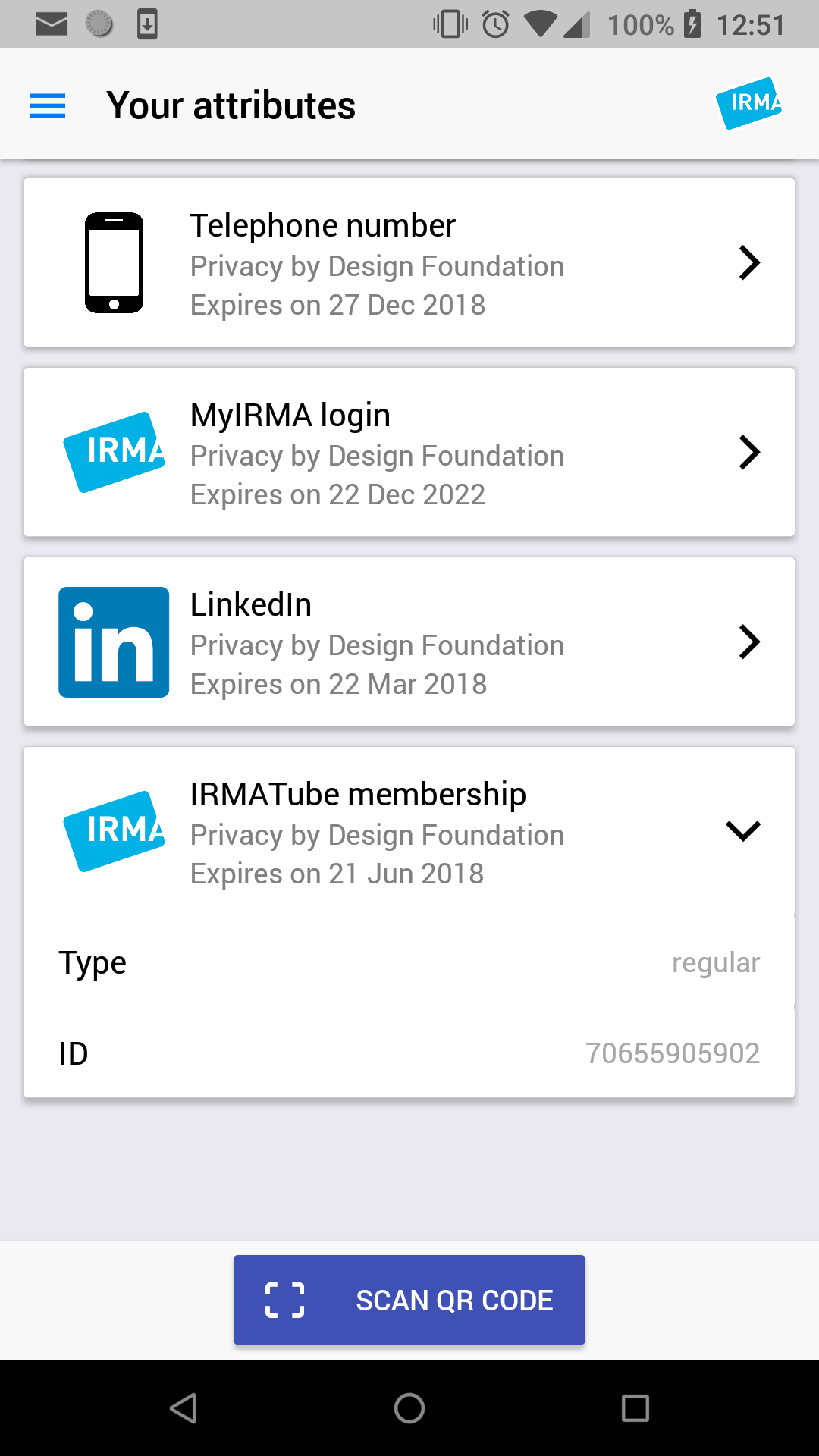
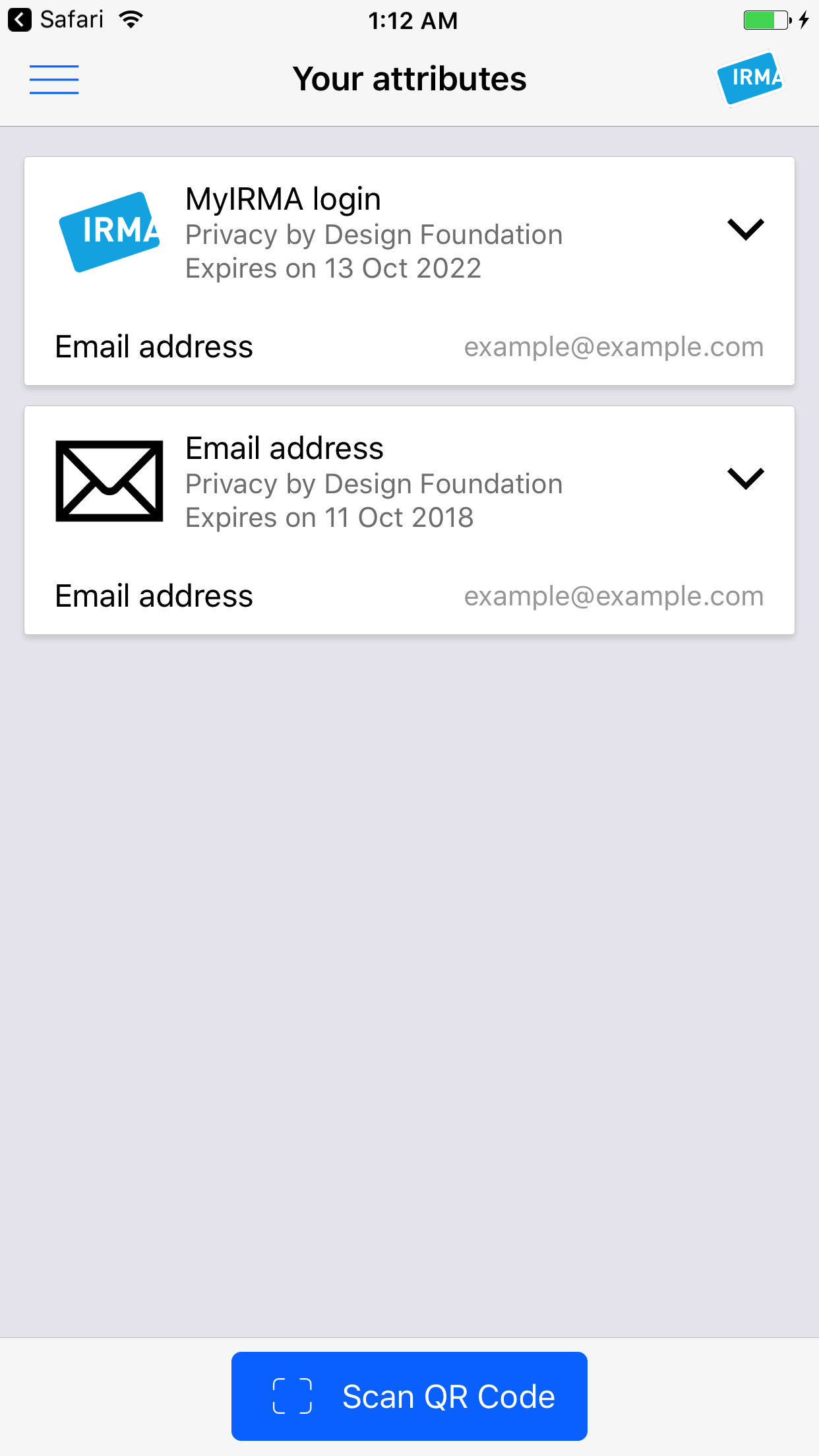
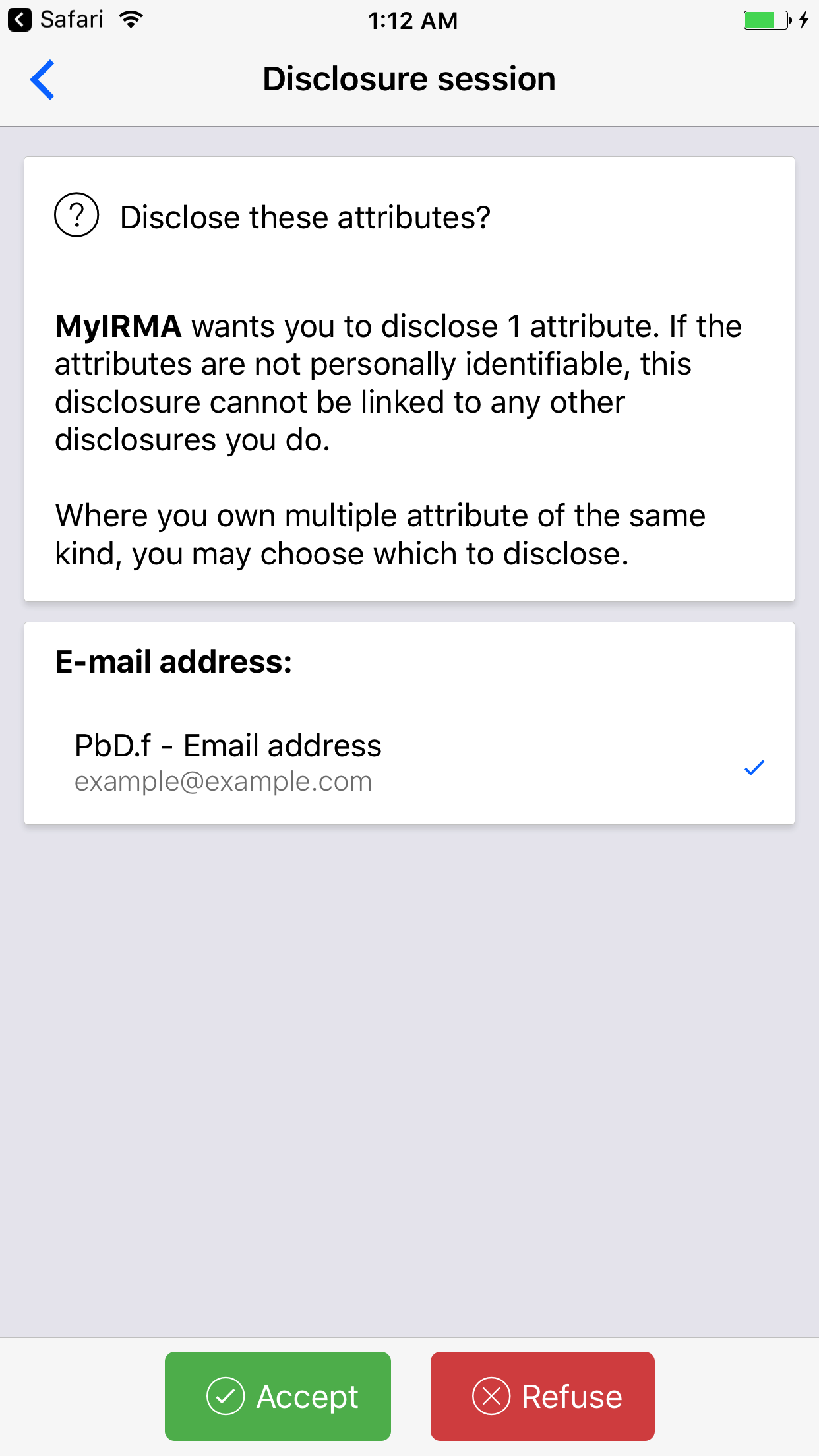
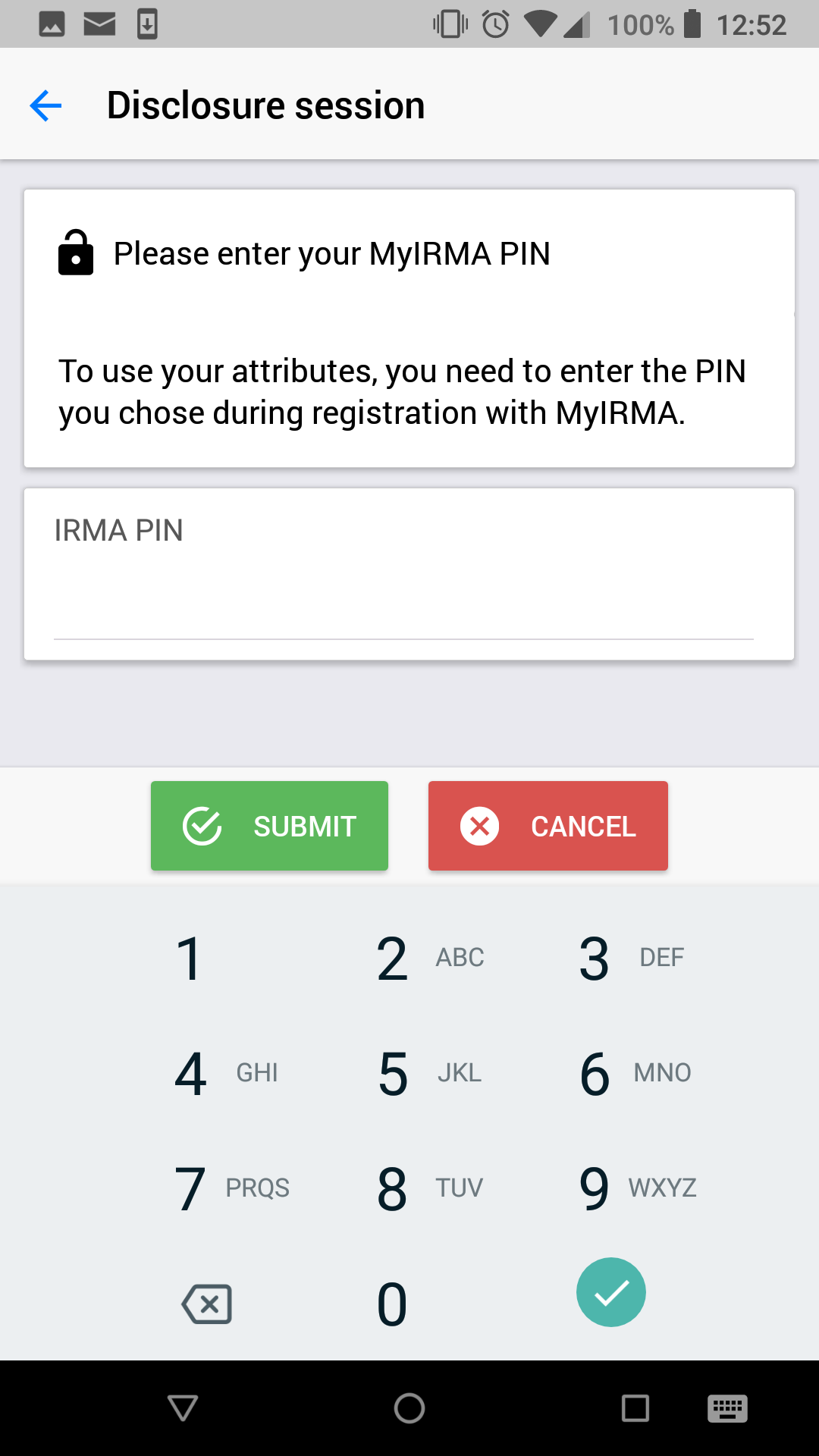
The IRMA app manages the user's IRMA attributes: receiving new attributes, selectively disclosing them to others, and attaching them to signed statements. These attributes can be relevant properties, such as: "I am over 18", "my name is ..." and "I am entitled to access ....". They are only stored on the user's device and nowhere else.
Follow the steps for "Installing dependencies" for "Building Projects with Native Code" (not the "Quick Start"):
- https://facebook.github.io/react-native/docs/0.51/getting-started.html (you may skip the step to install
react-native-cli) - Yarn is used for Javascript dependency management in this guide, but npm should work as well (except for compatibility with
yarn.lock): https://yarnpkg.com/en/docs/install - iOS:
- While React Native states a minimum requirement of Xcode 8, you should use Xcode 9 due to react/react-native#18944.
- Android:
- The Android NDK should also be installed through the SDK Manager. This can be done by checking the 'LLDB', 'CMake', and 'NDK' options in the SDK Tools tab.
- Verify that
$ANDROID_HOMEis properly set for your current and future shells
- https://facebook.github.io/react-native/docs/0.51/getting-started.html (you may skip the step to install
Install the Go toolchain and Dep package manager:
- https://golang.org/doc/install
- Setup your GOPATH environmental variable
- We use Dep to install specific git revisions of Go packages: https://golang.github.io/dep/docs/installation.html
Install and init gomobile:
- This will take a (quiet) while:
go get golang.org/x/mobile/cmd/gomobile gomobile init- Android:
gomobile initshould automatically pickup the Android NDK if it is installed through the SDK Manager and$ANDROID_HOMEis set. Otherwise you need to use the-ndkoption.
Clone this project so it is located inside your
$GOPATH:go get github.com/privacybydesign/irma_mobileshould do the trick- You can ignore the
no Go codewarning; we fetch the dependencies of theirmagobridgesubpackage via Dep.
Install Javascript dependencies using Yarn or NPM, and vendor Go dependencies:
cd $GOPATH/src/github.com/privacybydesign/irma_mobile
yarn install
dep ensure
Connect your phone with a cable, or use a simulator
- iOS:
- By default, a new simulator is automatically created when building the app in the next step. See
yarn run react-native run-ios --helpfor more options.
- By default, a new simulator is automatically created when building the app in the next step. See
- Android:
- If using a physical phone, verify that the device is visible with the command
adb devices - To create an Android Virtual Device, follow the steps under "Preparing the Android device" for "Building Projects with Native Code": https://facebook.github.io/react-native/docs/0.51/getting-started.html
- By default, the only available device or simulator will be used when running the app in the next step. See
yarn run react-native run-android --helpfor more options.
- If using a physical phone, verify that the device is visible with the command
- iOS:
Build and run the app for development:
yarn run iosor
yarn run android- Alternatively, Xcode or Android Studio can be used to launch the app and use the IDE tools.
If Javascript compilation fails with an error that some source cannot be resolved or located (i.e. cannot resolve 'lib/...', 'store/...'), it often helps to clear the Babel build cache with
yarn start --reset-cache. You may need to kill old Node server (killall node) if you get a port binding error.If you get the following error during compilation of the go bridge on Go 1.10,
package gobind: cannot find package "gobind" in any of" by upgrade go and gomobile, try to upgrade gomobile to the latest version and rungomobile initagain (see gomobile issue 108336).If you get this error during compilation of the go bridge for Android:
seq_android.c:213:3: error: implicitly declaring library function 'memcpy' with type 'void *(void *, const void *, unsigned long)' [-Werror,-Wimplicit-function-declaration]
seq_android.c:213:3: note: include the header <string.h> or explicitly provide a declaration for 'memcpy'
Then you have a too new version of the Android NDK (>=r16), see here: golang/go#22766
You can workaround this by including
string.hin the following file:$GOPATH/src/golang.org/x/mobile/bind/java/seq_android.c.supportIf you get this error during running on Android in debug mode:
adb server version (36) doesn't match this client (39); killing...Then try
adb reconnectIf your iOS build seems to fail with
error: An organization slug is required (provide with --org), this actually isn't a fatal error and IRMA.app will be successfully installed to your device. The error is due to asentry.propertiesfile which isn't necessary in development. This should be fixed to not be a failure in development.
We use BrowserStack to test on actual devices: