UE4 plugin for managing unused assets and empty folders in project.
No more Migration and other hacky methods needed.
Versions Supported: 4.25+
Version for UE5 early access now available UE5 Docs
Platform: Windows
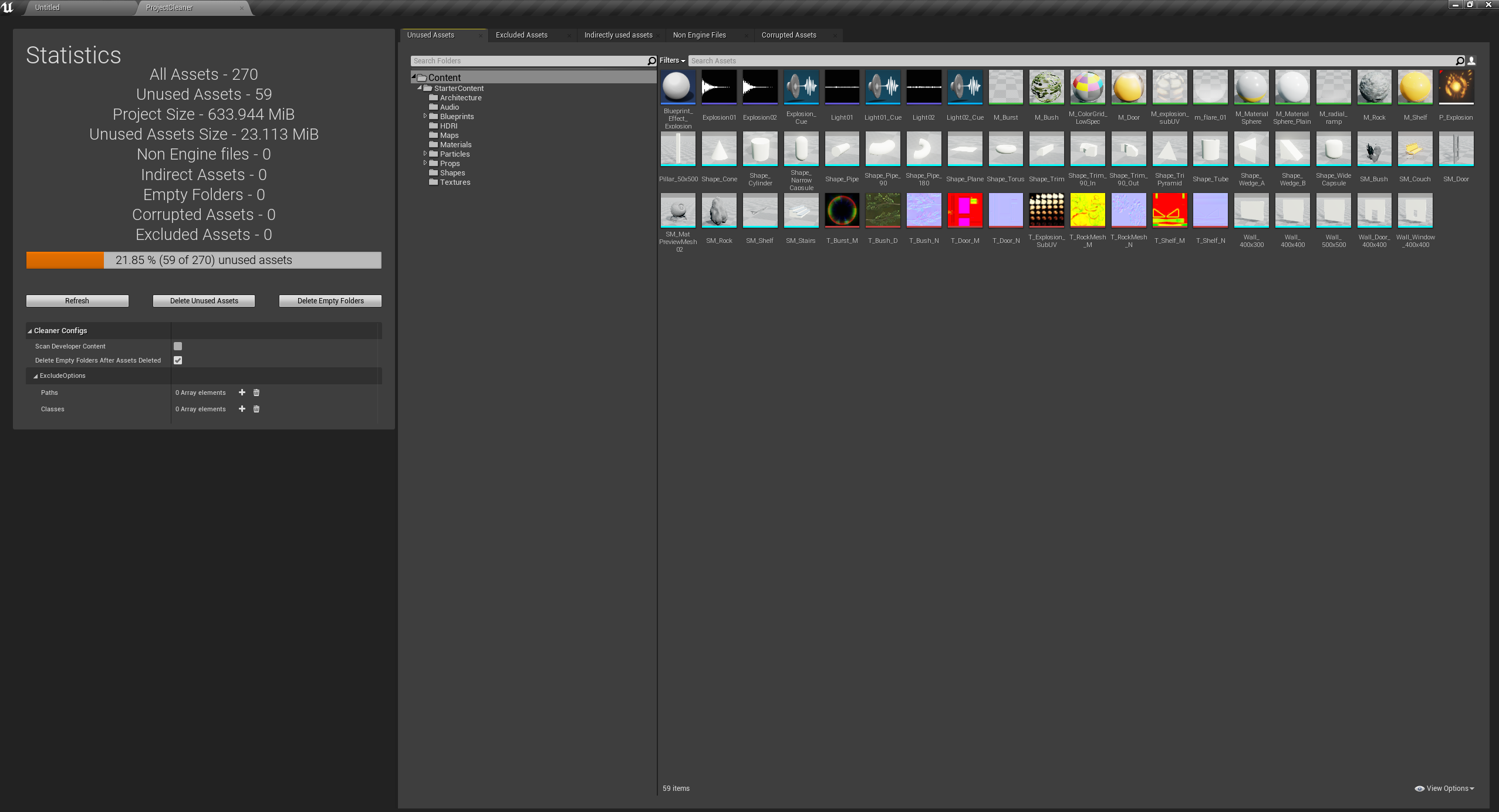
Plugin available on marketplace Marketplace URL
- Create 'Plugins' folder in your project root directory
- Download appropriate version of .zip in releases
- Extract to Plugins folder
- Open Project, and thats it!
- Create 'Plugins' folder in your project root directory
- Clone repository to 'Plugins' folder (make sure you picked correct branch for your engine version)
- Build solution and that it!
- Unused assets detection (Unused assets Docs)
- Empty folders detection
- Non Engine files detection (Non Engine Files Docs)
- Corrupted assets detection (Corrupted assets Docs)
- Indirectly used assets detection (Indirectly used assets Docs)
- Configurable options for scanning
- Command line interface (CLI docs)
- Beta version for UE5 (UE5 Docs)