Uh oh!
There was an error while loading. Please reload this page.
issue #1061 Port zxcvbnStrengthBar - #1064
Conversation

IvanPizhenko
commented
Mar 7, 2021
I'll add a bit more tests for the |
IvanPizhenko
commented
Mar 7, 2021
@tomholub Please recheck, I've added tests for random() and made a fix in it. |
| @Test | ||
| fun testBytesToPassword() { | ||
| val bytes = byteArrayOf(1, 2, 3, 4, 5, 6, 7, 8, 9, 0, 10, 11, 12, 13, 14, 15) | ||
| assertEquals("1234-5678-90AB-CDEF", PgpPwd.bytesToPassword(bytes)) |
There was a problem hiding this comment.
@DenBond7 this is what we use on browser extension when the provided private key is missing a pass phrase - we offer to auto-generate one. Is there a similar mechanism on Android yet? Or do we always ask user to provide a new one pass phrase?
There was a problem hiding this comment.
bytesToPassword() is not separate funciton in the original source code, but I've moved it here into the separate function to make it easier testable.
There was a problem hiding this comment.
@DenBond7 this is what we use on browser extension when the provided private key is missing a pass phrase - we offer to auto-generate one. Is there a similar mechanism on Android yet? Or do we always ask user to provide a new one pass phrase?
We always ask a user to provide a pass phrase
There was a problem hiding this comment.
Got it. Eventually we may support this scenario to auto-generate for user. Not a priority for now, 2022
IvanPizhenko
commented
Mar 7, 2021
I've moved that to the package |
DenBond7
commented
Mar 8, 2021
That's a good choice. Please use that package as a root place of things that relate to PGP. |
| <component name="ProjectModuleManager"> | ||
| <modules> | ||
| <module fileurl="file://$PROJECT_DIR$/flowcrypt-android.iml" filepath="$PROJECT_DIR$/flowcrypt-android.iml" /> | ||
| <module fileurl="file://$PROJECT_DIR$/.idea/modules/flowcrypt-android.iml" filepath="$PROJECT_DIR$/.idea/modules/flowcrypt-android.iml" /> |
There was a problem hiding this comment.
@IvanPizhenko Please don't save such changes. Android Studio and IDEA have different folders for settings. Just skip them.

There was a problem hiding this comment.
@DenBond7 I'm using latest Android Studio for working in this repo. so not sure why that has happened.
DenBond7
commented
Mar 8, 2021
@IvanPizhenko
|
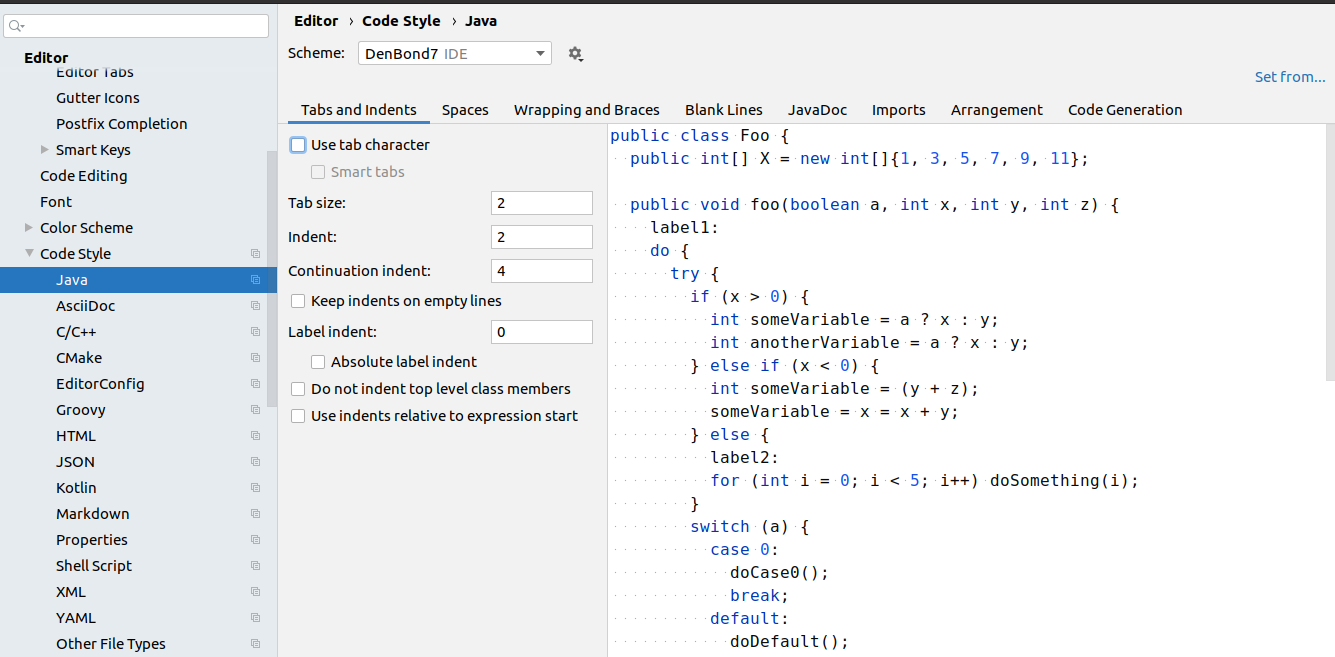
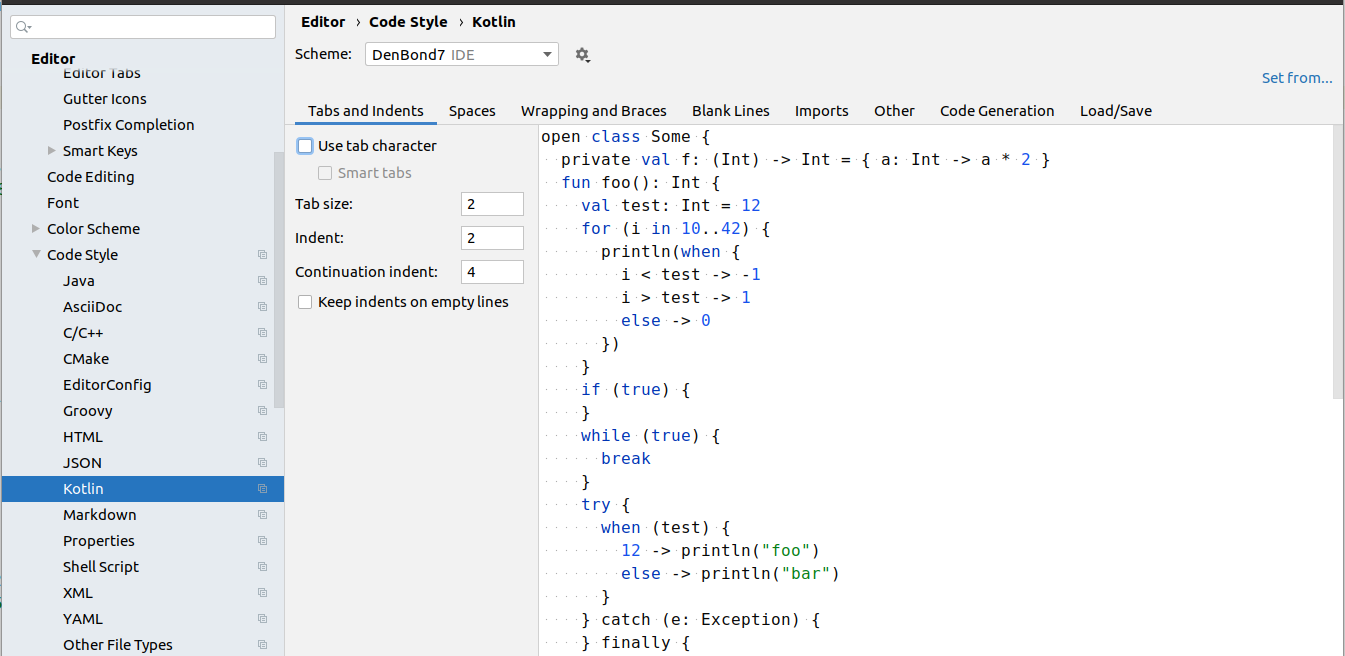
tomholub
commented
Mar 8, 2021
Is the failed test still ok for merging? |
DenBond7
commented
Mar 8, 2021
Yes, it is. You can merge these changes. I've fixed tests, but the fixed code is stored in 1.1.6 |
@DenBond7 Such formatting settings can be saved per project and checked in into repo, so you don't need to to tune IDE-wide settings. Then, when you open project, setting become effective automatically, no matter what the IDE-wide settings are. This was already done in another repository and works good. I suggest to do the same here. I can prepare PR. |
@DenBond7 I've made a clean clone of this repo and opened it in the Android Studio, and here's what it has done: <project version="4">
<component name="ProjectModuleManager">
<modules>
- <module fileurl="file://$PROJECT_DIR$/flowcrypt-android.iml" filepath="$PROJECT_DIR$/flowcrypt-android.iml" />+ <module fileurl="file://$PROJECT_DIR$/.idea/modules/flowcrypt-android.iml" filepath="$PROJECT_DIR$/.idea/modules/flowcrypt-android.iml" />
<module fileurl="file://$PROJECT_DIR$/.idea/modules/FlowCrypt/flowcrypt-android.FlowCrypt.iml" filepath="$PROJECT_DIR$/.idea/modules/FlowCrypt/flowcrypt-android.FlowCrypt.iml" />
</modules>
</component>
-</project>+</project>Can you please make sure you also have the same latest stable version of the Android Studio and try to do the same? |
close#1061