Simple navbar component for GrapesJS editor
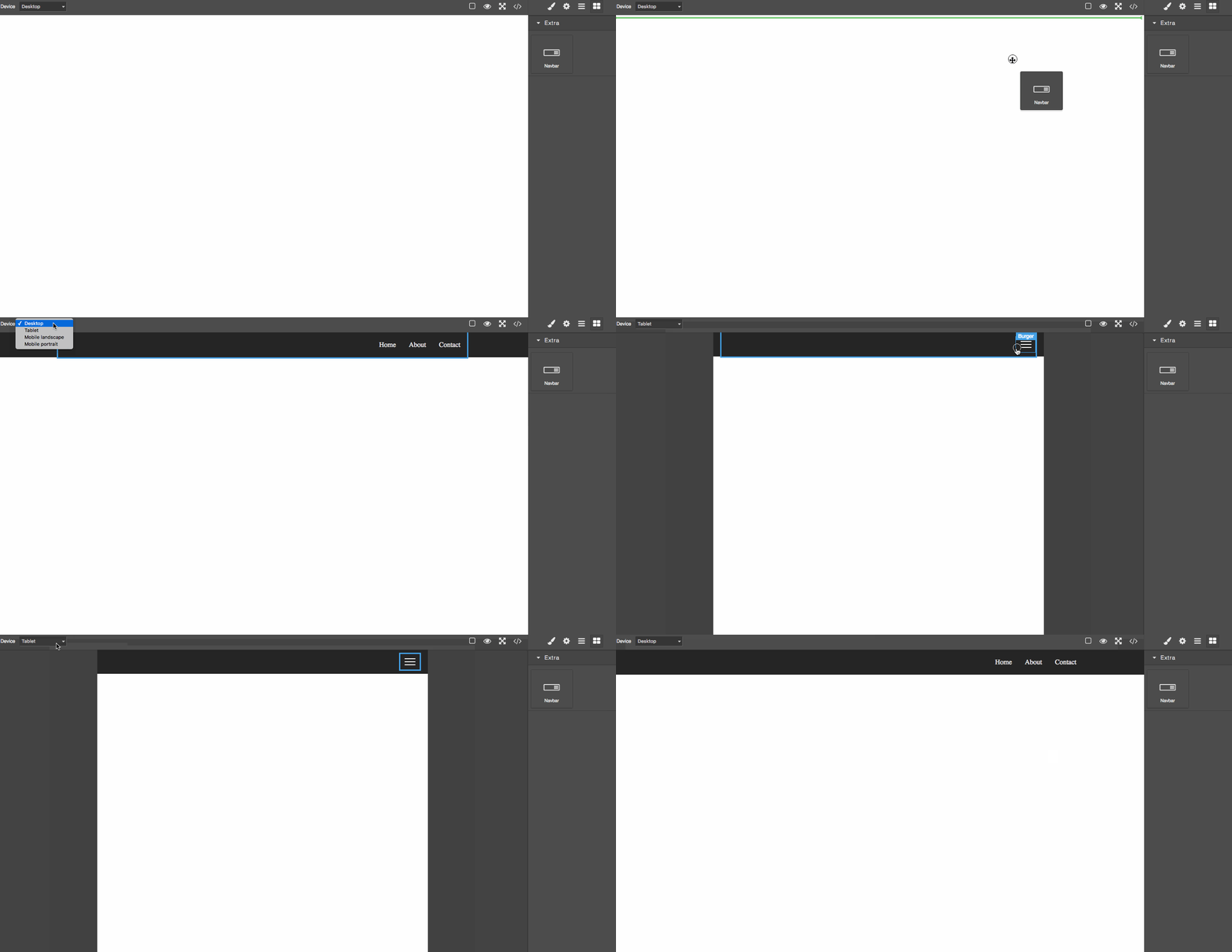
- Plugin name:
grapesjs-navbar - Blocks:
navbar - Components:
navbar,navbar-container,navbar-nav-menu,navbar-nav-menu-link,navbar-burger-menu,navbar-burger-menu-line
| Option | Description | Default |
|---|---|---|
id | The ID used to create the block and component. | navbar |
label | The label used for the block and the component. | Navbar |
block | Object to extend the default block, eg. { category: 'Extra', ... }. Pass a falsy value to avoid adding the block. | {} |
style | Custom CSS styles for the component. This will replace the default one. | '' |
styleAdditional | Additional CSS styles for the component. These will be appended to the default one. | '' |
classPrefix | Component class prefix. | navbar |
- CDN
https://unpkg.com/grapesjs-navbar
- NPM
npm i grapesjs-navbar
- GIT
git clone https://github.com/GrapesJS/components-navbar.git.git
Directly in the browser
<linkhref="path/to/grapes.min.css" rel="stylesheet"/><scriptsrc="path/to/grapes.min.js"></script><scriptsrc="path/to/grapesjs-navbar.min.js"></script><divid="gjs"></div><scripttype="text/javascript">vareditor=grapesjs.init({container : '#gjs',plugins: ['grapesjs-navbar'],pluginsOpts: {'grapesjs-navbar': {/* ...options */}}});</script>Modern javascript
importgrapesjsfrom'grapesjs';importpluginfrom'grapesjs-navbar';consteditor=grapesjs.init({container : '#gjs',// ...plugins: [plugin],pluginsOpts: {[plugin]: {/* options */}}// orplugins: [editor=>plugin(editor,{/* options */}),],});Clone the repository
$ git clone https://github.com/GrapesJS/components-navbar.git.git
$ cd grapesjs-navbar
Install it
$ npm iStart the dev server
$ npm startBuild before the commit. This will also increase the patch level version of the package
$ npm run buildBSD 3-Clause