Versão README Português




- PLP - product listing page, a.k.a. category page
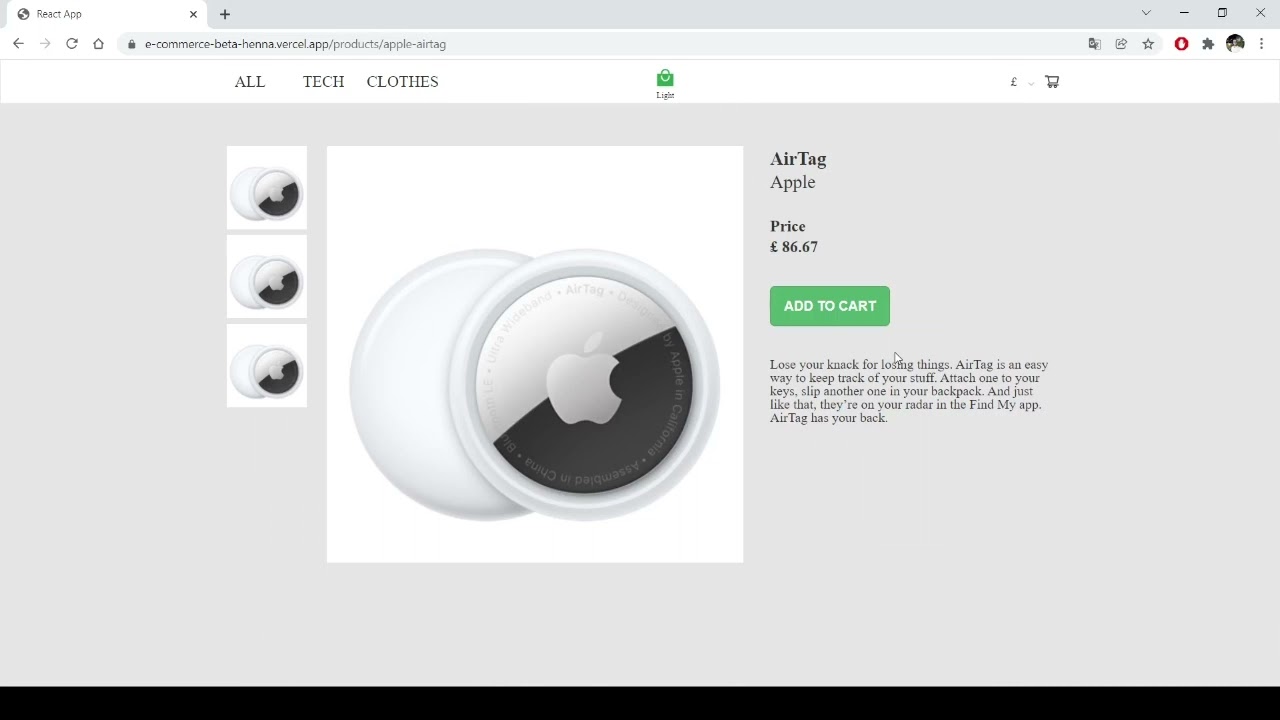
- PDP - product description page, a.k.a. product page
- Cart page + Cart overlay (minicart)
- REACT - Class Components as standard;
- REDUX to control variables as currency, products, attributes, qtds;
- REDUX-Persist to save user data;
- Data fetch in GRAPHQL (Endpoint provided by Scandiweb) using Apollo Client.
- Styled components to manage props and theme dark/light mode.
- Router-DOM to manage different Routes.
react-modalreact-selectswiperreact-iconspolishedhtml-react-parser.
- Open another terminal in the folder of this repository.
- Utilize commands:
cd BackendEndpoint&&yarn install&&yarn build&&yarn startand the server will run at localhost:4000. (cd BackendEndpoint&&npm i&&npm run build&&npm start)
You can also open the original repository with just the backend and follow the instructions in it.
Access here to visualize the Endpoint repository.
[Access link here] (https://e-commerce-beta-henna.vercel.app/) to visualize this project build.
Or utilize commands yarn install && yarn start in the folder of this repository. (npm install --legacy-peer-deps && npm start)
This project was bootstrapped with Create React App.
yarn installyarn startyarn build