
A demo application to illustrate how Inertia.js works.
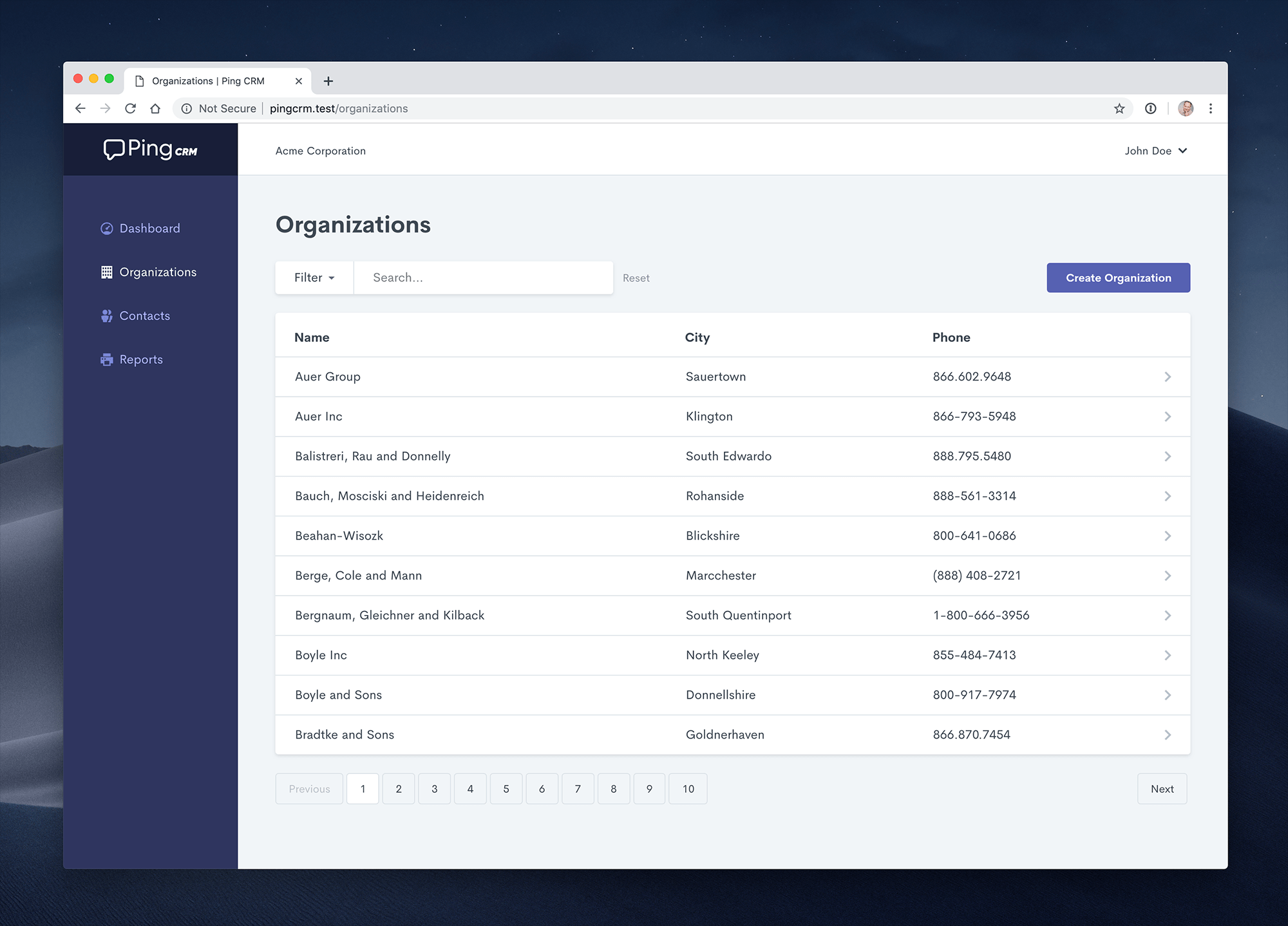
Clone the repo locally:
git clone https://github.com/inertiacore/pingcrm.git pingcrm
cd pingcrm
Install .NET dependencies:
dotnet restoreInstall NPM dependencies:
npm ciBuild assets:
npm run devRun database migrations:
dotnet ef database updateRun the dev server (the output will give the address):
dotnet runYou're ready to go! Visit Ping CRM in your browser, and login with:
- Username:johndoe@example.com
- Password: secret
You can also run the application using Docker Compose:
# Clone the repository
git clone https://github.com/inertiacore/pingcrm.git pingcrm
cd pingcrm
# Run with Docker Compose
docker compose up -d
Create a compose.yml file in the project root:
services:
pingcrm:
image: ghcr.io/inertiacore/pingcrm:latestports:
- "8080:8080"environment:
- ASPNETCORE_ENVIRONMENT=Production
- ASPNETCORE_URLS=http://+:8080
- Database__Provider=Sqlite
- Database__ConnectionStrings__Sqlite=Data Source=/app/data/pingcrm.dbvolumes:
- pingcrm_data:/app/datarestart: unless-stoppedvolumes:
pingcrm_data:
Alternative with PostgreSQL:
version: "3.8"services:
pingcrm:
image: ghcr.io/inertiacore/pingcrm:latestports:
- "8080:8080"environment:
- ASPNETCORE_ENVIRONMENT=Production
- ASPNETCORE_URLS=http://+:8080
- Database__Provider=PostgreSQL
- Database__ConnectionStrings__PostgreSQL=Host=postgres;Database=pingcrm;Username=pingcrm;Password=pingcrm_passworddepends_on:
- postgresrestart: unless-stoppedpostgres:
image: postgres:15environment:
- POSTGRES_DB=pingcrm
- POSTGRES_USER=pingcrm
- POSTGRES_PASSWORD=pingcrm_passwordvolumes:
- postgres_data:/var/lib/postgresql/datarestart: unless-stoppedvolumes:
postgres_data:
The application will be available at http://localhost:8080
To run the Ping CRM tests, run:
dotnet test
All configuration options can be set via environment variables that override values in appsettings.json. Environment variables follow the pattern Section__Property (note the double underscore).
| appsettings.json | Environment Variable | Description |
|---|---|---|
Database:Provider | Database__Provider | Database provider: Sqlite, SqlServer, PostgreSQL, or MySQL |
Database:ConnectionStrings:Sqlite | Database__ConnectionStrings__Sqlite | SQLite connection string |
Database:ConnectionStrings:SqlServer | Database__ConnectionStrings__SqlServer | SQL Server connection string |
Database:ConnectionStrings:PostgreSQL | Database__ConnectionStrings__PostgreSQL | PostgreSQL connection string |
Database:ConnectionStrings:MySQL | Database__ConnectionStrings__MySQL | MySQL connection string |
Add the following to your appsettings.json to configure forwarded headers:
{
"ForwardedHeaders": {
"ForwardLimit": 2,
"KnownProxies": ["127.0.10.1", "192.168.1.100"],
"ForwardedForHeaderName": "X-Forwarded-For"
}
}| appsettings.json | Environment Variable | Description |
|---|---|---|
ForwardedHeaders:ForwardLimit | ForwardedHeaders__ForwardLimit | Number of proxies to trust (default: 1) |
ForwardedHeaders:KnownProxies | ForwardedHeaders__KnownProxies__0, ForwardedHeaders__KnownProxies__1, etc. | Array of trusted proxy IP addresses |
ForwardedHeaders:ForwardedForHeaderName | ForwardedHeaders__ForwardedForHeaderName | Custom header name for forwarded-for (default: X-Forwarded-For) |
| appsettings.json | Environment Variable | Description |
|---|---|---|
Logging:LogLevel:Default | Logging__LogLevel__Default | Default log level |
Logging:LogLevel:Microsoft | Logging__LogLevel__Microsoft | Microsoft namespace log level |
| appsettings.json | Environment Variable | Description |
|---|---|---|
AllowedHosts | AllowedHosts | Semicolon-separated list of allowed host headers |