
In this exercise, the goal is to learn various use cases with hooks:
- React Hooks
In this lab we will try to work with hooks in react. You can use a single component or create one component for each progression. This lab is just for your reference and kinldy explore the power of react hooks.
The following piece of code is written inside UseState.jsx componenet. This component will be rendered inside App.jsx.
The following piece of code displays as how useState hook can be used to update an element.
Free feel to copy this code, and experiment around.
import{useState}from"react";import"../App.css"functionUseState(){const[currAge,setAge]=useState(19);consthandleAge=()=>{setAge(currAge+1);}return(<div><h3>My Current Age is {currAge}</h3><buttononClick={handleAge}>Get Older</button></div>);}exportdefaultUseState;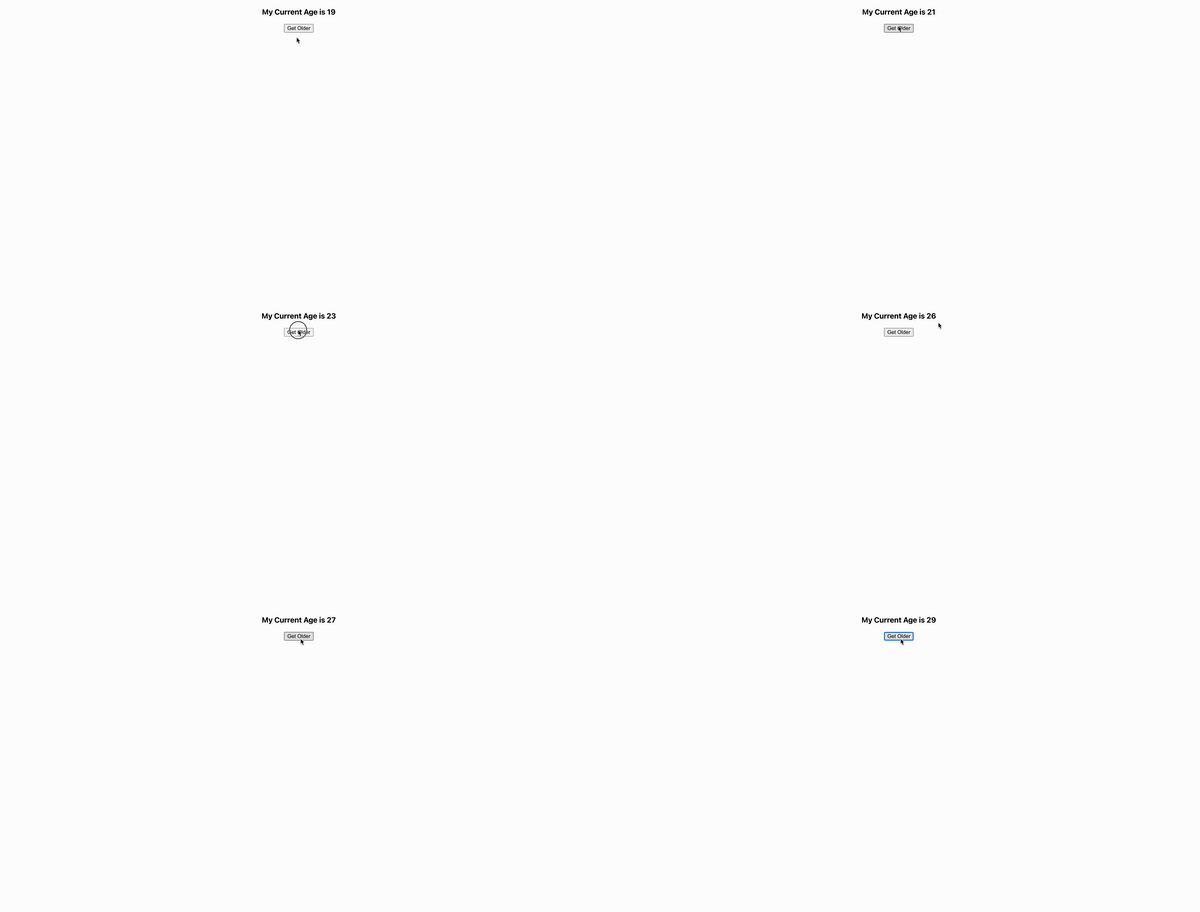
Adding multiple useState hook, inside UseState.jsx file. This component will be rendered inside App.jsx.
The following piece of code displays as how multiple useState hooks can be used to update elements.
Free feel to copy this code, and experiment around.
import{useState}from"react";import"../App.css"functionUseState(){const[currAge,setAge]=useState(19);const[currSib,setSib]=useState(1);consthandleAge=()=>{setAge(currAge+1);}consthandleSib=()=>{setSib(currSib+1);}return(<div><h3>My Current Age is {currAge}</h3><h4>My siblings {currSib}</h4><buttononClick={handleAge}>Get Older</button><buttononClick={handleSib}>Get more Sib</button></div>);}exportdefaultUseState;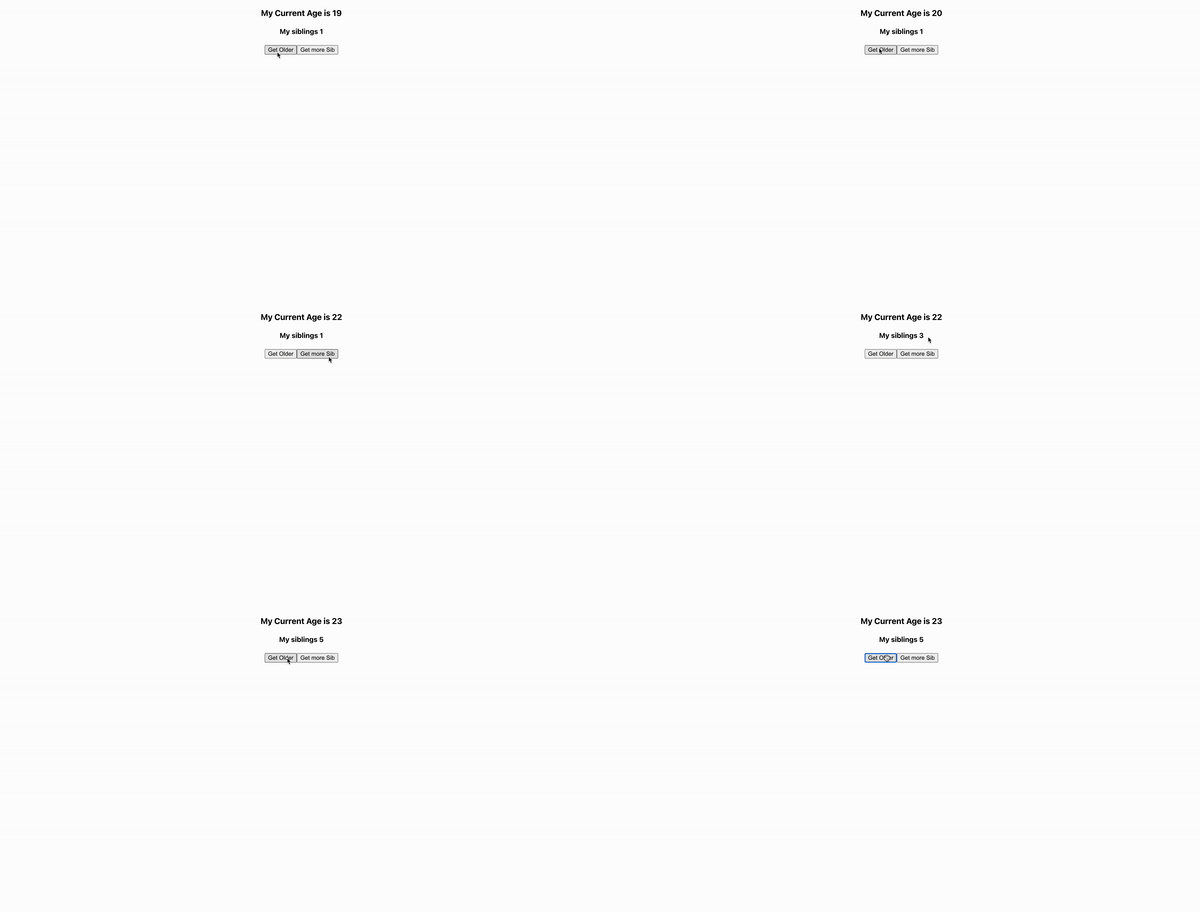
We can modify the above UseState.jsx file, and get the same output by setting the initial value inside useState as an object.
The output of the following code will be the same as the above output that we got from PROGRESSION 2.
Feel free to copy this code, and experiment more.
import{useState}from"react";import"../App.css"functionUseState(){const[state,setState]=useState({age:19,siblings:3});consthandleState=(val)=>{setState({
...state,[val]:state[val]+1})}const{age,siblings}=state;return(<div><h3>My Current Age is {age}</h3><h4>My siblings {siblings}</h4><buttononClick={()=>{handleState("age")}}>age</button><buttononClick={()=>{handleState("siblings")}}>sib</button></div>)}exportdefaultUseState;We can modify the above UseState.jsx file, and get the same output by initializing state from function.
The output of the following code will be the same as the above output that we got from PROGRESSION 2.
Feel free to copy this code, and experiment more.
import{useState}from"react";import"../App.css"functionUseState(){const[currAge,setAge]=useState(19);const[currSib,setSib]=useState(3);return(<div><h3>My Current Age is {currAge}</h3><h4>My siblings {currSib}</h4><buttononClick={()=>setAge(currAge=>currAge+1)}>age</button><buttononClick={()=>setSib(currSib=>currSib+1)}>sib</button></div>)}exportdefaultUseState;By adding a useEffect hook to the same UseState.jsx file (used in PROGRESSION 4 ) , the following output can be achieved - as shown in the given gif.
There are few things, which you should explore and experiment.
- Try replacing [currAge] with [currSib] --> and see what happens. When you are replacing [currAge] to [currSib], don't forget to make changes in alert().
- Try giving an empty array as well, as the second parameter of
useEffect.
Apart from the above two exploration tasks, you can experiment more to get a better understanding of the code.
import{useState}from"react";import{useEffect}from"react";functionUseState(){const[currAge,setAge]=useState(19);const[currSib,setSib]=useState(3);useEffect(()=>{alert(`something changed ${currAge}`)},[currAge])return(<div><h3>My Current Age is {currAge}</h3><h4>My siblings {currSib}</h4><buttononClick={()=>setAge(currAge=>currAge+1)}>age</button><buttononClick={()=>setSib(currSib=>currSib+1)}>sib</button></div>)}exportdefaultUseState;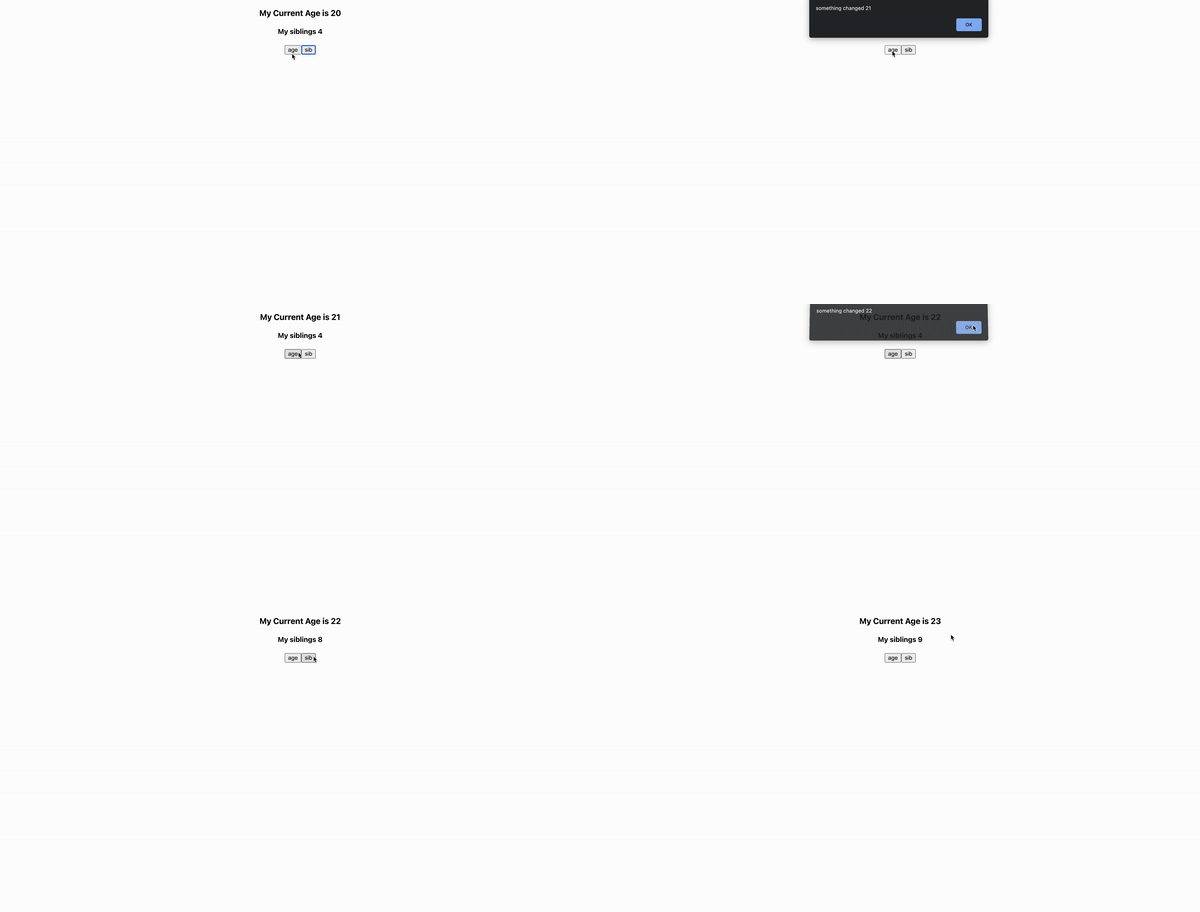
Here the focus is on using the hook useContext. You can refer to the following code, which provides a toggle functionality -> which can changes the background color whenever it the toggle button is clicked.
Feel free to copy this piece of code, and experiment around.
App.jsx:
import{useState}from'react';import'./App.css';importUseContextfrom'./components/UseContext';exportconstToggleTheme=React.createContext()functionApp(){const[state,setState]=useState(true)consthandleToggle=()=>{setState(state=>!state)}return(<ToggleTheme.Providervalue={state}><buttononClick={handleToggle}>Toggle</button><UseContext/></ToggleTheme.Provider>);}exportdefaultApp;UseContext.jsx:
import{useContext}from"react";import{ToggleTheme}from"../App";functionUseContext(){consttheme=useContext(ToggleTheme);constthemeStyle={backgroundColor: theme?"black":"grey",color:theme?"grey":"black",padding:"2rem",margin:"2rem"}return(<divstyle={themeStyle}>
This is made by Kalvium
</div>)}exportdefaultUseContext;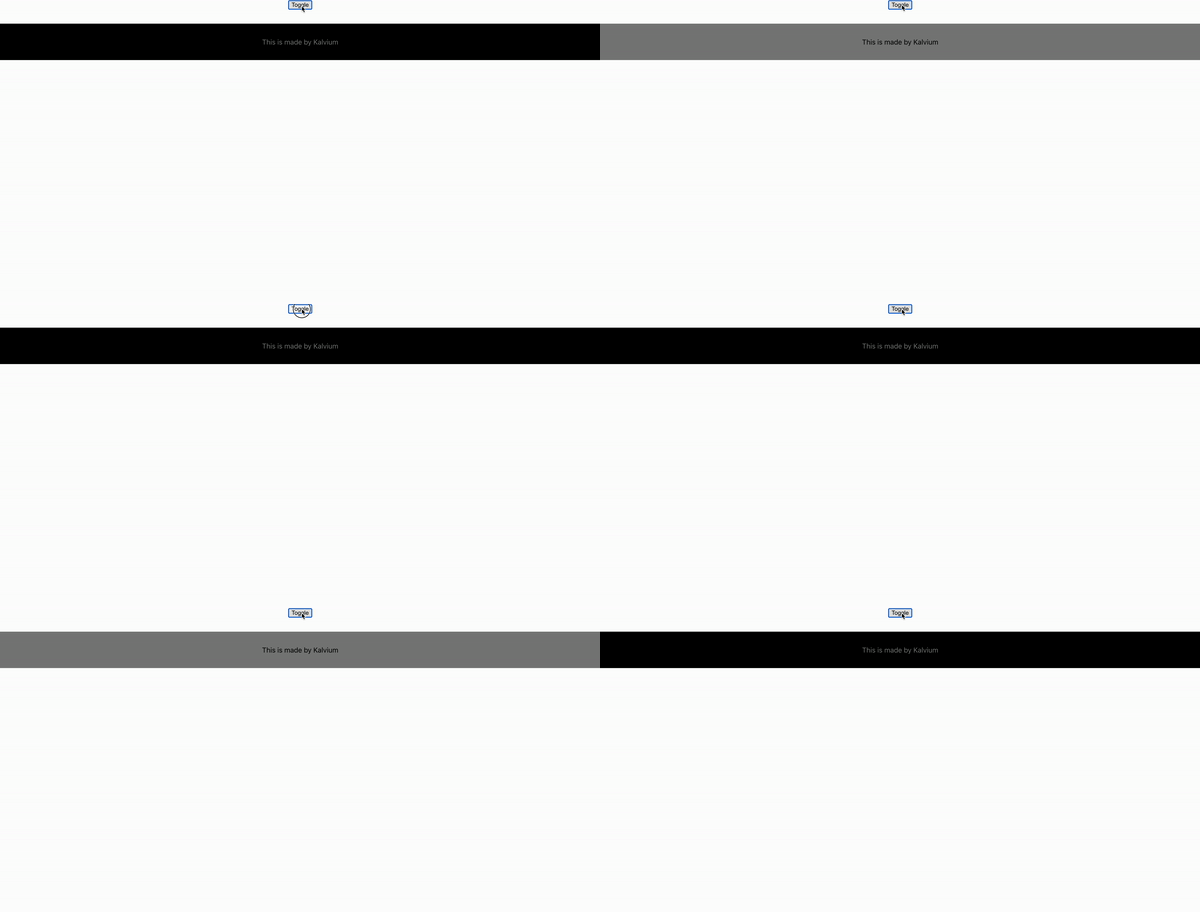
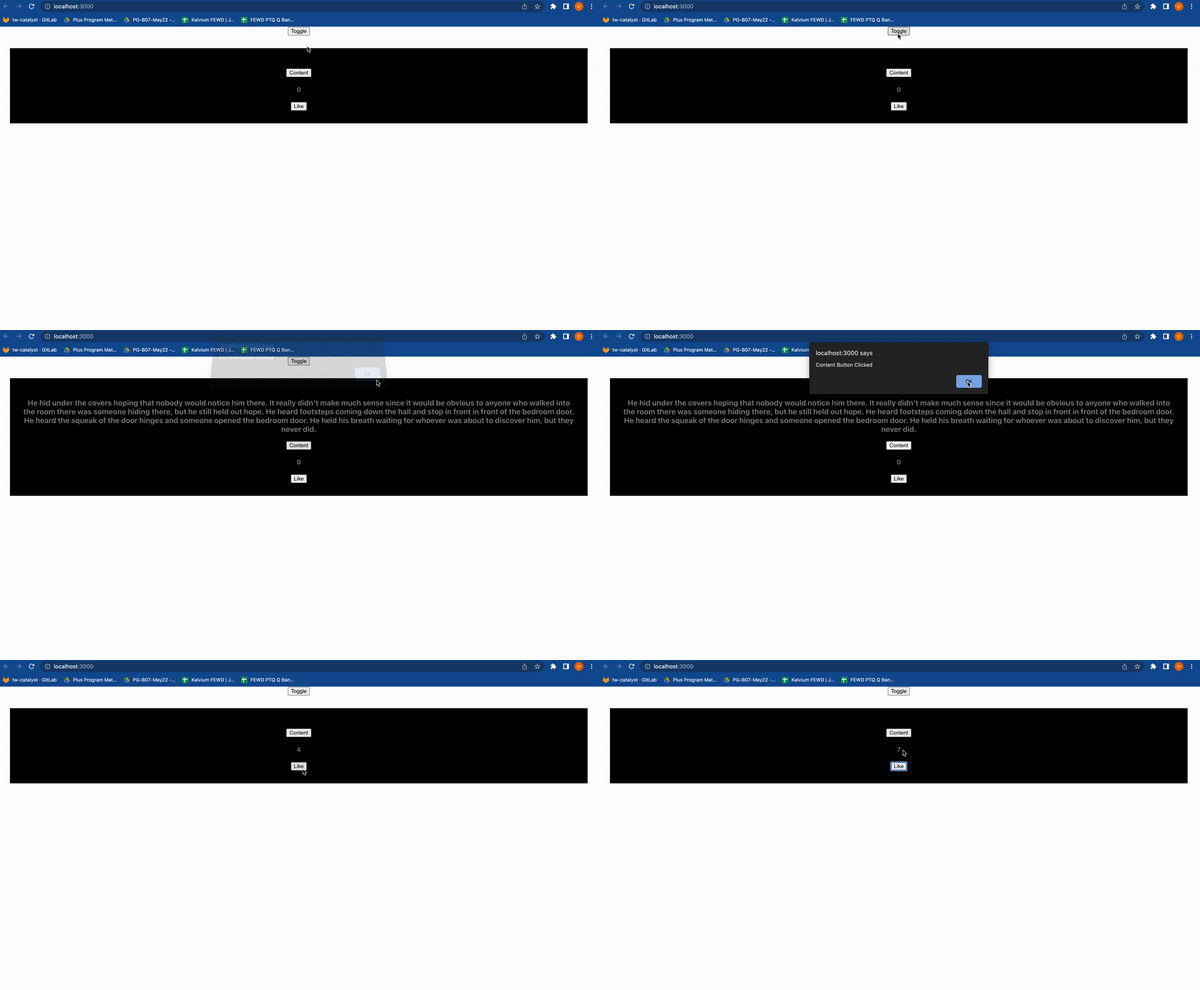
Once you have understood the above hooks mentioned, let's quickly test our understanding. Your task is to get an output shown below, by using the following hooks:
- useState
- useEffect
- useContext
Happy Coding ❤️!