wangEditor——轻量级web富文本编辑器,配置方便,使用简单。支持IE8+浏览器。
- 软件官网:wangEditor.github.io
- demo演示:wangEditor.github.io
- 文档:http://www.kancloud.cn/wangfupeng/wangeditor2/113961
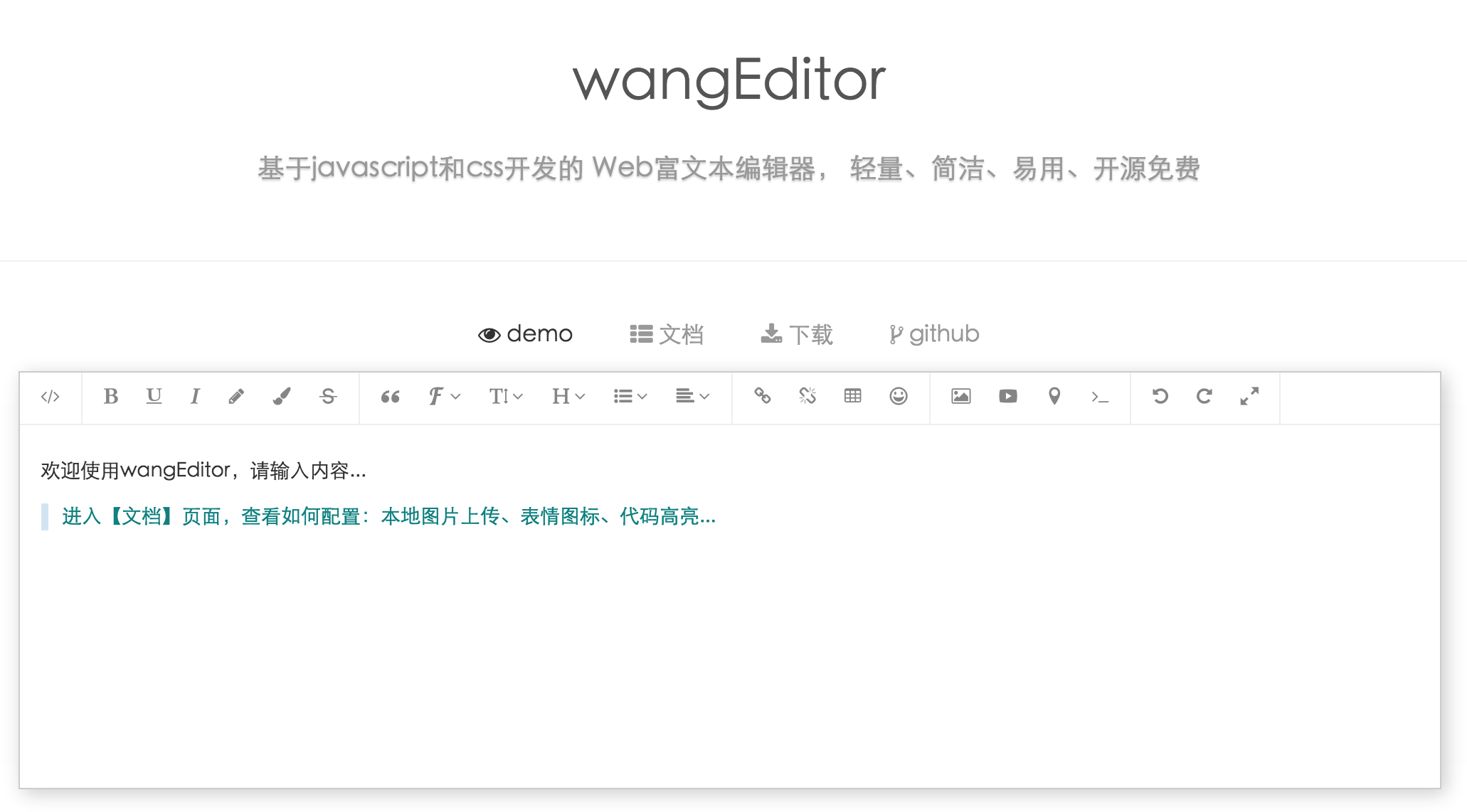
- 点击 https://github.com/wangfupeng1988/wangEditor/releases 下载最新版
- 使用
git下载:git clone https://github.com/wangfupeng1988/wangEditor.git - 使用
npm下载:npm install wangeditor(注意wangeditor全部是小写字母) - 使用
bower下载:bower install wangEditor(前提保证电脑已安装了bower)
引用wangEditor.css、jquery.js和wangEditor.js之后,即可简单生成富文本编辑器,简单易用。
<!DOCTYPE html><html><head><metacharset="UTF-8"><title>wangEditor</title><linkrel="stylesheet" type="text/css" href="../dist/css/wangEditor.min.css"><styletype="text/css">#div1 {
width:100%;
height:500px;
}
</style></head><body><divid="div1"><p>请输入内容...</p></div><scripttype="text/javascript" src="../dist/js/lib/jquery-1.10.2.min.js"></script><scripttype="text/javascript" src="../dist/js/wangEditor.min.js"></script><scripttype="text/javascript">$(function(){vareditor=newwangEditor('div1');editor.create();});</script></body></html>更多配置,可参见官网的文档页面:http://www.kancloud.cn/wangfupeng/wangeditor2/113961
- 确定本机安装了
nodejs,可使用node -v验证 - 下载源码、解压,或者
git clone https://github.com/wangfupeng1988/wangEditor.git。注意,windows系统必须下载到C盘运行 - 进入源码目录,找到
server.js命令行中运行node server.js - 打开浏览器访问
http://localhost:8011/test/index.html
交流QQ群:164999061