


Recolours Discord based on your system colour.
| Dark mode | Light mode |
|---|---|
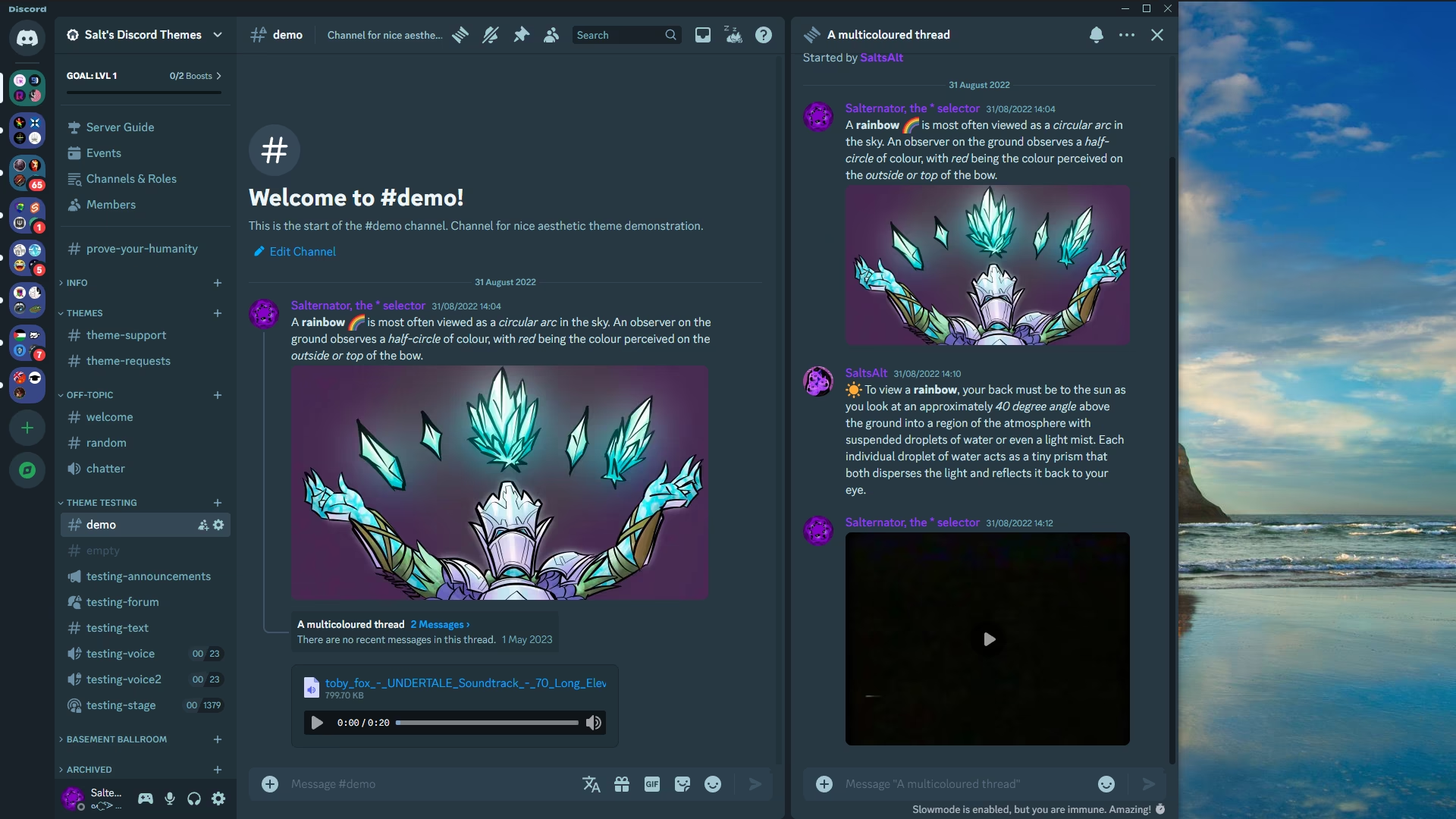 | 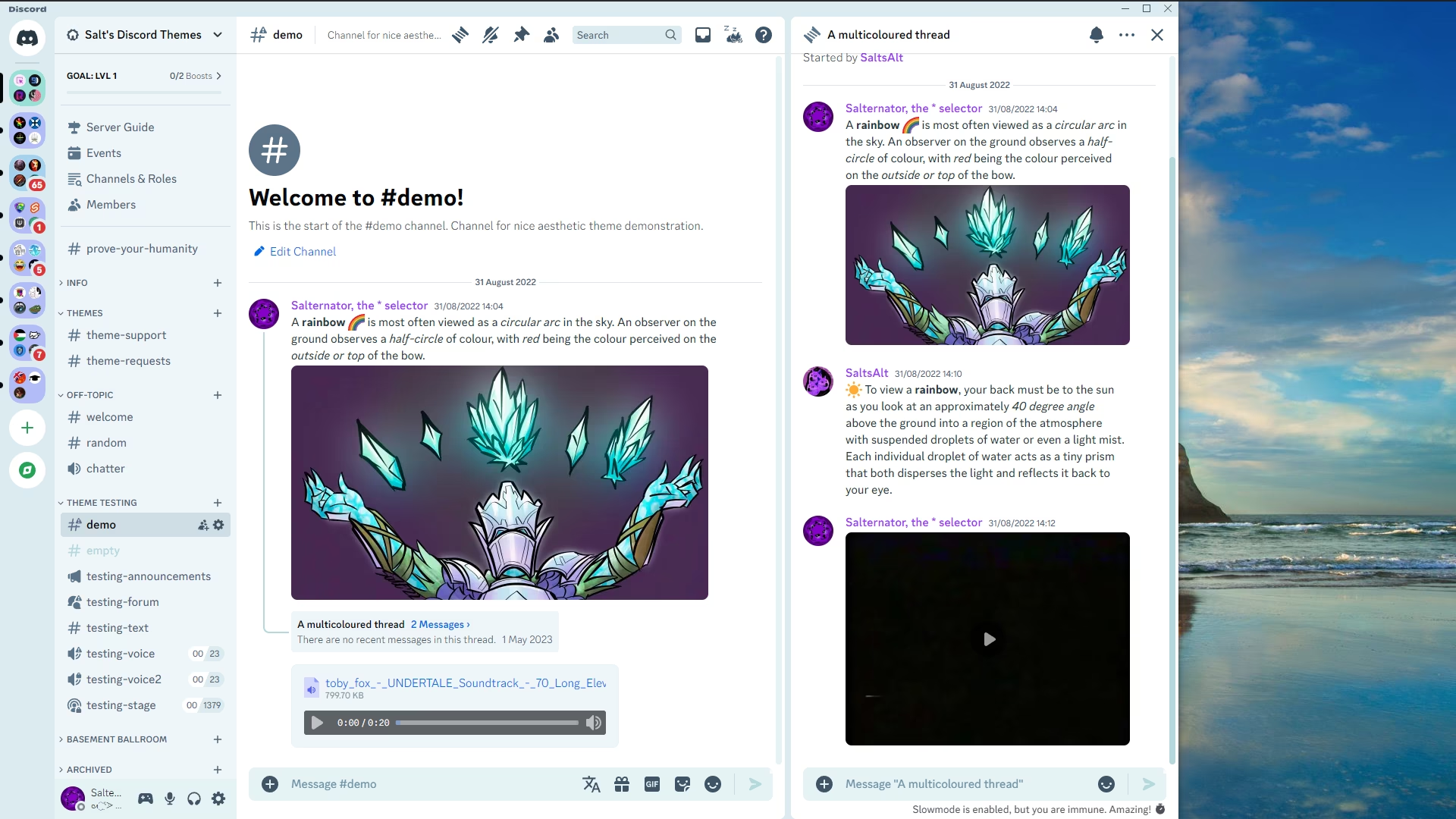 |
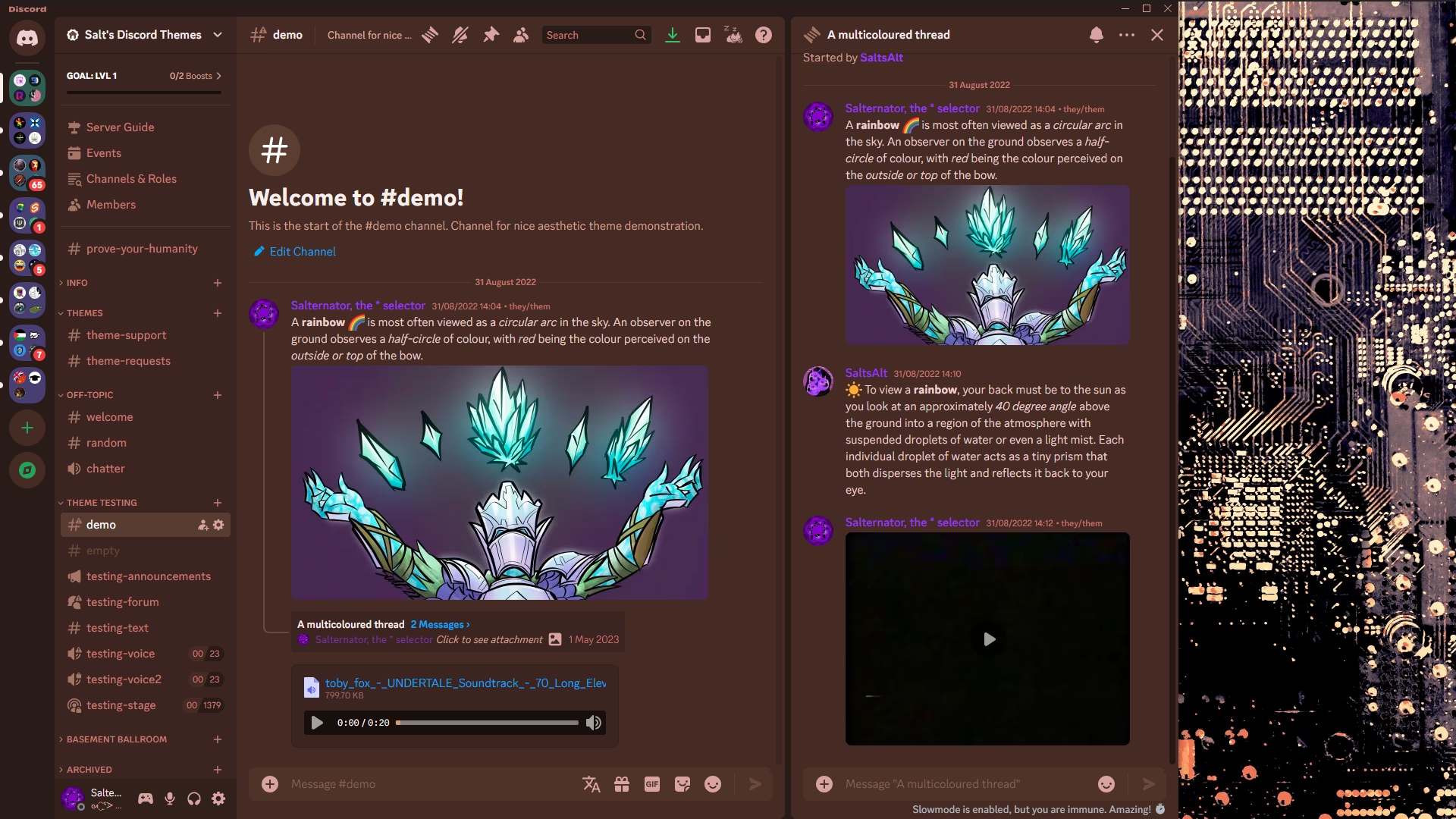 |  |
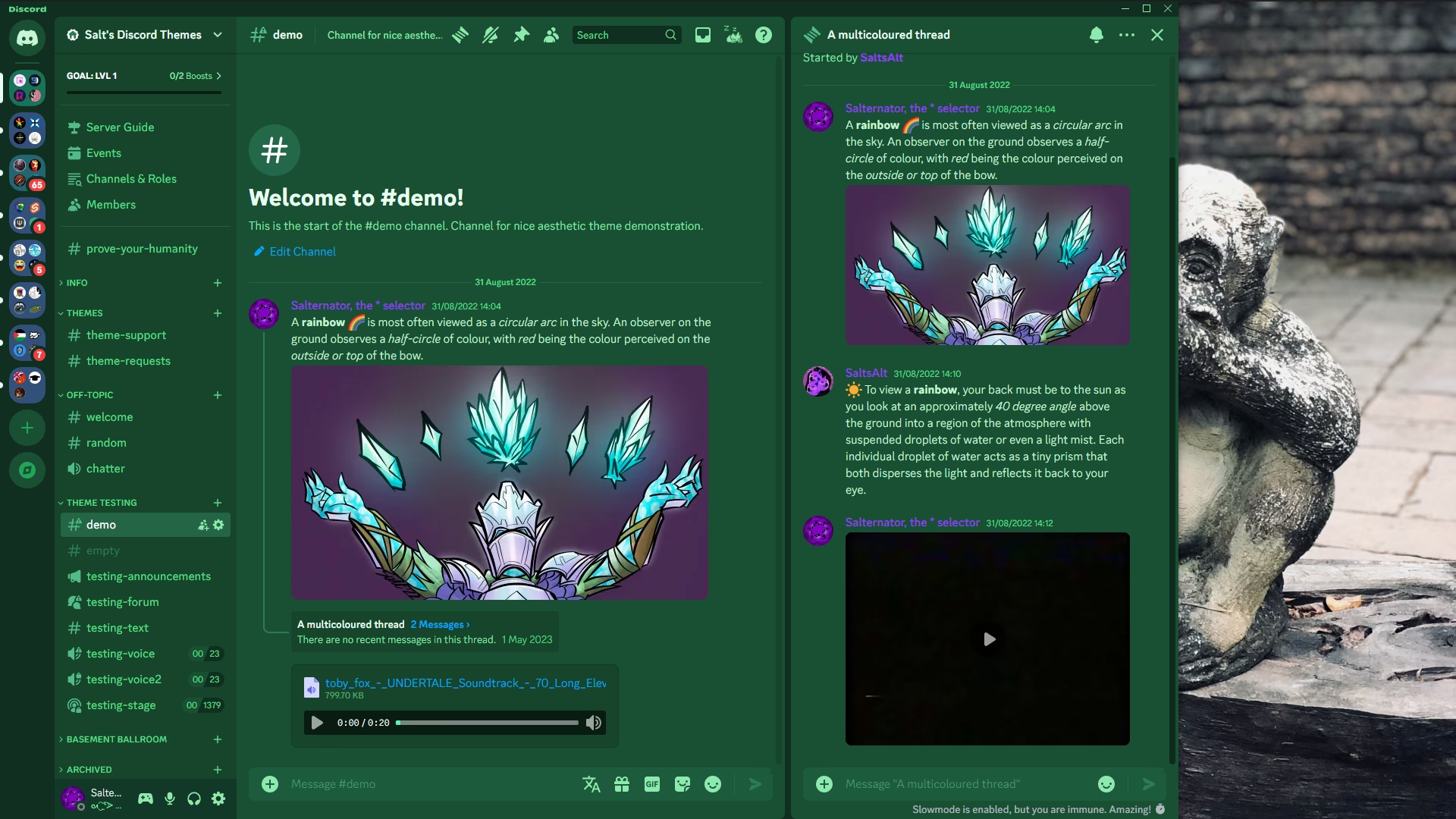 |  |
Vencord (recommended)
- Download
SystemColor.theme.css: - Place the file in the themes folder:
Settings>Vencord>Themes>Local Themes>Open Themes Folder
- Click
Load missing Themesand toggle on the theme card.
- Paste the link in
Settings>Vencord>Themes>Online Themes:https://minidiscordthemes.github.io/SystemColor/SystemColor.theme.css
BetterDiscord does not currently detect your system color, however this theme can still be used and customised with a manually set color.
- Download
SystemColor.theme.css: - Place the file in the themes folder:
Settings>BetterDiscord>Themes>Open Themes Folder
- Toggle on the theme card.
BetterDiscord does not currently detect your system color, however this theme can still be used and customised with a manually set color.
- Click to install:
- Download
net.saltssaumure.SystemColor.asar: - Place the file in the themes folder:
Settings>Replugged>Themes>Open Themes Folder
- Click
Load Missing Themesand toggle on the theme card.

Customised screenshot snippet
.theme-dark {
--systemcolor-base:#f4f0f8a8;
--systemcolor-bg-image:url(https://discord.com/assets/68691bc51a5e2da8e8cf.svg);
}| Variable name | Description | Valid values | Default value (Vencord) | Default value (Other) |
|---|---|---|---|---|
--systemcolor-base | Base colour | Any colour. | var(--os-accent-color) | cyan |
--systemcolor-bg-image | Background image | Any image or none. | linear-gradient(...) | linear-gradient(...) |
--systemcolor-bg-blur | Background blur | Any length. | 0px | 0px |
Open Themes FolderinSettings>Vencord>Themes>Local Themes- Open
SystemColor.theme.csswith your favourite text editor. - Edit the variable values and save.
Enable Custom CSSinSettings>Vencord>Vencordand clickOpen QuickCSS File.- Copy and paste lines 15-27 of
SystemColor.theme.css. - Edit the variable values.
- Open
Settings>BetterDiscord>Themes. - Click the pencil icon on this theme.
- Edit the variable values and save changes.
- Enable
Automatically Apply Quick CSSinSettings>Replugged>General. - Open
Settings>Replugged>Quick CSS. - Copy and paste lines 15-27 of
SystemColor.theme.css. - Edit the variable values and save.
- TL;DR;NAL: Do whatever you want with this theme, just include the original license.
- Post an issue on GitHub.
- Post in
#theme-supporton my support server.