
Framework to simplify the setup and configuration of Recyclerview adapter. It allows a type-safe setup of RecyclerView adapter. also provides out-of-the-box diffing and animated deletions, inserts, moves and changes.
Everything you need to implement your own lists:
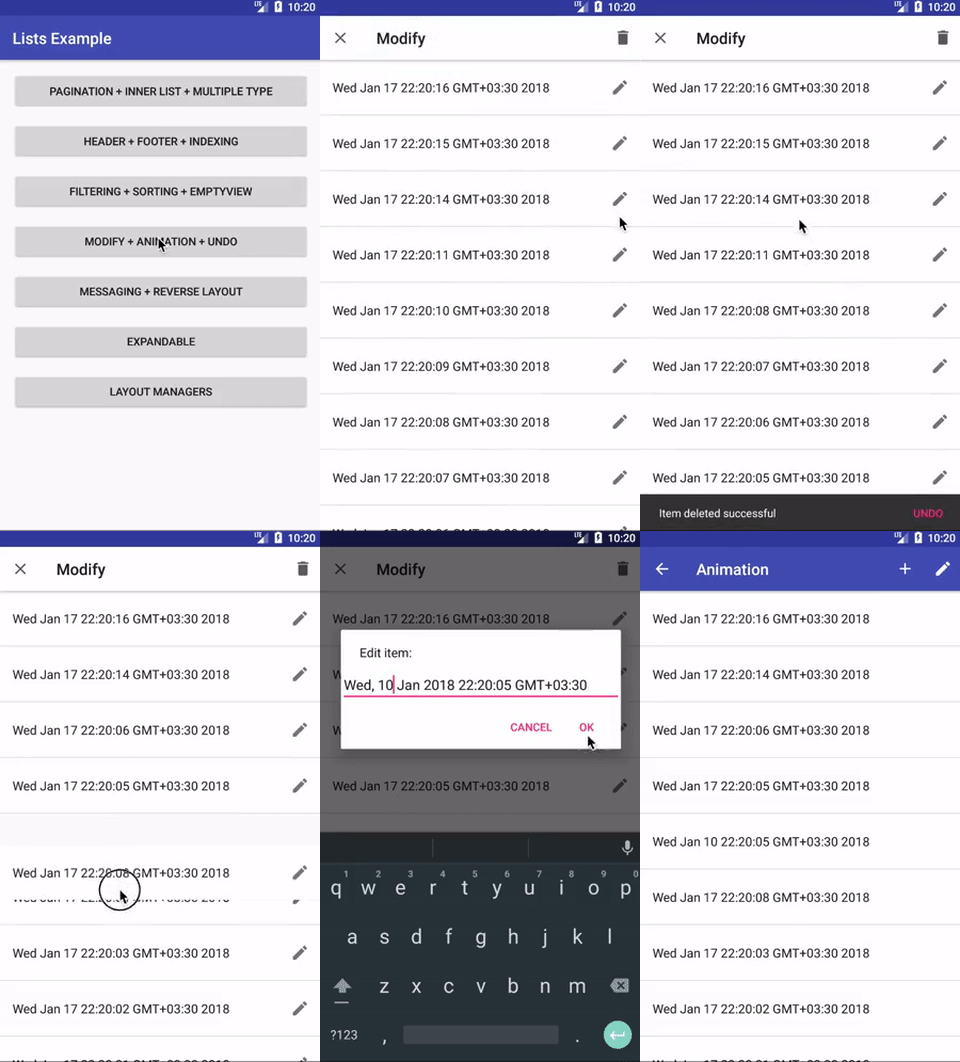
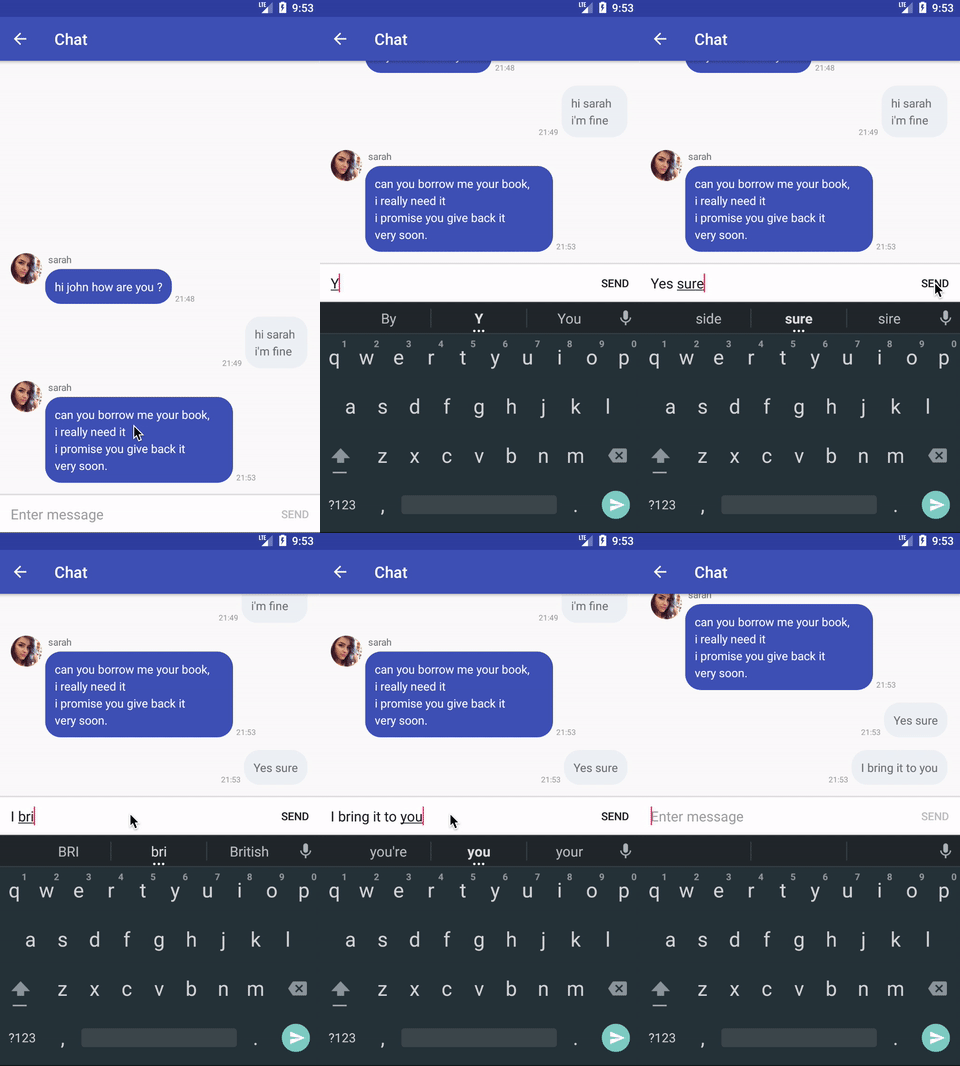
- Easy to use RecyclerView
- Diffable
- Header and footer
- Pagination
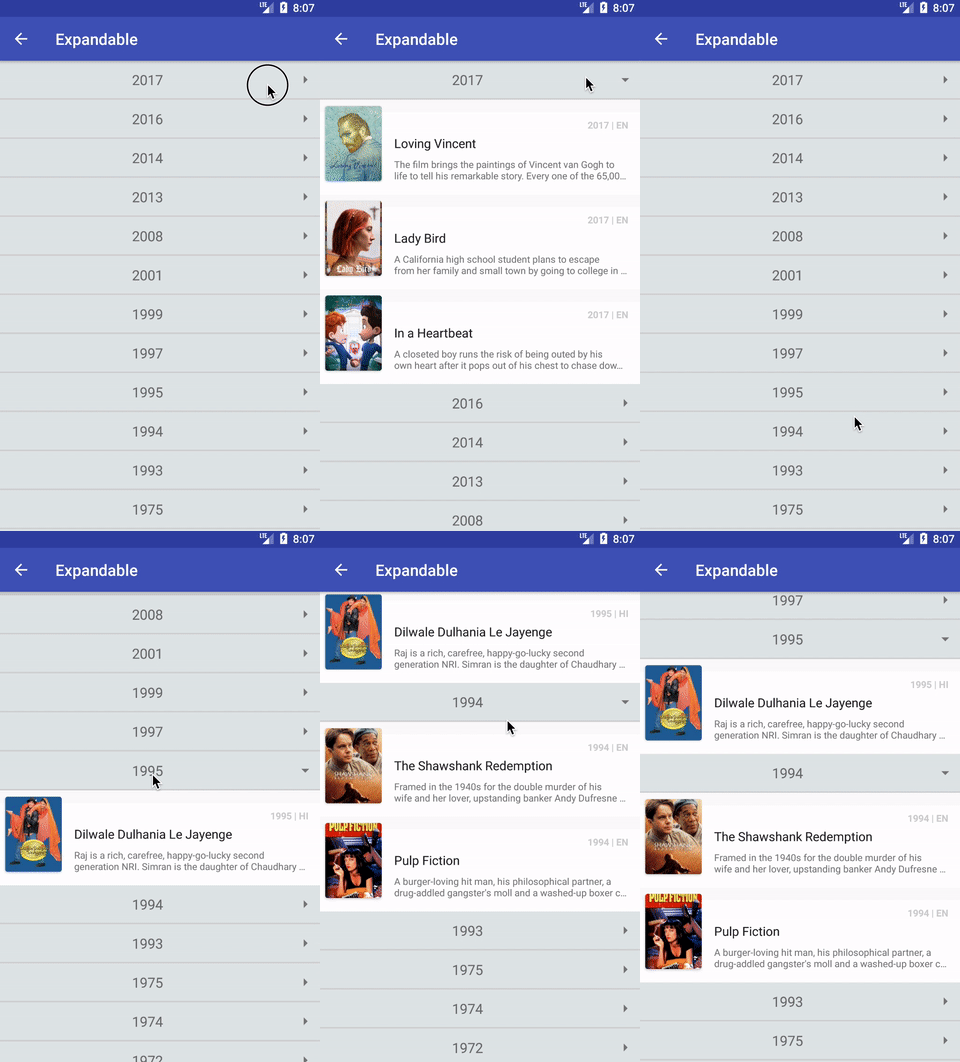
- Collapsiple
- Loading footer
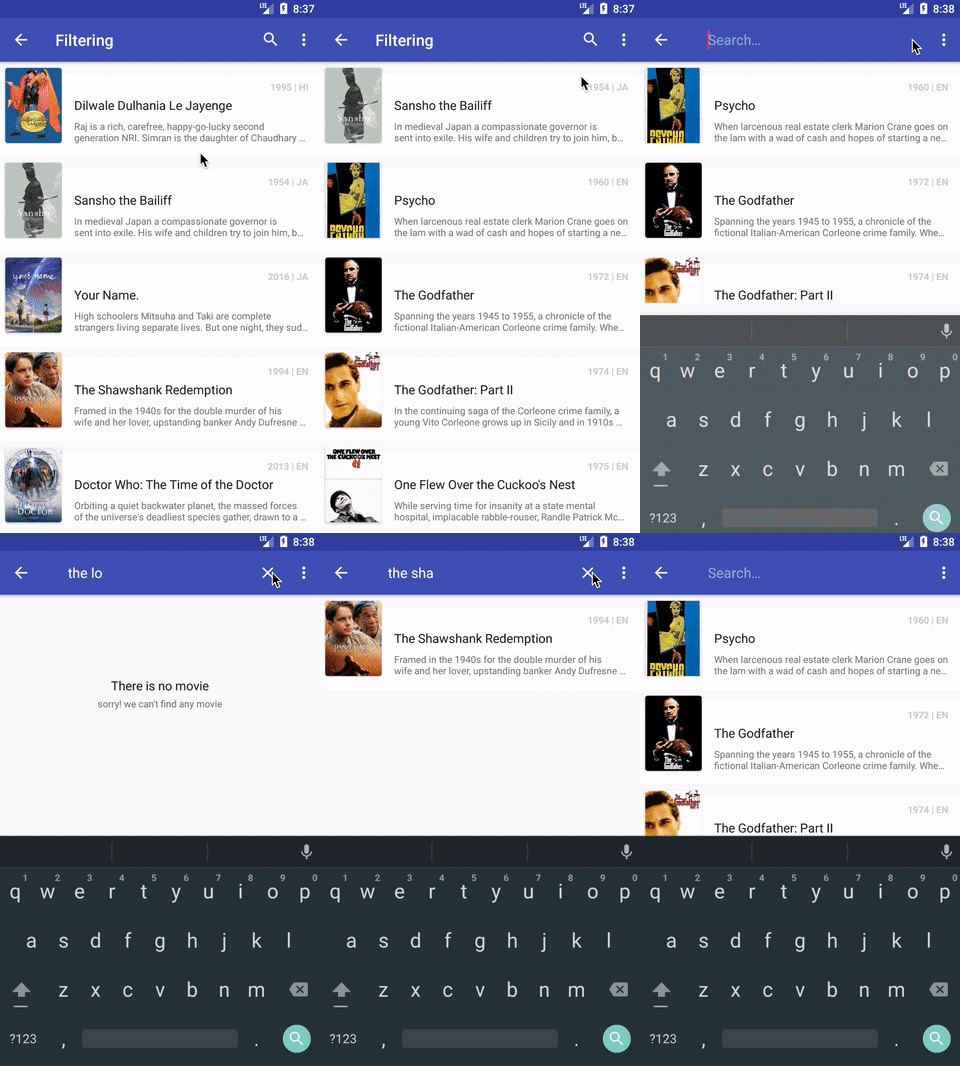
- Empty View
- Filterable
- Multiple data type
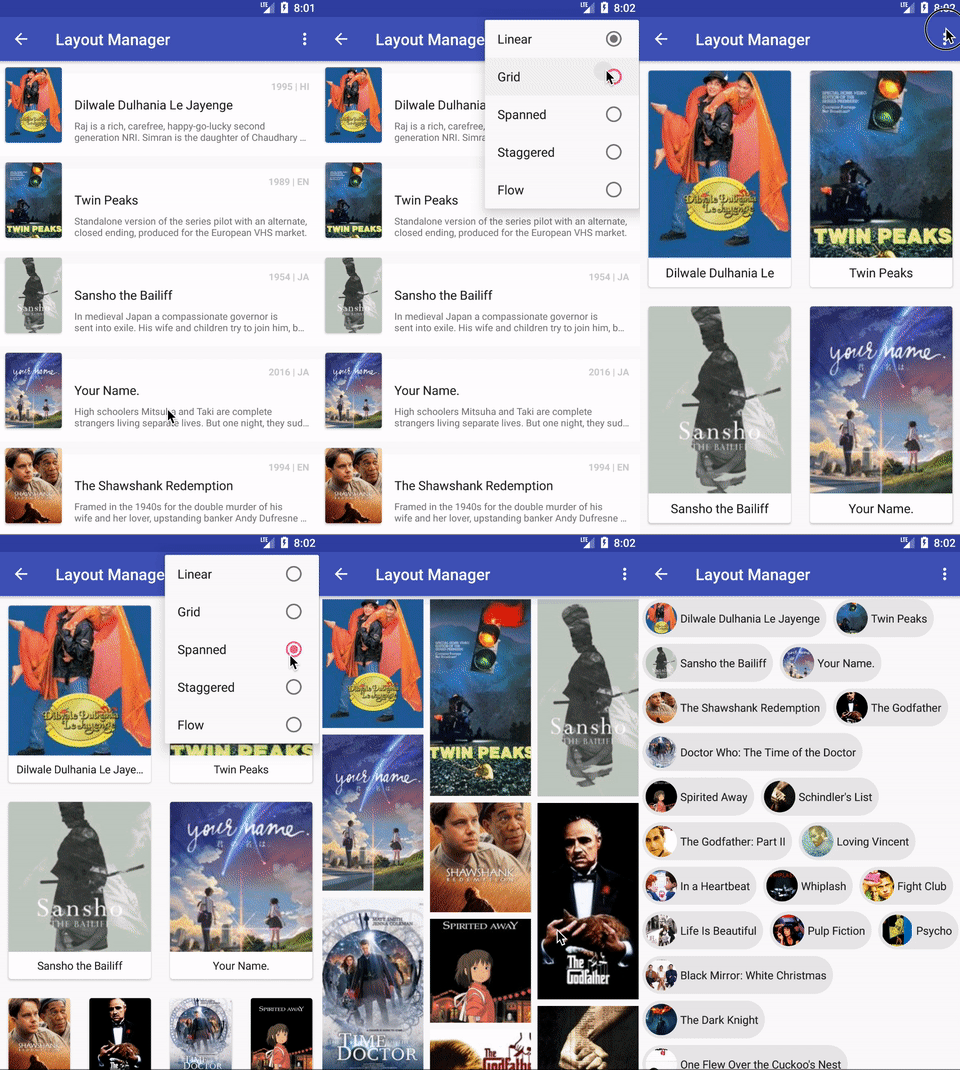
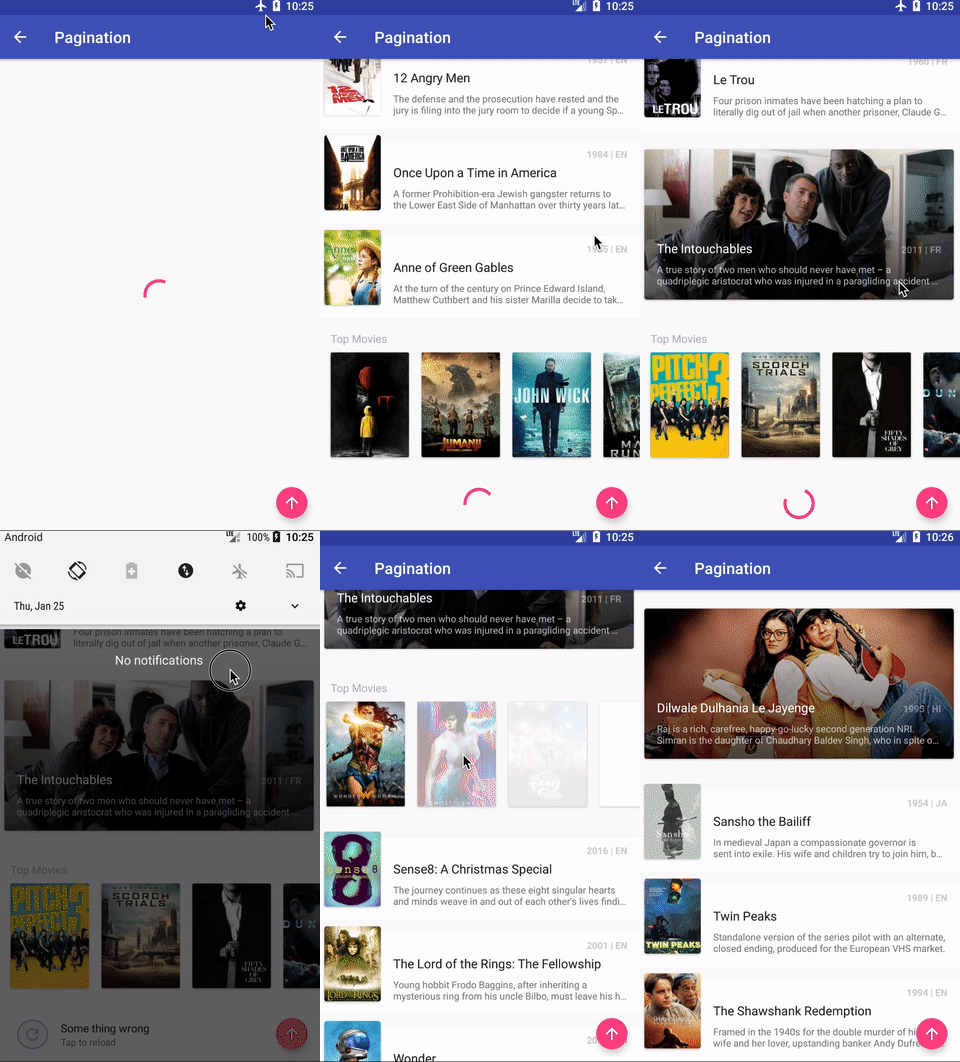
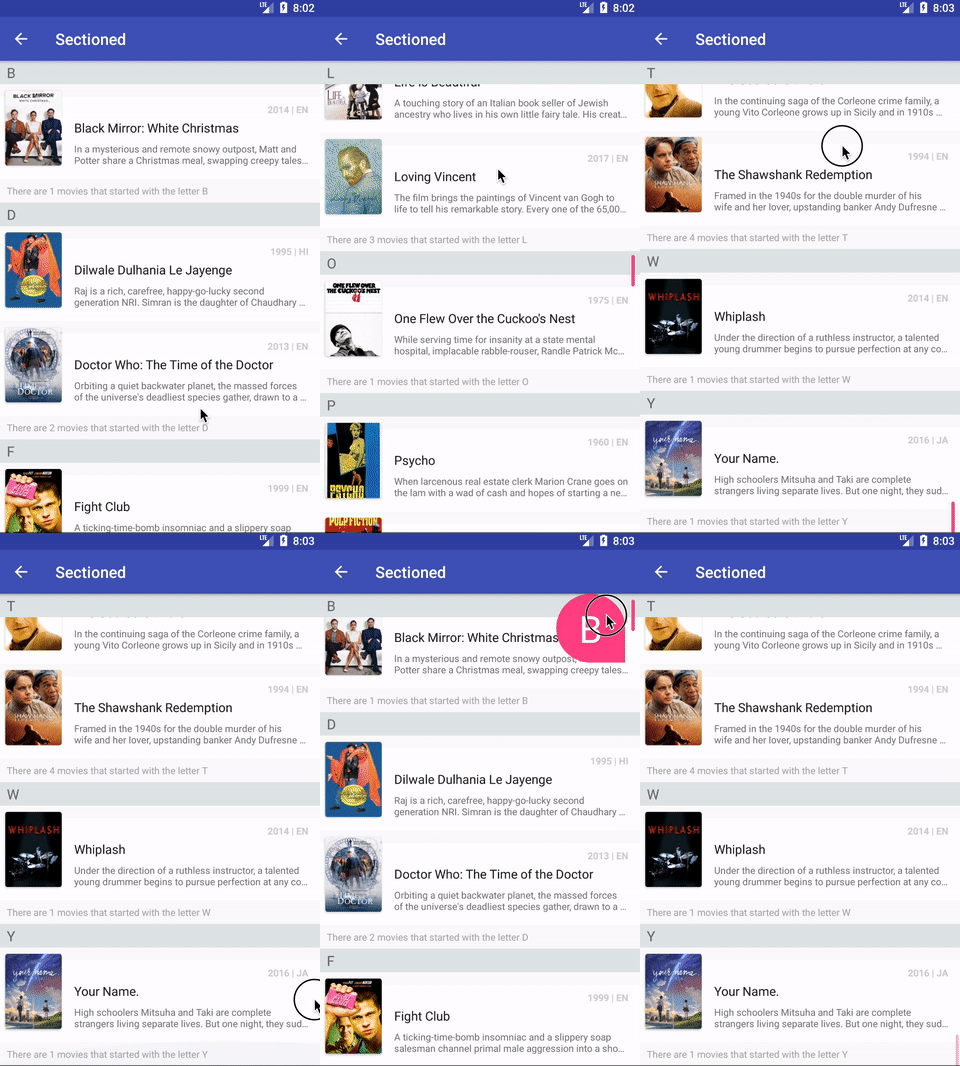
- Api 14+
Add JitPack to repositories in your project's root build.gradle file:
allprojects {
repositories {
...
maven { url 'https://jitpack.io' }
}
}
Add the dependency to your module's build.gradle file:
dependencies {
...
implementation 'com.github.mostafataghipour:androideasylist:1.1.1'
}- Define your model
data classMovie(
valid:String,
valtitle:String
)
//optional: If you want to use DiffUtil capabilities (e.g. automatic animations like delete, insert, move , reload)// inherit 'Diffable' ptotocol:Diffable {
overrideval diffableIdentity:String
get() = title!!//optional: this function need for automatic reloadoverridefunisEqualTo(other:Any): Boolean {
returnif (other isMovie) returnthis== other elsefalse
}
}- Define
RecyclerViewAdapter
privateval adapter:RecyclerViewAdapter<Movie> by lazy {
val adapter =object:RecyclerViewAdapter<Movie>(this){
overridefungetLayout(viewType:Int): Int {
returnR.layout.item_list
}
overridefunbindView(item:Movie, position:Int, viewHolder:RecyclerView.ViewHolder) {
viewHolder asGenericViewHolderval mMovieTitle:TextView?= viewHolder.getView<TextView>(R.id.movie_title)
mMovieTitle?.text = item.title
}
}
return adapter
}
overridefunonCreate(savedInstanceState:Bundle?) {
super.onCreate(savedInstanceState)
setContentView(R.layout.activity_filtering)
recyclerView.adapter = adapter
}
- Set Data
adapter.items = yourItems- That's it, for more samples please see example project
Mostafa Taghipour, mostafa@taghipour.me
AndroidEasyList is available under the MIT license. See the LICENSE file for more info.