
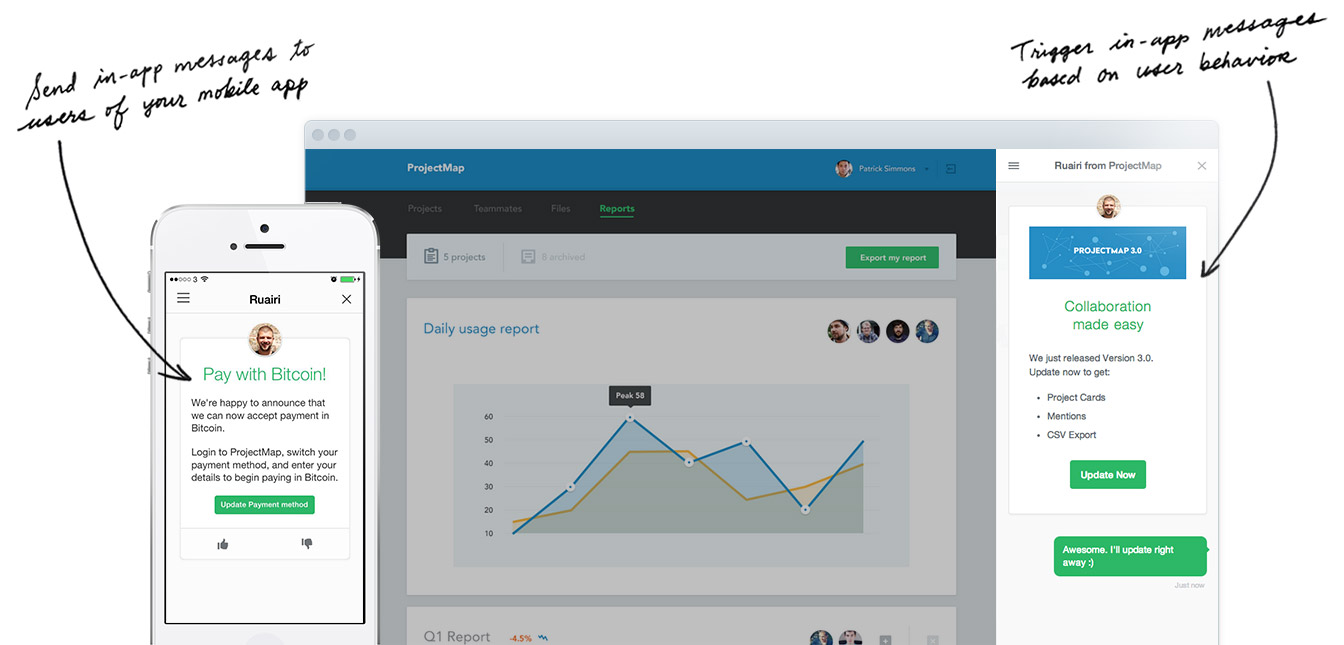
An Angular.js wrapper for Intercom.io providing a simple and familiar API for Angular Developer. I also added a asynchronous loading option $intercomProvider.asyncLoading(true) to allow anyone to quickly drop in and start using Intercom. This is great for startups who need a quick and easy way to interact with their customers
You can download angular-intercom by:
- (prefered) Using bower and running
bower install angular-intercom --save - Using npm and running
npm install angular-intercom --save - Downloading it manually by clicking here to download development (unminified)(minified)
- CDN
https://cdn.rawgit.com/gdi2290/angular-intercom/master/angular-intercom.min.js
Here is a simple Example App which allows you to include your own app_id to test. Below is a quick start guide. Use either $intercom or Intercom service depending on your preference and opinions.
<!-- I'm using angular 1.3.8+ but any version should work --><scriptsrc="http://ajax.googleapis.com/ajax/libs/angularjs/1.3.8/angular.js"></script><!-- You can include Intercom's script manually just make sure you add your app_id<script async defer src="https://widget.intercom.io/widget/<%= INTERCOM_APPID %>"></script>--><!-- Or you can include Intercom sdk as you normally would<script>(function(){var w=window;var ic=w.Intercom;if(typeof ic==="function"){ic('reattach_activator');ic('update',intercomSettings);}else{var d=document;var i=function(){i.c(arguments)};i.q=[];i.c=function(args){i.q.push(args)};w.Intercom=i;function l(){var s=d.createElement('script');s.type='text/javascript';s.async=true;s.src='https://widget.intercom.io/widget/<%= INSERT APP_ID HERE %>';var x=d.getElementsByTagName('script')[0];x.parentNode.insertBefore(s,x);}if(w.attachEvent){w.attachEvent('onload',l);}else{w.addEventListener('load',l,false);}}})()</script>--><!-- Or you can ask the module to load the script for you (see below) --><!-- include this module after angular.js --><scriptsrc="app/bower_components/angular-intercom/angular-intercom.js"></script><script>angular.module('intercomApp',['ngIntercom'// or you can use 'angular-intercom']).value('fakeUser',{email: 'john.doe@example.com',name: 'John Doe',created_at: 1234567890,user_id: '9876'})// inject your app_id anyway you like.constant('INTERCOM_APPID','d0idn8ii')// Configure your $intercom module with appID.config(function($intercomProvider,INTERCOM_APPID){// Either include your app_id here or later on boot$intercomProvider.appID(INTERCOM_APPID);// you can include the Intercom's script yourself or use the built in async loading feature$intercomProvider.asyncLoading(true)}).run(function($intercom,fakeUser){// boot $intercom after you have user data usually after auth success$intercom.boot(fakeUser);// app_id not required if set in .config() block})// Intercom // you may use Intercom rather than $intercom.controller('MainCtrl',function($scope,$intercom,fakeUser){$scope.user=fakeUser;// Register listeners to $intercom using '.$on()' rather than '.on()' to trigger a safe $apply on $rootScope$intercom.$on('show',function(){$scope.showing=true;// currently Intercom onShow callback isn't working});$intercom.$on('hide',function(){$scope.showing=false;});$scope.show=function(){$intercom.show();};$scope.hide=function(){$intercom.hide();};$scope.update=function(user){$intercom.update(user);};});</script>angular-intercom is provides a Require.js/AMD interface, however it works differently depending on if you are using
$intercomProvider.asyncLoading(true)or not.
If you are using $intercomProvider.asyncLoading(true), then don't specify the "intercom" dependency at all, just load
"angular_intercom" in paths, i.e.
paths: {"angular_intercom": '/somePath/angular-intercom/angular-intercom'}If you wish to load the intercom library through Require.js/AMD rather than using $intercomProvider.asyncLoading(true), you first
need to find the CDN url provided by intercom.io. To do this, curl the url you received from intercom.io during intercom.io setup
curl https://widget.intercom.io/widget/INTERCOM_APPID
You should get something like
<html><body>You are being <ahref="https://js.intercomcdn.com/intercom.xxxxxxx.js">redirected</a>.</body></html>This means your CDN url is https://js.intercomcdn.com/intercom.xxxxxxx.js. Now in your paths for require.js,
you would have something like this (remember to remove the .js at the end of the CDN url)
paths: {"intercom": "https://js.intercomcdn.com/intercom.xxxxxxx","angular_intercom": '/somePath/angular-intercom/angular-intercom'}And in your shim, you would do this
shim: {"angular_intercom": ["intercom"]}When "intercom" loads, it will attach itself to window, which will automatically be detected by angular-intercom
Then you can just use "angular_intercom" as any other Require.js/AMD module definition, i.e.
define(['angular','angular_intercom'],function(angular,angular_intercom){// Bootstrap angular here});In node.js, angular-intercom will try and require a intercom dependency. If this fails, it will expect the Intercom
object to exposed via the global object
Please see changelog for recent updates