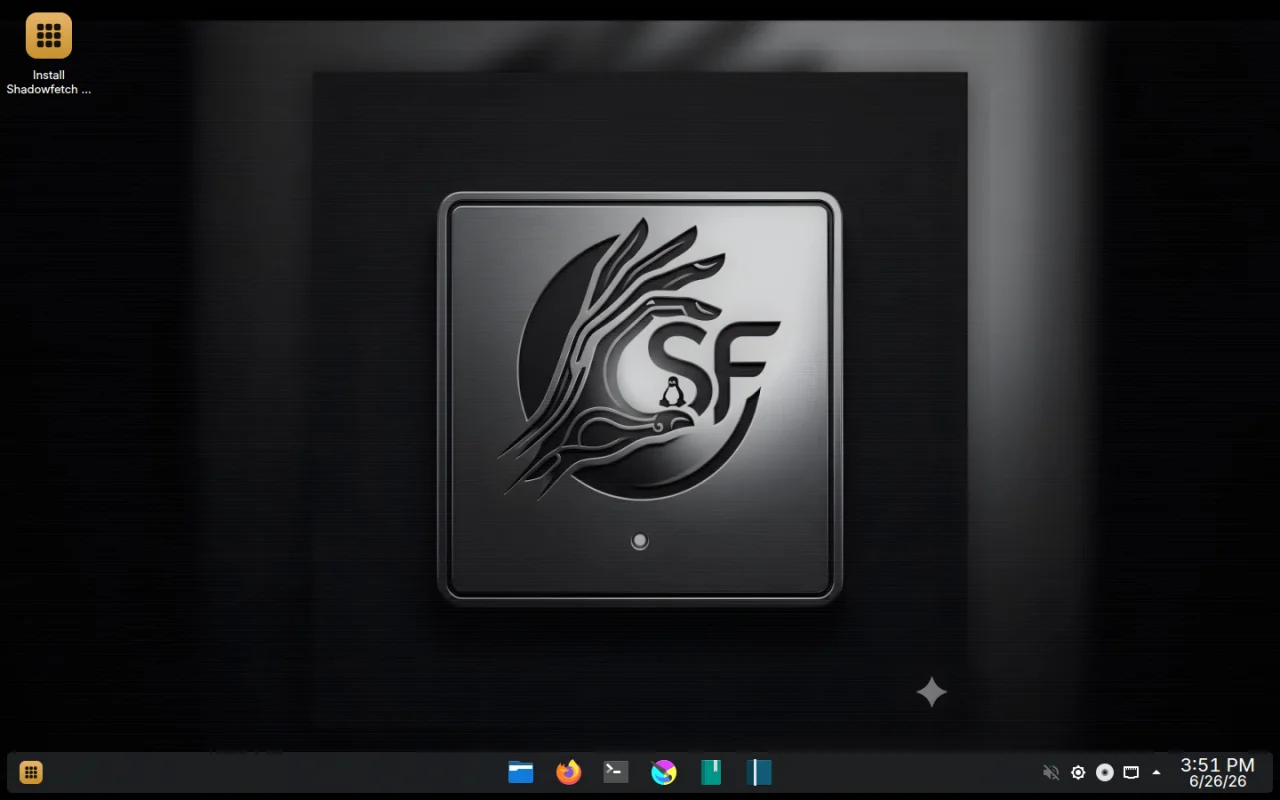

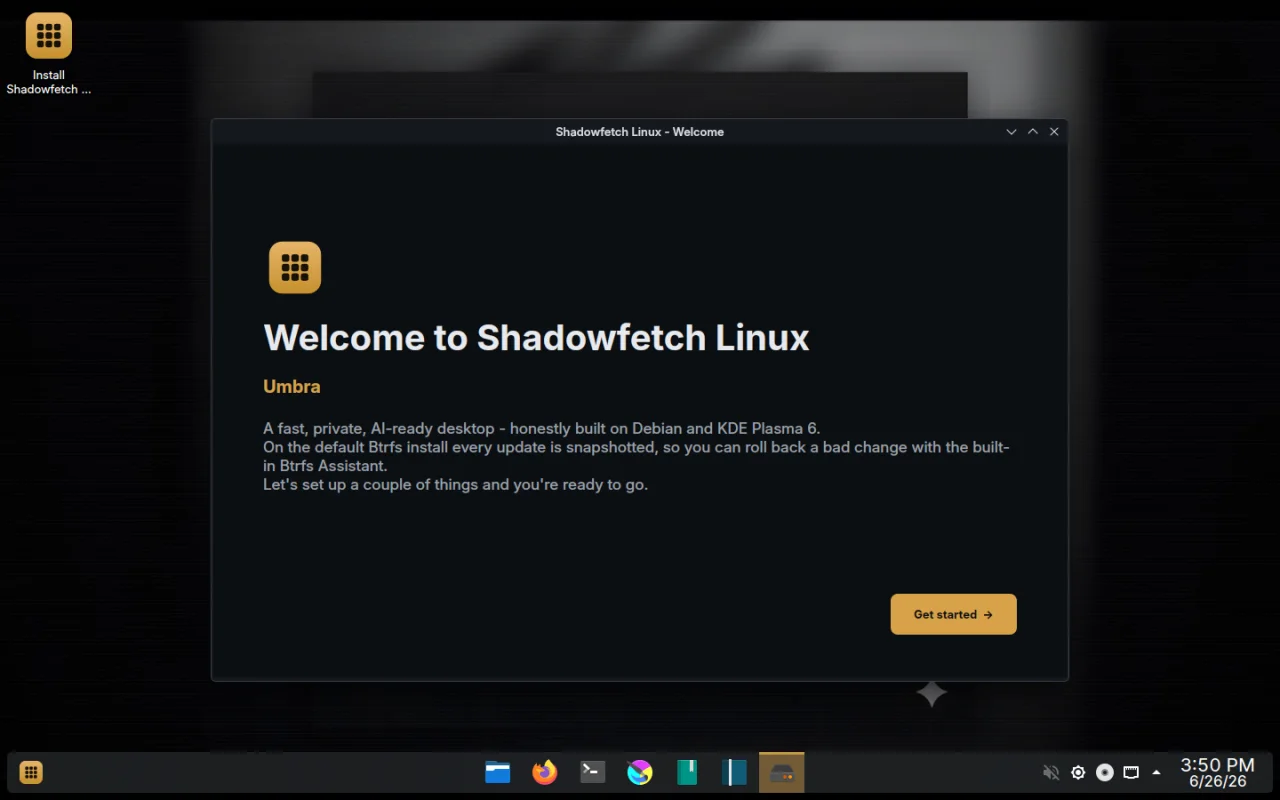
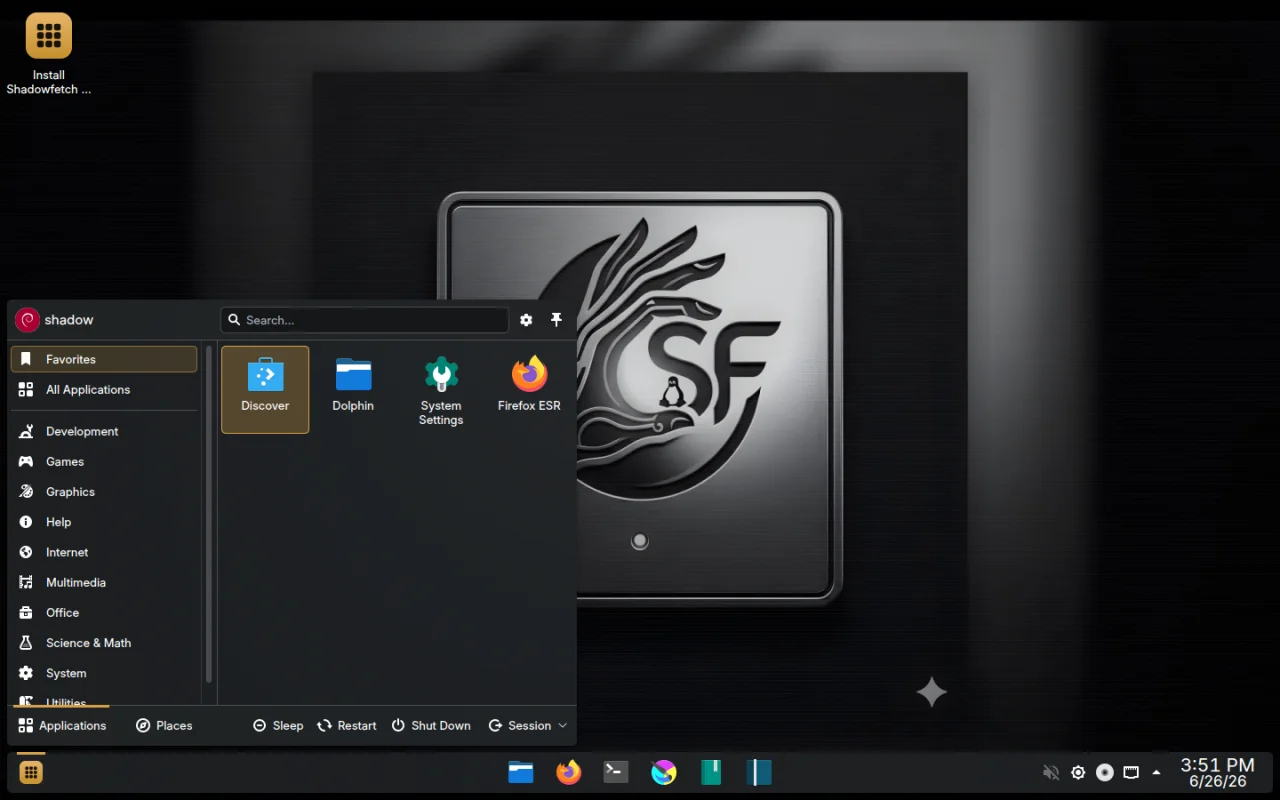


Shadowfetch Linux is a Debian-testing derivative desktop built for creative work, recovery-minded updates, and private, local AI — on the machine on your desk, with zero telemetry and no cloud account required.
It is an independent derivative that builds on Debian rather than replacing it: a curated KDE Plasma 6 (Wayland-first) desktop, a hand-picked creative stack, an in-house control surface, signed ISO releases, a signed APT repository, Btrfs snapshot safety, and an opt-in local-AI setup. It does not claim Debian endorsement — it stands on Debian's shoulders and states exactly what it adds.
Current stable release: 2.1.4 "Umbra" Fire Edition (2026-08-10, amd64)
- ISO:
shadowfetch-2.1.4-amd64.iso— 3.97 GB (3.70 GiB)- SHA-256:
81a906788ec48150d4a4527b4d9e7b09a974d3d577f1bd32ba3f333df8a1a86b- APT suite / codename:
umbra- Signing-key fingerprint:
8F13 CE15 35EE 1F4A 2916 A1F7 3C5C 900B 7BE8 0CA1- Base: Debian testing · Desktop: KDE Plasma 6 · Boot: BIOS + UEFI (hybrid ISO)
- Creators who want GIMP, Krita, Inkscape, Blender, Ardour, Kdenlive and OBS ready on first boot, colour-managed, on a clean KDE desktop.
- Privacy-minded users who want a workstation with no telemetry and no mandatory cloud accounts, where local AI runs on
localhostand models are only downloaded after you say yes. - People who update nervously — Fireproof Updates simulate every change, snapshot before touching the system, and offer one-click rollback.
- Tinkerers and reviewers who want a distro that publishes its checksums, signatures, known issues, hardware notes and security model instead of marketing theatre.
Shadowfetch Linux is young and honest about its rough edges. If you want a boring, bulletproof daily driver today, run Debian stable. If you want a curated, recovery-safe, AI-ready creative workstation and you're willing to file good bug reports, this is for you.
| Feature | What it does |
|---|---|
| Shadowfetch Control Center | One PyQt/Kirigami app for updates, health checks, first-run setup, graphics, recovery, snapshots and local-AI tooling. |
| Ember Mode | One-switch performance profile that always returns to Balanced on its own (crash-safe auto-return). |
| Firewatch | Live hardware + local-AI activity monitor: temperatures, resource pressure, a plain-language per-application heat-map, and tokens/second from local models. |
| Phoenix Recovery | Automatic Btrfs restore points before every update, driver install and AI-stack change, restorable in one click; GRUB snapshot-boot for recovery. |
| Fireproof Updates | Updates are simulated and re-verified before applying; they refuse to run on low disk, an active package manager, or bad power; they take a pre/post snapshot pair and offer rollback if verification fails. |
| Ignition Setup | First-boot system chooser: Core / Creator / Developer / AI Workstation / Full Flame. |
| Local AI via Buzz | Opt-in and consent-gated. Buzz surveys the hardware, recommends an open model, downloads it only after confirmation, and serves it on a loopback-only shared-compute endpoint. Nothing is fetched until you confirm in Settings → Compute. (2.1.4 verifies Buzz Desktop 0.5.8 by SHA-256 before installing.) |
| NVIDIA graphics path | 2.1.4 verifies NVIDIA's Debian 13 keyring and uses nvidia-driver-assistant with simulate-first, --no-remove, and Phoenix snapshots — validated against a physical RTX 5060 Ti. Intel/AMD use the normal Mesa stack. |
| Browser Migration | Validates bookmark-HTML and password-CSV exports before staging/import. (Never attach a password CSV to a bug report.) |
| Signed everything | Signed ISO, signed reprepro APT repo, public signing key, public verification instructions. |
These commands download the current ISO, its checksum, its detached signature and the signing key, then verify authenticity and integrity. They do not write to a USB stick.
curl -LO https://www.shadowfetch.com/linux/download/shadowfetch-2.1.4-amd64.iso
curl -LO https://www.shadowfetch.com/linux/download/shadowfetch-2.1.4-amd64.iso.sha256
curl -LO https://www.shadowfetch.com/linux/download/shadowfetch-2.1.4-amd64.iso.asc
curl -LO https://www.shadowfetch.com/linux/shadowfetch.gpg.asc
gpg --import shadowfetch.gpg.asc \
&& gpg --verify shadowfetch-2.1.4-amd64.iso.asc shadowfetch-2.1.4-amd64.iso \
&& sha256sum -c shadowfetch-2.1.4-amd64.iso.sha256
A GPG "not certified with a trusted signature" warning only means you have not personally trusted the key — it is not a failed signature. Compare the fingerprint before you trust the download:
8F13 CE15 35EE 1F4A 2916 A1F7 3C5C 900B 7BE8 0CA1
Mirrors (same ISO, same checksums):
- Primary: https://www.shadowfetch.com/linux/download
- Archive.org: https://archive.org/details/shadowfetch-linux-2-1-4 (ISO,
SHA256SUMS,.asc, torrent)
Guides:Install · Verify · Security model · Known issues
Write the verified ISO to a USB device with an image writer (balenaEtcher, KDE ISO Image Writer, GNOME Disks) or dd — do not copy it onto a mounted filesystem. 2.1.4 is under the 4 GiB FAT32 single-file limit, so a FAT32 stick also works, but an image writer is still the recommended path.
The ISO boots a live KDE session as the user shadow (password shadow, passwordless sudo — a standard live-session convention, documented and intentional). Change or remove it after installing; the installer removes the live account from the installed system.
| Minimum | Comfortable | Local AI / heavy creative | |
|---|---|---|---|
| Architecture | 64-bit Intel/AMD (amd64) | amd64 | amd64 |
| RAM | 4 GB | 8 GB | 16 GB+ (models can consume several GB each) |
| Disk | 40 GB | 100 GB | 100 GB+ |
| Firmware | BIOS or UEFI | UEFI | UEFI |
| Graphics | Intel/AMD (Mesa) or NVIDIA (proprietary) | — | NVIDIA/AMD for accelerated local models |
- Intel and AMD graphics use the normal Mesa stack. NVIDIA systems ship with the proprietary NVIDIA stack; non-NVIDIA systems remove it after first boot. Hybrid laptops may need manual tuning.
- Secure Boot is not signed yet — disable it, or use the secure-boot guide.
- Encrypted installs (LUKS2 on Btrfs) are supported and validated on both BIOS and UEFI paths.
- Zero telemetry. The installed system phones no analytics home. (The public website uses Cloudflare's cookieless Web Analytics; that is a site concern, not the OS.)
- No cloud account is ever required to install, boot, update, or use the desktop.
- Local AI is opt-in and consent-gated. No model is downloaded until you confirm the choice; models are never bundled in the ISO; the model server binds to loopback only.
- Private project workspaces keep operating rules, tasks, memory, journals, artifacts, logs and scratch space local, with optional loopback-only Buzz rooms and relay secrets stored
600in the user's own container storage. - You control your receipts.
shadowfetch-health --jsonproduces a diagnostic bundle you redact yourself before sharing. Never post password CSVs, private keys, tokens, or unredacted logs to public issues.
Shadowfetch Linux is assembled with Debian live-build plus a set of in-house Debian packages and a signed reprepro APT repository.
shadowfetch-distro-source/
├── Makefile # orchestrates the whole build (deps → packages → repo → iso → qemu)
├── live-build/config/ # live-build definition: package lists, hooks, installer (Calamares) helpers
├── packages/ # the in-house .deb sources (built with dpkg-buildpackage)
│ ├── shadowfetch-meta # metapackages: creative-base, desktop, nvidia
│ ├── shadowfetch-control-center# PyQt/Kirigami Control Center (Ember, Firewatch, Phoenix, agents)
│ ├── shadowfetch-ember # performance profile with crash-safe auto-return
│ ├── shadowfetch-firewatchd # hardware + local-AI monitor daemon (loopback-scoped)
│ ├── shadowfetch-phoenix # Btrfs snapshot / recovery tooling
│ ├── shadowfetch-fireproof # simulate-first, snapshot, verify, rollback update tooling
│ ├── shadowfetch-welcome # first-boot / Ignition wizard + bundle installer
│ ├── shadowfetch-hwscan # read-only hardware inventory (shadowfetch-facts)
│ ├── shadowfetch-defaults # privacy defaults, agent-workspace, Buzz setup helpers
│ ├── shadowfetch-branding # os-release, wallpapers, Umbra identity
│ ├── shadowfetch-themes # SDDM "umbra" theme, Plasma look-and-feel
│ ├── shadowfetch-menus # curated application menu
│ └── grub-btrfs # snapshot boot entries
├── repo/conf/distributions # reprepro config (suite "umbra", SignWith fingerprint)
├── tools/ # release/ISO gates + tests (e.g. iso_gate_2_1_4.py)
├── web/shadowfetch-linux-worker/ # Cloudflare Worker for /linux site + download/APT proxy
├── docs/ # RELEASE-*.md, FIRE_ROADMAP.md, source/claim docs
├── branding/ · artwork/ # Umbra visual identity (see Licensing)
└── qa/ # per-release acceptance manifests + evidence
The finished ISO is a hybrid amd64 image bootable on both BIOS and UEFI. Releases are published to Cloudflare R2 and www.shadowfetch.com/linux, and mirrored to archive.org.
Build on a Debian or Ubuntu host (others may work but are untested). You need root for the ISO step (live-build builds a chroot).
make deps # install build dependencies (live-build, reprepro, debhelper, qemu, …)
make packages # build the in-house shadowfetch-* .deb packages
make repo # assemble the signed reprepro APT repository (suite "umbra")
sudo make iso # build shadowfetch-<version>-amd64.iso in the repo root
make qemu # boot the freshly built ISO in QEMU to smoke-test it
Useful targets: make source-gate (tests, parsers, linters, secret scans), make iso-gate (post-build ISO inventory checks), make sign (detached GPG signature), make qemu.
Version is controlled by the Makefile: VERSION ?= 2.1.4 and CODENAME ?= umbra. Override on the command line, e.g. make iso VERSION=2.1.5.
Signing/publishing (ISO signature, APT repo signature, R2/Worker deploy) requires the Shadowfetch private signing key and Cloudflare/R2 credentials, which are not in this repo — they live in the maintainer's build-host keyring and in CI secrets. See
.github/CI-SECRETS.mdfor the CI secret names. Contributors can build and QEMU-test an unsigned ISO without any of that.
Shadowfetch Linux publishes signed ISO releases, a signed APT repository, SHA-256 checksums, detached GPG signatures, and a public signing key. Verifying the ISO checks two independent things: the checksum proves the file downloaded intact, and the GPG signature proves it is what Shadowfetch signed.
See SECURITY.md, the security model, and the verification guide. Report security-sensitive findings privately; never attach secrets, private keys, password exports or unredacted diagnostics to public issues.
- GitHub Discussions — support questions, installation reports, hardware notes.
- GitHub Issues — reproducible bugs and build/release problems.
A good bug report includes: exact ISO filename and whether the checksum matched; UEFI vs legacy BIOS and Secure Boot state; CPU/GPU/RAM/disk layout/Wi-Fi chipset; for installer failures, where Calamares stopped and whether the live session worked; and redacted shadowfetch-health --json output.
A good hardware report includes: computer model + firmware/boot mode; CPU/GPU/RAM/storage/Wi-Fi/Bluetooth; whether the live session booted; and whether install, first login, updates, local-AI setup, audio, Wi-Fi, Bluetooth, suspend/resume and GPU acceleration worked — plus anything you had to change by hand.
Pull requests to the build scripts, packages, docs and Worker are welcome. Run make source-gate before submitting. By contributing you agree your changes ship under the project's licenses (below).
Shadowfetch Linux is an aggregate: the ISO bundles many upstream Debian packages, each under its own license (see each package's debian/copyright).
- This repository's own code and packaging (Makefile, live-build config,
shadowfetch-*scripts, Control Center, tools, Worker) — GPL-3.0-or-later (seeLICENSE). - Shadowfetch and Umbra names, logos, emblems and wallpapers (
branding/,artwork/, branding payloads) — reserved (seeTRADEMARKS.md). You may reuse the code and build your own distro, but please re-brand: do not ship your fork under the Shadowfetch or Umbra names or identity.
- Latest:
docs/RELEASE-2.1.4.md· prior:docs/RELEASE-2.1.1.md,docs/RELEASE-2.0.0.md,docs/RELEASE-1.9.0.md - Download · Verify · Install · Security · Known issues · Docs
- Changelog / release feed: https://www.shadowfetch.com/linux/releases.json