Makes the UI elements scalable to fit inside the container area.
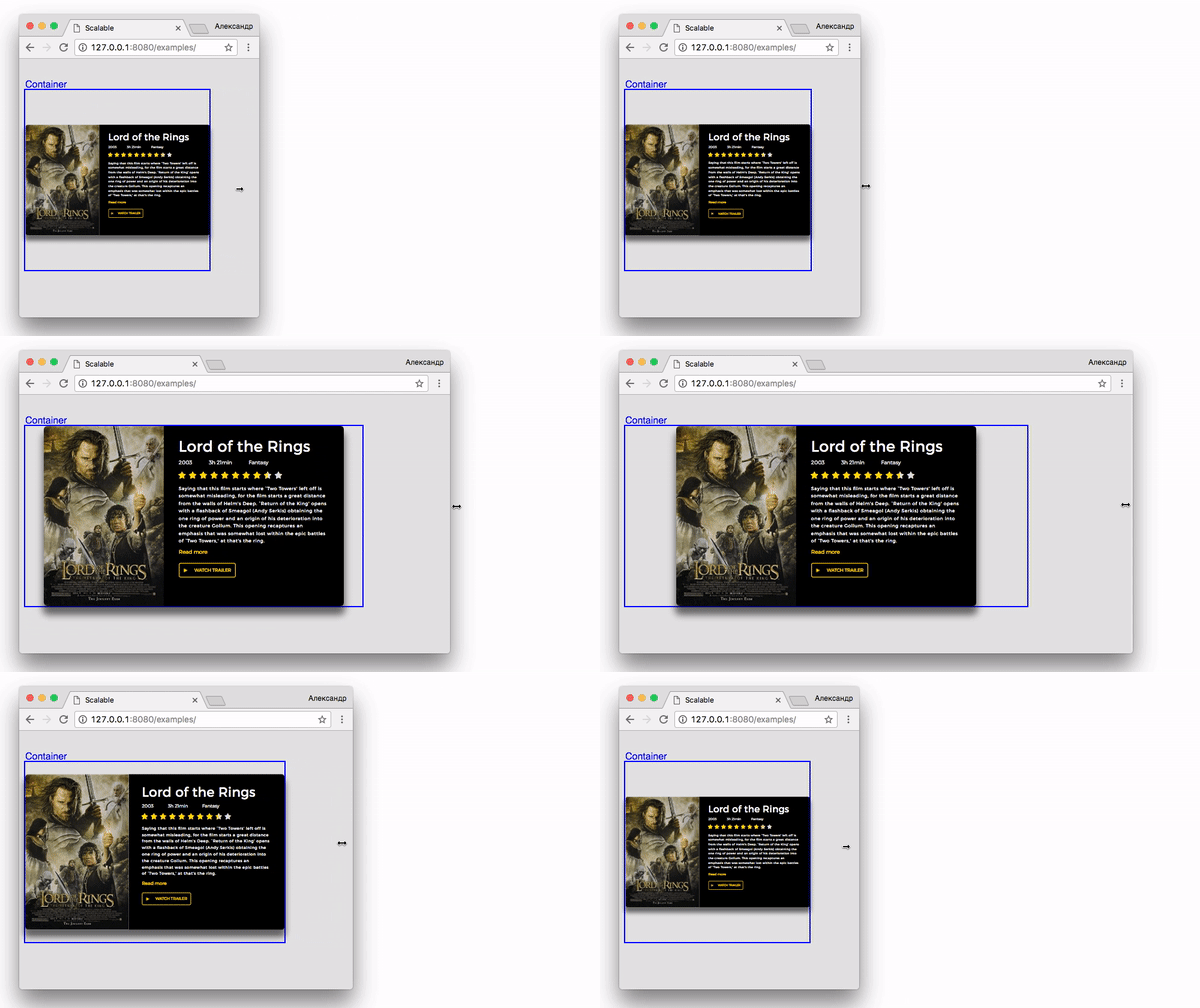
npm install scalable --savevar scalable = new Scalable(containerEl, options);align:left | center | rightHorizontal alignment of an element.default: leftverticalAlign:top | center | bottomVertical alignment of an element.default: topcontainerHeight:fixed | autoBehaviorur of container height propertydefault: fixedfixed- The element fits inside the container.auto- Enlargement of the element increases the height of the container.
minWidth: Minimum width of an element.maxWidth: Maximum width of an element.minScale: Minimum scale of an element.maxScale: Maximum width of an element.