About • Features • Quick Start & Information • Download


Easy to use, simply and fast 4chan thread media downloader. Simple, easy and functional.
Note
I archived this repository in July 2025, when Cloudflare was deployed on boards.4chan.org and i.4cdn.org returning a challenge message instead of the thread. I didn’t have time to investigate how Cloudflare challenge works... but now I’ve seen that it works reliably with dynamic IPs.... Manually browsing 4chan regularly before running the tool can improve your IP reputation enough to avoid triggering the challenge. After testing it several times, so I unarchived the project and resuming development.
- Portable, single executable
- Customizable monitor mode and intervals
- Configurable output root
- Standard library only
4cget organizes downloaded files by board and thread. By default, it creates this structure in the current directory:
current-directory/
└── board/
└── thread/
└── files
run from source code (Golang installation required).
git clone https://github.com/SegoCode/4cget
cd 4cget\code
go run 4cget.go https://boards.4channel.org/w/thread/...
Or better donwload a binary.
4cget provides various parameters to customize its behavior. Below are detailed examples and explanations for each available option:
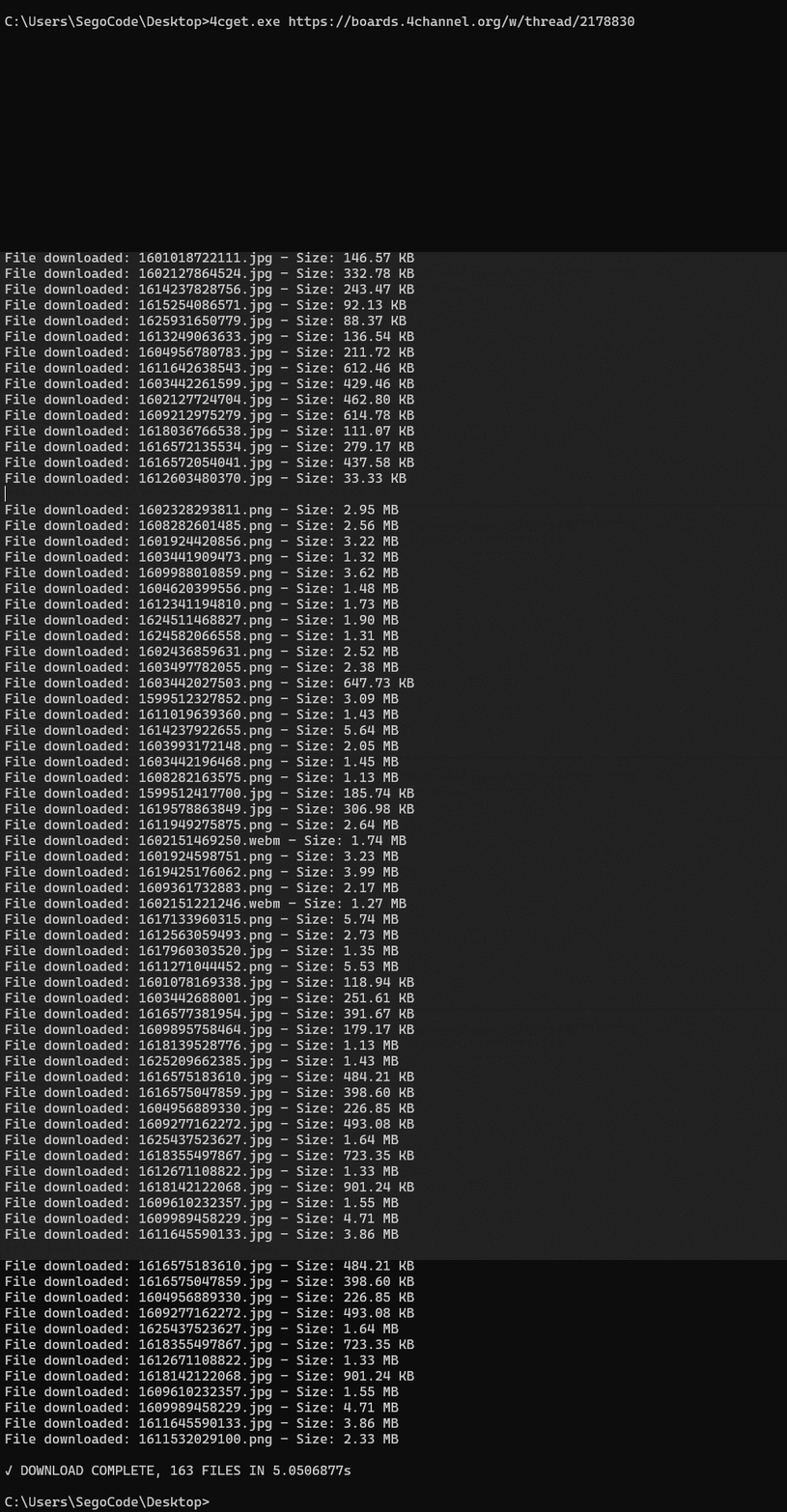
Download all images from a thread:
4cget https://boards.4channel.org/w/thread/...Use the --monitor flag to enable monitor mode, which checks for new files every specified number of seconds:
4cget https://boards.4channel.org/w/thread/... --monitor 10In this example, 4cget will check every 10 seconds for new images.
Use the --sleep flag to add a delay between downloads (useful to avoid rate-limiting):
4cget https://boards.4channel.org/w/thread/... --sleep 2This adds a 2-second delay between each download.
Use --o <folder> to set the root of the download structure. 4cget accepts relative and absolute paths, creates missing directories, and keeps the board/thread hierarchy below the selected root.
4cget https://boards.4chan.org/w/thread/... --o ./downloads
4cget --o /media/4chan https://boards.4chan.org/w/thread/...
--o can appear before or after the thread URL and can be combined with --sleep or --monitor:
4cget --sleep 2 https://boards.4chan.org/w/thread/... --o ./downloads
4cget --o ./downloads --monitor 60 https://boards.4chan.org/w/thread/...
The first command creates:
downloads/
└── w/
└── thread-id/
└── filesUse the --help flag to display the help message with all available options:
4cget --helpUse --version to print the installed version without making network requests:
4cget --versionRelease binaries print their release tag, for example 4cget 1.7. Local builds use 4cget 0.0 unless the build injects a version through Go linker flags.
Note
All flags use the -- prefix. For example, use --o instead of -o. --monitor and --sleep cannot be combined.
Latest binaries:
- Windows x64 https://github.com/SegoCode/4cget/releases/latest/download/4cget-windows-amd64.exe
- macOS Apple Silicon https://github.com/SegoCode/4cget/releases/latest/download/4cget-darwin-arm64
- Linux x64 https://github.com/SegoCode/4cget/releases/latest/download/4cget-linux-amd64
All platforms: https://github.com/SegoCode/4cget/releases/latest