
Markshell let you output any Markdown file to the console. This tool also includes theming support to change the out put to your favorite colors.
Syntax hightlighting support for source code on the console is provided base on PrismJS
The output on the console then looks like this:
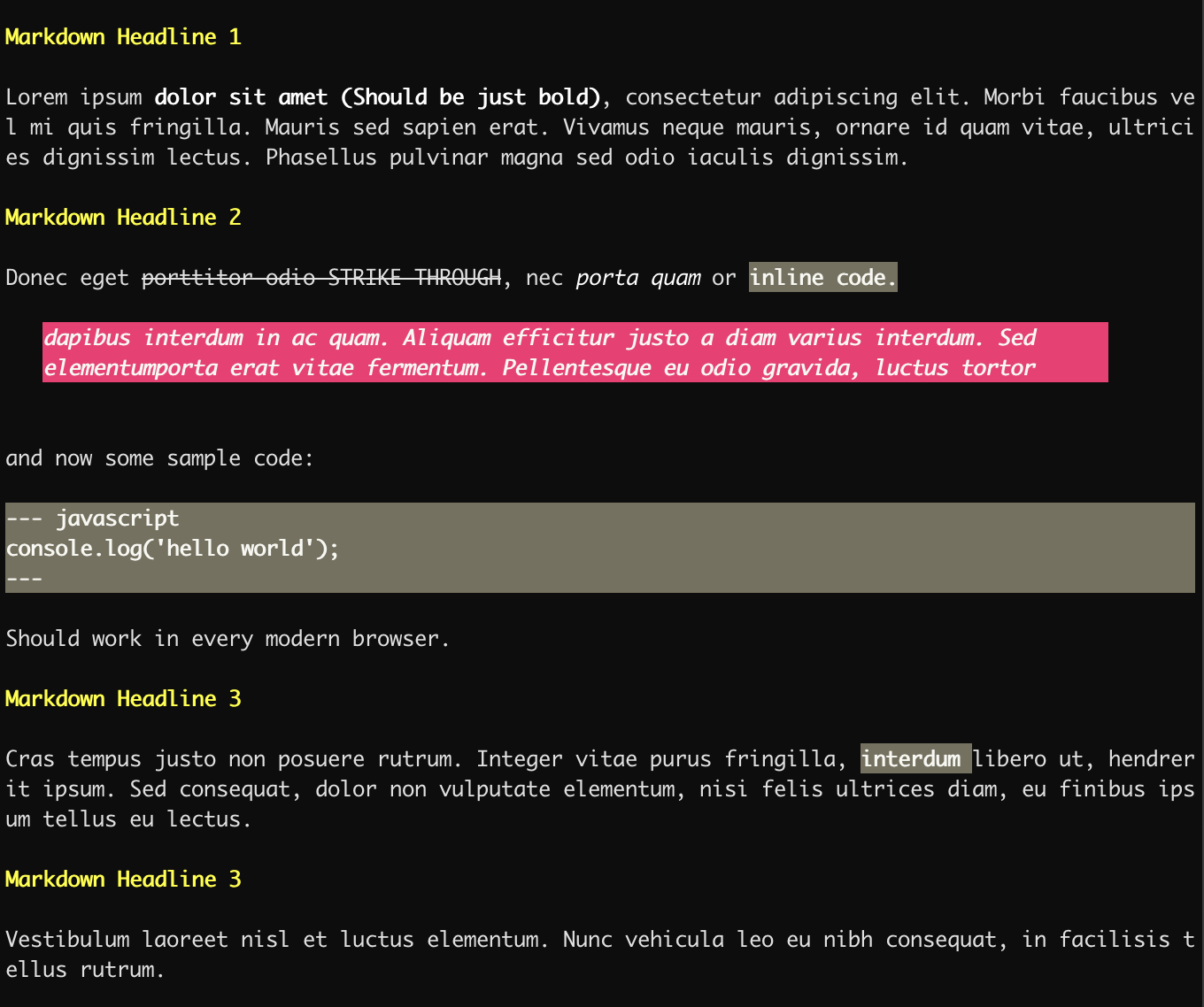
This package uses Chalk for coloring the output.
npm install markshell --saveTo use Markshell in your CLI code use something like this.
constpath=require('path');constfs=require('fs');constchalk=require('chalk');constmarkshell=require('markshell');constpathToFile=path.join(__dirname,'path to my markdown file');if(fs.existsSync(pathToFile)){// print markdown filemarkshell.toConsole(pathToFile);};Setting theme for the console can be accomplished with the following code.
// get the default themeconsttheme=markshell.getTheme();Gives you the default themeing define in the package. the following theming slots are available.
// define headline formattheme.headline=chalk.bold.keyword('lime'),// define bold text layouttheme.bold=chalk.bold.lime,// define italic texttheme.italic=chalk.italic.keyword('lime');// define strikethrough styletheme.strikethrough=chalk.strikethrough.keyword('lime');// define code outputtheme.code=chalk.bold.keyword('lime'),// define inline code outputtheme.inlineCode=chalk.bold.keyword('lime'),// define blockquote styletheme.blockQuote=chalk.italic.bgKeyword('lime').keyword('black');Finally set the new theme for the output.
markshell.setTheme(theme);The output should then transformed into this:
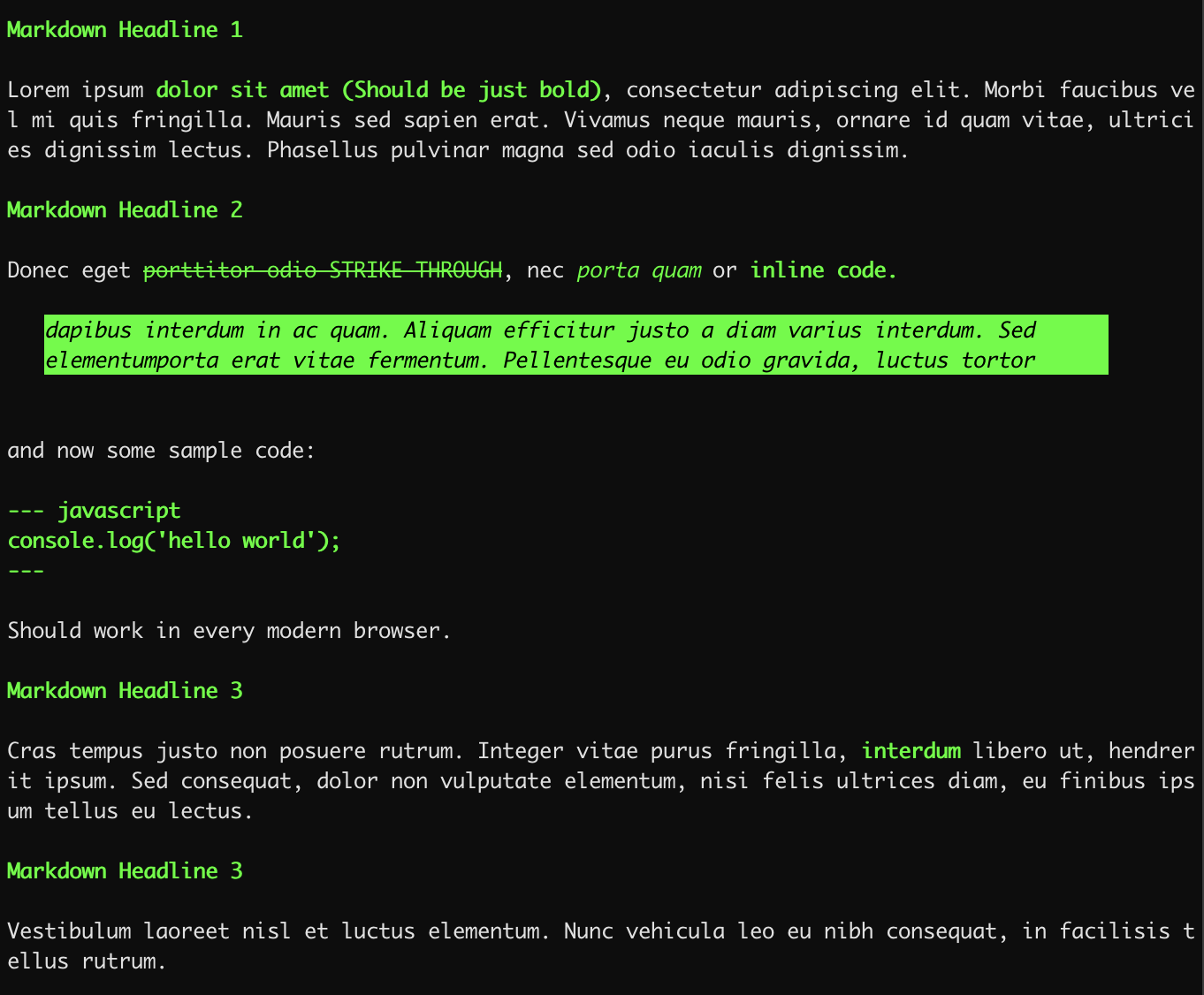
For full color reference check out: Chalk
I case you like to work with the raw formatted content.
constpath=require('path');constfs=require('fs');constchalk=require('chalk');constmarkshell=require('markshell');constpathToFile=path.join(__dirname,'path to my markdown file');if(fs.existsSync(pathToFile)){// Get the formatted contentvarformattedContent=markshell.toRawConsole(pathToFile);
...
};You can install markshell as a global package too.
npm install -g markshellTo use markshell simply execute:
markshell ./path-to-your/markdown.md
Have fun using it!!! 🖤🖤🖤