This mod shows the current item counts in the item selection dialog of the Artifact of Command and the Scrapper. The equipment selection dialog remains unchanged!
You need to use the Artifact of Command in your run or use the Scrapper for this mod to work!
All features are configurable see "Config" below
- Displays the current item counts
- Shows tooltips
- Closes the dialog using
Escape,W,A,S,D,SpaceorShift
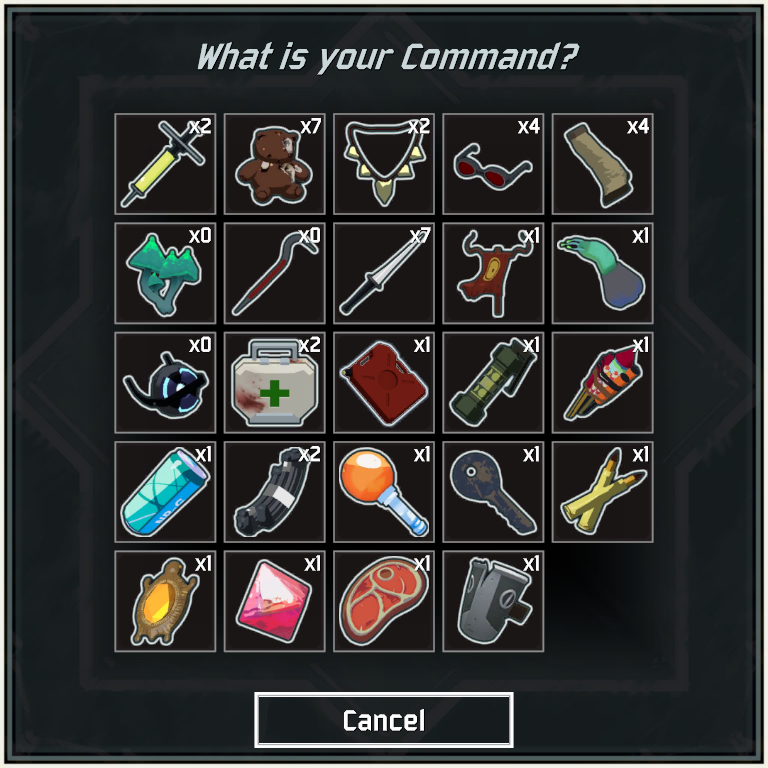
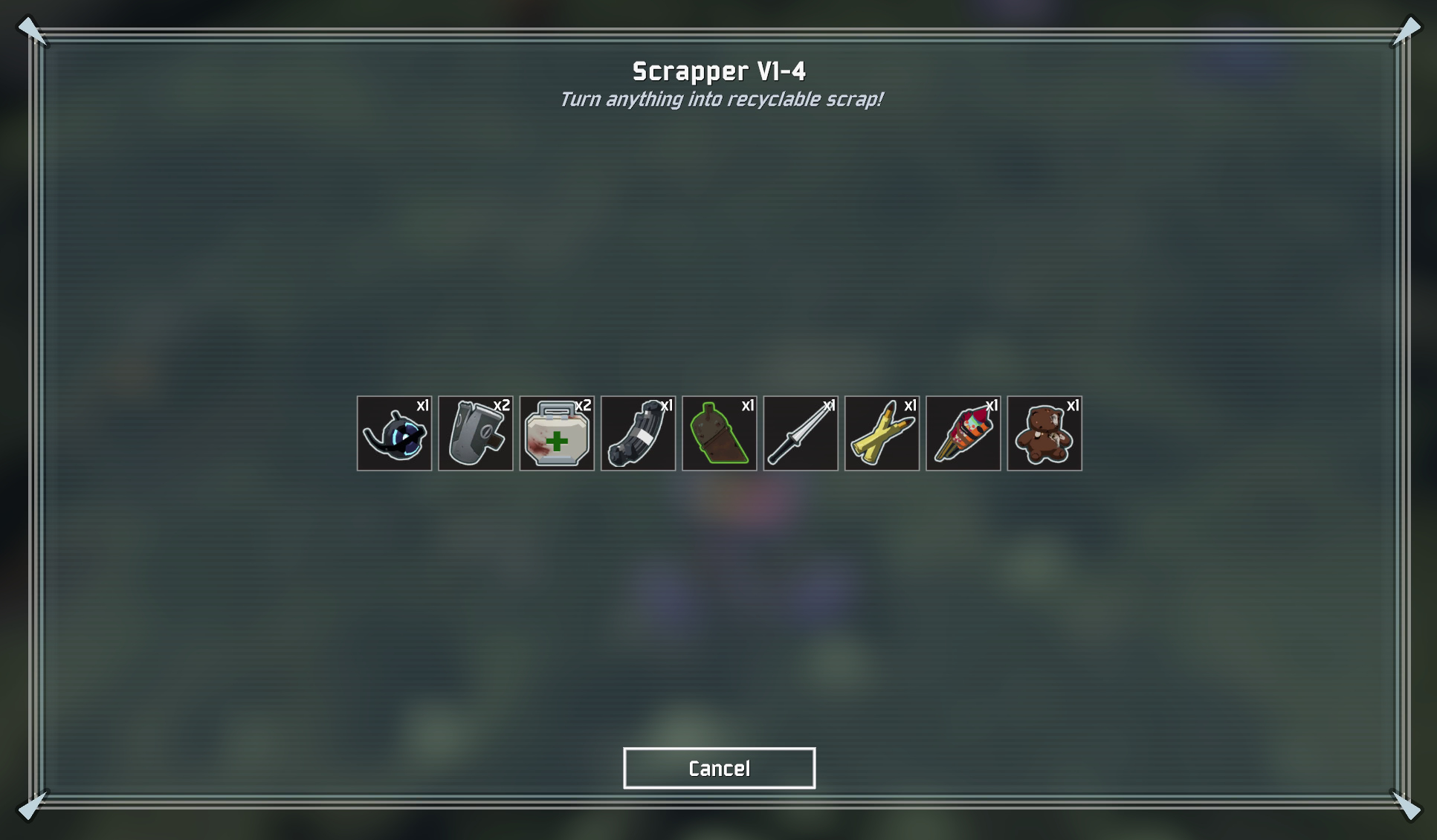
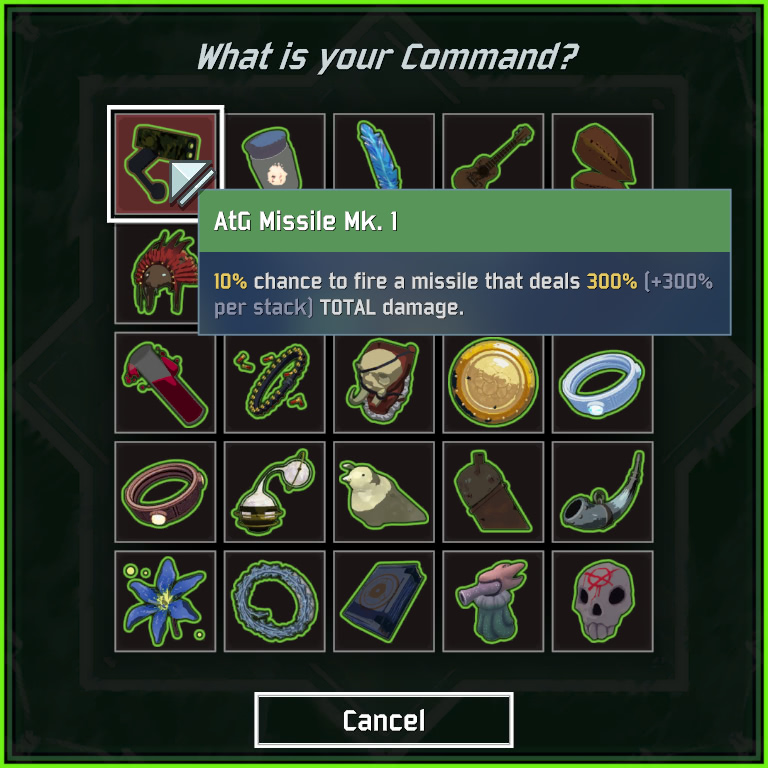
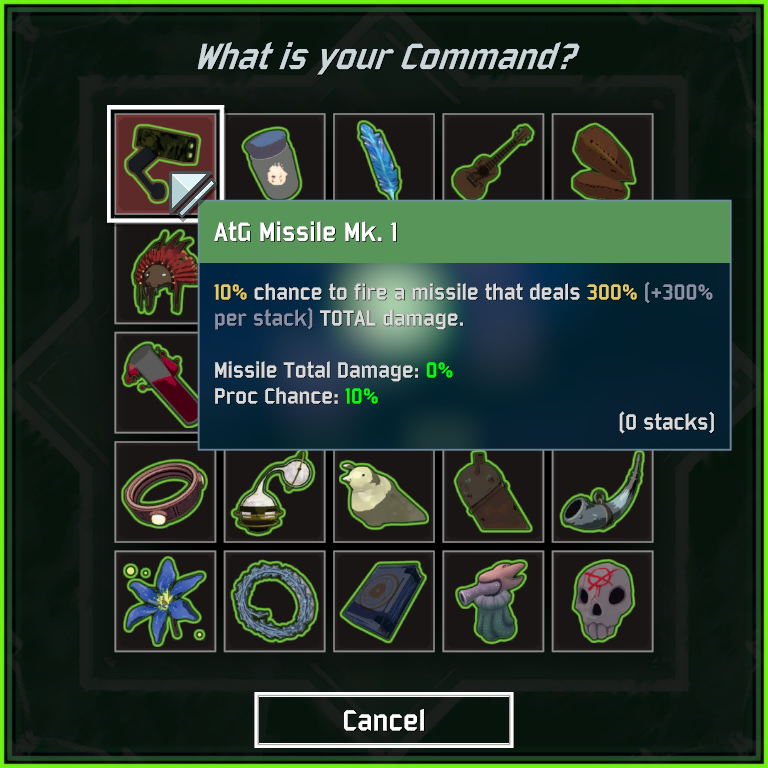
Use Risk Of Options for in-game settings!
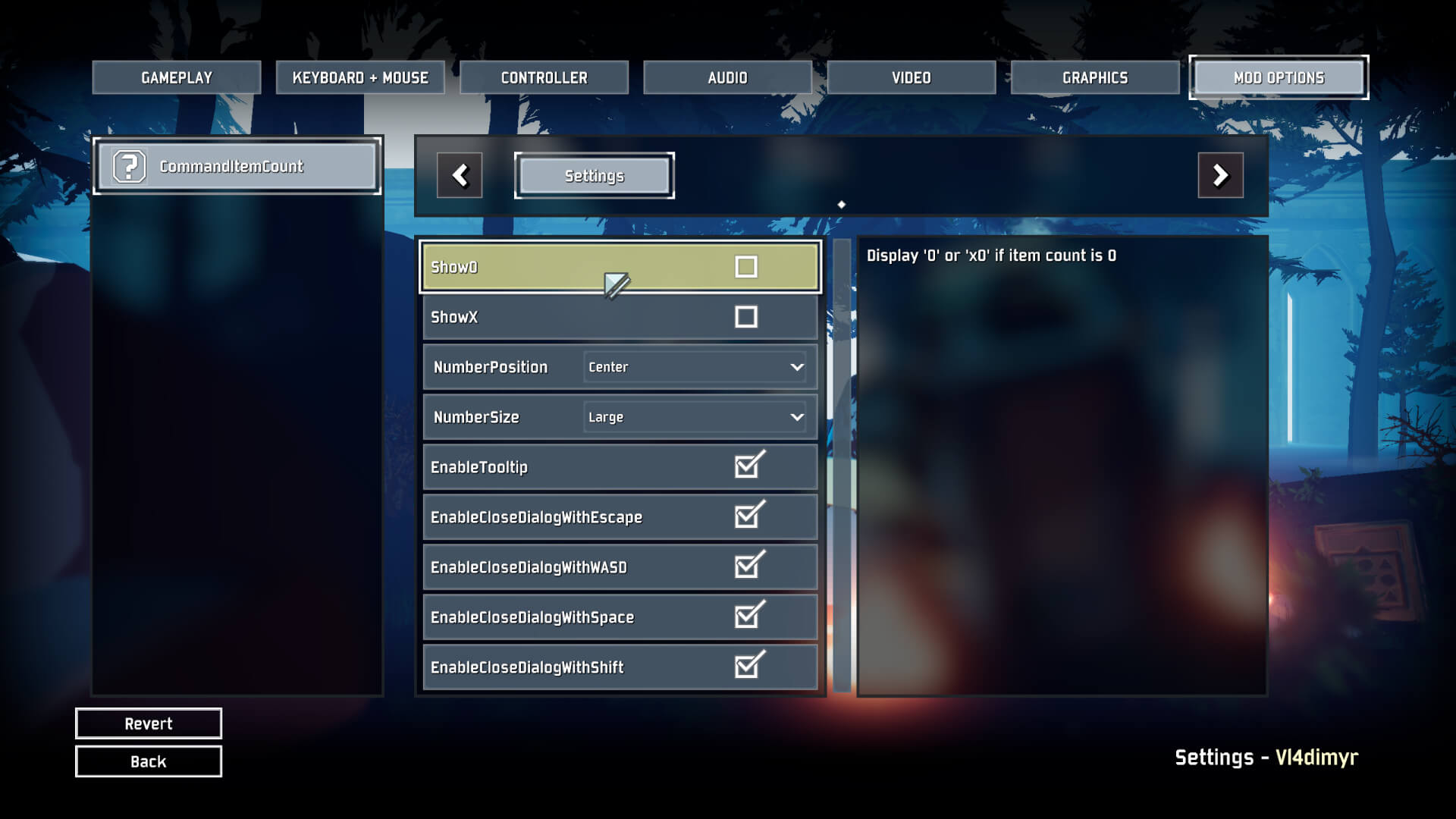
The config file (\BepInEx\config\de.userstorm.commanditemcount.cfg) will be crated automatically when the mod is loaded.
You need to restart the game for changes to apply in game.
You can disable/enable tooltips, change the size and position of the text and decide whether you want the 'x' in front of the number. Also you can decide which keys can close the Command/Scrapper dialog.
| TopRight | BottomRight | BottomLeft | TopLeft | Center | |
|---|---|---|---|---|---|
| Small | 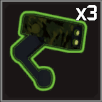 | 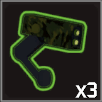 | 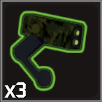 | 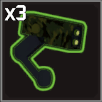 | 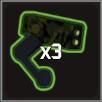 |
| Medium | 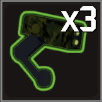 | 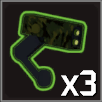 | 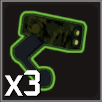 | 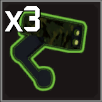 | 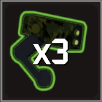 |
| Large | 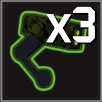 | 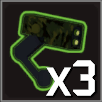 | 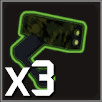 | 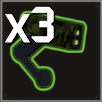 | 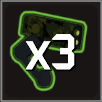 |
| TopRight | BottomRight | BottomLeft | TopLeft | Center | |
|---|---|---|---|---|---|
| Small | 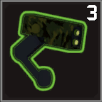 | 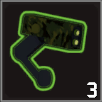 | 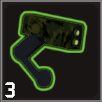 | 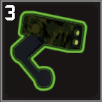 | 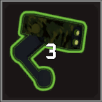 |
| Medium | 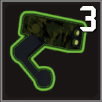 | 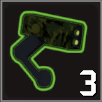 | 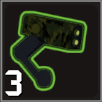 | 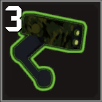 |  |
| Large | 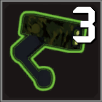 | 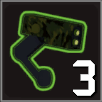 | 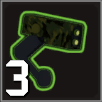 | 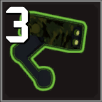 | 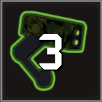 |
The example config keeps tooltips enabled, disables 0 and x and uses Large numbers in the Center of the icon.
It also leaves all keys enabled for closing the dialog.
## Settings file was created by plugin CommandItemCount v1.4.0## Plugin GUID: de.userstorm.commanditemcount[Settings]## Display '0' or 'x0' if item count is 0# Setting type: Boolean# Default value: trueShow0 = false
## Display the 'x' in front of the number# Setting type: Boolean# Default value: trueShowX = false
## Number Position# Setting type: Position# Default value: TopRight# Acceptable values: TopRight, BottomRight, BottomLeft, TopLeft, CenterNumberPosition = Center
## Number Size# Setting type: Size# Default value: Small# Acceptable values: Small, Medium, LargeNumberSize = Large
## Show Item/Equipment Tooltip# Setting type: Boolean# Default value: trueEnableTooltip = true
## Closes the item picker dialog when Esc is pressed# Setting type: Boolean# Default value: trueEnableCloseDialogWithEscape = true
## Closes the item picker dialog when W, A, S or D is pressed# Setting type: Boolean# Default value: trueEnableCloseDialogWithWASD = true
## Closes the item picker dialog when Space is pressed# Setting type: Boolean# Default value: trueEnableCloseDialogWithSpace = true
## Closes the item picker dialog when Shift is pressed# Setting type: Boolean# Default value: trueEnableCloseDialogWithShift = true- Install BepInEx and R2API
- Download the latest
CommandItemCount_x.y.z.ziphere - Extract and move the
CommandItemCount.dllinto the\BepInEx\pluginsfolder - (optional) Install Risk Of Options
The Changelog can be found on GitHub.
For bugs or feedback please use GitHub Issues.