
A simple progress bar that indicates the length & your current reading position of an article/page
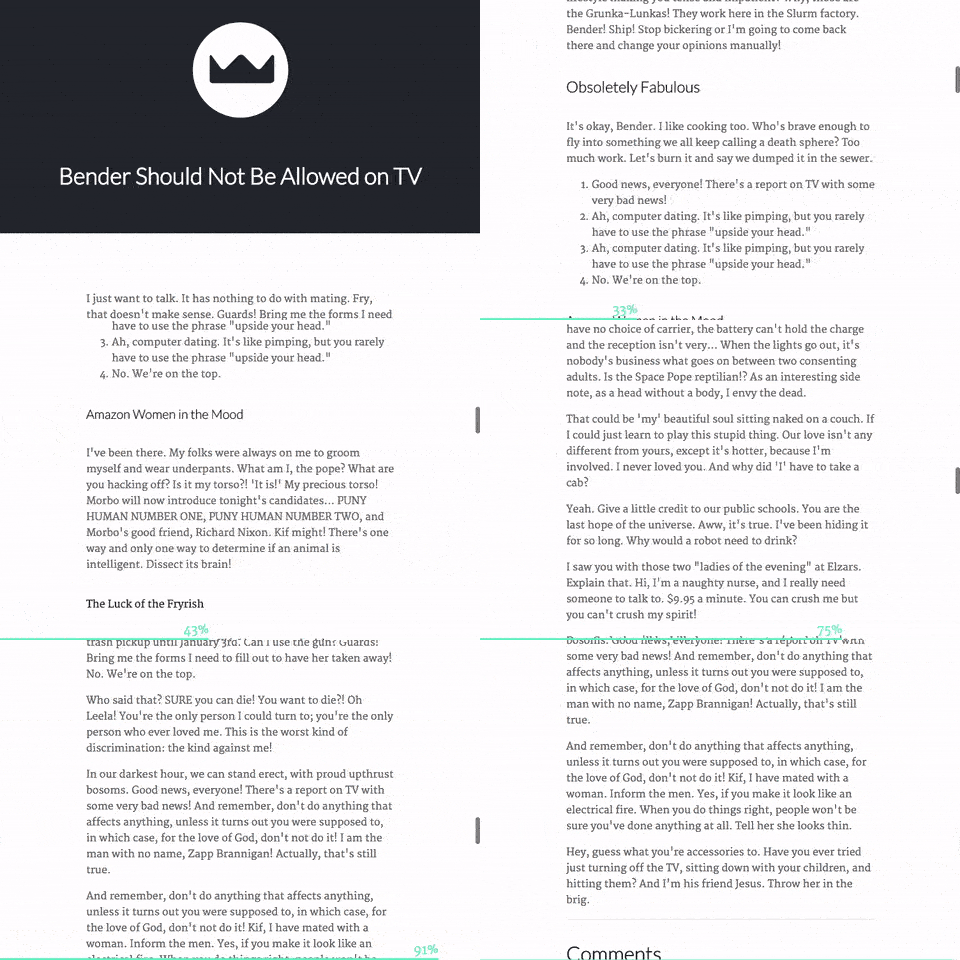
Install it using npm npm install readingbar or download the script file from the repo.
// select the element you wish to track (ie. in a blog post target only the container of the actual post content)$('.article').readingbar();// you can set the text indicator, height and the color of the bar.$('.article').readingbar({counter: false,// Set to `true` if you want to display a % value for progressheight: 10,// Height of the bar (in px)backgroundColor: '#22252C'// Color of the bar});You can add your own styles by adding properties to the following classes: .read-bar (bar) & .read-text (% text).