


A powerful and flexible Flutter package that provides pull-to-refresh functionality for any widget, with support for single and multiple futures, custom indicators, and comprehensive error handling.
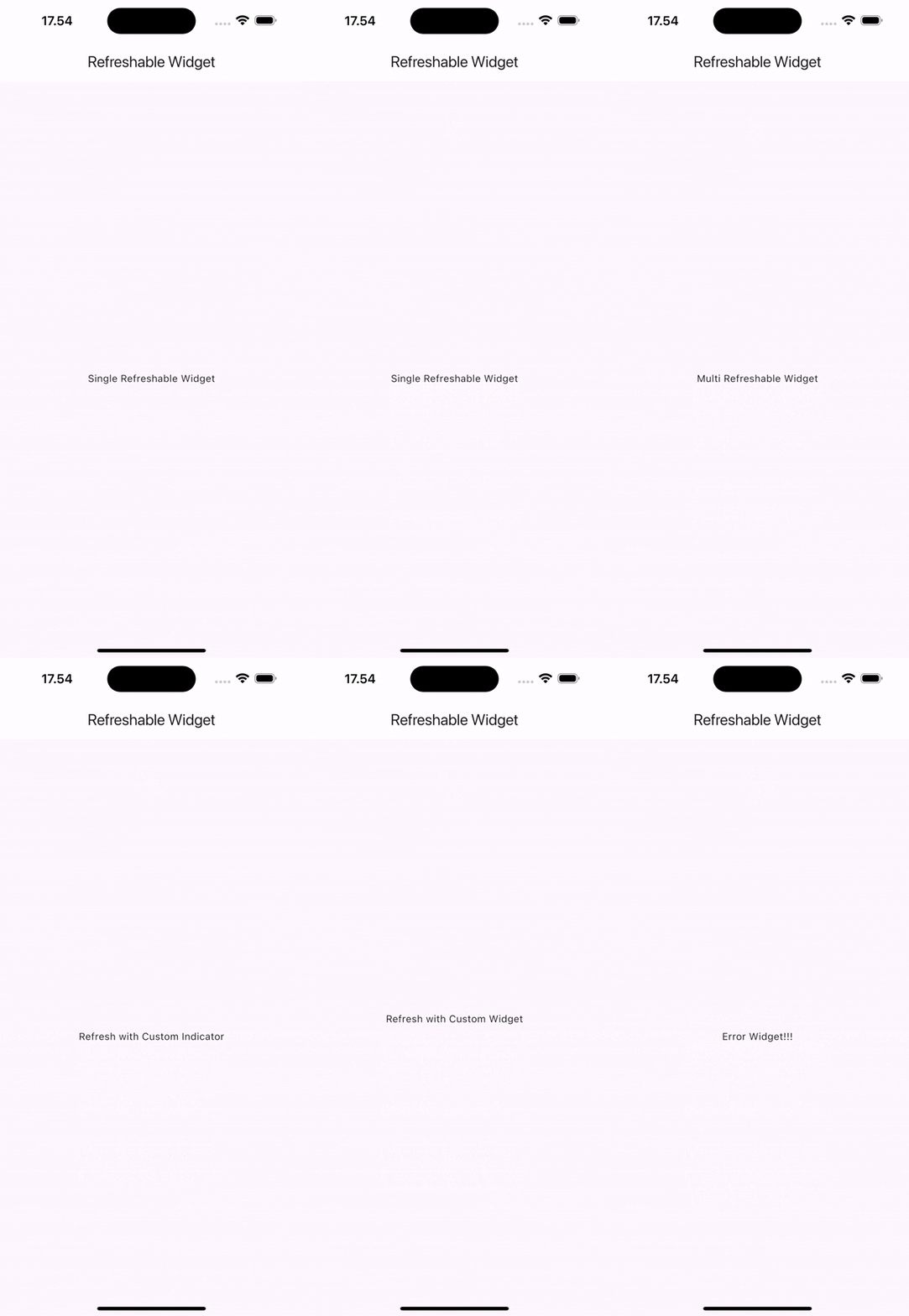
- 🔄 Single & Multiple Future Support - Handle one or multiple asynchronous operations
- 🎮 Controller Support - Programmatic refresh triggering with state management
- 🎨 Customizable Refresh Indicator - Full control over appearance and behavior
- 📱 Universal Widget Support - Works with any widget, automatically makes content scrollable
- 🎯 Smart Error Handling - Comprehensive error states and callbacks
- 🔧 Highly Configurable - Colors, displacement, stroke width, trigger modes, and more
- ⚡ Lifecycle Callbacks -
onBeforeRefreshandonAfterRefreshhooks with sync/async support - 🔀 Flexible Concurrency - Choose between concurrent (parallel) or sequential execution
- 🚀 Production Ready - Thoroughly tested and optimized for real-world applications
Add this to your package's pubspec.yaml file:
dependencies:
any_refreshable_widget: ^0.2.0
Then run:
flutter pub getimport'package:any_refreshable_widget/any_refreshable_widget.dart';AnyRefreshableWidget.single(
onRefresh: () async {
// Your refresh logic hereawaitfetchUserData();
},
builder: (context, isLoading, error) {
if (error !=null) {
returnCenter(child:Text('Error: $error'));
}
if (isLoading) {
returnconstCenter(child:CircularProgressIndicator());
}
returnconstCenter(child:Text('Pull down to refresh!'));
},
)AnyRefreshableWidget(
onRefresh: [
() =>fetchUserData(),
() =>fetchNotifications(),
() =>fetchSettings(),
],
builder: (context, isLoading, error) {
if (error !=null) {
returnErrorWidget(error);
}
if (isLoading) {
returnconstLoadingWidget();
}
returnconstContentWidget();
},
)Access refresh state and errors through the controller:
final controller =AnyRefreshableController();
// Check if controller is attached to a widgetif (controller.isAttached) {
// Check if refresh is in progressbool isRefreshing = controller.isRefreshing;
// Get current error, if anyObject? currentError = controller.error;
// Trigger refresh programmaticallyawait controller.refresh();
}Control how multiple futures are executed:
AnyRefreshableWidget(
concurrency:RefreshConcurrency.concurrent,
onRefresh: [
() =>fetchUserData(), // These run simultaneously
() =>fetchNotifications(), // for faster completion
() =>fetchSettings(),
],
builder: (context, isLoading, error) {
returnYourContentWidget();
},
)AnyRefreshableWidget(
concurrency:RefreshConcurrency.sequential, // Default
onRefresh: [
() =>authenticateUser(), // Runs first
() =>fetchUserData(), // Then this
() =>fetchNotifications(), // Finally this
],
builder: (context, isLoading, error) {
returnYourContentWidget();
},
)AnyRefreshableWidget.single(
onRefresh: () =>performRefresh(),
refreshColor:Colors.blue,
backgroundColor:Colors.white,
displacement:60.0,
strokeWidth:3.0,
builder: (context, isLoading, error) {
returnYourContentWidget();
},
)AnyRefreshableWidget.single(
onRefresh: () =>performRefresh(),
customIndicator:Container(
padding:constEdgeInsets.all(16),
child:constRow(
mainAxisAlignment:MainAxisAlignment.center,
children: [
CircularProgressIndicator(strokeWidth:2),
SizedBox(width:16),
Text('Refreshing...'),
],
),
),
builder: (context, isLoading, error) {
returnYourContentWidget();
},
)AnyRefreshableWidget.single(
onRefresh: () async {
// Simulate potential errorif (Random().nextBool()) {
throwException('Network error occurred');
}
awaitfetchData();
},
builder: (context, isLoading, error) {
if (error !=null) {
returnCenter(
child:Column(
mainAxisAlignment:MainAxisAlignment.center,
children: [
constIcon(Icons.error, color:Colors.red, size:48),
constSizedBox(height:16),
Text('Error: ${error.toString()}'),
constSizedBox(height:16),
ElevatedButton(
onPressed: () {
// Trigger refresh programmatically
},
child:constText('Retry'),
),
],
),
);
}
if (isLoading) {
returnconstCenter(
child:Column(
mainAxisAlignment:MainAxisAlignment.center,
children: [
CircularProgressIndicator(),
SizedBox(height:16),
Text('Loading...'),
],
),
);
}
returnYourDataWidget();
},
)AnyRefreshableWidget.single(
onRefresh: () =>refreshListData(),
builder: (context, isLoading, error) {
if (error !=null) returnErrorWidget(error);
returnListView.builder(
itemCount: items.length,
itemBuilder: (context, index) {
returnListTile(
title:Text(items[index].title),
subtitle:Text(items[index].description),
);
},
);
},
)The package supports onBeforeRefresh and onAfterRefresh callbacks that can be either synchronous or asynchronous:
AnyRefreshableWidget.single(
onBeforeRefresh: () {
print('Starting refresh...');
// Synchronous setup logic
},
onRefresh: () =>fetchData(),
onAfterRefresh: () {
print('Refresh completed!');
// Synchronous cleanup logic
},
builder: (context, isLoading, error) {
returnYourContentWidget();
},
)AnyRefreshableWidget.single(
onBeforeRefresh: () async {
print('Starting refresh...');
awaitprepareForRefresh();
// Asynchronous setup logic
},
onRefresh: () =>fetchData(),
onAfterRefresh: () {
print('Refresh completed!');
// Cleanup logic (always sync)
},
builder: (context, isLoading, error) {
returnYourContentWidget();
},
)| Parameter | Type | Required | Default | Description |
|---|---|---|---|---|
onRefresh | List<Future<void> Function()> | ✅ | - | List of async functions to execute on refresh |
builder | Widget Function(BuildContext, bool, Object?) | ✅ | - | Builder function with loading and error states |
controller | AnyRefreshableController? | ❌ | null | Controller for programmatic refresh triggering |
concurrency | RefreshConcurrency | ❌ | sequential | How futures should be executed (concurrent/sequential) |
onBeforeRefresh | FutureOr<void> Function()? | ❌ | null | Callback executed before refresh starts (sync/async) |
onAfterRefresh | VoidCallback? | ❌ | null | Callback executed after refresh completes |
refreshColor | Color? | ❌ | null | Color of the refresh indicator |
backgroundColor | Color? | ❌ | null | Background color of the refresh indicator |
displacement | double | ❌ | 40.0 | Distance from top to show indicator |
strokeWidth | double | ❌ | 2.0 | Stroke width of the progress indicator |
customIndicator | Widget? | ❌ | null | Custom refresh indicator widget |
triggerMode | RefreshIndicatorTriggerMode? | ❌ | anywhere | When the indicator should trigger |
notificationPredicate | bool Function(ScrollNotification)? | ❌ | null | Custom scroll notification predicate |
Same parameters as AnyRefreshableWidget, but onRefresh takes a single Future<void> Function() instead of a list. The concurrency parameter is not applicable for single futures.
| Value | Description | Use Case |
|---|---|---|
RefreshConcurrency.concurrent | Execute all futures simultaneously using Future.wait | fastest refresh when futures are independent |
RefreshConcurrency.sequential | Execute futures one by one in order | When futures depend on each other or to limit resource usage |
When a refresh is triggered, the callbacks execute in this order:
onBeforeRefresh- Called first, awaited if async- Loading state -
isLoadingbecomestrue, UI updates onRefresh- All futures execute concurrently- Loading state -
isLoadingbecomesfalse, UI updates onAfterRefresh- Called last, always synchronous
AnyRefreshableWidget.single(
onRefresh: () =>performRefresh(),
notificationPredicate: (ScrollNotification notification) {
// Custom logic to determine when refresh should triggerreturn notification.depth ==0&& notification.metrics.pixels <=0;
},
builder: (context, isLoading, error) {
returnYourContentWidget();
},
)AnyRefreshableWidget.single(
onRefresh: () =>performRefresh(),
triggerMode:RefreshIndicatorTriggerMode.onEdge, // or .anywhere
builder: (context, isLoading, error) {
returnYourContentWidget();
},
)Contributions are welcome! Please feel free to submit a Pull Request. For major changes, please open an issue first to discuss what you would like to change.
This project is licensed under the MIT License - see the LICENSE file for details.
If you encounter any issues or have suggestions, please file them in the GitHub Issues.
See CHANGELOG.md for a detailed changelog.
Made with ❤️ by Yama-Roni