We were unable to get CollectionView to scroll horizontally properly,
so we had to revert to a ScrollView. If anyone knows how to implement horizontal
scrolling on CollectionView, we would appreciate your assistance.
😉
A simple Maui PDF viewer based on the nativ PDF libraries ...
based on ideas and code of vitalii-vov ( https://github.com/vitalii-vov/Maui.PDFView )
“Powered by native PDF engines. Wrapped in simplicity.”
| .NET MAUI | .NET 10 |
|---|
| Platform | Android | iOS | Mac | Windows |
|---|---|---|---|---|
| Supported (goal) | ✅ | ✅ | ✅ | ✅ |
| Progress | 90 % | 90 % | 90 % | 90 % |
MacCatalyst is not tested yet!





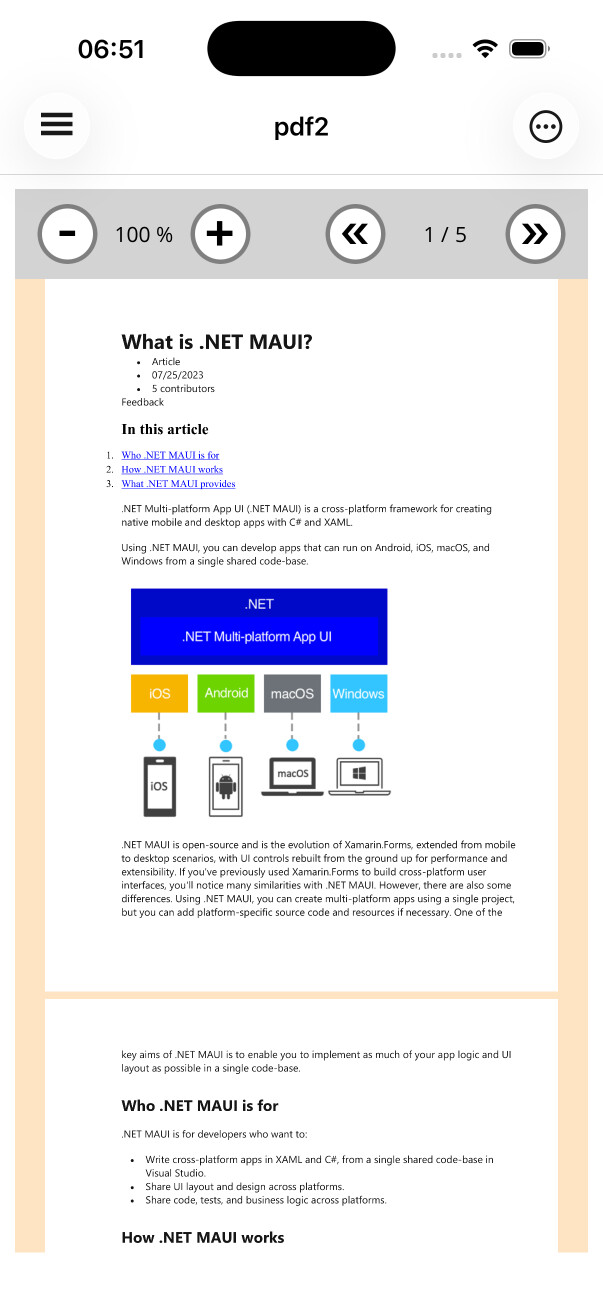 | 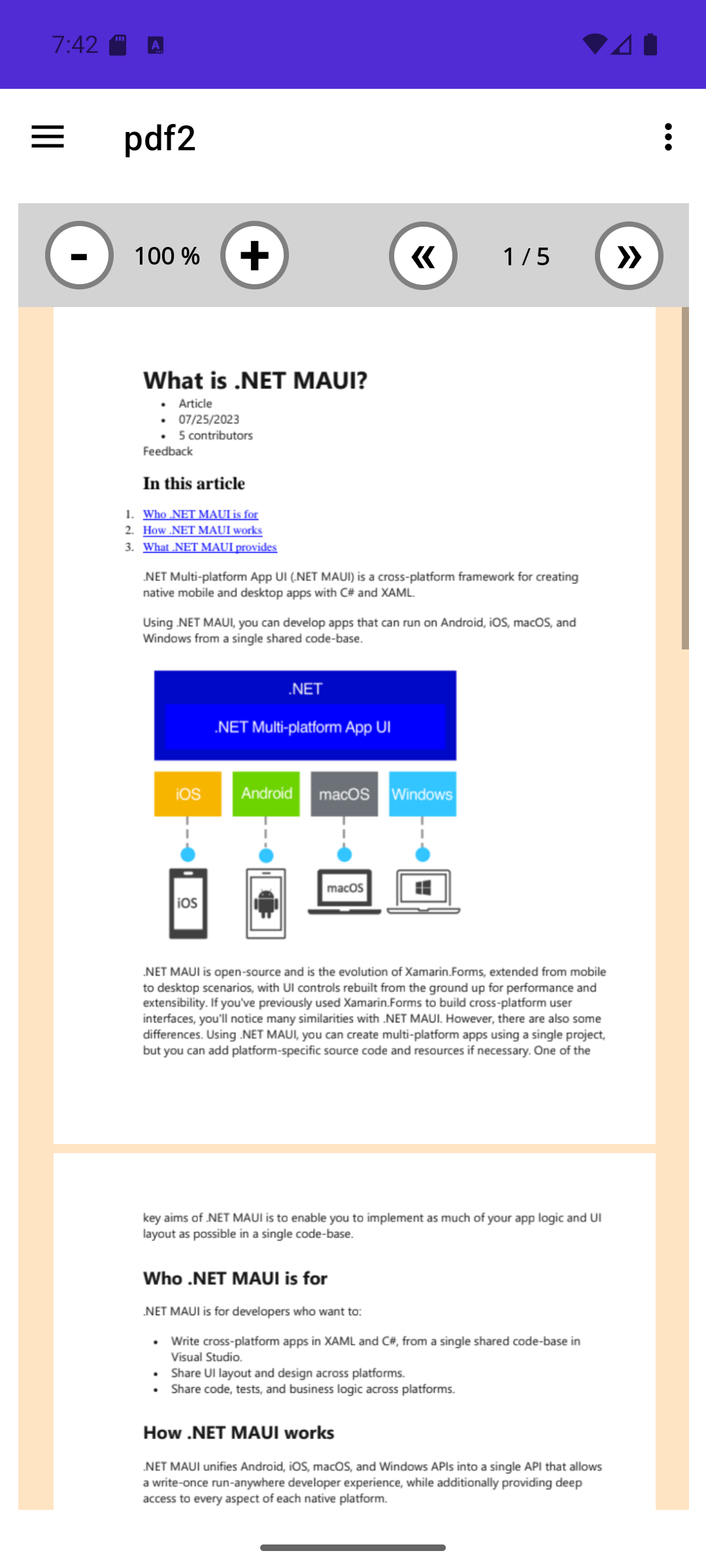 | 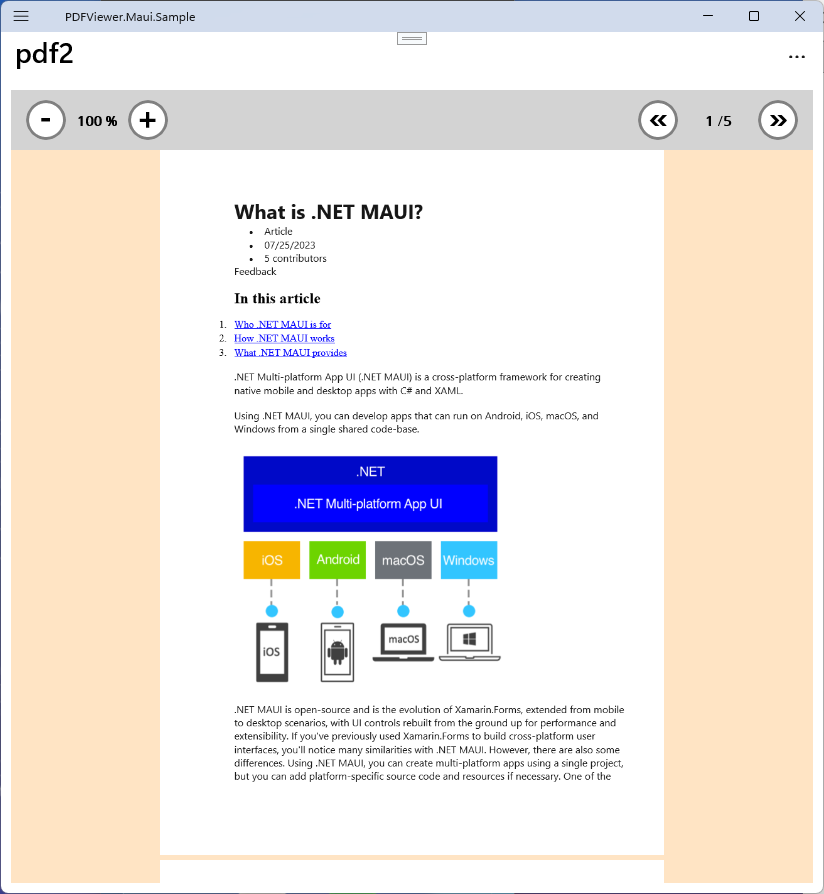 |
https://www.nuget.org/packages/ZPF.PDFViewer.Maui
Install-Package ZPF.PDFViewer.Maui
or
dotnet add package ZPF.PDFViewer.Maui Install-Package ZPF.PDFViewer.Maui
Nothing to add to MauiProgram.
Simply add PdfViewer to XAML
<ContentPagex:Class="Example.Business.UI.Pages.MainPage"xmlns="http://schemas.microsoft.com/dotnet/2021/maui"xmlns:x="http://schemas.microsoft.com/winfx/2009/xaml"xmlns:pdf="clr-namespace:ZPF.PDFViewer.Maui;assembly=PDFViewer.Maui">
<pdf:PDFViewerIsToolbarVisible="True"BackgroundColor="AntiqueWhite"ToolbarColor="LightGray"ClickOnPage="pdfViewer_ClickOnPage"DoubleClickOnPage="pdfViewer_DoubleClickOnPage" />
</ContentPage>awaitpdfViewer.LoadPDF(fullPath);awaitpdfViewer.LoadPDF(fullPath,password);For Android, Passwords are only supported on: 'android' 35.0 and later.
if(!awaitpdfViewer.LoadPDF(fullPath,password)){awaitDisplayAlertAsync("Oups ...",pdfViewer.LastMessage,"ok");}The PDFViewer component works only with file paths. This is because the native platform components primarily operate with file paths, and handling different PDF data sources directly inside the component would significantly complicate the code.
Therefore, you must always provide a file path regardless of the form your PDF data takes—whether it’s a file, an asset, or a URL.
To simplify working with these data sources, the component includes helper classes that implement the IPdfSource interface:
AssetPdfSourceFilePdfSourceHttpPdfSource
awaitpdfViewer.LoadPDF(newFilePdfSource(),FullPath);awaitpdfViewer.LoadPDF(newHttpPdfSource(),"https://www.learningcontainer.com/wp-content/uploads/2019/09/sample-pdf-download-10-mb.pdf");awaitpdfViewer.LoadPDF(newAssetPdfSource(),"Example.Resources.PDF.pdf2.pdf");See the example project to see the different sources in action.
You can also create your own implementation of the IPdfSource interface to address your specific needs.
Methods to save PDF pages as images:
SaveFirstPageAsImageAsync(string pdfPath, string outputImagePath)SavePageAsImageAsync(string pdfPath, string outputImagePath, uint pageNumber = 0)
Example of using PDFToImageHelper
{stringtnFileName=System.IO.Path.GetTempFileName();awaitPDFToImageHelper.SaveFirstPageAsImageAsync(pdfFilepath,tnFileName);returntnFileName;}