


- Lightweight (2 kB only)
- Preserves indentation on a new line
- Adds closing brackets, quotes
- Indents line with the Tab key
- Supports undo/redo
Install CodeJar 🍯 via npm:
npm i codejarCodeJar 🍯 can be used via modules:
<scripttype="module">import{CodeJar}from'https://medv.io/codejar/codejar.js'</script>Create an element and init the CodeJar 🍯:
<divclass="editor"></div><script>letjar=CodeJar(document.querySelector('.editor'),Prism.highlightElement)</script>Second argument to CodeJar is a highlighting function (in this example PrismJS), but any function may be used:
consthighlight=(editor: HTMLElement)=>{constcode=editor.textContent// Do something with code and set html.editor.innerHTML=code}letjar=CodeJar(editor,highlight)Third argument to CodeJar is options:
tab: stringreplaces "tabs" with given string. Default:\t.- Note: use css rule
tab-sizeto customize size.
- Note: use css rule
indentOn: RegExpallows auto indent rule to be customized. Default{$.- Auto-tab if the text before cursor match the given regex while pressing Enter.
spellcheck: booleanenables spellchecking on the editor. Defaultfalse.catchTab: booleancatches Tab keypress events and replaces it withtabstring. Default:true.preserveIdent: booleankeeps indent levels on new line. Defaulttrue.addClosing: booleanautomatically adds closing brackets, quotes. Defaulttrue.historyrecords history. Defaulttrue.windowwindow object. Default:window.
letoptions={tab: ' '.repeat(4),// default is '\t'indentOn: /[(\[]$/,// default is /{$/}letjar=CodeJar(editor,highlight,options)Some styles may be applied to our editor to make it better looking:
.editor {
border-radius:6px;
box-shadow:02px2px0rgba(0,0,0,0.14),01px5px0rgba(0,0,0,0.12),03px1px-2pxrgba(0,0,0,0.2);
font-family:'Source Code Pro', monospace;
font-size:14px;
font-weight:400;
height:340px;
letter-spacing: normal;
line-height:20px;
padding:10px;
tab-size:4;
}Updates the code.
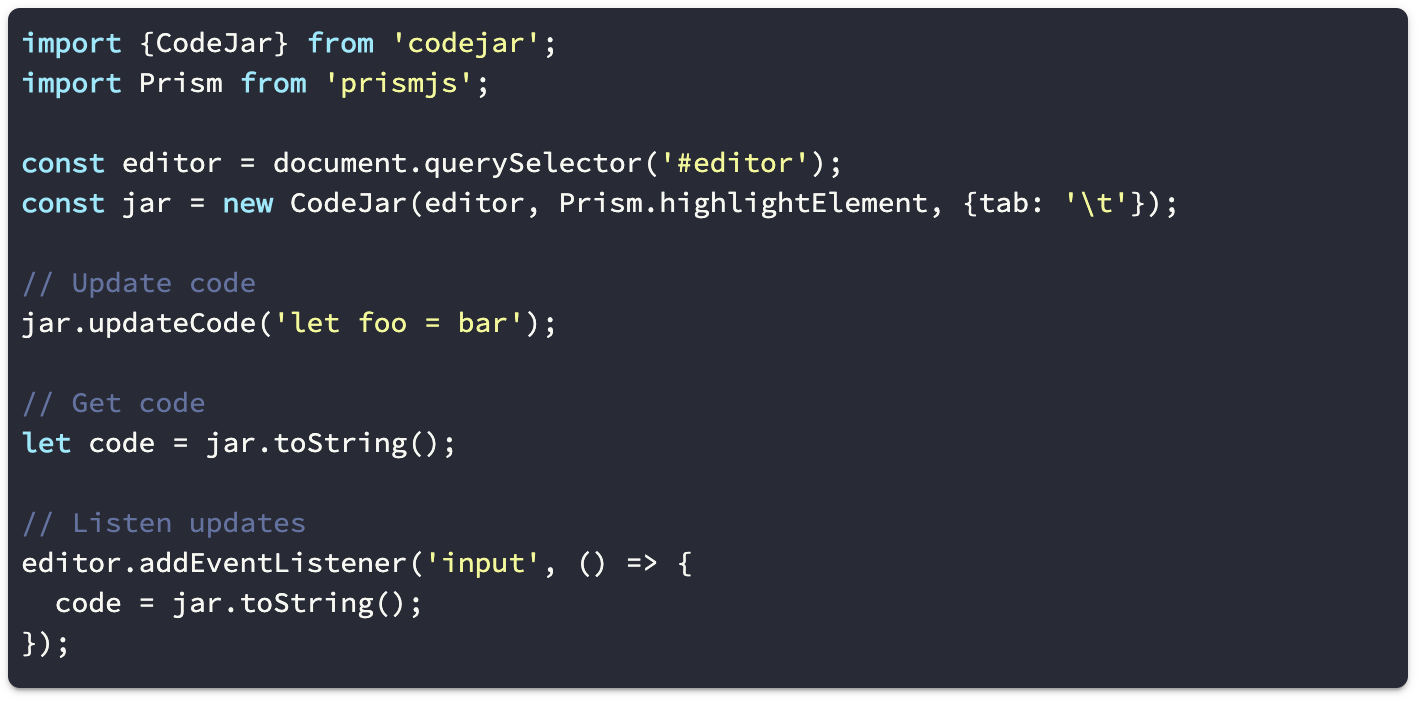
jar.updateCode(`let foo = bar`)Updates the options.
jar.updateOptions({tab: '\t'})Calls callback on code updates.
jar.onUpdate(code=>{console.log(code)})Return current code.
letcode=jar.toString()Saves current cursor position.
letpos=jar.save()Restore cursor position.
jar.restore(pos)Saves current editor state to history.
Removes event listeners from editor.
- react-codejar - a react weapper for CodeJar.
- ngx-codejar - an angular wrapper for CodeJar.