

A Mobile Friendly Drag & Drop, Sortable directives / services for Angular.
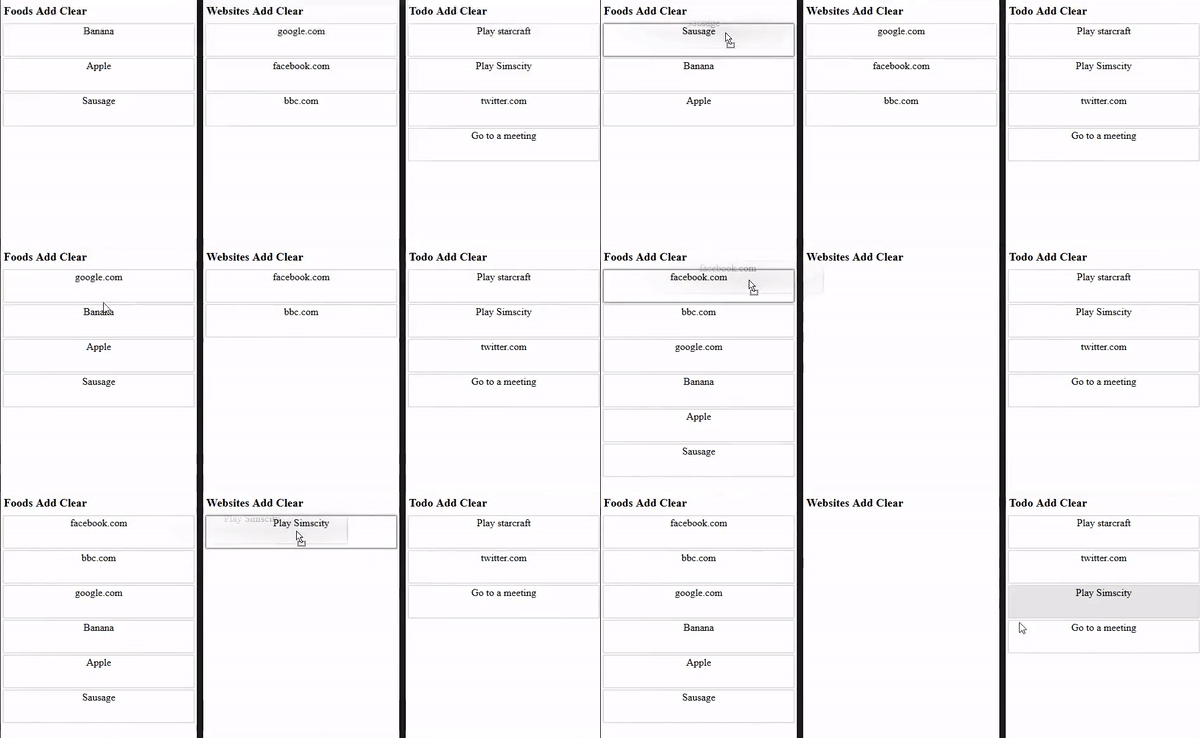
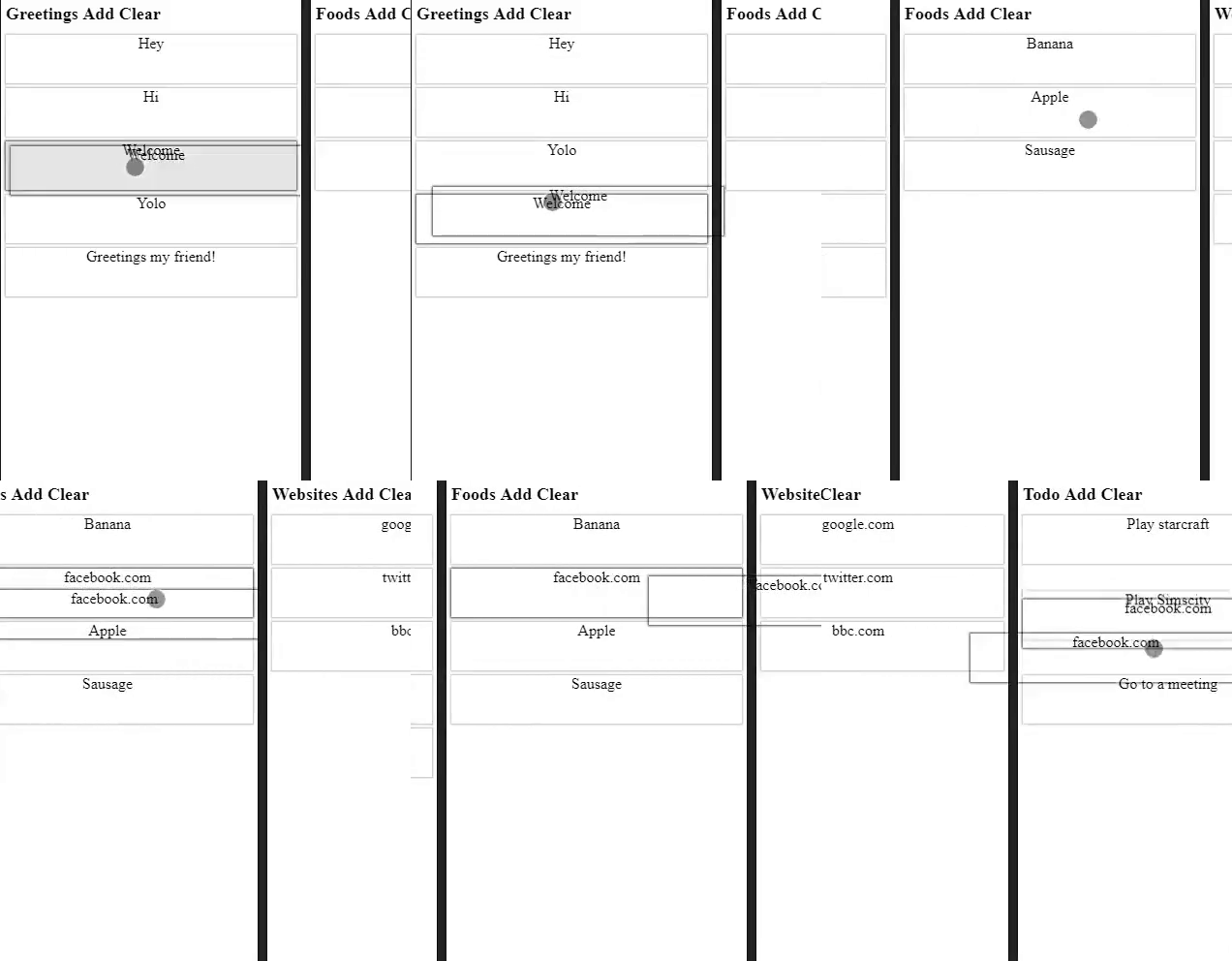
Supports Drag & Drop both in browser and on mobile.
- Browser (tested in firefox, opera, chrome and safari)
- Android (tested)
- iOS (tested)
- WP (untested but ie works)
Simply Clone the repository & copy the source files into your project.
First you need to import the DraggableModule and add to the imports section of your app module
import{DraggableModule}from"./dragndrop/draggable.module";
@NgModule({imports: [// Drag & Drop importDraggableModule,],bootstrap: [ApplicationComponent]})exportclassApplicationModule{}
HTML
<divdraggable-container="item-container" containerId="test" class="draggable-container" (onSort)="onSort($event)"><div*draggableFor="let item of list.items"><divclass="item" draggable-item>
{{item}}
</div></div></div>
For a full example usage please visit the examples/ folder.
You can mark any element to be a draggable item or draggable container. By using the directives listed below.
There is currently a bug in Angular2 that prevents drag & drop between multiple *ngFor containers for this there is a workaround implemented *draggableFor or *draggableForOf please use this directive instead of *ngFor if you intend to repeat your items with implicit inputs.
More about this issue can be read here:angular/angular#20824
draggable-containerDefines a container, within this container items can be sorted, dragged in/outdraggable-itemThe draggable item that can be dragged.draggableForOfIs an *ngFor clone especially used by the drag & drop directive.
DraggableServiceDrag service for customizing the draggable behavior, scrolling & instantiating virtual drags.
DraggableContainer has the following inputs
// Custom ID of the container, emitted along with the drag events. (See events section for more)
@Input("containerId")containerId=null;// Type of the container (Used to prevent drag & drop between different types of containers)
@Input("draggable-container")containerType=null;// Custom Elements (class="button-card") that may not initiate drag & drop
@Input("disabledElements")publicdisabledElements=["button-card"];// HTML tags that may not accept click & touchstart events to trigger drag & drop
@Input("disabledTags")disabledTags=["button","input","a","textarea"];// Drag & drop animation speed
@Input("animationSpeed")animationSpeed=100;// Delay before touch drag is activated
@Input("touchDragDelay")touchDragDelay=200;The following event is triggered when a drag & drop, or sorting happened
@Output("onSort")publiconSort=newEventEmitter();Event structure:
{oldContainer: "Id of the of the old container",newContainer: "Id of the new container, or same as the old if it was a sorting",oldIndex: "Old index of the dragged item",newIndex: "New index of the dragged item",}Subscribe to the event such as:
<divdraggable-container(onSort)="onSort($event)"></div>Usually you would handle sorting, drag and drop to update your data model with the following:
onSort($event){// Move items around between arrays..this.lists[$event.newContainer].items.splice($event.newIndex,0,this.lists[$event.oldContainer].items.splice($event.oldIndex,1)[0]);}MIT.
Open an issue & PR's are welcome.