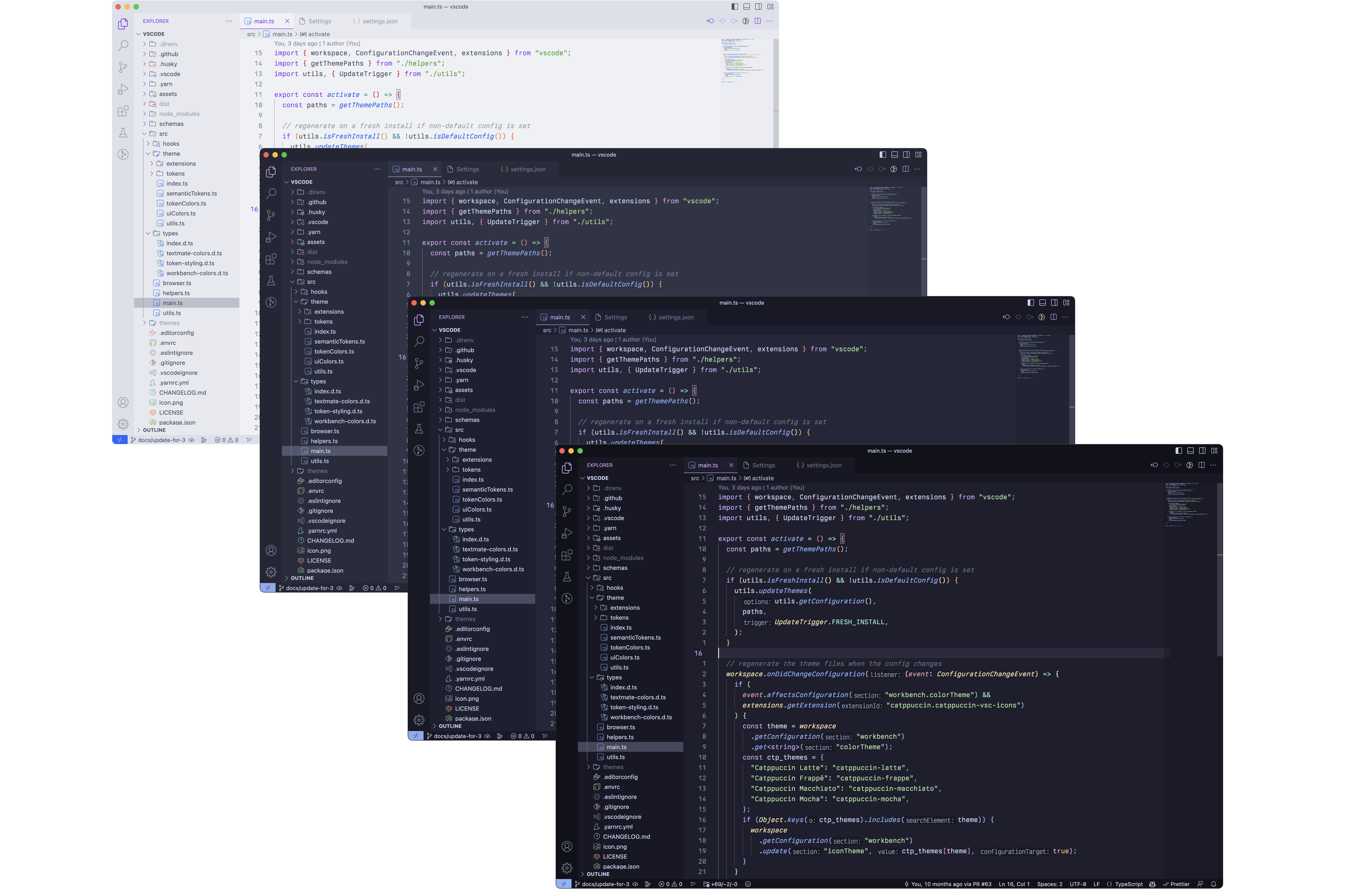


Catwalk makes it easy to generate beautiful preview images for your ports.
Important
This repository has been migrated from catppuccin/toolbox. To view releases prior to v1.3.1, see the releases from catppuccin/toolbox.
You can install Catwalk using one of the methods below:
| Installation Method | Instructions |
|---|---|
| crates.io | cargo install catppuccin-catwalk |
| Source | cargo install --git https://github.com/catppuccin/catwalk catppuccin-catwalk |
| Homebrew | brew install catppuccin/tap/catwalk |
| Nix | nix profile install github:catppuccin/catwalknix run github:catppuccin/catwalk -- [OPTIONS] <images> |
| Binaries (Windows, MacOS & Linux) | Available from the latest GitHub release. |
$ catwalk --help🚶Soothing pastel previews for the high-spirited!Usage: catwalk [OPTIONS] [LATTE] [FRAPPE] [MACCHIATO] [MOCHA] [COMMAND]Commands: completion Generates a completion file for the given shell help Print this message or the help of the given subcommand(s)Arguments: [LATTE] Path to Latte image [default: ./latte.webp] [FRAPPE] Path to Frappé image [default: ./frappe.webp] [MACCHIATO] Path to Macchiato image [default: ./macchiato.webp] [MOCHA] Path to Mocha image [default: ./mocha.webp]Options: -o, --output <OUTPUT> Path to output file [default: ./preview.webp] -l, --layout <LAYOUT> Layout to use [default: composite] [possible values: composite, stacked, grid, row] -r, --radius <RADIUS> Radius of rounded corners (percentage) -g, --gap <GAP> Size of gaps between pictures for the `grid` layout -C, --directory <DIRECTORY> Change to <DIRECTORY> before processing files [default: .] --ext <EXTENSION> File extension to use for input files, if they're not explicitly named [default: webp] [possible values: webp, png] -h, --help Print help -V, --version Print version$ catwalk latte.webp frappe.webp macchiato.webp mocha.webp --output catwalk.webp$ catwalk latte.png frappe.png macchiato.png mocha.png --directory ./assets/
Copyright © 2021-present Catppuccin Org