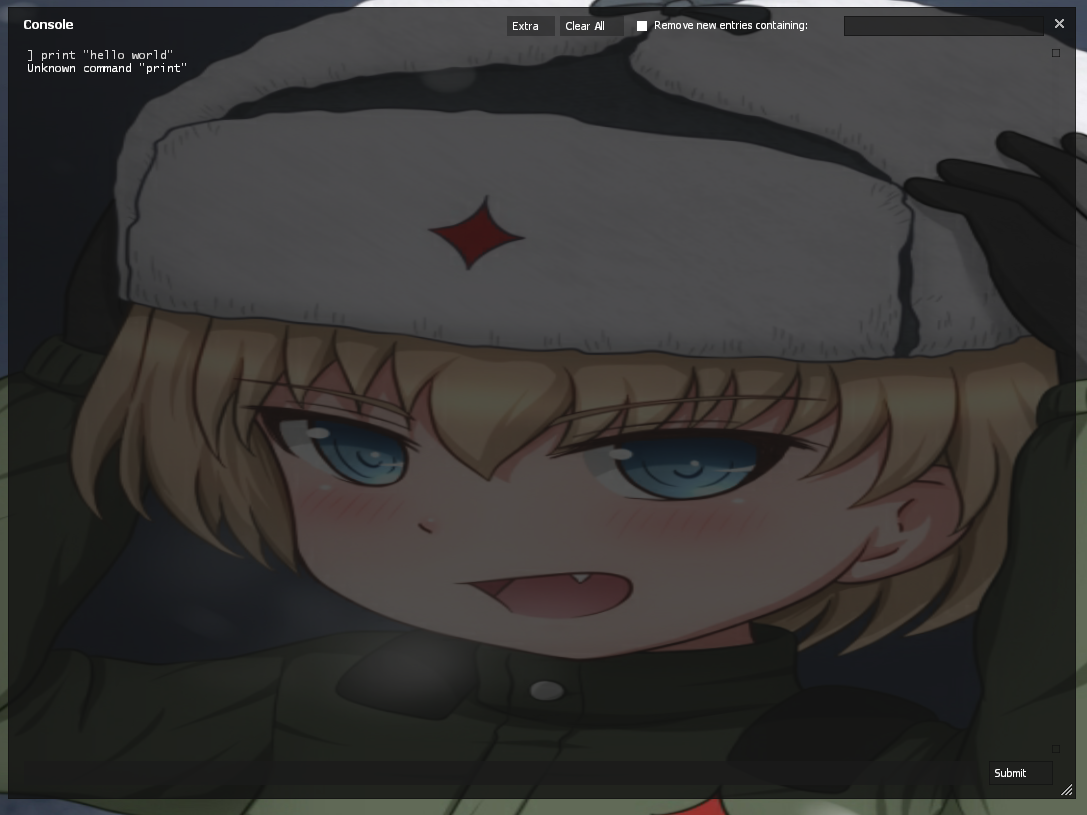
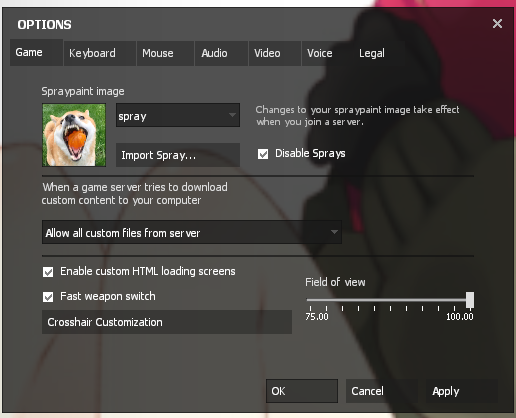
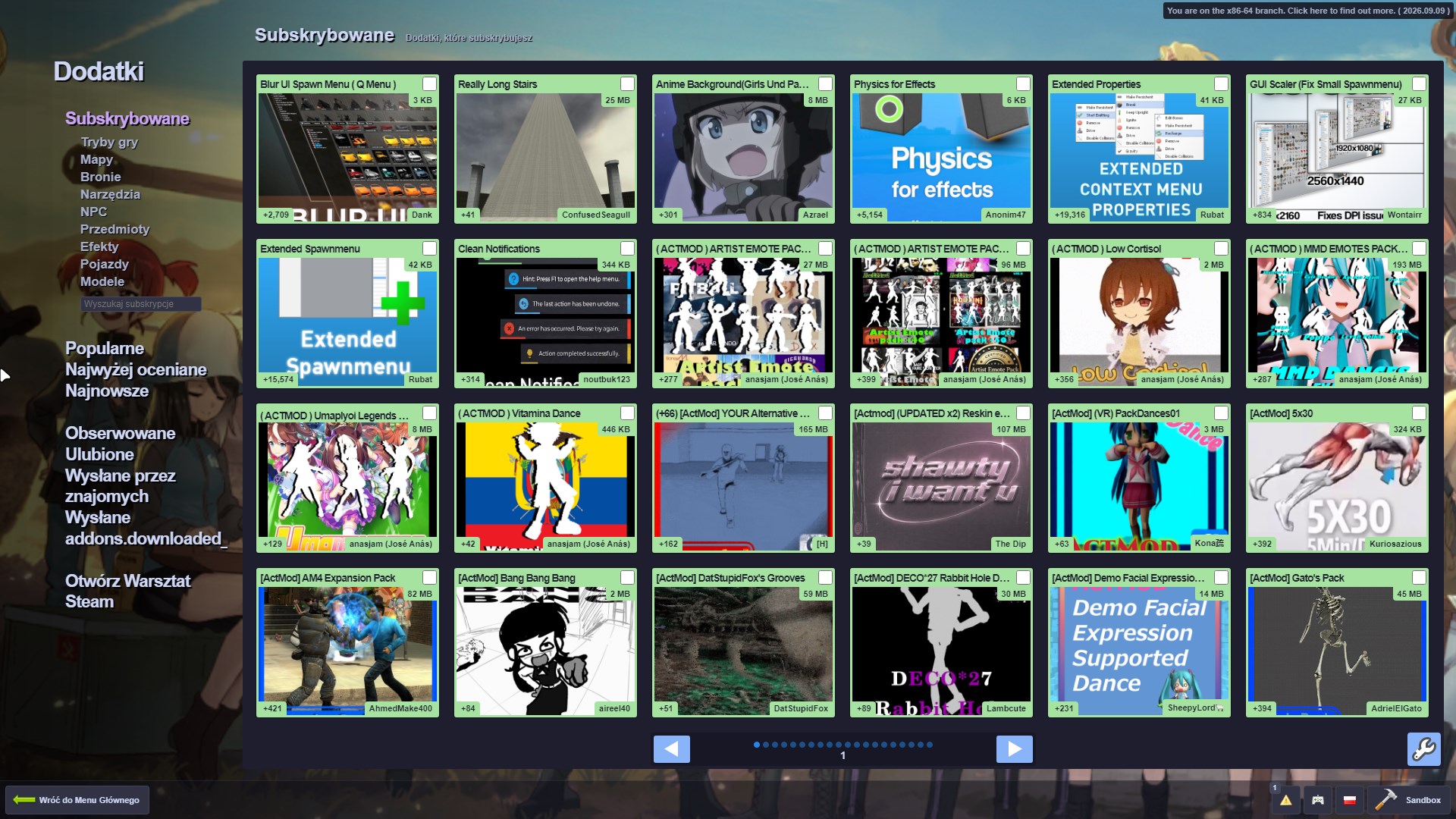
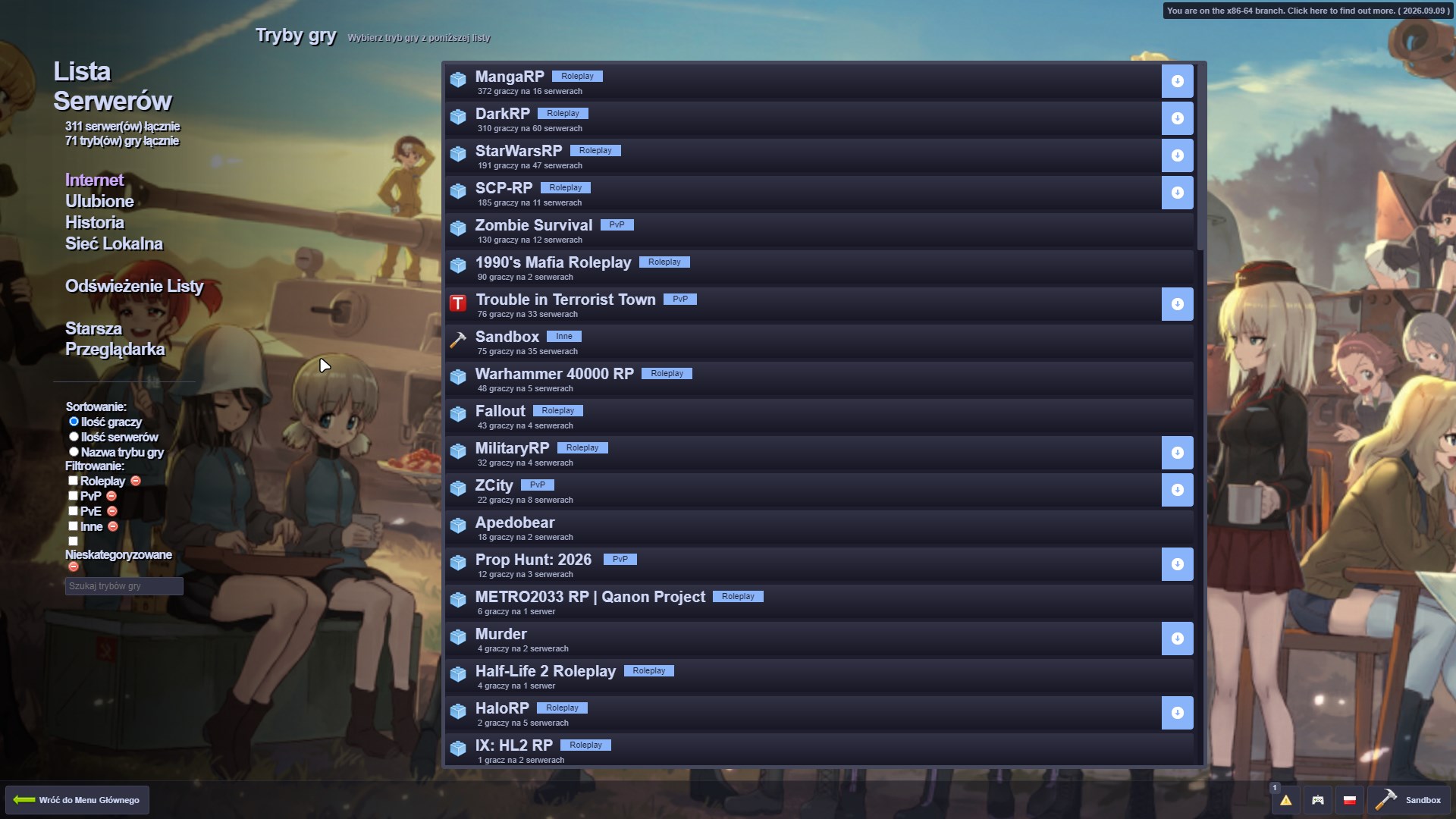
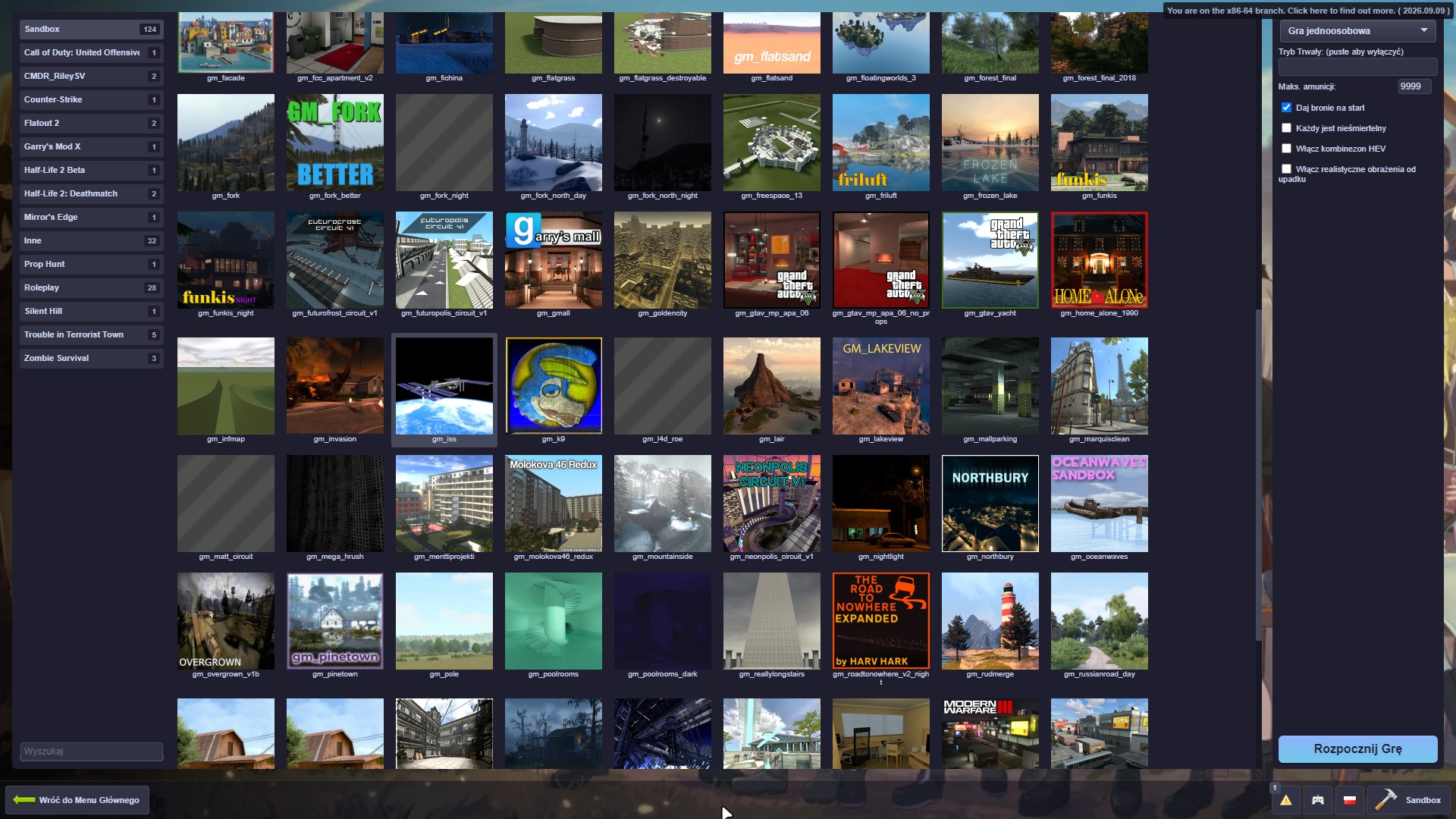
an dark theme for gmod.
this applies to everywhere except spawn menu. soo u can get addon from Steam Workshop like: Blur UI Spawn Menu this should work nicely with current theme.
ps. u can use my shitass workshop collections: https://steamcommunity.com/sharedfiles/filedetails/?id=3797018107
u can download this theme by clicking on the direct link
direct download: Direct Download link
extract betterui_v3_fix_finale.7z and put it into: steamapps\common\GarrysMod\garrysmod basically your gmod directory. then paste the contents of the archive u extracted earlier and hit replace all files, now start gmod and everything should work.
| console | settings | addons |
|---|---|---|
 |
 |
 |
| multiplayer | singleplayer |
|---|---|
 |
 |
| main menu |
|---|
|
overall pro tip you SHOULD use
x64_86branch of garry's mod u can do that by right clicking on gmod on steam then proporties>game versions & betas then just selectx64_86update the game and enjoy gmod working much better than normal.