
Blur Navigation Drawer like Etsy app.
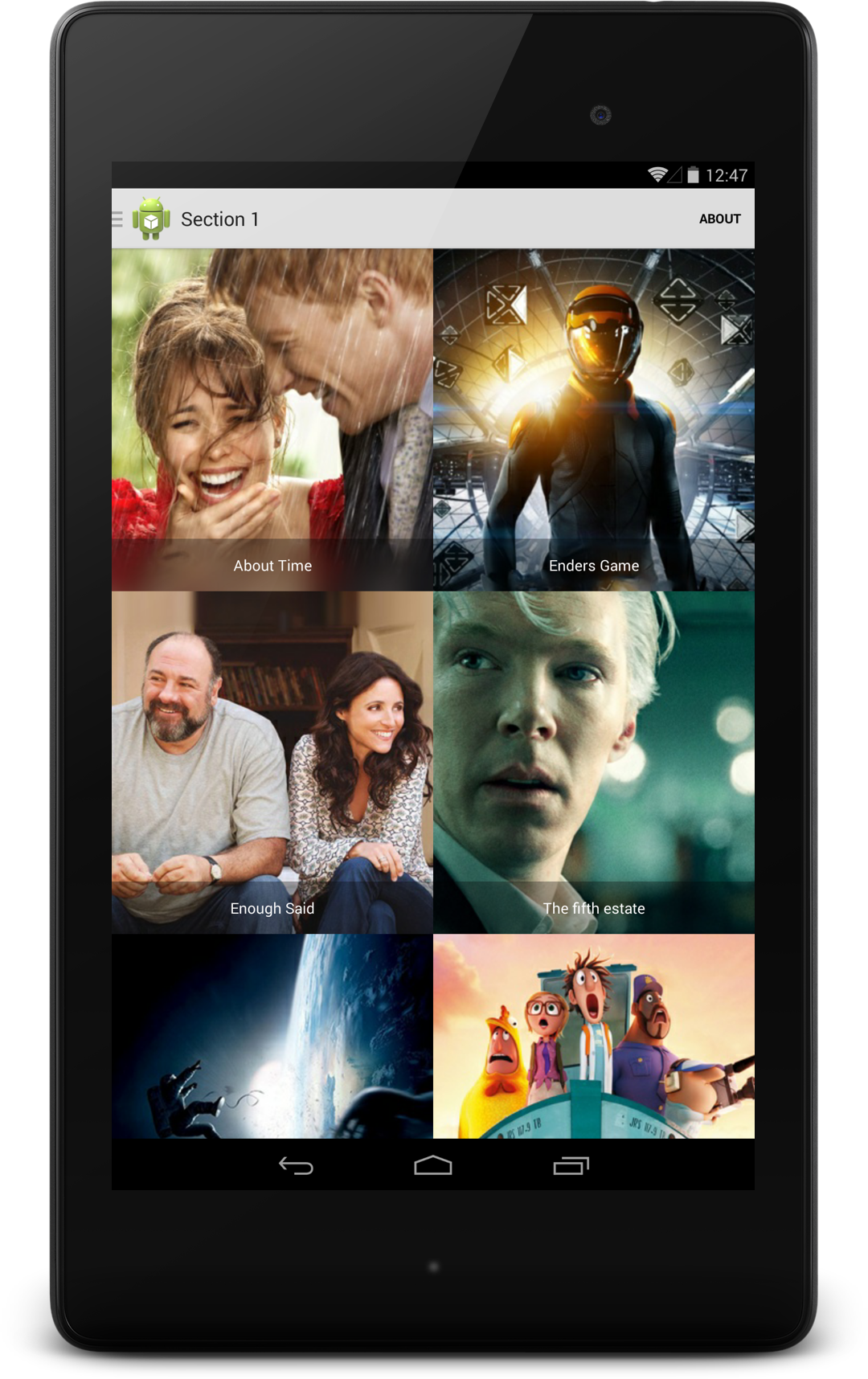
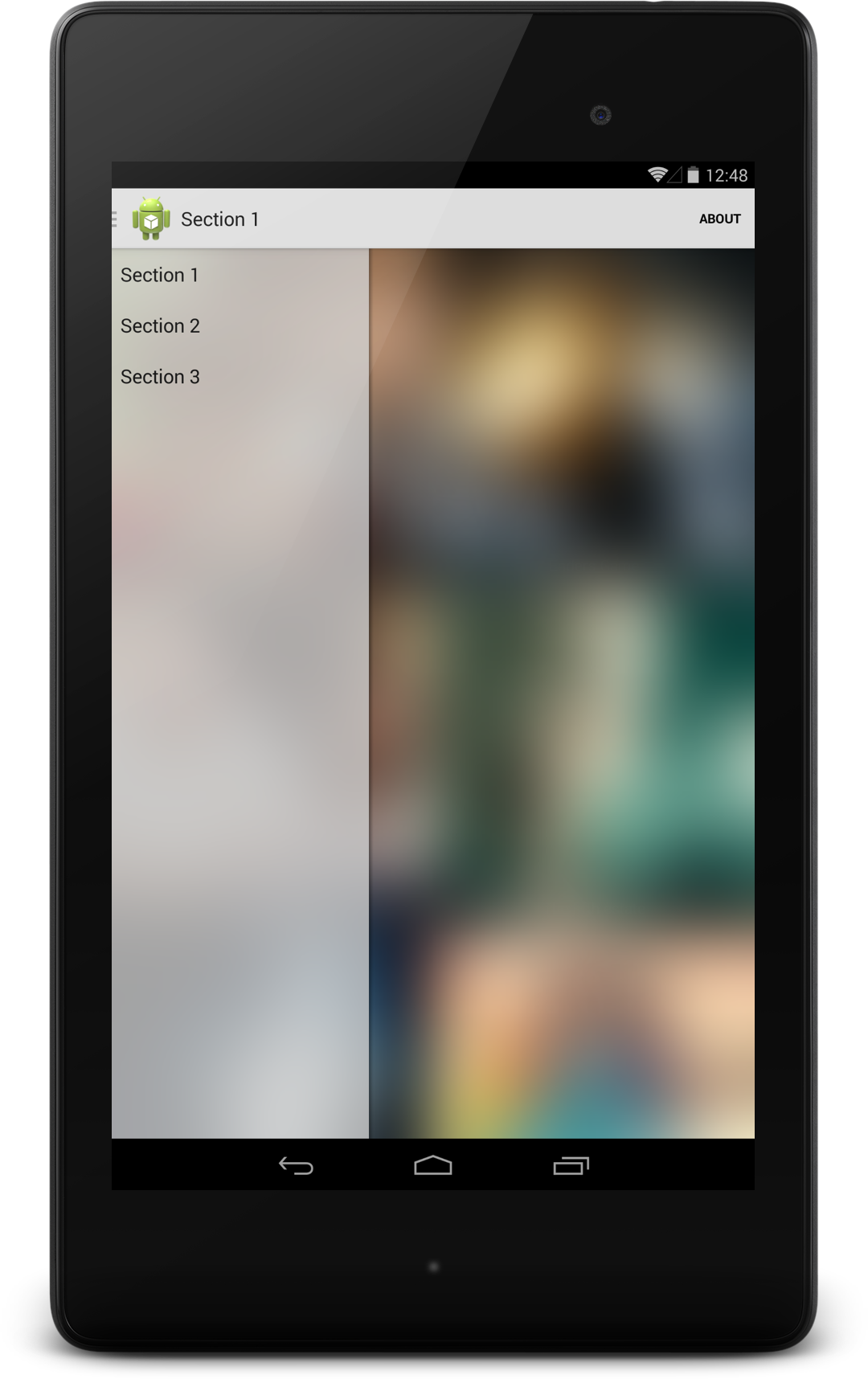
You can download a demo here.
- Version 1.1
- Add support for v7 Android Support Library.
Declare your layout
<!-- If you don't use v7 support library include this: <com.charbgr.BlurNavigationDrawer.v4.BlurDrawerLayout app:drawerUpImageId="@drawable/ic_drawer ... > -->
<com.charbgr.BlurNavigationDrawer.v7.BlurDrawerLayout
xmlns:android="http://schemas.android.com/apk/res/android"xmlns:tools="http://schemas.android.com/tools"xmlns:app="http://schemas.android.com/apk/res-auto"app:blurRadius="19"app:downScaleFactor="8.0"app:openDescription="@string/navigation_drawer_open"app:closeDescription="@string/navigation_drawer_close"app:toolbar="@+id/toolbarRef"
... >
Or replace your default toggle with this awesome blurred toggle effect just by adding 4 letters !
For example:
mDrawerToggle = newActionBarDrawerToggle(
getActivity(), /* host Activity */mDrawerLayout, /* DrawerLayout object */R.drawable.ic_drawer, /* nav drawer image to replace 'Up' caret */R.string.navigation_drawer_open, /* "open drawer" description for accessibility */R.string.navigation_drawer_close/* "close drawer" description for accessibility */
);
to
mDrawerToggle = newBlurActionBarDrawerToggle(
getActivity(), /* host Activity */mDrawerLayout, /* DrawerLayout object */R.drawable.ic_drawer, /* nav drawer image to replace 'Up' caret */R.string.navigation_drawer_open, /* "open drawer" description for accessibility */R.string.navigation_drawer_close/* "close drawer" description for accessibility */
);
and set your radius or your down scale factor
mDrawerToggle.setRadius(15);
mDrawerToggle.setDownScaleFactor(6.0f);
and enjoy your blur effect!
Feel free to fork it and pull request if you want to fix a bug ! ;)