A flexible and secure form handling system, supporting dynamic form generation from both YAML and JSON configurations.
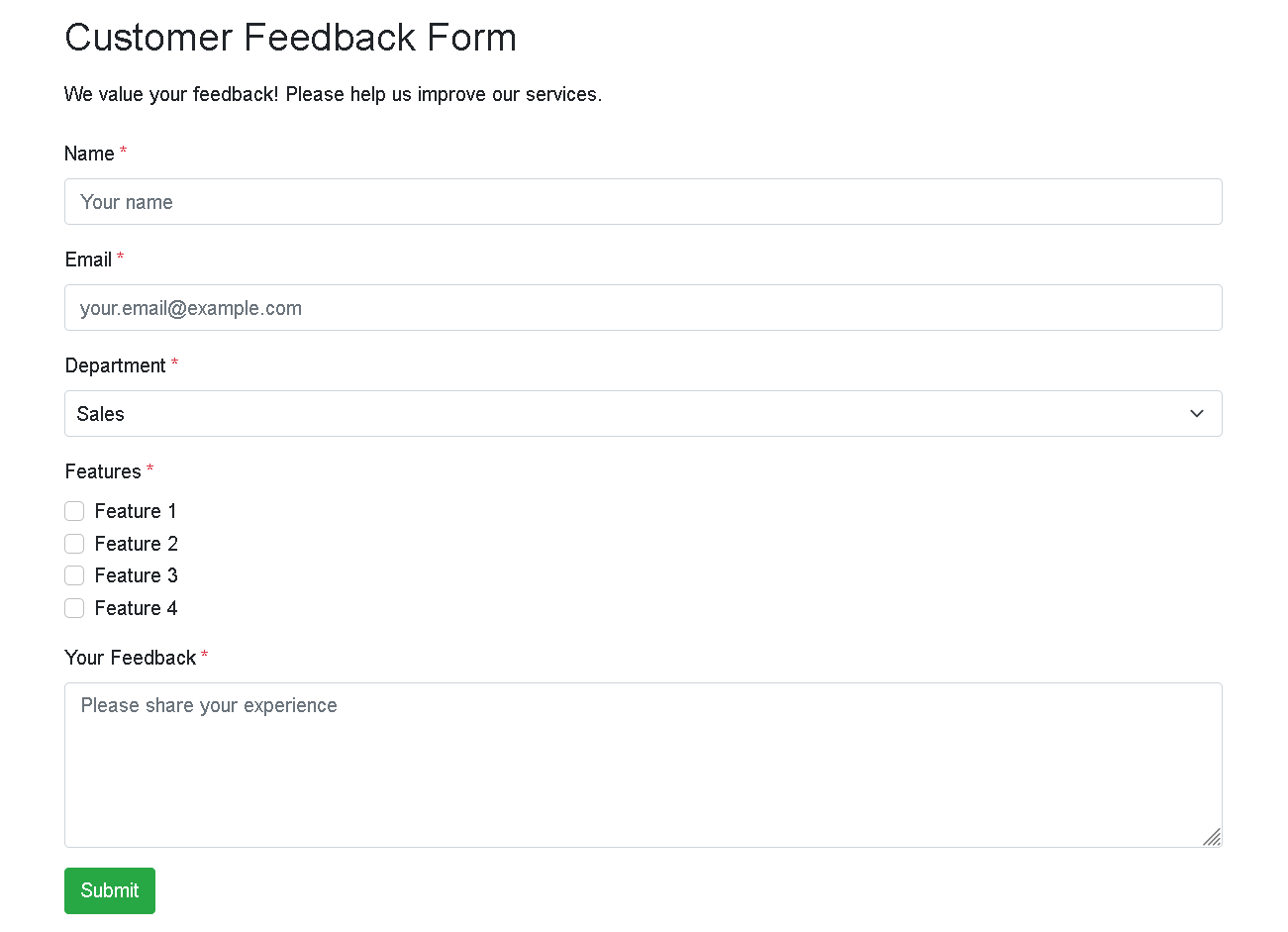
- Dynamic form generation from YAML or JSON configuration files
- No Database required
- Support for multiple form types and field validations
- File upload handling
- Security features:
- CSRF protection
- XSS filtering
- Input validation
- JSON and FormData submission support
- Submission history tracking
- Modern Bootstrap UI
- Form metadata display (Posted by, etc.)
- Responsive sticky footer
form/
├── data/ # Data storage directory
│ ├── forms/ # Form configurations
│ │ ├── default_form.yaml
│ │ ├── default_form.json
│ │ └── code_form.yaml
│ └── submissions/ # Form submissions storage
│ └── uploads/ # Uploaded files storage
├── public/ # Public accessible files
│ ├── index.php # Entry point
│ ├── submit.php # Form submission handler
│ ├── css/ # CSS files
│ │ └── style.css # Main stylesheet
│ └── js/ # JavaScript files
│ ├── form-parser.js
│ ├── form-renderer.js
│ └── form-validator.js
├── LICENSE # MIT License
└── README.md # This file
- Clone the repository
- Ensure PHP 7.4+ is installed
- Configure your web server to point to the
publicdirectory - Ensure write permissions for
data/submissionsdirectory
Add this to your Nginx server configuration:
server{listen80;server_name your-domain.com;root /path/to/form/public;indexindex.php;location / {try_files$uri$uri/ /index.php?$query_string;}location~\.php$ {fastcgi_pass unix:/var/run/php/php7.4-fpm.sock; # Adjust according to your PHP-FPM setup
fastcgi_indexindex.php;fastcgi_param SCRIPT_FILENAME $document_root$fastcgi_script_name;include fastcgi_params;} # Deny access to YAML and JSON configuration fileslocation~\.(yaml|json)$ {deny all;return404;} # Deny access to sensitive directorieslocation~ ^/data/ {deny all;return404;}}- Default form:
http://your-domain/, loads either:data/forms/default_form.json(preferred)data/forms/default_form.yaml(fallback)
- Specific form:
http://your-domain/myform, loads either:data/forms/myform_form.json(preferred)data/forms/myform_form.yaml(fallback)
Example form configuration (JSON):
{
"form": {
"id": "myform",
"version": "1.0.0",
"title": "My Custom Form",
"description": "Please fill out this form",
"posted_by": "Form Admin",
"theme": {
"primary_color": "#2c3e50",
"background_color": "#ecf0f1",
"font_family": "Arial"
}
}
}
Or in YAML:
form:
id: "myform"version: "1.0.0"title: "My Custom Form"description: "Please fill out this form"posted_by: "Form Admin"theme:
primary_color: "#2c3e50"background_color: "#ecf0f1"font_family: "Arial"
Form sections define the structure and fields of your form. Each section can be one of these types:
- text
- textarea
- select
- radio
- checkbox
- file
- date
See the example forms in data/forms directory for detailed configuration options.
- CSRF protection implemented via tokens
- XSS filtering for all user inputs
- Secure file upload handling
- Session-based security measures
Contributions are welcome! Please feel free to submit a Pull Request.
This project is licensed under the MIT License - see the LICENSE file for details.
#form #yaml #json #custom form #dynamic form