A free and Open Source extension for Unity Terrain Tools. Paint paths, roads, river beds, and terrain modifications with combined brush effects.
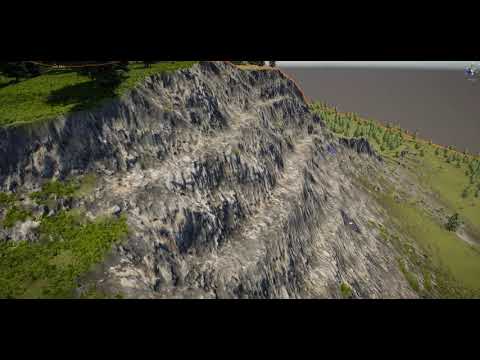
- Unity 6.0+
- Unity Terrain Tools package
- Open Package Manager (Window → Package Manager)
- Click "+" → Add package from git URL
- Enter:
https://github.com/cmdexecutor/PathPaintTool.git
- Clone or download this repository
- Copy the entire folder to your project's
Packagesdirectory - Unity will automatically detect and load it
- Create or select a terrain in your scene
- In the Terrain Inspector, click Paint Terrain
- Select Path Paint Tool from the dropdown
- Choose a terrain layer and start painting
Note: Backup your terrain before making modifications.
- Terrain Modules: Paint, Bridge, Smooth, Ridge Erosion, Smudge, Height, Underlay
- Paint Modes: Paint Brush, Stroke, Waypoint (in development), Spline (in development)
- Multi-tile terrain support
- Vegetation Studio integration (including Pro version)
- Open Source - No DLLs, fully customizable
Combine multiple terrain tools in a single paint stroke. Enable different modules to layer effects:
- Paint textures
- Smooth terrain
- Create bridges and ramps
- Apply ridge erosion
Each module has adjustable brush size, strength, and specific parameters.
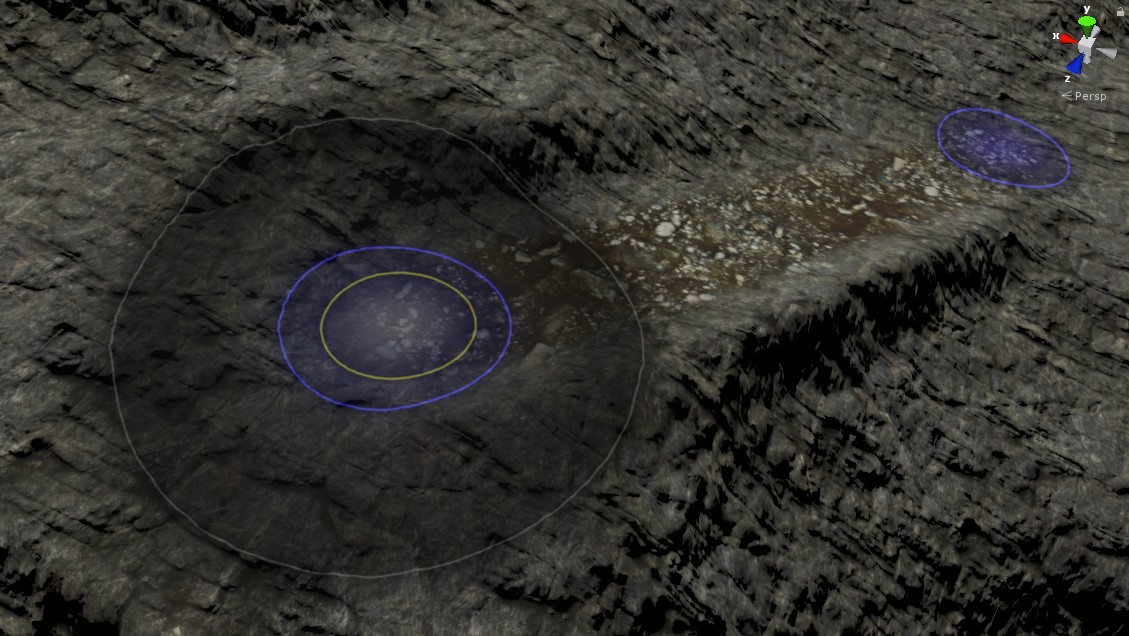
Multi-tile terrain with Vegetation Studio Pro:
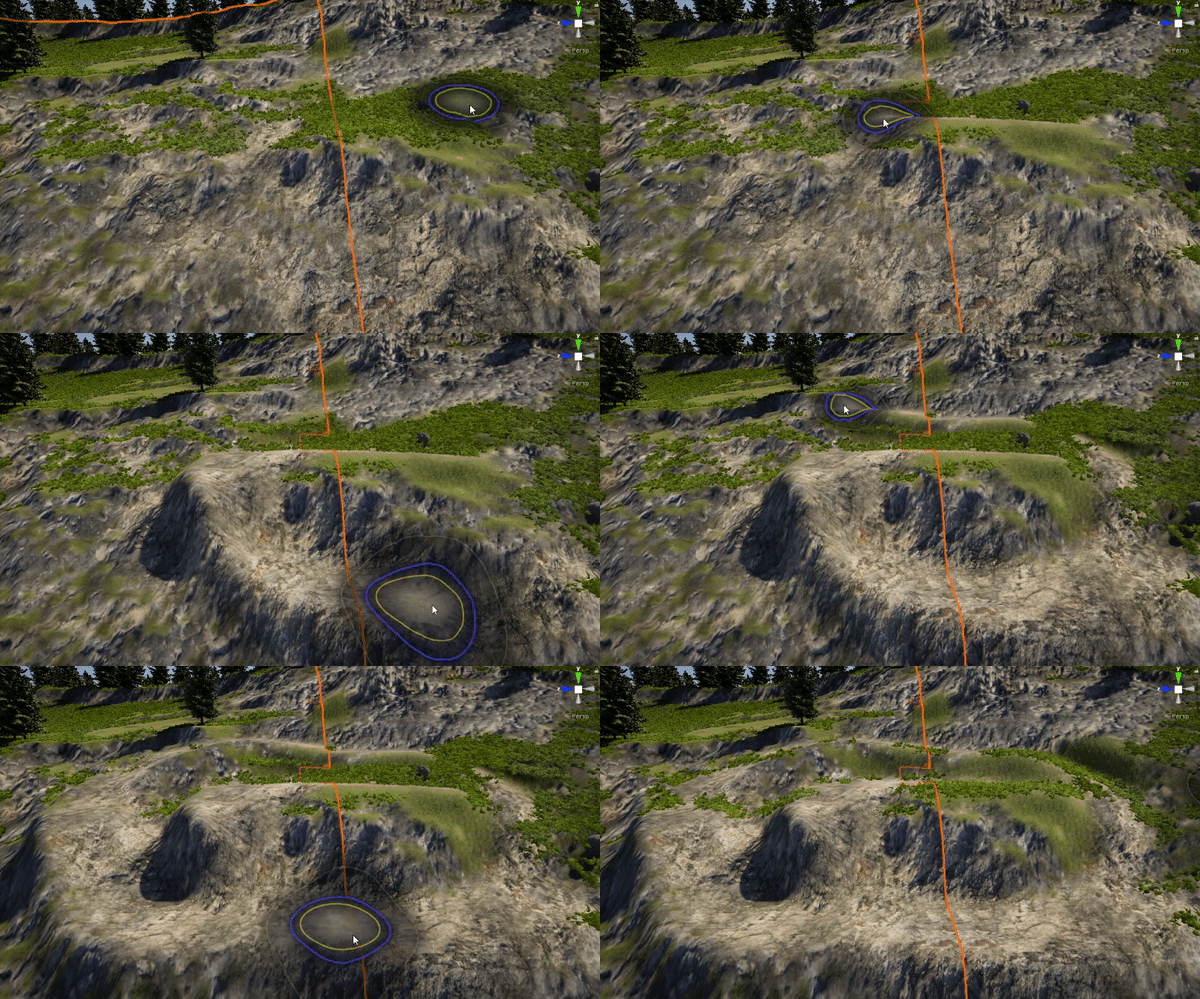
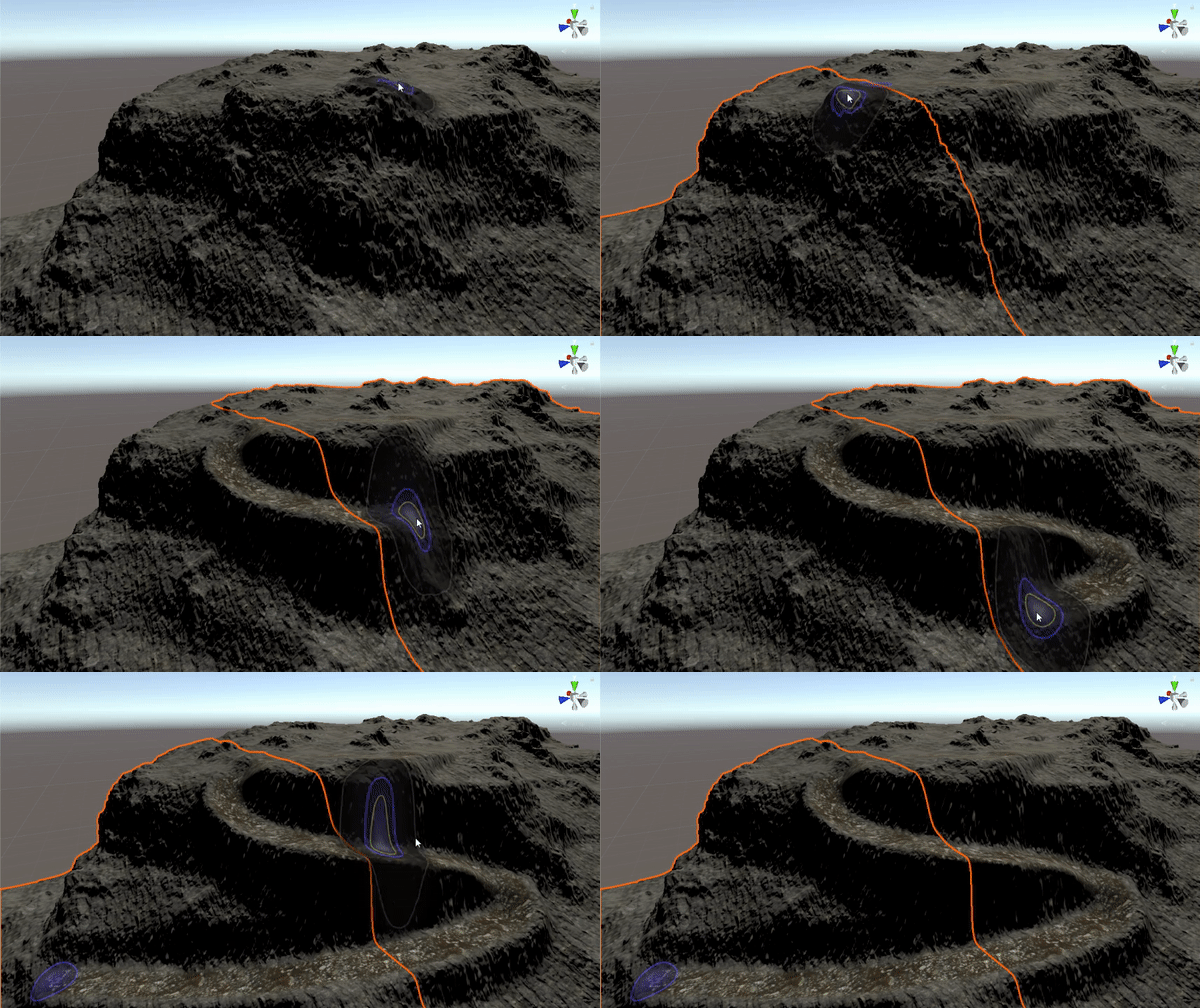
Creating paths:
Based on Unity's Terrain Tool Samples. Big thanks to the Unity developers for providing these tools to the community.
Dual licensed under MIT and Unity Companion License. See LICENSE.md for details.
For older Unity versions: