
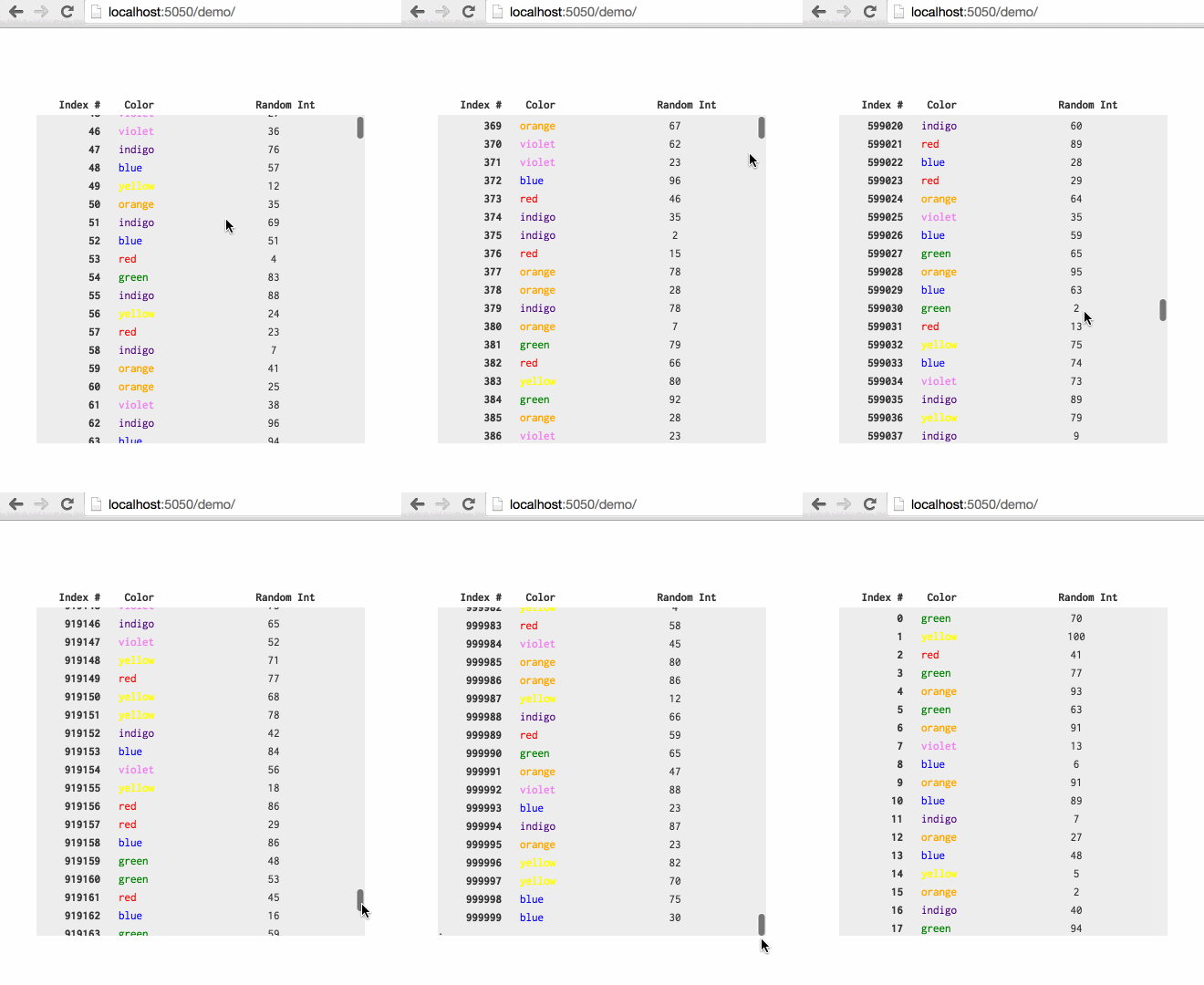
Build 1MM row tables with native scroll bars by reusing and yielding nodes.
Created by @ChrisPolis, originally as a component of Datacomb
For related projects, see: Clusterize.js and fixed-data-table
vartable=newSmartTableScroll({// DOM element to render toel: document.querySelector('#some-table'),// Array of objects that will be used to build and update each rowdata: [{ row1Data },{ row2Data }...],// Function used to calculate the height of each rowheightFn: function(rowData){returnrowData.hasPicture ? 20 : 10;},// Used when first creating dom nodes for each rowbuildRow: function(rowData){varnode=document.createElement('div');node.classList.add('test-row');node.innerHTML="<div class='test-col index'>"+rowData.index+"</div>"+"<div class='test-col color'>"+rowData.color+"</div>"+"<div class='test-col random'>"+rowData.random+"</div>";returnnode;},// Used to yield an existing row to a new element in `data`updateRow: function(rowData,rowEl){rowEl.childNodes[0].textContent=rowData.index;rowEl.childNodes[1].textContent=rowData.color;rowEl.childNodes[2].textContent=rowData.random;},// (Optional) How many rows to create nodes for// this needs to be > than the max number of rows that can fit on screen (2x this value seems right)// play around, this will have performance implicationsavailableNodes: 200,});// To update the table, pass in new data to `updateData`table.updateData([{ updatedRow1Data },{ updatedRow2Data }...]);Include smart-table-scroll.css or add the following to your CSS:
.sts-container {
overflow-y: scroll;
position: relative;
/* scroll container also needs a fixed/defined height */
}
.sts-container .sts-row {
position: absolute;
}
.sts-container .sts-bottom-anchor {
position: absolute;
height:1px;
width:1px;
}Firefox has an issue with top css property greater than ~18,000,000px(more info); the 1,000,000 row demo works with Firefox, but larger tables may not.
$ npm install
$ npm run build
$ npm run serve
$ open localhost:5050