


React Dropzone Uploader is a customizable file dropzone and uploader for React.
- Detailed file metadata and previews, especially for image, video and audio files
- Upload status and progress, upload cancellation and restart
- Easily set auth headers and additional upload fields (see S3 examples)
- Customize styles using CSS or JS
- Take full control of rendering with component injection props
- Take control of upload lifecycle
- Modular design; use as standalone dropzone, file input, or file uploader
- Cross-browser support, mobile friendly, including direct uploads from camera
- Lightweight and fast
- Excellent TypeScript definitions
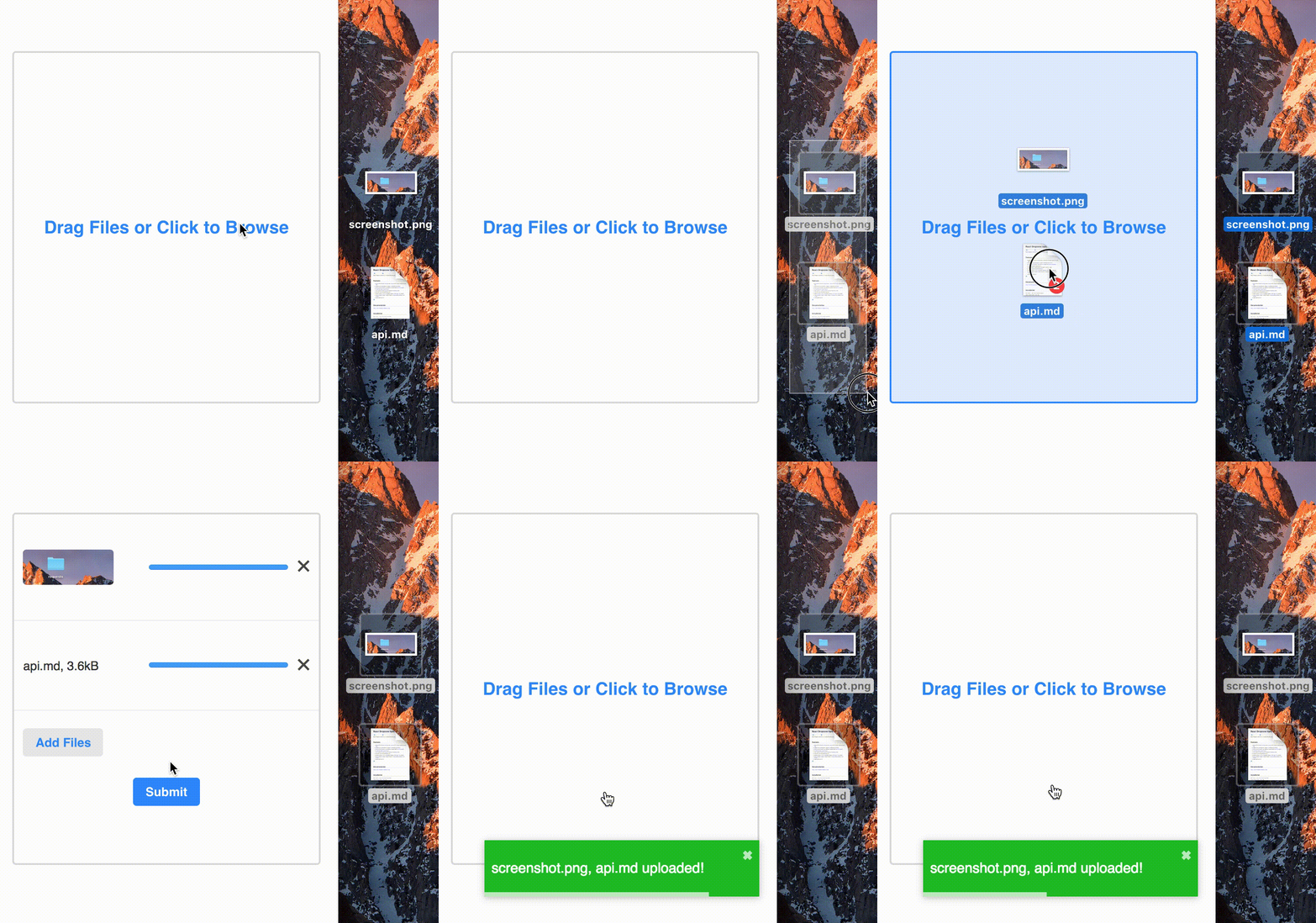
https://react-dropzone-uploader.js.org
npm install --save react-dropzone-uploader
Import default styles in your app.
import'react-dropzone-uploader/dist/styles.css'RDU handles common use cases with almost no config. The following code gives you a dropzone and clickable file input that accepts image, audio and video files. It uploads files to https://httpbin.org/post, and renders a button to submit files that are done uploading. Check out a live demo.
import'react-dropzone-uploader/dist/styles.css'importDropzonefrom'react-dropzone-uploader'constMyUploader=()=>{// specify upload params and url for your filesconstgetUploadParams=({ meta })=>{return{url: 'https://httpbin.org/post'}}// called every time a file's `status` changesconsthandleChangeStatus=({ meta, file },status)=>{console.log(status,meta,file)}// receives array of files that are done uploading when submit button is clickedconsthandleSubmit=(files)=>{console.log(files.map(f=>f.meta))}return(<DropzonegetUploadParams={getUploadParams}onChangeStatus={handleChangeStatus}onSubmit={handleSubmit}accept="image/*,audio/*,video/*"/>)}See more live examples here: https://react-dropzone-uploader.js.org/docs/examples.
Check out the full table of RDU's props.
| Chrome | Firefox | Edge | Safari | IE | iOS Safari | Chrome for Android |
|---|---|---|---|---|---|---|
| ✔ | ✔ | ✔ | 10+, 9* | 11* | ✔ | ✔ |
* requires Promise polyfill, e.g. @babel/polyfill
This library is available as an ES Module at https://unpkg.com/react-dropzone-uploader@VERSION/dist/react-dropzone-uploader.umd.js.
If you want to include it in your page, you need to include the dependencies and CSS as well.
<scriptsrc="https://cdnjs.cloudflare.com/ajax/libs/react/16.4.2/umd/react.production.min.js"></script><scriptsrc="https://cdnjs.cloudflare.com/ajax/libs/react-dom/16.4.2/umd/react-dom.production.min.js"></script><scriptsrc="https://cdnjs.cloudflare.com/ajax/libs/prop-types/15.6.2/prop-types.min.js"></script><scriptsrc="https://unpkg.com/react-dropzone-uploader@VERSION/dist/react-dropzone-uploader.umd.js"></script><linkrel"stylesheet" href="https://unpkg.com/react-dropzone-uploader@VERSION/dist/styles.css"></script>There are a number of places RDU could be improved; see here.
For example, RDU has solid core functionality, but has a minimalist look and feel. It would be more beginner-friendly with a larger variety of built-in components.
Thanks to @nchen63 for helping with TypeScript defs!
Clone the project, install dependencies, and run the dev server.
git clone git://github.com/fortana-co/react-dropzone-uploader.git
cd react-dropzone-uploader
yarn
npm run dev
This runs code in examples/src/index.js, which has many examples that use Dropzone. The library source code is in the /src directory.
Thanks to react-dropzone, react-select, and redux-form for inspiration.