






') + ')', 'gi'); if (regex.test(text)) { found = true; var frag = document.createDocumentFragment(); var parts = text.split(regex); parts.forEach(function(part, i) { if (i % 2 === 0) { frag.appendChild(document.createTextNode(part)); } else { var span = document.createElement('span'); span.className = 'userscript-highlight'; span.textContent = part; frag.appendChild(span); } }); node.parentNode.replaceChild(frag, node); } }); } else if (node.nodeType === 1 && node.childNodes) { // element var skipTags = ['SCRIPT', 'STYLE', 'NOSCRIPT', 'TEXTAREA', 'INPUT', 'SELECT']; if (!skipTags.includes(node.tagName)) { Array.from(node.childNodes).forEach(highlight); } } } highlight(document.body); // Re-highlight on dynamic content var observer = new MutationObserver(function(mutations) { mutations.forEach(function(m) { m.addedNodes.forEach(function(node) { if (node.nodeType === 1 || node.nodeType === 3) highlight(node); }); }); }); observer.observe(document.body, { childList: true, subtree: true }); })(); } } catch(__e) { console.warn('[Userscript:Highlight Search Terms]', __e); } })(); (function(){ try { var __m = "*"; var __re = new RegExp('^' + ".*" + ', 'i'); if (__m === '*' || __re.test(location.href)) { // Strip utm_, fbclid, gclid, etc. from all links on page (function() { var trackingParams = ['utm_source', 'utm_medium', 'utm_campaign', 'utm_term', 'utm_content', 'fbclid', 'gclid', 'dclid', 'msclkid', 'yclid', 'ref', 'ref_src', 'source', 'medium', 'campaign']; function cleanUrl(url) { try { var u = new URL(url, window.location.origin); var changed = false; trackingParams.forEach(function(p) { if (u.searchParams.has(p)) { u.searchParams.delete(p); changed = true; } }); return changed ? u.toString() : url; } catch (e) { return url; } } function cleanLinks() { document.querySelectorAll('a[href]').forEach(function(a) { var clean = cleanUrl(a.href); if (clean !== a.href) a.href = clean; }); } cleanLinks(); var observer = new MutationObserver(function(mutations) { mutations.forEach(function(m) { m.addedNodes.forEach(function(node) { if (node.nodeType === 1) { if (node.tagName === 'A') cleanLinks(); node.querySelectorAll('a[href]').forEach(function(a) { var clean = cleanUrl(a.href); if (clean !== a.href) a.href = clean; }); } }); }); }); observer.observe(document.body, { childList: true, subtree: true }); })(); } } catch(__e) { console.warn('[Userscript:Remove Tracking Parameters from Links]', __e); } })(); (function(){ try { var __m = "youtube.com"; var __re = new RegExp('^' + "youtube\\.com" + ', 'i'); if (__m === '*' || __re.test(location.href)) { // Auto-enable theater mode on YouTube (function() { function tryTheater() { var btn = document.querySelector('button[aria-label="Theater mode"], ytd-player #player button[title="Theater mode"]'); if (btn && !btn.classList.contains('activated')) { btn.click(); } } // Try immediately tryTheater(); // Try after navigation (SPA) var lastUrl = location.href; setInterval(function() { if (location.href !== lastUrl) { lastUrl = location.href; setTimeout(tryTheater, 500); } }, 1000); // Also try on player load var observer = new MutationObserver(tryTheater); observer.observe(document.body, { childList: true, subtree: true }); })(); } } catch(__e) { console.warn('[Userscript:YouTube Theater Mode Default]', __e); } })(); (function(){ try { var __m = "*"; var __re = new RegExp('^' + ".*" + ', 'i'); if (__m === '*' || __re.test(location.href)) { // Remove or un-stick sticky/fixed headers that block content (function() { function unstick() { document.querySelectorAll('header, nav, [role="banner"], .header, .navbar, .sticky, .fixed-top, [style*="position: fixed"], [style*="position:sticky"]').forEach(function(el) { if (el.style.position === 'fixed' || el.style.position === 'sticky' || getComputedStyle(el).position === 'fixed' || getComputedStyle(el).position === 'sticky') { el.style.position = 'static'; el.style.top = 'auto'; el.style.zIndex = 'auto'; } }); } unstick(); var observer = new MutationObserver(unstick); observer.observe(document.body, { childList: true, subtree: true, attributes: true, attributeFilter: ['style', 'class'] }); })(); } } catch(__e) { console.warn('[Userscript:Kill Sticky Headers]', __e); } })(); })(); GitHub - conapi-stefan/plugin-jms · GitHub
Skip to content

Repository files navigation

Kestra workflow orchestrator

Event-Driven Declarative Orchestrator

Last VersionLicenseGithub star
Kestra infinitely scalable orchestration and scheduling platformSlack

twitterlinkedinyoutube


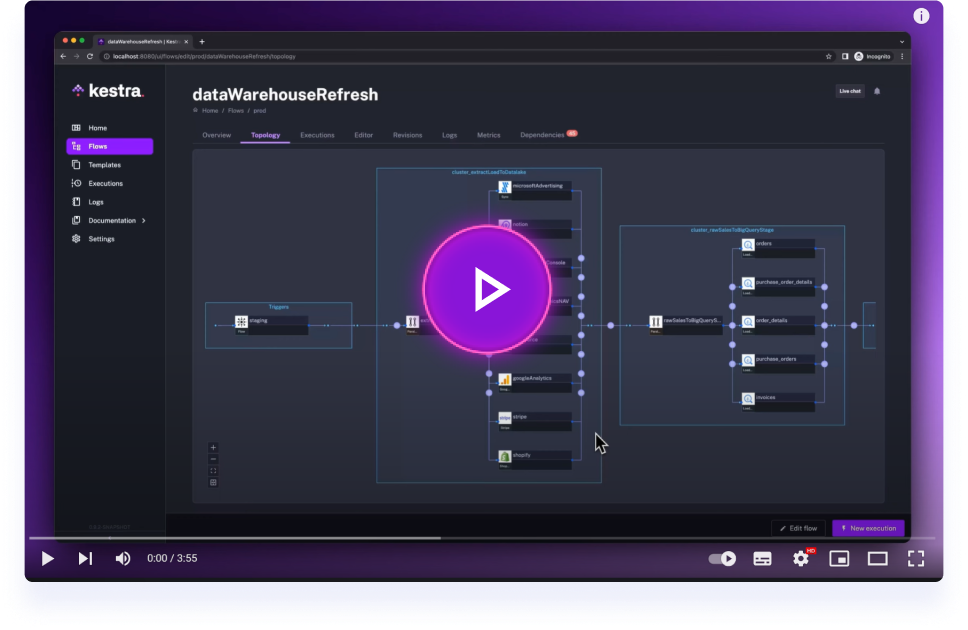
Get started in 4 minutes with Kestra

Get started with Kestra in 4 minutes.

Kestra JMS Plugin

Java Message Service support for Kestra

This repository contains a set of plugins to use JMS with your Kestra flows. The goal if this plugin is to remain as generic as possible and stick with the JMS standard APIs. The plugin should work with any JMS 1.x compliant implementation.

Even older client versions using javax.jms instead of jakarta.jms are supported. The compatibility is ensured using the CONAPI JMS-adapter.

The generic approach requires you to provide the JMS client libraries with your deployment. The most convenient (default) way is to put the JAR files in a sub folder of your Kestra plugins folder called 'jms-libs'. Alternatively you can specify the jar file location as part of the trigger/task configuration.

Configuration examples are provided in the test/resources flows location.

For simple testing of the plugin, we highly recommend [Message Manager] (https://conapi.at/message-manager/)

NOTE: As a Kestra user you get a free 12 months Professional license of Message Manager. Use the contact form on the conapi website.

There are also some blogs with instructions and a video demo available:

This repository contains three different plugins:

Real Time Trigger

Can be used to start a new flow execution whenever a JMS message is received.

JMS Consumer

Can be used at task level inside a flow to consume/receive JMS messages.

JMS Producer

Can be used at task level inside a flow to send a JMS messages to a queue or a topic.

Running the project in local

Prerequisites

  • Java 21
  • Docker

Running tests

Ensure you have ActiveMQ Artemis running. You can use the provided docker-compose-ci.yml:

docker-compose -f docker-compose-ci.yml up -d
./gradlew check --parallel

Development

VSCode:

Follow the README.md within the .devcontainer folder for a quick and easy way to get up and running with developing plugins if you are using VSCode.

Other IDEs:

./gradlew shadowJar && docker-compose up

Note

You need to relaunch this whole command everytime you make a change to your plugin

go to http://localhost:8080, your plugin will be available to use

Documentation

License

Apache 2.0 © Kestra Technologies

Stay up to date

We release new versions every month. Give the main repository a star to stay up to date with the latest releases and get notified about future updates.
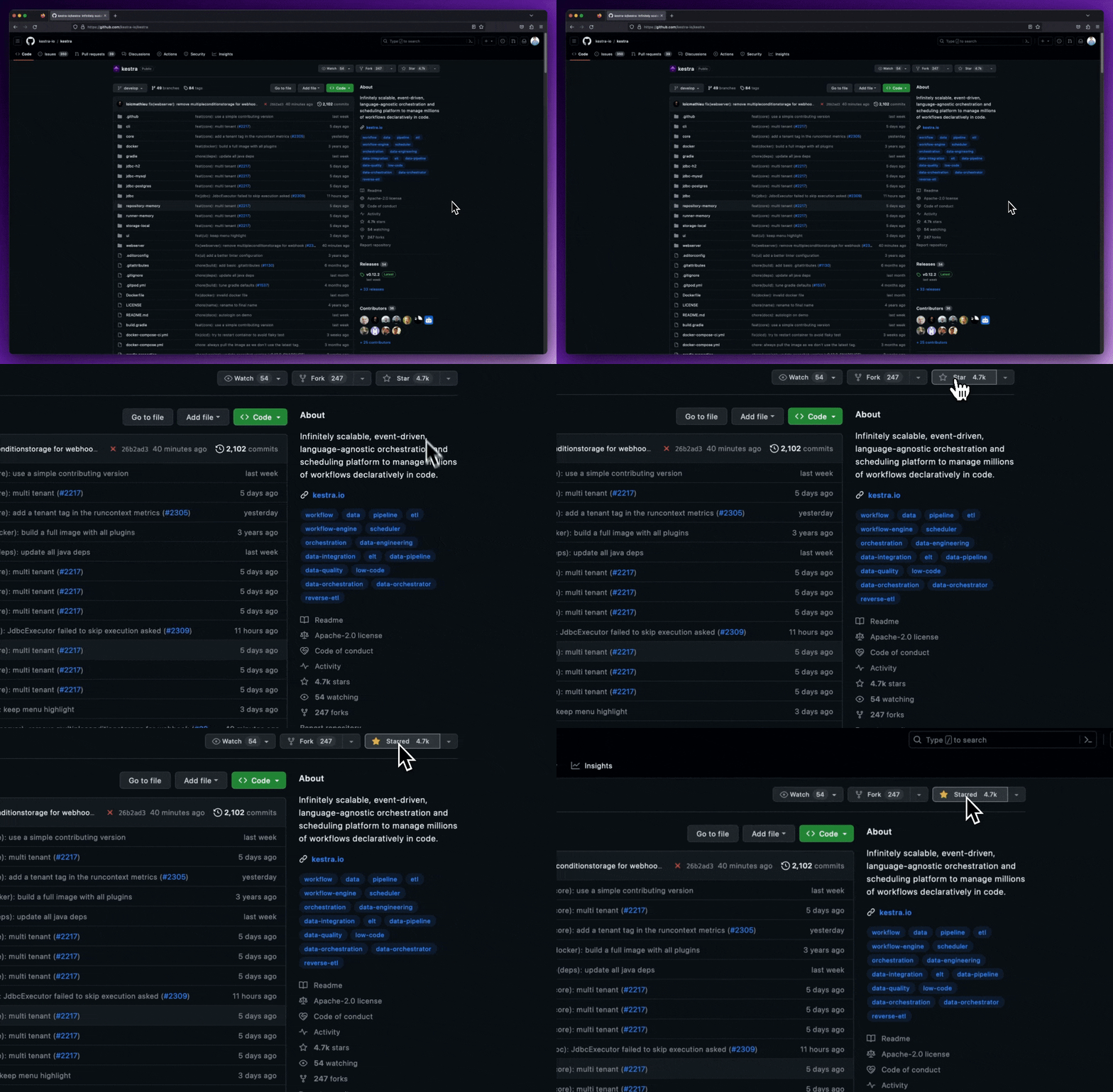
Star the repo

About

No description, website, or topics provided.

Resources

Stars

0 stars

Watchers

0 watching

Forks

Releases

Packages

Contributors

Languages