Quickly View and Edit any JSON data.
When working with JSON data, You often need to get a structured view of the JSON in order to be able to work with it. There's an online tool https://jsoneditoronline.org/ which I used for this, but copying/pasting all the time got frustrating pretty quickly, This is why I created this package which you can launch right from Python or from the command line.
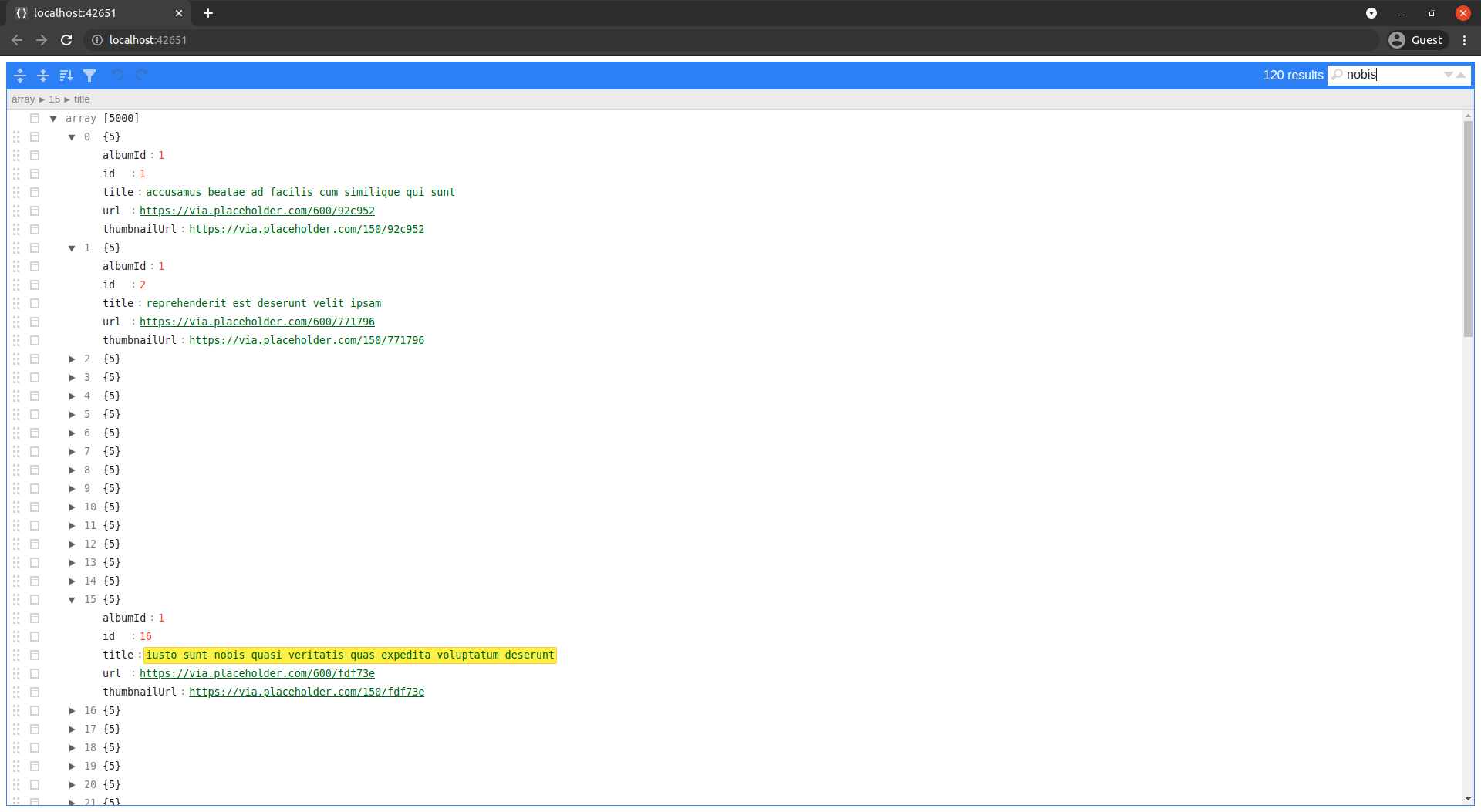
pip install jsoneditorIn python you can simply import jsoneditor and call the editjson function, the first argument is going to be the data. See Formats you can pass the JSON as for all the formats you can pass the JSON in. See Python api for a full list of addtional arguments that you can pass to editjson.
importrequestsimportjsoneditordata=requests.get('https://jsonplaceholder.typicode.com/comments').json()
jsoneditor.editjson(data)From the command line you can either pass the data as an argument as so:
jsoneditor '{"Hey": "Hi"}'Or you can pipe it in like so:
curl https://jsonplaceholder.typicode.com/comments | jsoneditorOr you can use what you have in your clipboard like so:
jsoneditor -cSee Formats you can pass the JSON as for all the formats you can pass the JSON in.
Refer to CLI options for a list of all cli options. Alternatively you can run jsoneditor --help from your terminal to see it.
You can pass the json in any of the following formats:
- as valid json string. Example:
{"Hey": "Hi"} - as a python dict. Example:
{'Hey': 'hi'} - as a url the points to valid json. Example:
https://jsonplaceholder.typicode.com/comments - as a file path that is valid json. Example:
data.json
| parameter | type | optional | description |
|---|---|---|---|
data | Any | ❌ | The data in any of these formats. |
callback | callable | ✔️ | If you provide this argument you will have a ✅ button which will trigger this callback. |
options | dict | ✔️ | Options to pass the the jsoneditor object. See here |
additional_js | str | ✔️ | You can pass some JavaScript to run on the client side. You can interact with the editor by accessing the window.editor variable. |
keep_running | bool | ✔️ | Whether to keep the server running. Defaults to False. |
run_in_thread | bool | ✔️ | Whether to run the server in a separate thread. Defaults to False. |
is_csv | bool | ✔️ | Whether the data is csv data. Defaults to False. |
is_yaml | bool | ✔️ | Whether the data is yaml data. Defaults to False. |
is_ndjson | bool | ✔️ | Whether the data is Newline Delimited JSON . Defaults to False. |
is_js_object | bool | ✔️ | Whether the data is a JavaScript Object. Defaults to False. |
title | str | ✔️ | A title to display in the browser. |
port | int | ✔️ | specify which port to use. |
| parameter | description |
|---|---|
data | The data in any of these formats |
-o | Add a button that will output the json back to the console |
-b | Keep running in background |
-c | Get JSON input from clipboard |
-k | Keep alive |
-e | Edit mode |
-n | Don't launch browser |
-p | Server port |
--out | File to output when in edit mode |
-t | Title to display in browser window |
--csv | Input is CSV |
--yaml | Input is YAML |
--js | Input is a JavaScript Object |
--ndjson | Input is Newline Delimited JSON |
python setup.py sdist