

glTF loader for SceneKit
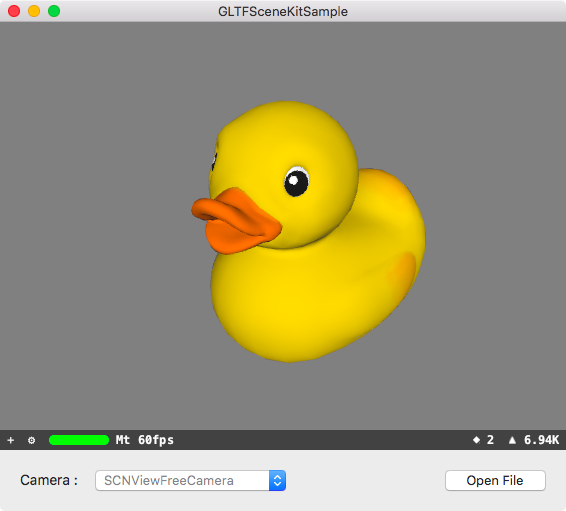
Using CocoaPods
Add the following to your Podfile:
pod'GLTFSceneKit'Using Carthage
Add the following to your Cartfile:
github "magicien/GLTFSceneKit" ~> 0.3.0
Using Swift Package Manager
- Open your project with Xcode
- Select
File>Swift Packages>Add Package Dependency... - Put
https://github.com/magicien/GLTFSceneKitin the search box and clickNext
import GLTFSceneKit
var scene: SCNScene
do {
let sceneSource = try GLTFSceneSource(named: "art.scnassets/Box/glTF/Box.gltf")
scene = try sceneSource.scene()
} catch {
print("\(error.localizedDescription)")
return
}
@import GLTFSceneKit;
GLTFSceneSource *source = [[GLTFSceneSource alloc] initWithURL:url options:nil];
NSError *error;
SCNScene *scene = [source sceneWithOptions:nil error:&error];
if (error != nil) {
NSLog(@"%@", error);
return;
}
GLTFQuickLook - QuickLook plugin for glTF files