
Programmatic UI Framework for macOS. Swift handles app logic, CSS/SVG handles design and JSON handles struture.
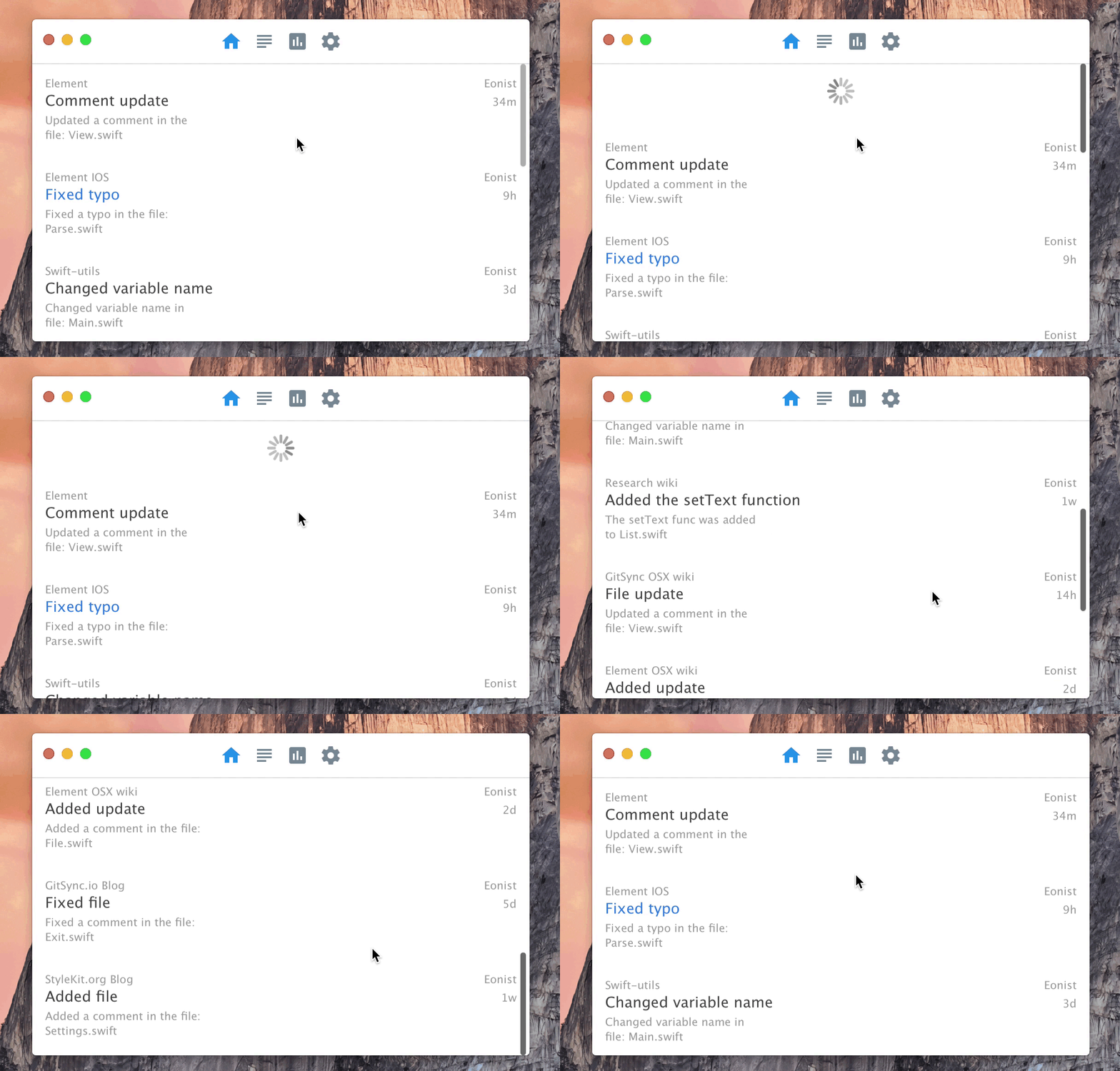
Step 1: Add this to your Package.swift Tutorial
import PackageDescription
letpackage=Package(
name:"AwesomeApp",
dependencies:[.Package(url:"https://github.com/eonist/Element.git",Version(0,0,0, prereleaseIdentifiers:["alpha","5"]))])
Step 2: In AppDelegate.swift add this to the top @testable import Element and @testable import Utilsand this inside the applicationDidFinishLaunching method:
StyleManager.addStyle("Button{fill:blue;}")letbtn=Button(100,20)letwindow=NSApp.windows[0]
window.contentView =InteractiveView()/*TopLeft orientation*/
window.contentView?.addSubview(btn)
btn.addHandler(.upInside)={(event:ButtonEvent)inSwift.print("hello world")}
You can also compile Element as a regular .framework instructions here
- Simple example app made with Element: Stash
- Library of example code for each component in Element: Explorer
- Default macOS styles to get you started: ElCapitan
Element for 📱 is in the works here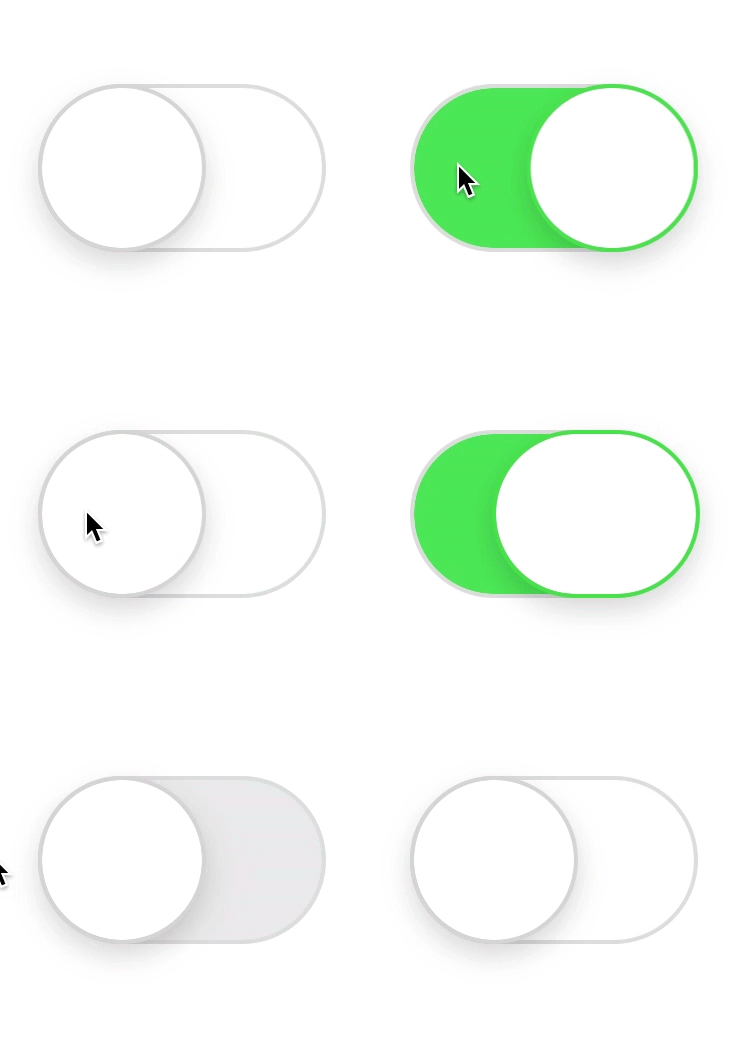
More about Element 👉 wiki