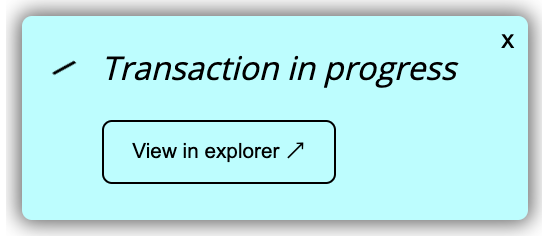
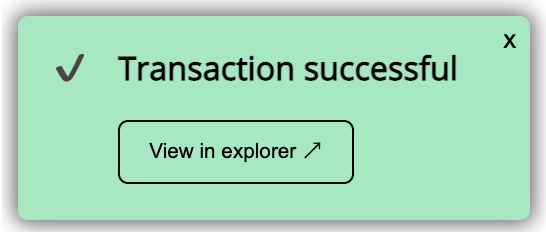




React component for visualizing Elrond transaction progress.
- Tracks transaction progress and reports success/failure.
- Optionally auto-hide a notification once transaction completes.
- Customizable styling.
- Powered by react-toast-notifications.
Note: This package requires React 17 or above.
npm install --save react-transaction-toasts react@17 elrondjsFirst, you need to setup the TransactionToastProvider. In your top-level app component:
import{Component}from'react'import{TransactionToastsProvider}from'react-transaction-toasts'exportdefaultclassAppextendsReact.Component{componentDidCatch(error: Error,info: React.ErrorInfo){console.error(error,info)}render(){return(<TransactionToastProvider>{/* app/routing components here */}</TransactionToastProvider>)}}Then in any child component you can do:
import{useTransactionToasts}from'react-transaction-toasts'import{useCallback}from'react'import{ProxyProvider}from'elrondjs'// React functional componentexportdefault()=>{const{ trackTransaction, showError }=useTransactionToasts()constsendTransaction=useCallback(async()=>{constprovider=newProxyProvider(...)constsignedTx= ...
try{constret=awaitprovider.sendSignedTransaction(signedTx)trackTransaction(ret.hash,{ provider })}catch(err){showError(err.message)}})return(<buttononClick={sendTransaction}>Send</button>)}By default the toast notification automatically disappears after a few seconds for a transaction that succeeds. To prevent this happening:
const{ trackTransaction, showError }=useTransactionToasts({disableAutoCloseOnSuccess: true,})The TransactionToastsProvider component takes the same properties as ToastProvider in the react-toast-notification package. The defaults set are:
placement:top-rightautoDismissTimeout:5000
See the full docs for more information on values you can set.
This is for anyone working on this codebase.
Build and watch component:
yarn devBuild component for production:
yarn buildBuild and publish a new release
yarn release
MIT