


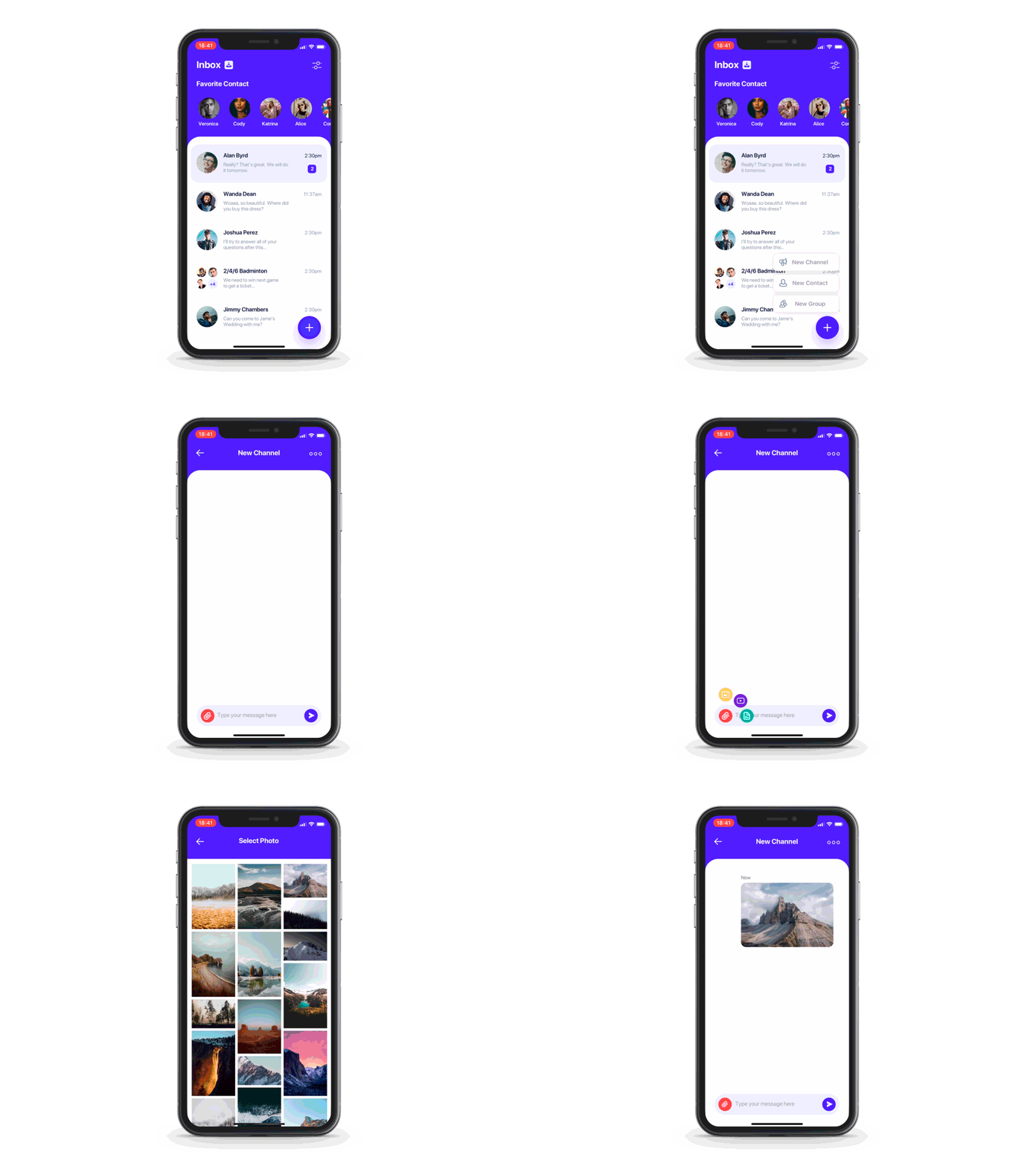






Create main button view and a number of submenu buttons — both should be cast to
AnyViewtype.Pass both to
FloatingButtonconstructor:FloatingButton(mainButtonView: mainButton, buttons: buttons)
You may also pass a binding which will determine if the menu is currently open. You may use this to close the menu on any submenu button tap for example.
FloatingButton(mainButtonView: mainButton, buttons: buttons, isOpen: $isOpen)- Chain
.straight()or.circle()to specify desired menu type. - Chain whatever you like afterwards. For example:
FloatingButton(mainButtonView: mainButton, buttons: textButtons).straight().direction(.top).alignment(.left).spacing(10).initialOffset(x:-1000).animation(.spring())FloatingButton(mainButtonView: mainButton2, buttons: buttonsImage.dropLast()).circle().startAngle(3/2*.pi).endAngle(2*.pi).radius(70).layoutDirection(.counterClockwise)
spacing - space between submenu buttonsinitialScaling - size multiplyer for submenu buttons when the menu is closedinitialOffset - offset for submenu buttons when the menu is closedinitialOpacity - opacity for submenu buttons when the menu is closedanimation - custom SwiftUI animation like Animation.easeInOut() or Animation.spring()delays - delay for each submenu button's animation start
- you can pass array of delays - one for each element
- or you can pass delayDelta - then this same delay will be used for each element
mainZStackAlignment - main button and submenu buttons are contained in one ZStack (not an overlay so the menu has a correct size), you can change this ZStack's alignment with this parameter
inverseZIndex - inverse zIndex of mainButton and the children. Use, for example, if you have a negative spacing and want to change the order
wholeMenuSize - pass CGSize binding to get updates of menu's size. Menu's size includes main button frame and all of elements' frames
menuButtonsSize - pass CGSize binding to get updates of combined menu elements' size
direction - position of submenu buttons relative to main menu buttonalignment - alignment of submenu buttons relative to main menu button
startAngleendAngleradius - distance between center of main button and centers of submenu buttonslayoutDirection - changes the button layout direction from the startAngle to the endAngle
To try the FloatingButton examples:
- Clone the repo
https://github.com/exyte/FloatingButton.git - Open
FloatingButtonExample.xcodeprojin the Xcode - Try it!
dependencies:[.package(url:"https://github.com/exyte/FloatingButton.git")]- iOS 14.0+ / macOS 11.0+ / watchOS 7.0+
- Xcode 12+
PopupView - Toasts and popups library
AnchoredPopup - Anchored Popup grows "out" of a trigger view (similar to Hero animation)
Grid - The most powerful Grid container
ScalingHeaderScrollView - A scroll view with a sticky header which shrinks as you scroll
AnimatedTabBar - A tabbar with a number of preset animations
MediaPicker - Customizable media picker
Chat - Chat UI framework with fully customizable message cells, input view, and a built-in media picker
CalendarView - Calendar view with fully customizable month/day cells
OpenAI Wrapper lib for OpenAI REST API
AnimatedGradient - Animated linear gradient
ConcentricOnboarding - Animated onboarding flow
ActivityIndicatorView - A number of animated loading indicators
ProgressIndicatorView - A number of animated progress indicators
FlagAndCountryCode - Phone codes and flags for every country
SVGView - SVG parser
LiquidSwipe - Liquid navigation animation