React Native CountDown
Run npm install react-native-countdown-component --save OR yarn add react-native-countdown-component --save
| Name | Description | Type | Default Value |
|---|---|---|---|
| style | Override the component style | object | {} |
| digitBgColor | Digit background color | string | '#FAB913' |
| digitTxtColor | Digit text color | string | '#000000' |
| timeTxtColor | Time labels text color | string | '#000000' |
| size | Size of the countdown component | number | 15 |
| until | Number of seconds to countdown | number | 0 |
| onFinish | What function should be invoked when the time is 0 | func | null |
| onPress | What function should be invoked when clicking on the timer | func | null |
| timeToShow | What Digits to show | array | ['D', 'H', 'M', 'S'] |
| labelD/H/M/S | Text to show in label | string | 'Days' / 'Hours' / 'Minutes' / 'Seconds' |
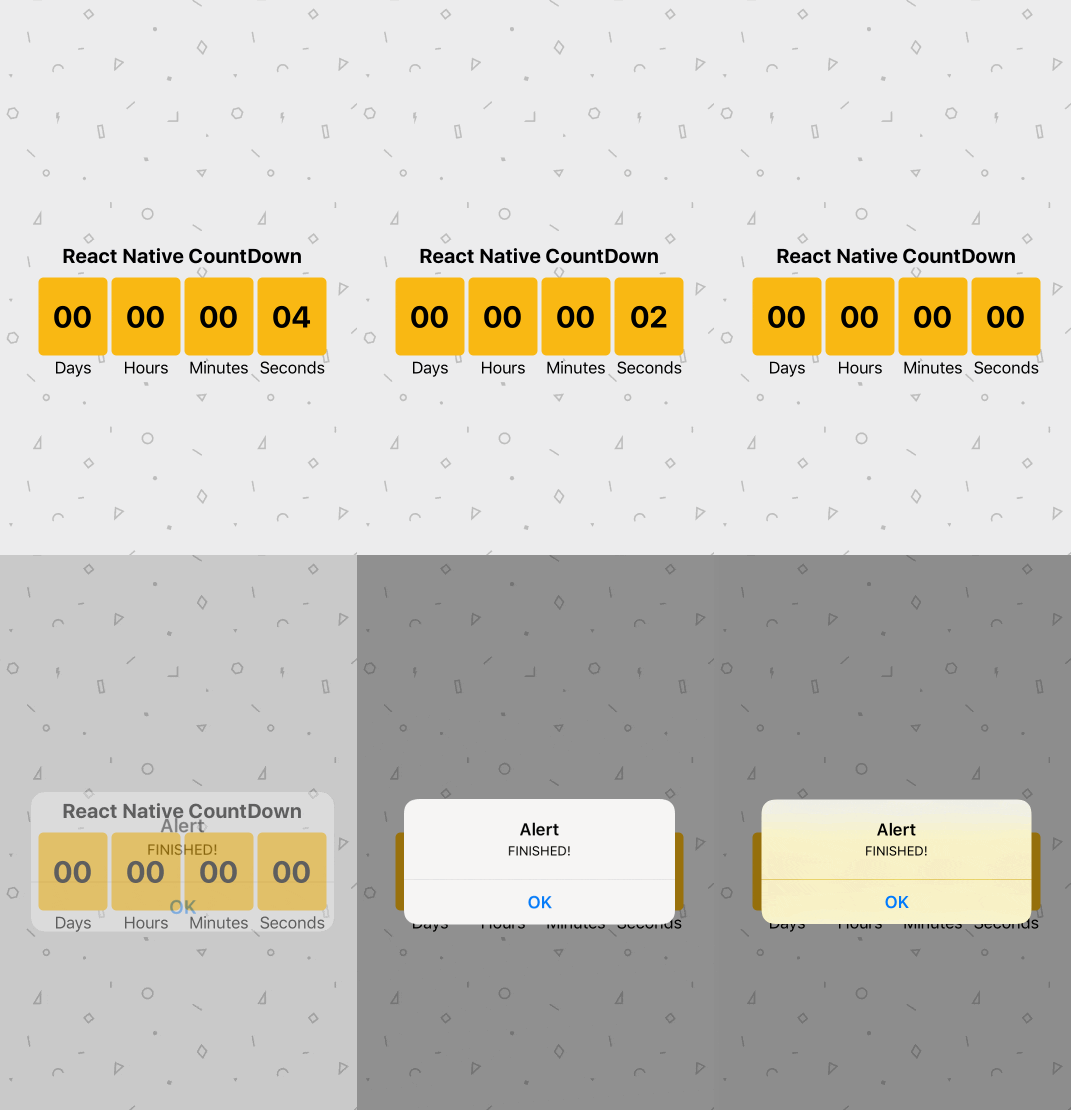
importCountDownfrom'react-native-countdown-component';render(){return(<CountDownuntil={10}onFinish={()=>alert('finished')}onPress={()=>alert('hello')}size={20}/>)}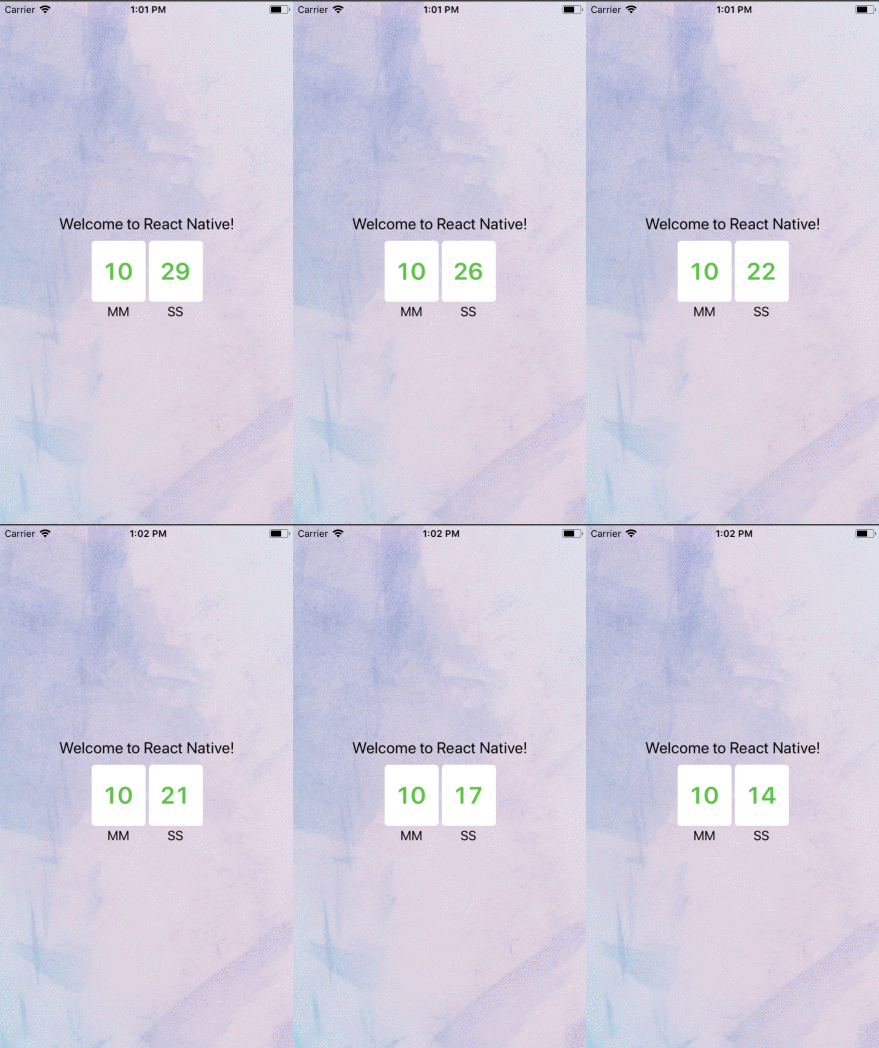
importCountDownfrom'react-native-countdown-component';render(){return(<CountDownuntil={60*10+30}size={30}onFinish={()=>alert('Finished')}digitBgColor={'#fff'}digitTxtColor={'#1CC625'}timeToShow={['M','S']}labelM={'MM'}labelS={'SS'}/>)}